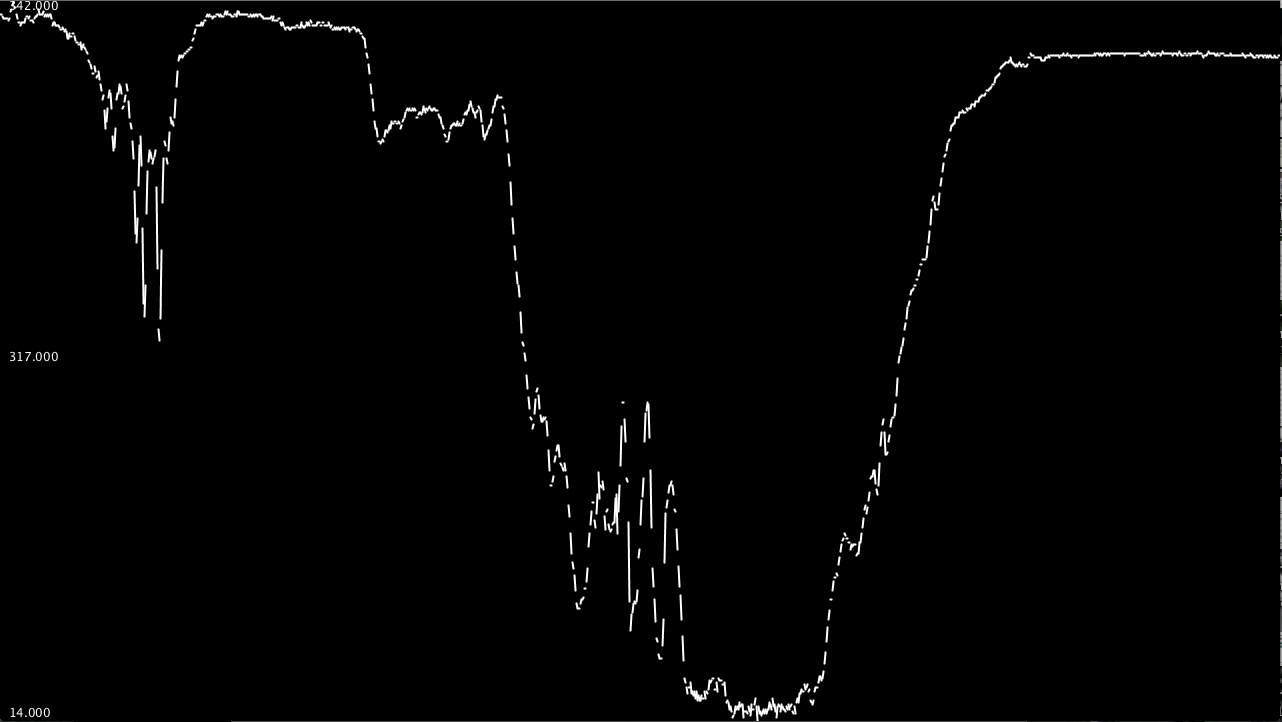
I've been working on a graphing sketch to visualise data coming over the serial port, especially with the Arduino in mind. It is a step up from the basic one you find on the Arduino website (on which this is very loosely based) as it constantly scrolls across in real time, automatically zooms to the current range of values of the screen and saves the data as a .csv file so you can open it in Excel and graph it.
I'd just like to say thanks to the great Processing developers and the Processing community which was really helpful in taking the quality of this up a notch (or two ). I know at least if no one else uses it, it's really useful for me!
(It should be attached...)
EDIT: Code updated, graph now no longer distorted when switching from slow to fastGraph
I don't have processing installed, can you show some screen shots and maybe a simple Arduino sketch.
I'm sure some people will have a use for this. There was talk of possibly integrating a graph system into the IDE serial monitor (not holding my breath though), so there is an interest base.
void setup() {
  // initialize the serial communication:
  Serial.begin(9600);
}

void loop() {
  // send the value of analog input 0:
  Serial.println(analogRead(A0));
  // wait a bit for the analog-to-digital converter
  // to stabilize after the last reading:
  delay(2);
}
The graph makes it much easier to make sense of what's happening with your sensors and things and it's really quite useful for debugging, too.
You really ought to get Processing, not just for your Arduino - it to computer programming is like the Arduino to other microcontrollers; it makes it a whole lot easier and simpler and takes the gritty work out of it. And, it is of course free.
Unfortunately, steep lines don't turn out so well in the screen shot. I'm just using a simple LDR hooked up to my 'duino.
 ). I know at least if no one else uses it, it's really useful for me!