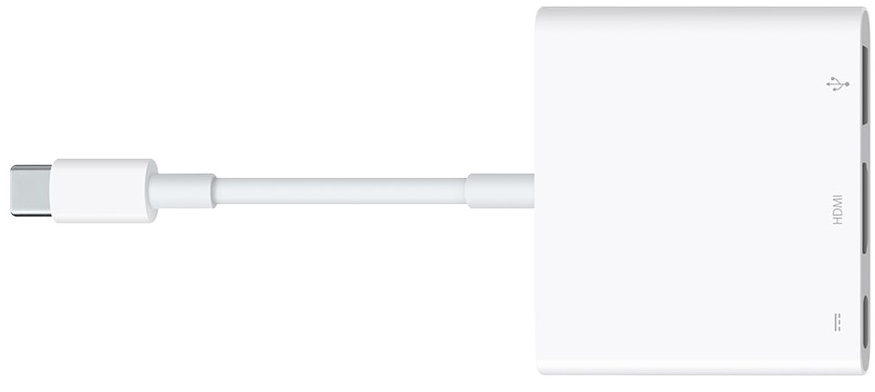
I don't find any issues about my problem, so i create a new topic.
I have a strange problem with my arduino nanos.
I have a mac m1.
I plug my nano on it using the classical mac hdmi/usb adaptator.
Some seconds/minutes after, when not doing anything, a component of the card burn.
It is the capacitor near the usb port.
I burnt 4 cards like this. My first 3 cards was Elegoo cards.
The fourth is from another brand, but also not an official arduino.
Do you think it could come from the adaptator? Or maybe the cable?
These options seems weird but...
I just have tried to briefly plug a new nano with the same cable on a phone charger.
No light... unplugged, then use another cable, and tadaaaa, light appeared.
Damn, how a simple cable can cause this ?!
Thanks a lot for your help.
I keep your tip about how to measure voltage of the usb plug!
there are bad USB cables floating around. yours might be broken inside and have a short (the 5V wires touches the GND). This could also damage your Mac (but I think the hdmi/usb adaptator might include a protection for that, insulating your USB C port)...
Ok, noted!
I will take the habit to always plug on a standard usb charger any new material/cable.
I prefer to fried a phone charger than a usb port of my mac.
yeah ! although you usually need to plug the Arduino to the USB port to program your arduino... so best to invest in quality cables and recycle them if they show any sign of wear. Don't use anything like this