Hi all,
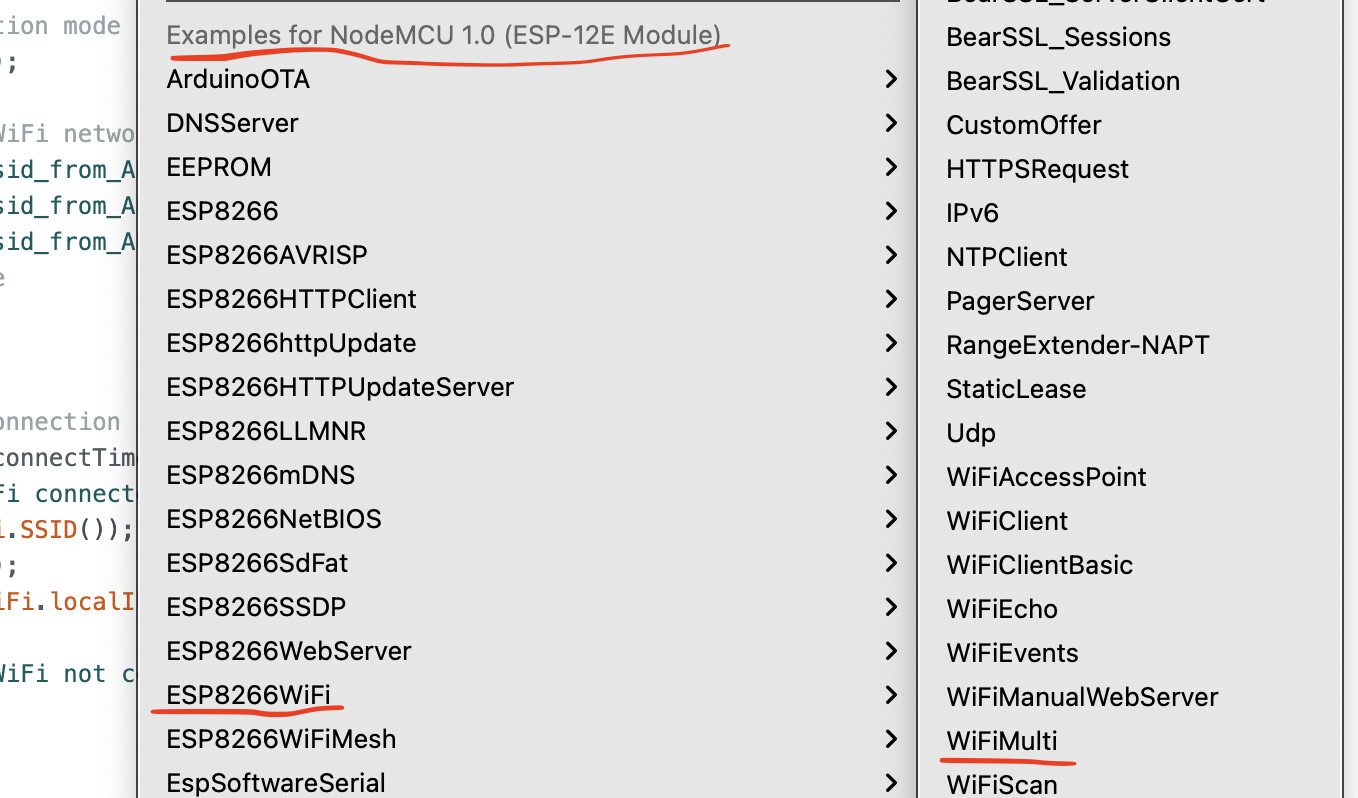
I bought an ESP8266 with 0.9 inch display attached. I added the below libraries and trying to use multiple SSIDs became very sketchy and seemed to fail periodically. I've altered the code so many times I can't even begin to work out where I was going wrong....
#include <ESP8266WiFiMulti.h>
#include <ESP8266WebServer.h>
So, if any of you have similar issues, this is how I got it to work. I have 2 SSIDs, my iPhone hotspot and home WiFi:
//NETWORK CREDENTIALS
const char* ssid = "VM5876506"; //Home WiFi network
const char* password = "1234567890";
const char* ssid2 = "Alex iPhone 8 Plus"; //My iPhone hotspot
const char* password2 = "myiPhone";
In my SetUp I call the following function and give 5 seconds to try and connect to each SSID and loops until it does connect. In the Loop, I constantly check for connectivity, if lost I call this function again:
void ConnectToWifi() {
  server.handleClient();
 //Check if already connected, if already connected then return
  if (WiFi.status() == WL_CONNECTED) {
    return;
  }

  // Connect to Wi-Fi network with SSID and password or SSID2 and password2
  Serial.print("Connecting to ");
  Serial.println(ssid);
  WiFi.begin(ssid, password);
  while (WiFi.status() != WL_CONNECTED) {
    Serial.print(".");
    if(WiFi.status() != WL_CONNECTED){
       Serial.print("Connecting to iPhone....");
      WiFi.begin(ssid2, password2);
      delay(5000);
    }
    if(WiFi.status() != WL_CONNECTED){
      Serial.print("Connecting to Home WiFi....");
      WiFi.begin(ssid, password);
      delay(5000);
    }
  }
  // Loop exited - Connection success
  // Print local IP address and start web server
  Serial.println("");
  Serial.println("WiFi connected.");
  Serial.println("IP address: ");
  Serial.println(WiFi.localIP());
  server.begin();
}
People will probably pick holes in this solution but I'm not too concerned because the documented version didn't work for the ESP8266 I bought, but this solution did.
If it helps even one person then I'll be happy 
Happy coding - I actual prefer the ESP32, this was my first project using the ESP8266 and didn't particularly like it. The pinout is confusing. The labeled pin 4 on the board is actually pin 2 when programming it and visa versa. I had to print off the pinouts to make sure the programmed pin in the sketch was connected to the correct pin on the board..... If that makes sense?
Well that's me off my soap box, once again happy coding