Hi,
I need help with getting 3.5 inch TFT LCD working properly with Arduino Mega. These LCD modules were bought from some online stores and I don't know the manufacturer's details. They look very similar to the ones explained on LCDwiki page and the label says the driver is ILI9486 (8-bit)
Since I have already made a PCB with the following pin mapping I need help with getting MCUFriend_bkv working with this pin map. The pin mapping is explained in the below sketch. This is a test program that displays time and some related parameters.
/*
 *
 * The program is adapted from Adafruit Graphicstest example
 *
 * By: Harinath R
 * Date: 23May2021
 *
  */

#include <Adafruit_GFX.h>    // Core graphics library
//#include <Adafruit_TFTLCD.h> // Hardware-specific library
#include <MCUFRIEND_kbv.h>


//Control Pin Mapping

#define LCD_RD 10 // LCD Read
#define LCD_WR 11 // LCD Write
#define LCD_CD 12 // Command/Data same as LCD_CS
#define LCD_CS 13 // Chip Select
#define LCD_RESET 14 // reset


//  digital pins 22 through 29 are connected to LCD D0 to D7


// Assign human-readable names to some common 16-bit color values:
#define  BLACK   0x0000
#define BLUE    0x001F
#define RED     0xF800
#define GREEN   0x07E0
#define CYAN    0x07FF
#define MAGENTA 0xF81F
#define YELLOW  0xFFE0
#define WHITE   0xFFFF

//Adafruit_TFTLCD tft(LCD_CS, LCD_CD, LCD_WR, LCD_RD, LCD_RESET);

MCUFRIEND_kbv tft;

uint16_t ID;

uint8_t clk_hour = 7;
uint8_t clk_minute = 31;
uint8_t clk_second = 59;
uint8_t toggle_flag = 0;
uint8_t is_am_pm = 0;


void setup(void) {
  Serial.begin(9600);
  Serial.println(F("TFT LCD test"));


  tft.reset();
  ID = tft.readID();
  Serial.print("TFT ID = 0x");
  Serial.println(ID, HEX);

//  tft.begin(0x8357);
//  tft.begin(0x9341);

  ID = 0x9486;
  tft.begin(ID);


  tft.fillScreen(BLACK);
  tft.setRotation(tft.getRotation()+1);

}

void loop(void) {

        clk_second++;
        if (clk_second == 60) {
           clk_second = 0;
           clk_minute++;
           if (clk_minute == 60) {
              clk_minute = 0;
              clk_hour++;
              if (clk_hour == 24) {
                clk_hour = 0;
              }
           }

           if (clk_hour < 12) {
            is_am_pm = 0;
           } else {
            is_am_pm = 1;
           }

        }

  if (clk_second == 0) {
    //      tft.fillRect(10, 20, 10, 20, BLUE);
      tft.fillScreen(BLACK);
      tft.drawRect(2, 2,tft.width()-2,tft.height()-4, GREEN);

      tft.setCursor(0, 0);
      tft.setTextSize(2);
      tft.println("  ");
      tft.setTextColor(CYAN);
      tft.setTextSize(6);
      tft.print("   ");
      tft.print(clk_hour);
      tft.print(":");
      if (clk_minute < 10) {
            tft.print("0");
       }
      tft.print(clk_minute);
      tft.print(" ");
      if (is_am_pm == 0) {
           tft.println("am");
      } else {
           tft.println("pm");
      }

    tft.setTextSize(2);
    tft.println(" ");
    tft.setTextSize(4);
    tft.println(" 15Jul2021 Guruvara");

//   tft.setTextSize(2);
//    tft.println(" ");
//    tft.setTextSize(4);
//    tft.println("      Bhanuvara");
//    tft.drawFastHLine(2,tft.height()/2-32 , tft.width()-2, GREEN);

    tft.setTextSize(2);
    tft.println(" ");
    tft.setTextSize(4);
    tft.setTextColor(YELLOW);
    tft.println("  Shukla Shasti");
    tft.setTextSize(2);
    tft.println(" ");
    tft.setTextSize(4);
    tft.println("   Aashada Masa");
    tft.setTextSize(2);
    tft.println(" ");
    tft.setTextSize(4);
    tft.println("  Plava Samvatsara");
    tft.setTextSize(2);
    tft.println(" ");
    tft.setTextSize(4);
    tft.setTextColor(MAGENTA);
//    tft.println("    Shubha Dina");
//    tft.println(" Rahu:  5:04p  6:40p");
    tft.setTextSize(1);
//    tft.println(" ");
     tft.setTextSize(2);
//    tft.println(" Guli:  3:28p  5:04p");
    tft.setTextSize(1);
//    tft.println(" ");
    tft.setTextSize(2);
//    tft.println(" Yama: 12:16p  1:52p");


  }

   if (clk_second > 0) {
      if (toggle_flag == 0) {
          toggle_flag = 1;

          tft.setCursor(0, 0);
          tft.setTextSize(2);
          tft.println("  ");
          tft.setTextColor(CYAN);
          tft.setTextSize(6);
          tft.print("   ");
          tft.print(clk_hour);
          tft.print(":");

        } else {
          toggle_flag = 0;

          tft.setCursor(0, 0);
          tft.setTextSize(2);
          tft.println("  ");
          tft.setTextColor(CYAN);
          tft.setTextSize(6);
          tft.print("   ");
          tft.print(clk_hour);
          tft.setTextColor(BLACK);
          tft.print(":");
       }
   }


      delay(1000);


}
Based on the below thread, I had modified the mcufriend_special.h as follows:
Arduino Forum discussion on pin reassignment
#elif defined(__AVR_ATmega328P__) && defined(TFT_3P5_PC_BOARD)
#define RD_PORT PORTB
#define RD_PIN  4
#define WR_PORT PORTB
#define WR_PIN  5
#define CD_PORT PORTB
#define CD_PIN  6
#define CS_PORT PORTB
#define CS_PIN  7
#define RESET_PORT PORTJ
#define RESET_PIN  1


#define write_8(x)
  {
    PORTA = (x);

  }
#define read_8() ( PINA);                                                                                                                                 \


#define setWriteDir() { DDRA = 0xff;}
#define setReadDir() { DDRA = 0x00;}


#define PIN_LOW(p, b)        (p).OUT &= ~(1<<(b))
#define PIN_HIGH(p, b)       (p).OUT |= (1<<(b))
#define PIN_OUTPUT(p, b)     (p).DIR |= (1<<(b))
------------------
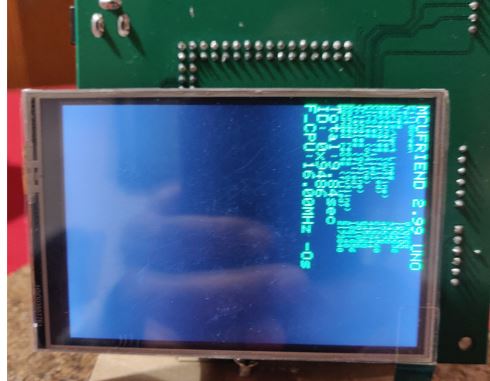
However I still get a blank white screen. I appreciate your help in this regard.
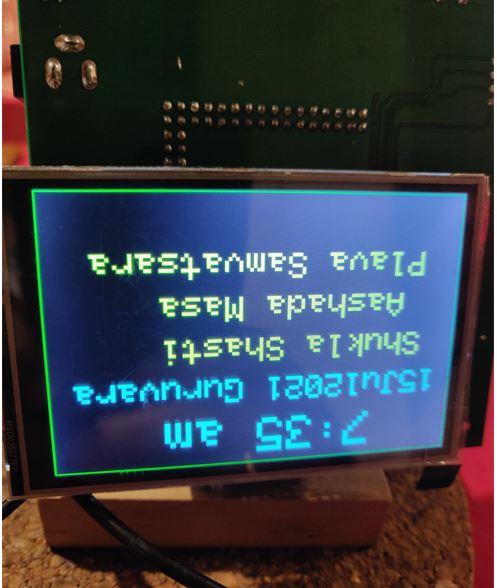
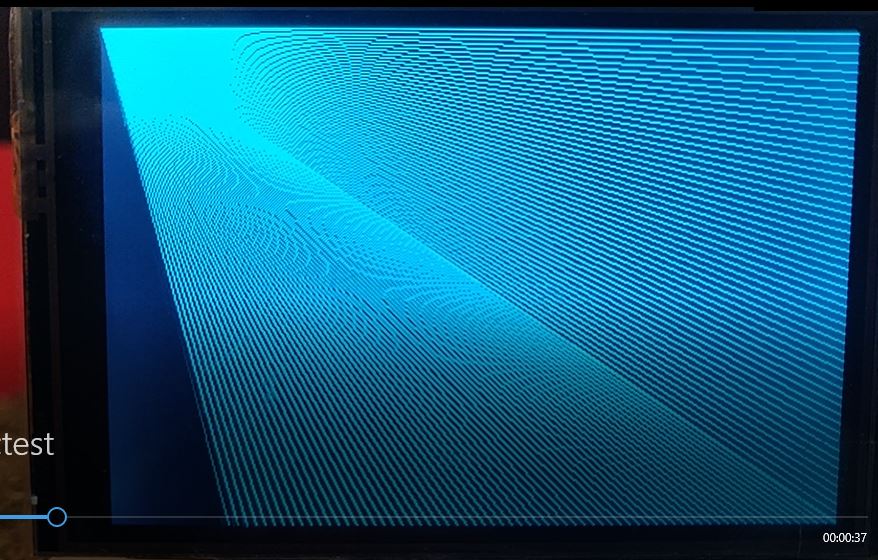
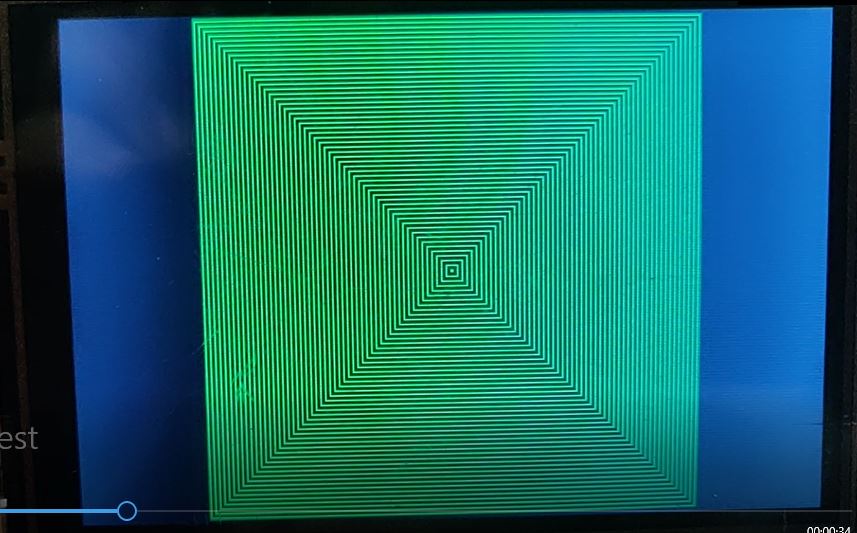
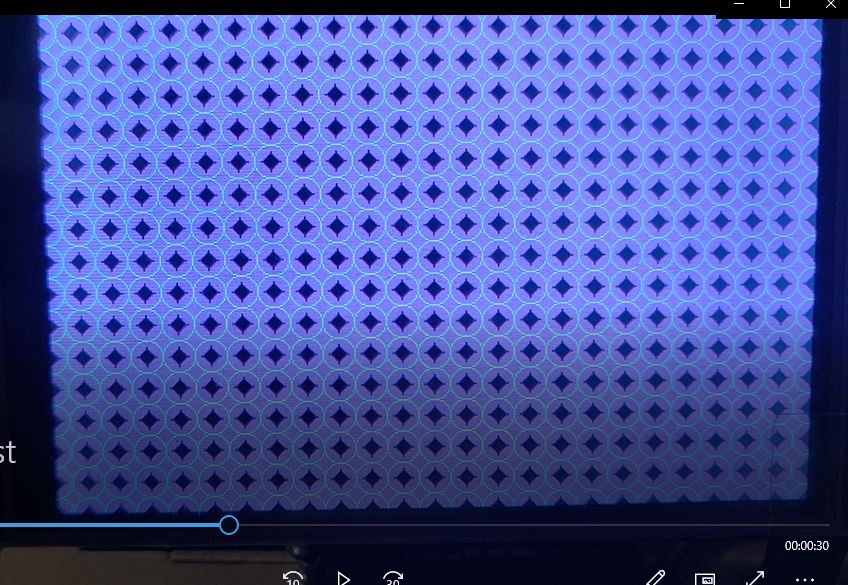
Attached is the photo of the LCD module.