Dose this work?
unsigned long AlarmTime = 0;

void setup()
{
  Serial.begin(9600);
}

void loop()
{
  Serial.println(AlarmTime);
  AlarmTime += 100;
  delay(AlarmTime);
}
Dose this work?
unsigned long AlarmTime = 0;
void setup()
{
Serial.begin(9600);
}
void loop()
{
Serial.println(AlarmTime);
AlarmTime += 100;
delay(AlarmTime);
}
YES!! I GOT IT!!!, ok, few things, i confirmed my suspicion of the delay(AlarmTime) not being updated, the variable "AlarmTime" had an initial value of 0, so i changed it to a fixed value, lets say 5000, thats 5 seconds, I also saw that i should of made the variable an UNSIGNED LONG, so that helped too, so what it was doing it was changing the value of "AlarmTime" as i could see it on the serial monitor, but it wasnt UPDATING the NEW value every time i pushed a button to the "delay(AlarmTime);" parameter, it was only using the initial value of it, which it was 0; somehow it doesnt like it when starts at 0, but now i changed it to 5000 and with stopwatch in hand i can confirm that is indeed UPDATING "delay(AlarmTime);" i can see it on the display and serial monitor and timing matches, lets say i set it to 10000, starts at 5000 of course, and with stopwatch in hand confirmed the 10 seconds, then i increased it to 20 seconds (20000) and then again confirmed with stopwatch the time, works great, now i need a way to display the "seconds" in a more comfortable way, since it displays "20000 SECONDS", thank you everyone for your help!!! i learned a lot the past few days!! i will post pics of this assembly as i build it, THANK YOU ALL!
Some times a simple bit of code will help prove you assumptions.
Break your problem down into manageable parts.
Good luck.
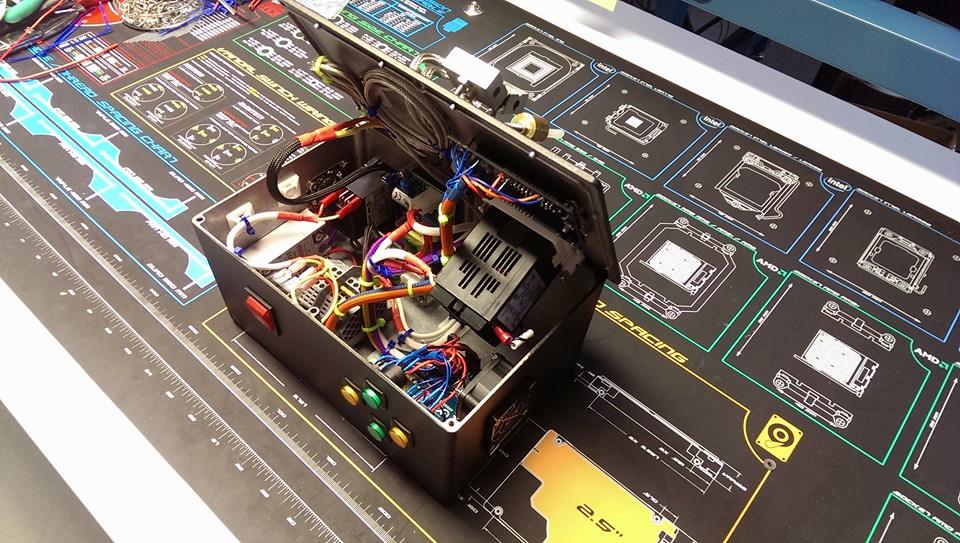
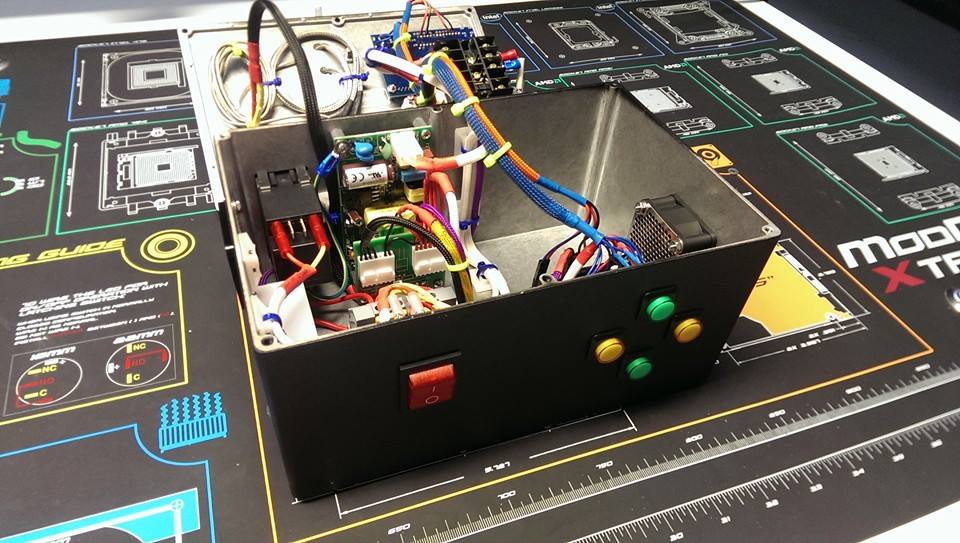
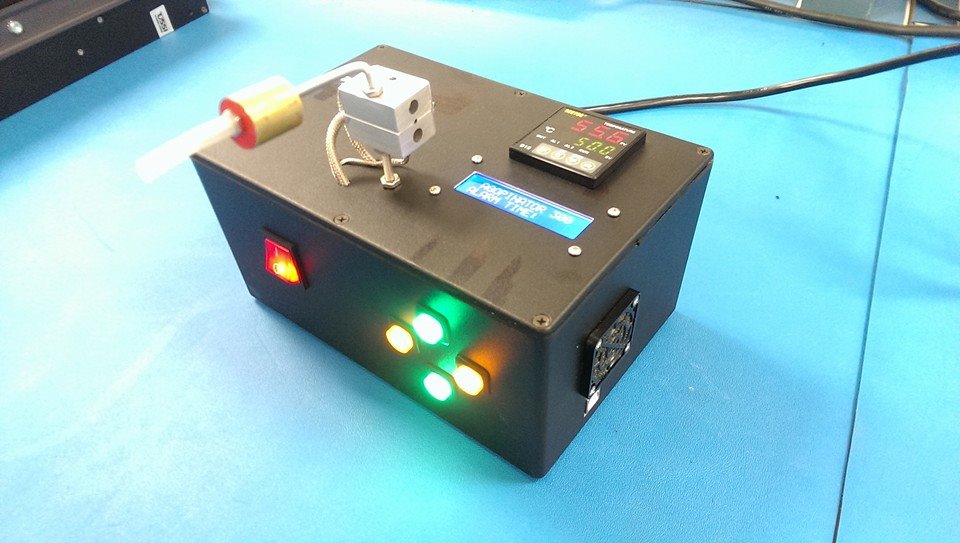
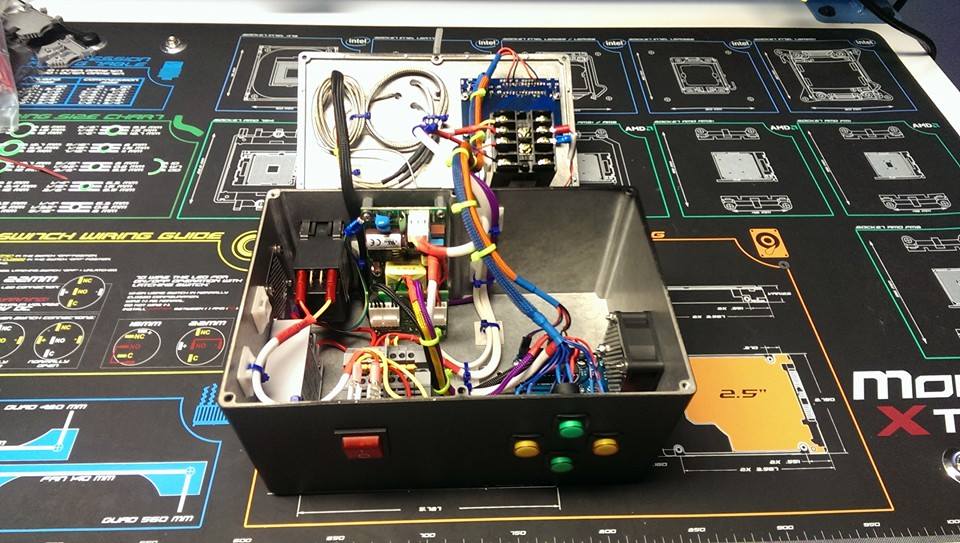
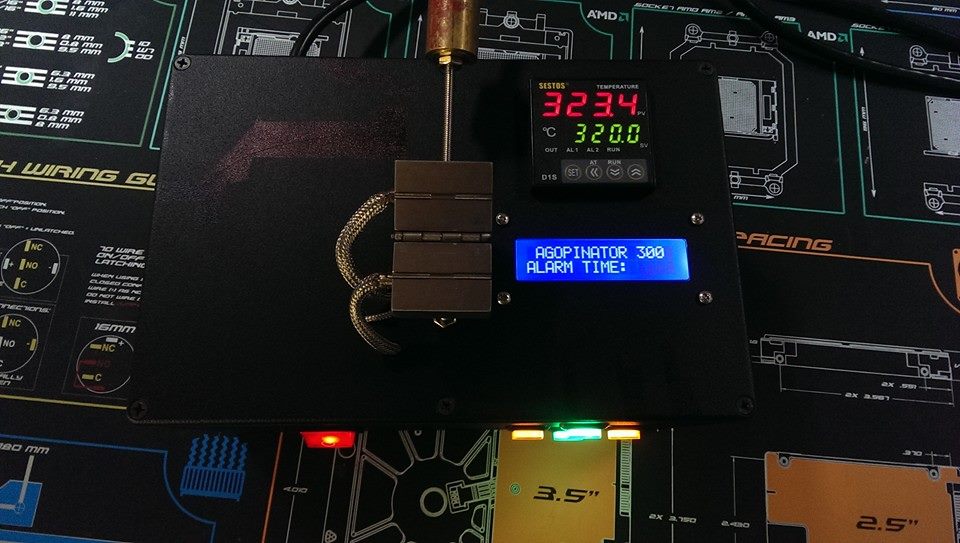
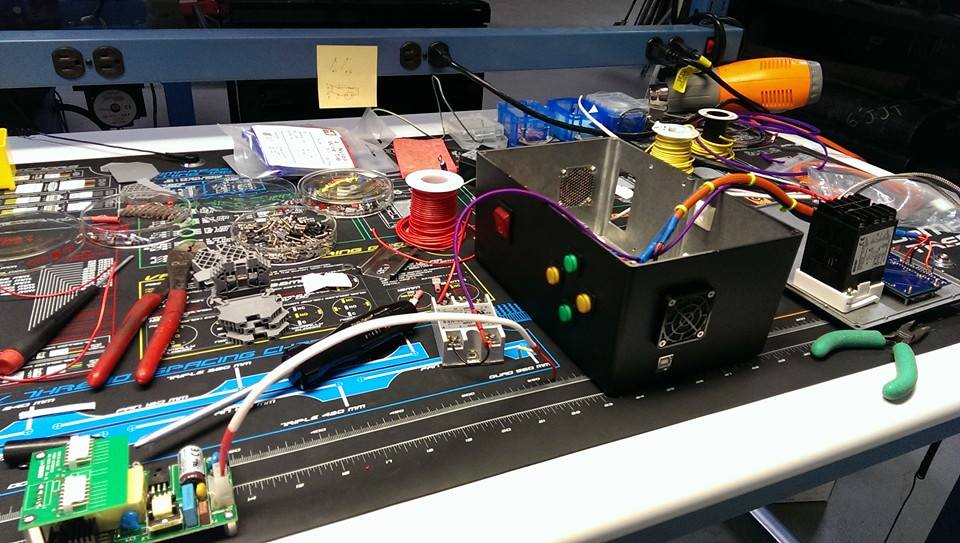
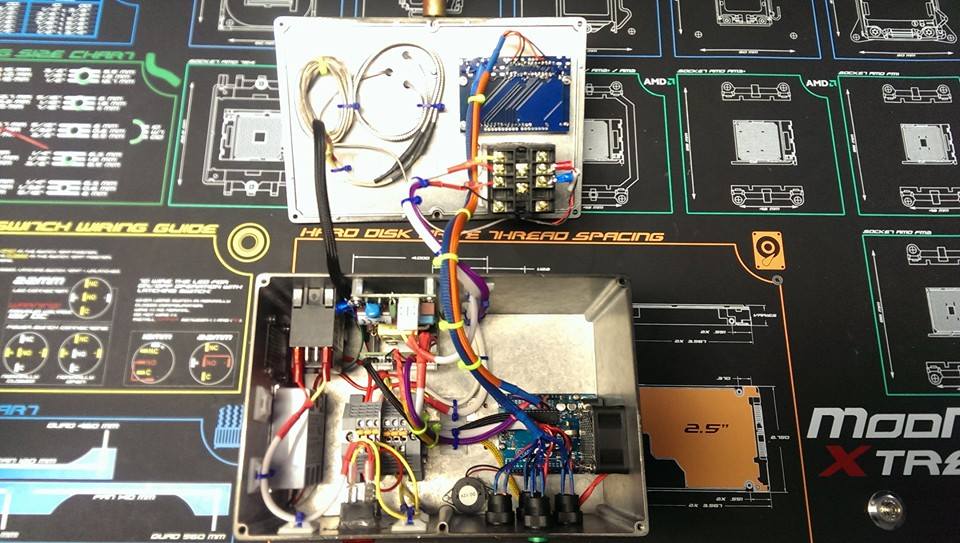
OK people, here are some pics of the final build, sorry for posting pics so late, been busy at work and getting back to school stuff,
ALSO, i'd like to share with you guys something interesting, i found somewhere in another forum, that adding a delay function BEFORE reading an INPUT, such as the pushbuttons I used, improves the function by just reading the raising edge, i can explain this further, but if you want to try yourself to see what im talking about just connect a push button switch to your arduino with a resistor of 10k ohms to pull it down to ground, have the arduino read the input and to output a fixed value to your serial monitor every time it reads the input is high, look at the value being written on the serial monitor when you push the button, then, add a 100ms delay before it reads the input, now look at the serial monitor again, see how the incremental value goes up in a uniform way without the "accumulative error" helpful when you want a uniform incremental value without "left over values" 
It's hard to tell from this description without code, but this sounds like a crude way of doing debouncing. Or did I misunderstand something?
vaj4088:
It's hard to tell from this description without code, but this sounds like a crude way of doing debouncing. Or did I misunderstand something?
Either that or OP is dealing with a switch BEING pressed rather that a switch BECOMING pressed (as the State Change Detection example shows).
Yea, the method i described above is a crude way to debounce i guess, i found out that the way the code and wiring was working is that when the arduino READS the INPUT it deals with TIME and STATE, so lets say you tell the arduino to add 1000ms (or 1 second) every time you push the button (push-button) and to output it wherever you want it, lets say the serial monitor, so the way to do it it would be
        if (button_state == HIGH)

        { AlarmTime = AlarmTime + 1000;   //AlarmTime is the stored being added every time the push button is high, initial value
          Serial.print("Alarm Timer UP = ");  // is 0
         Serial.print(" ");
          Serial.print( AlarmTime );
          }
so if you do this and you push the button once you will see that the serial monitor will show something like 1200, or 1459, or any other number except 1000 as you expect, so you start thinking " I press the button once but the arduino is adding more than i told it to, why is that" then i realized the arduino adds 1000 for every time the button "STAYS HIGH" the arduino reads the INPUT at a certain interval (not sure what frequency) so the arduino doesn't consider that you push the button ONCE, but instead FOR HOW LONG that button is HIGH, working more like a PROPORTIONAL device, so to deliver a more "controlled and expected output" you add a DELAY BEFORE it READS THE INPUT, 100 milliseconds seem to do the trick, so that would look like this:
if (button_state == HIGH)

        {delay(100);
          AlarmTime = AlarmTime + 1000;   //AlarmTime is the stored being added every time the push button is high, initial value
          Serial.print("Alarm Timer UP = ");  // is 0
          Serial.print(" ");
          Serial.print( AlarmTime );
when you press the button again, you will see on your serial monitor that the output is not an odd number anymore, but it increments by a 1000 every time you push it, it will show: 1000,2000,3000,... etc, you get the picture, now for every time you push the button it will increment by a thousand and without the accumulative error, how this works internally to the electronic level is something i have yet to understand, but it works for the purpose 
but it works for the purpose
It would be better, though, to look at the state change detection example, to see how to accomplish the same thing, incrementing only when the switch changes from not pressed to pressed. No delay()s needed, which slow things down. In your situation, it might not matter, but if you use that code as a building block where it does matter, you'll have to start over.
PaulS:
but it works for the purpose
It would be better, though, to look at the state change detection example, to see how to accomplish the same thing, incrementing only when the switch changes from not pressed to pressed. No delay()s needed, which slow things down. In your situation, it might not matter, but if you use that code as a building block where it does matter, you'll have to start over.
true, and i did look at that example, difference is that I'm reading the push buttons from an LCD module, and it doesn't seem to have pull down resistors, and throws the data of the button states to the arduino through the I2C bus, I did make a version with pull down resistors using an arduino micro and tried my code, but doesn't work the same way, It still gets the accumulative error, main difference in the codes is that in the example they use the "++" increment command, and i used a simple addition command (variable + 1000), i tried the increment command, and for some reason, it doesn't work the way it shows on the example code