On Adafruit GFX, I can't print a \n using .print,why i dont use println is i want it jumps to new line only it reads a '\n' in the String. It looks like only println produces newline on GFX
Post your code and a photo that shows the result. Why use String?
Here is a short sketch using Adafruit GFX and Adafruit_ST7735 with an Uno and 128 x128 color TFT (ST7735 controller) that uses \n to print on a new line. As you can see by the photo, the code does that just fine.
#include <Adafruit_GFX.h>    // Core graphics library
#include <Adafruit_ST7735.h> // Hardware-specific library
#include <SPI.h>

const byte TFT_CS = 6;
const byte TFT_RST = 7;
const byte TFT_DC  = 8;
uint16_t backgroundColor(ST7735_BLACK);

Adafruit_ST7735 tft = Adafruit_ST7735(TFT_CS,  TFT_DC, TFT_RST);

void setup()
{
   Serial.begin(115200);

   tft.initR(INITR_144GREENTAB);
   tft.setRotation(2);
   tft.fillScreen(backgroundColor);
   //tft.fillScreen(backgroundColor);
   tft.setCursor(0, 20);
   tft.setTextColor(ST7735_WHITE);
   tft.setTextSize(1);

   tft.print("Temperature \n");
   tft.print("new line of text");
}

void loop()
{

}
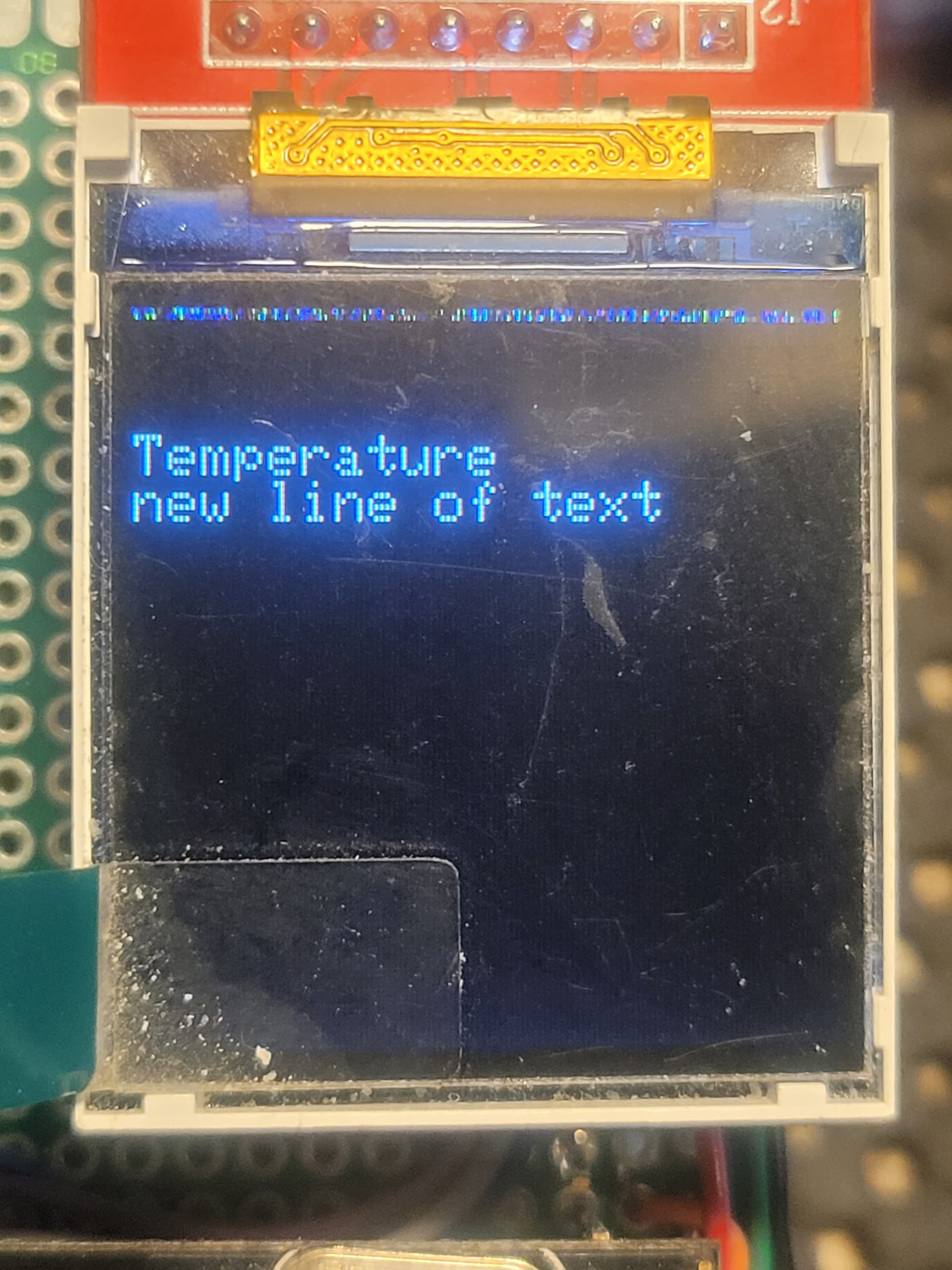
at first, my string is coming from Serial (sender uses Serial.println())
and reciever uses (String s = Serial.readStringUntil('\n'); )
But when using write,it doesnt have newlines
From Serial.readStringUntil() - Arduino Reference
Notes and Warnings
The terminator character is discarded from the serial buffer.
This topic was automatically closed 180 days after the last reply. New replies are no longer allowed.