Hi,
I recently got the new Genuino 101 because of the on-board features as gyro and BluetoothLE.
I'd like to build custom Android applications that control the Genuino 101 over BLE.
An easy way to do this is using the MIT appinventor2 wit BLE extension, but this tool has limited android functionality. I usually use google and youtube to get enough info on coding android applications. But this time I can't find an understandable instruction.
I found this guide on the developer webiste: Bluetooth Low Energy - Android Developers
But as i'm not an advanced programmer, i did not succeed in understanding this enough to create an app that works. (I lack some extra info on the use of this code and how to implement it in any application). Even the Example-App confuses me at some points.
So my question is:
Is there anyone with a well explained, simple tutorial/samplecode/... that explains how to connect to the Arduino board and read/write characteristics?
When searching the internet, there is more documentation on BLE and android, but you need a certain level of android programming to get along with it.
As an example of what I'm trying to create an with this, learn about BLE:
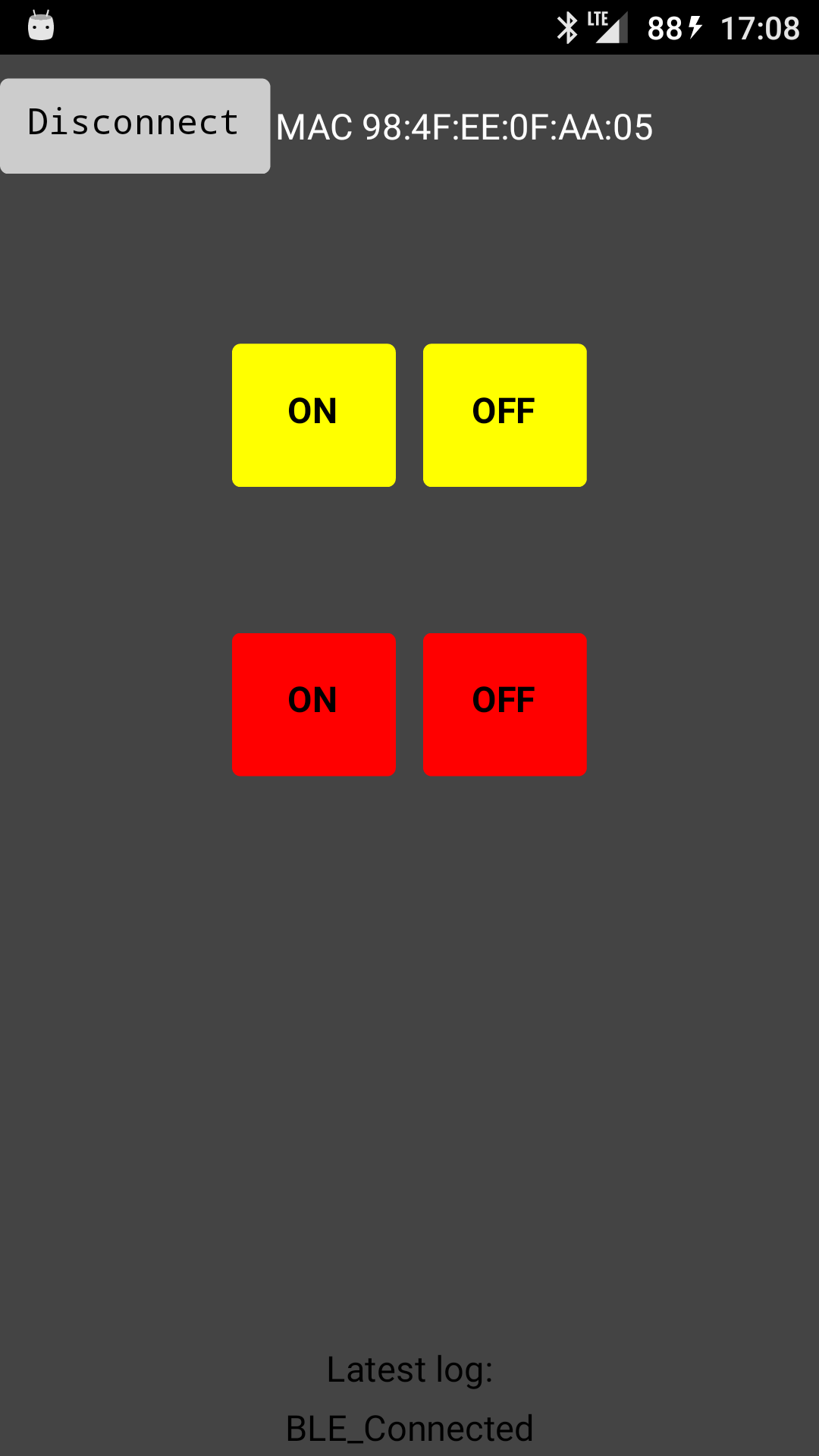
In MIT app inventor I created an app with buttons to test and control LED's. The Arduino has a simple code that listens for an integer characteristic. With that integer the arduino knows to switch an LED on or off. As the macAdress and UUID's are known, the app does not need to scan for devices (they're hard-coded), it just connects to my Arduino after pressing the 'connect' button. simple as that. (in the attachment: screenshot)