After install, I am unable to use the IDE. Seems to hang somewhere in initialization, it just creates three background processes and dies silently.
My computer is running Windows 10 (x86-64).
Previously, a version 2.0.3 was installed but suffered the same issues althought it was a clean install. 2.0.3 was uninstalled and configuration leftovers erased.
Any help to bring it up would be greatly appreciated.
Regards
Hi @retroand. I'm going to ask you to post some additional information that might help us to identify the problem.
Please do this:
Start Windows "File Explorer".
Open the Arduino IDE installation folder.
(usually C:\Program Files\Arduino IDE or C:\Users\<username>\AppData\Local\Programs\Arduino IDE).
In the folder listing of the Arduino IDE installation folder, hold the Shift key while clicking the right hand button on the mouse.
From the context menu, click "Open PowerShell window here".
Windows PowerShell will now open with the current directory set to the Arduino IDE installation folder.
Type the following command:
& ".\Arduino IDE"
Press the Enter key.
Debug output should now be printed to the PowerShell window as Arduino IDE starts.
Wait until you are sure the IDE startup has gone into the hang state
(as indicated by no additional output being printed to the terminal).
Switch back to the PowerShell window if the Arduino IDE window took the focus.
Right click on the title bar of the PowerShell window.
This will open a context menu.
Select Edit > Select All from the context menu.
This will select all the text in the PowerShell window.
Press Ctrl+C.
This will copy the contents of the PowerShell window to the clipboard.
Open a forum reply here by clicking the Reply button.
Click the </> icon on the post composer toolbar.
This will add the forum's code block markup (```) to your reply to make sure the error messages are correctly formatted.
Press Ctrl+V.
This will paste the output into the code block.
Move the cursor outside of the code block markup before you add any additional text to your reply.
Click the Reply button to post the output.
Please let me know if you have any questions or problems while following those instructions.
I followed those instructions (saw them in other threads) before signing into the forums. As stated, it just dies silently without giving any kind of log or error message.
... the above is just a shortlist that comes to mind, certainly not exhaustive in any sense.
You 'could' also attempt to run as Administrator although that really should not be necessary.
You can use task manager to get an idea if some Arduino component has loaded. Do a fresh boot, start task manager, start Arduino 2, look over Apps and background processes. Arduino 2 not on this tablet.
Not an answer ... at least one that assists with problem-determination. Are you running anything in the filesystem (Norton, TotalAV, McAfee, Bitdefender, AurA, Panda, PCprotect, AVG, and-so-on)???
Yea, I have a Dell with 64G... but I do not find it useful for bragging-rights as my well-tuned Dell with 16G boots faster and overall has a better "feel" ... both same i7-CPU model and same SSD.
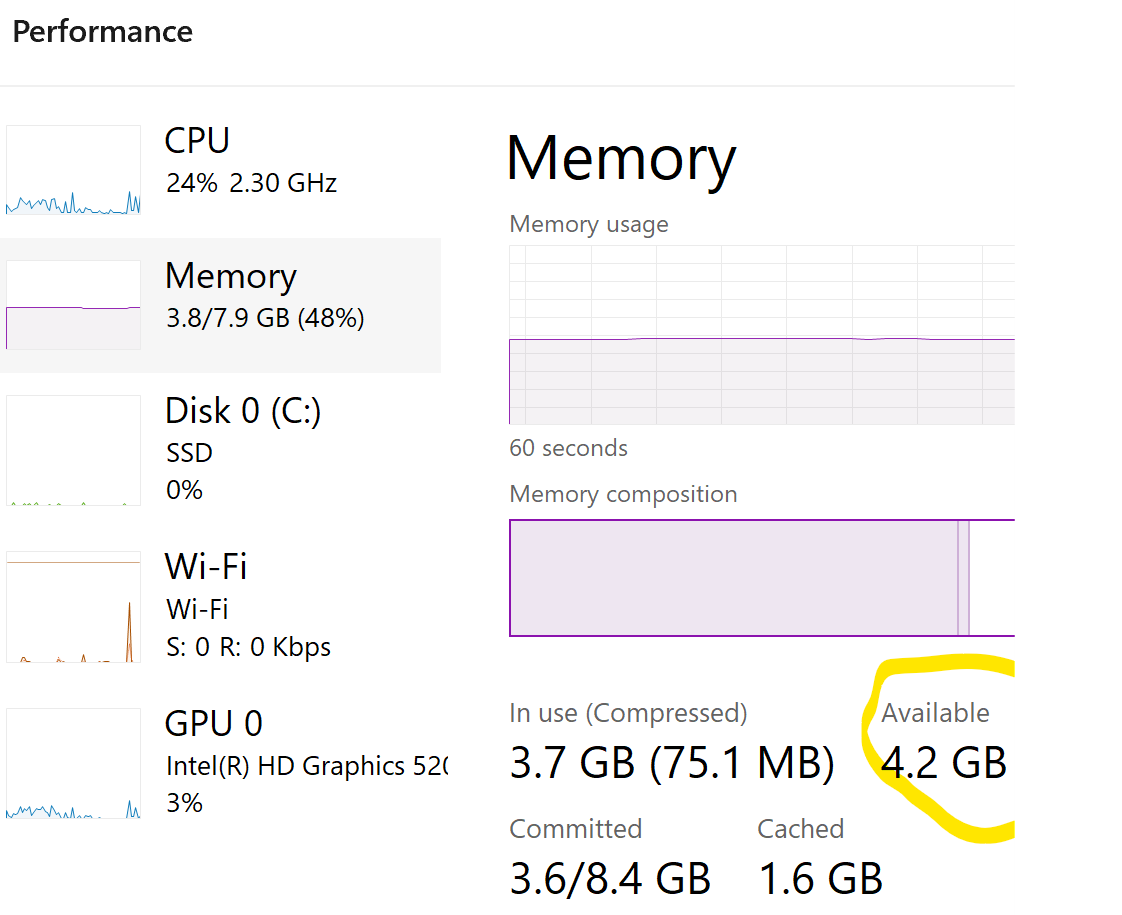
Windows-11 really needs 8G RAM minimum, over half will be occupied by basic Windows code leaving about 3G+ for applications. So with a browser open, ArduinoIDE 2.x, and maybe a fews tools, I would expect 8G may not be enough before resulting to swap. Thus, new purchases 8G minimum, 12G for some units, and 16G for the old "power-users".
Beyond 16G: Games, Graphics, 3D-Modeling, Video editing, and a handful of specialized applications will find a large memory space useful.
No bragging, I am not into the so called gaming culture or something like that. Whenever I buy a computer I try to get as best I can just for the purpose of sticking to it for about a decade. I retired my previous computer after 8 long years.
Not that I need to justify why I wanted that amount of memory but I wanted to practice with Cuda and OpenCL to process large quantities of data. That's all.
Also consider installing something other then the built in Microsoft offering eg. AVAST FREE
It would at least put my mind to rest knowing you have a clean computer.
I installed the IDE not long after reinstalling the whole operating system because my previous drive died - for this reason the computer was so empty. Nowadays I have precisely Avast to protect my system.
I've had CCleaner in the past, but not since the crash - so I reinstalled it. While I erased remnants of the IDE from Appdata it never occurred to me that the registry would still have entries.
I have erased them and now it is working like a charm.