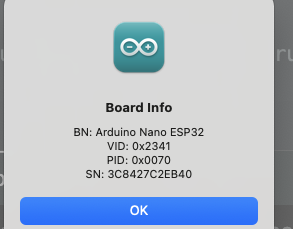
I have a Mac M2 pro connected to A-IDE and a Orginal Arduino Nano ESP32. I can upload no problems, but when I want to see what's printed in the Serial Monitor I get this message: "NOT CONNECTED. SELECT A BOARD AND A PORT TO CONNECT AUTOAMTICALLY"
What am I missing?
The basic program "Blink" will upload and execute, but any "Serial Monitor" programs will prompt this error.
Bonus info: Same message on a Window laptop, hence not related to Mac only?
Yes sir - I have the settings you posted and also same board. I tried to change the baud numbers to 9600, 19200 and others without any luck. Monitor stay empty.
I guess the error message is actually just the brief time when it resets?
Just the monitor stays empty. All the data when uploading are there just not the basic "print Hello World"
Meanwhile I tried a boot loads rest and during a new boot - big mistake Now it won't even reconize anymore. I will fight on.....If I get it back running, I'll try to back the board library install 1 version back. Wish me luck
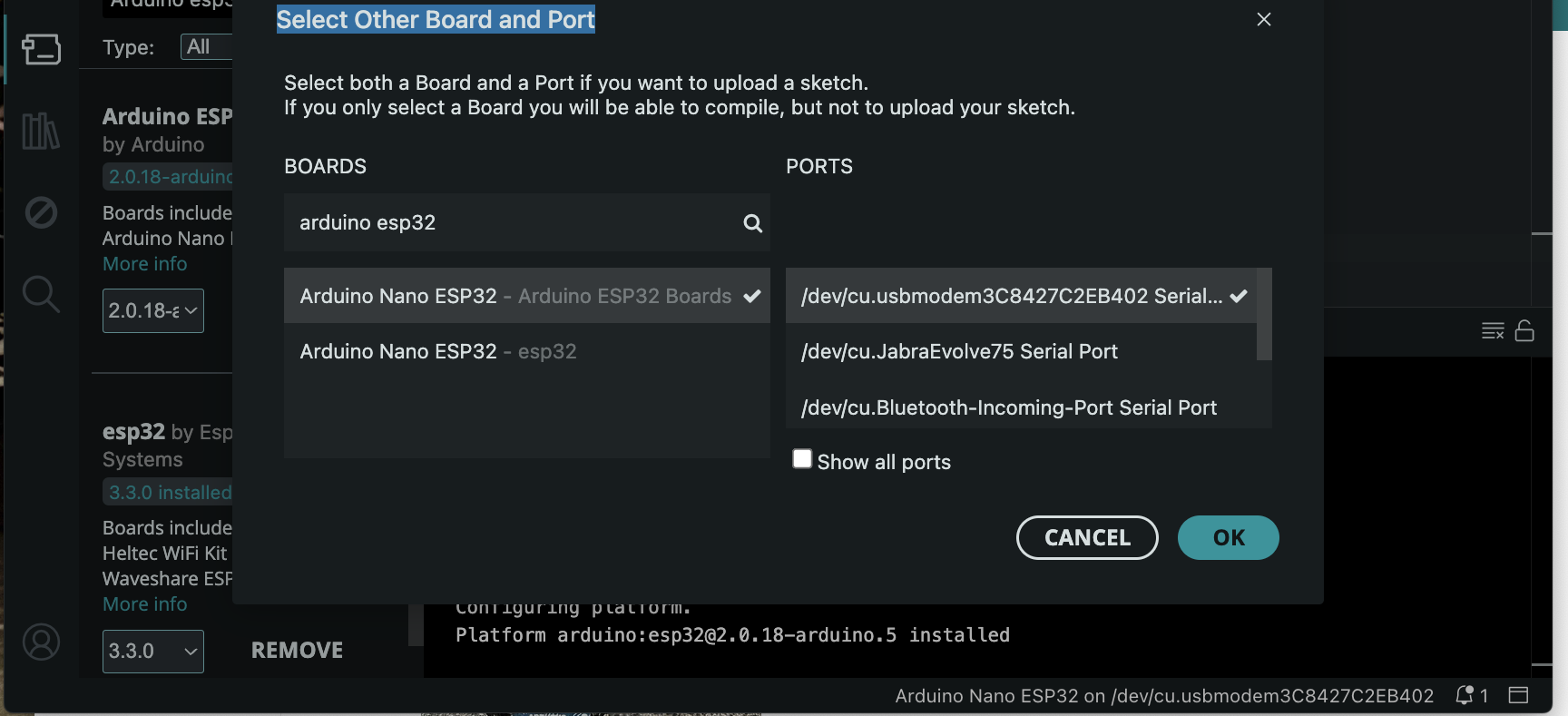
Usually each window of the IDE will be connected to a given port, and associated with a specific board. These are assigned separately. Both Board and Port are listed under the Tools menu. There's also the selector control on the toolbar, to the right of the three buttons to Verify/Compile, Upload, and Debug. "Select other board and port" is accessed from the bottom there.
Your screenshot shows that the "/dev/cu.something" port is selected ("cu" stands for "calling unit"). And the very bottom right of the IDE shows the board "on" the same port, and does NOT say "[not connected]" after.
If you can Upload then obviously the connection is working. If it's just the Serial Monitor, have you tried clicking the icon in the toolbar, all the way on the right, to first close it; and then click again to reopen? Does that still have the yellow "Not connected" banner? Try unplugging the device to see "[not connected]" at the bottom right, and then plug it back in? Those two parts of the IDE should agree whether a device is connected or not.
(If the baud rate is wrong, it's likely you won't see anything, or you might see garbage. But that doesn't matter if the Serial Monitor does not think it is connected. The fact that you're seeing this on two separate computers, each with a different OS, points towards the common factor: that specific board)
I my desperation, I tried to burn a new bootloader and the I Fooked it completely up
I got it back factory bootloader again. Tried again but no output from Serial Monitor.
I tried diffrent baud rates and made sure they were equal in the sketch and settings for monitor, still no ,luck. I also tried rolling the "Board library" one version back - no luck.
Funny thing is , same result on a Windows PC. SO not related to Mac. It must be some kind of driver/library issue?
Try this sketch, I have it working with Arduino NANO ESP32 on the 240930 board same as you. Do NOT click on any update message as that will reload the broken boards.
Here is the sketch. just click the COPY icon top right of the sketch and paste it into new empty sketch in IDE2. I wonder though if IDE2 is setup for you yet. You seem like you can figure most stuff ourt but if you need a hand I am here.
#include <debug.h>

void setup(void) {
  Serial.begin(115200);  // Remember to set Serial monitor to 115200 as well
  while (!Serial && (millis() < 5000))
    ;  // Wait up to 5 secs for Serial to be ready
  if (!Serial) {
    // publish not ready somewhere like MQTT
  } else {
    Serial.println(" ");
    Serial.println("Serial READY");
    Serial.println(" ");
  }

  while (Serial.available() > 0) {  // Empty input data
    Serial.read();
  }
}

String myString = "";
String myBaseString = "String ";
bool myBool = false;
int myInt = 123;
float myFloat = 3.14;

void loop(void) {

  myString = myBaseString + String(myBool); DEBUG("String =  ", myString);
  myBool = !myBool;                         DEBUG("Bool =  ", myBool);
  myInt += 100;                             DEBUG("Int =  ", myInt);
  myFloat += 10.0;                          DEBUG("Float =  ", myFloat);

  Serial.println(" "); delay(3000);
}
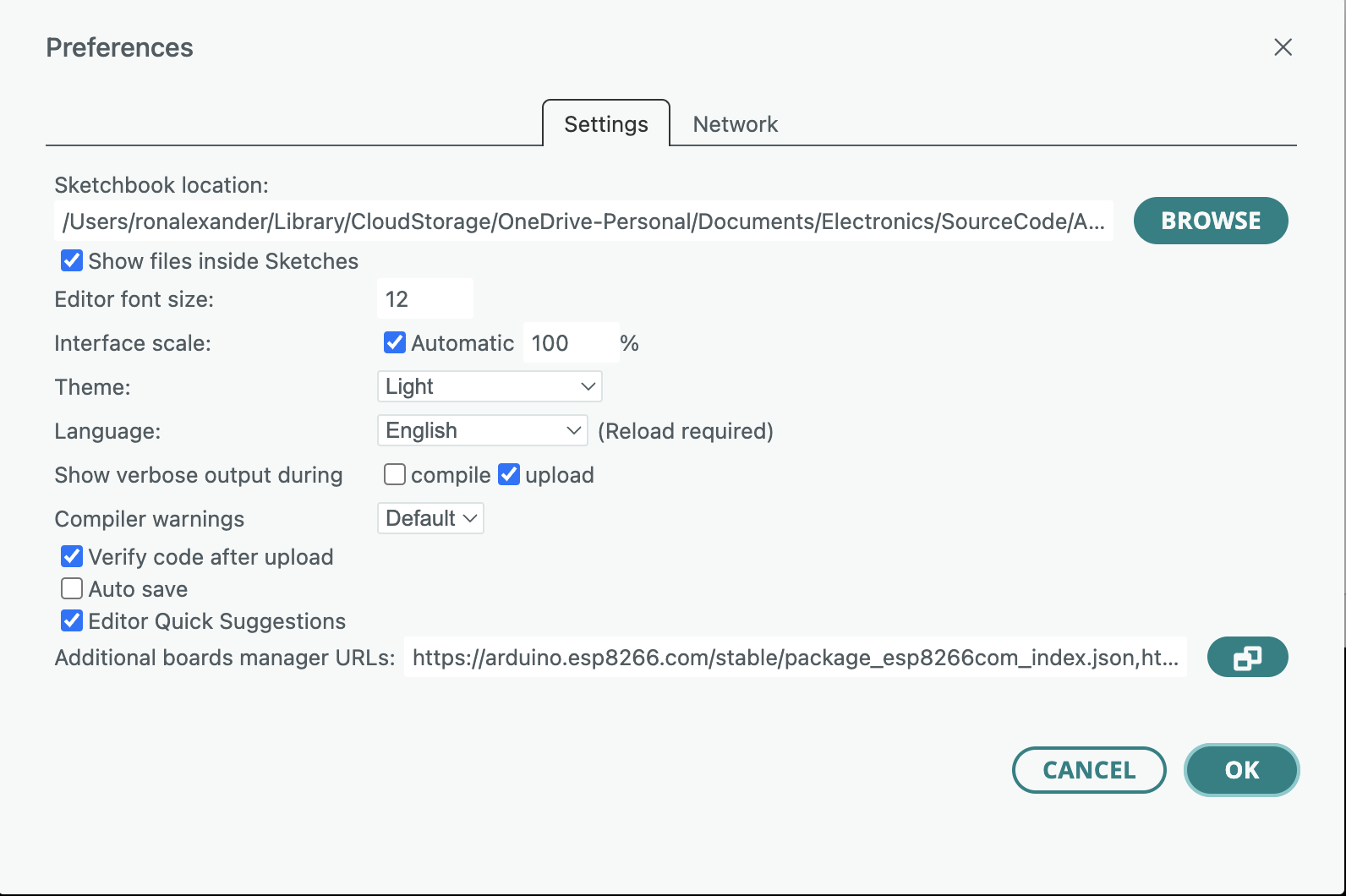
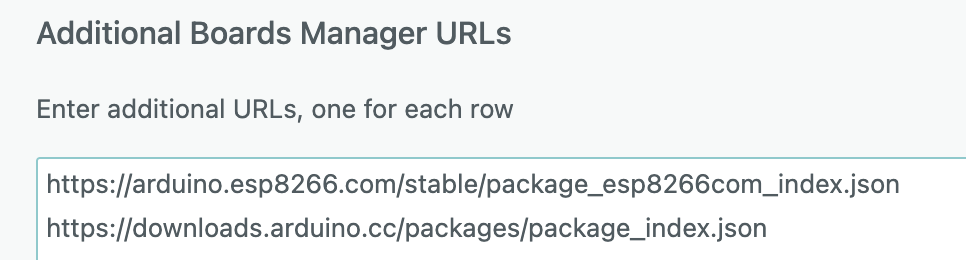
Here are my settings and additional boards. NOTE AVR and ESP32 are built in now, that is why you don't see them.
A couple of settings you might want to change are 'verbose .. during compile' and Auto Save. Some folks like Auto Save some don't. I have verbose compiler off because the compile runs much faster and I don't make many errors that require verbose.
You probably know this but just in case andf it is different in IDE2.
To swap between the compiler output window and the Serial window use the top right icon on the IDE looks like this. Sometimes this icon is unresponsive, so click it as many times as you have to in order to make the switch. Sometimes you need to be pushy with these beasts.
When the Serial monitor is displayed, clicking the top right icon in the MONITOR window is similar to pressing the reset button. Give it a few seconds to respond, maybe even as many as 5 or 7.


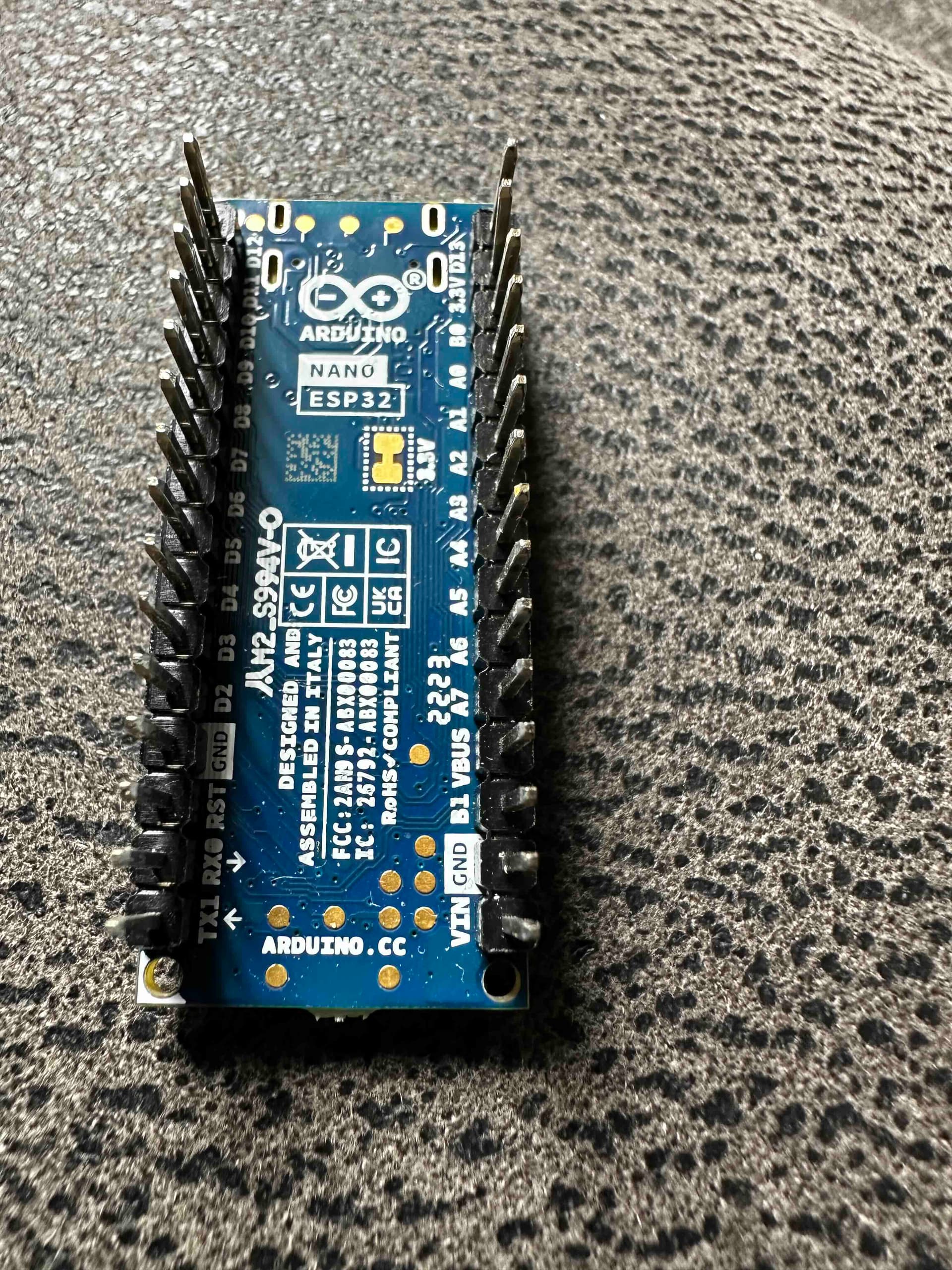




 Now it won't even reconize anymore. I will fight on.....If I get it back running, I'll try to back the board library install 1 version back. Wish me luck