Don't know. What did you see when you checked the 'Store archiver output' option?
There wasn´t a Store Archiver Ouput option, I'm searching for this problem and it says that is related with the Xarchiver app
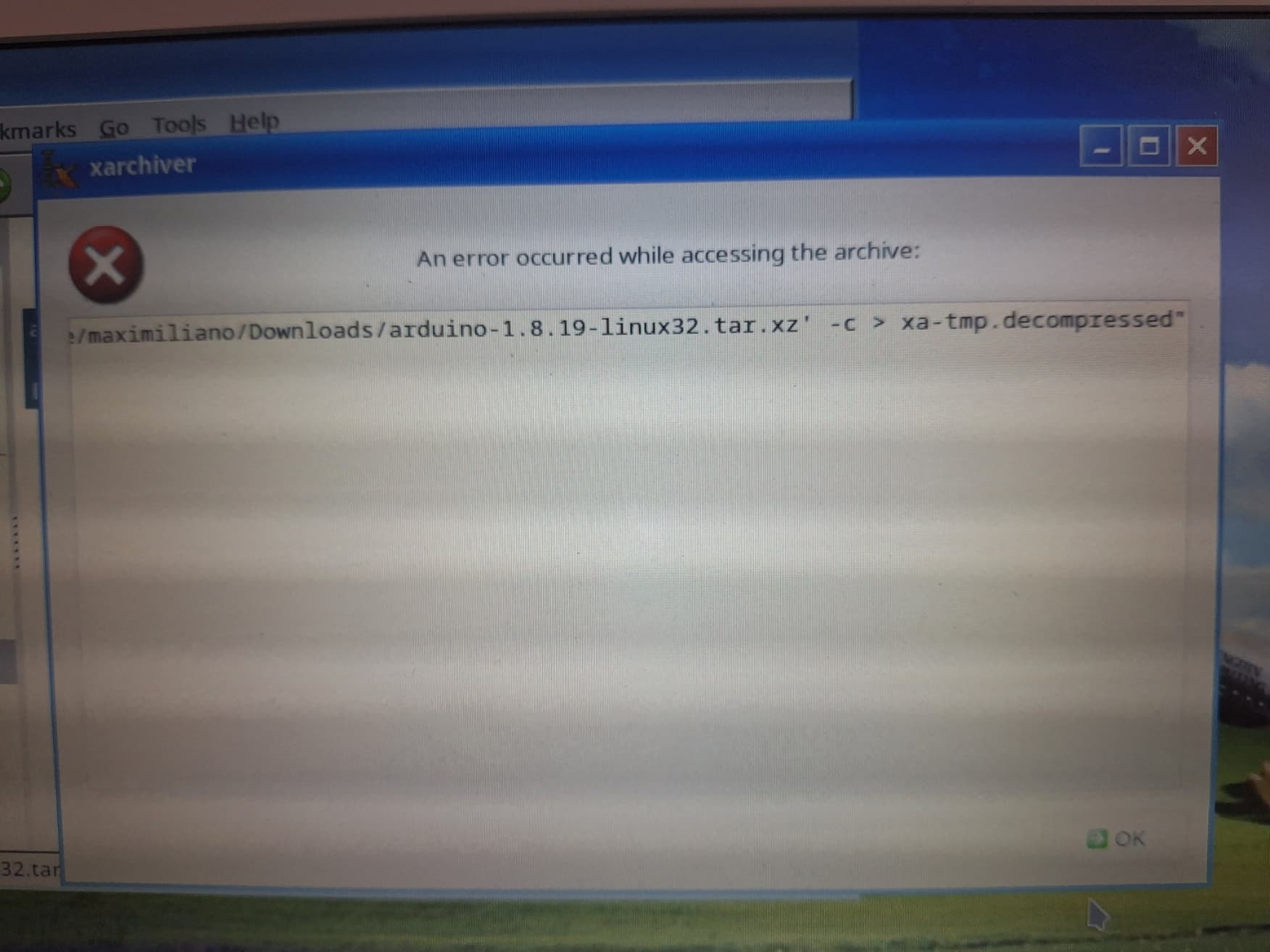


Do you have whatever package that contains /usr/bin/xz installed?
I´ve just fixed my problem, I'm showing the solution in the following message, thanks for your time and help, I very appreciate that
SOLUTION FOR MY PROBLEM: You can see in this chat all the ideas, problems and solutions that we tried for this specific problem that we wanted to fix. Basically I started having problems with the extracted files, nothing was happening when I was trying to open them, it results that I had downloaded the wrong zip version, it was an Arduino IDE Linux ARM 32 bits version, only for Raspberry Pi and not for netbooks. So I downloaded the correct version (Linux 32 bits version) but another inconvenient appeared, a "Store Archiver Output Error". This error is related to Xarchiver app from Linux, I dont know what causes this error but searching in different websites I found that in the Raspberry Pi website someone had a similar problem but with a Raspberry Pi 3 Model B Vol 2 and another guy helped him, so I tried their solution and it works.
- THIS IS THE SOLUTION THAT WORKED TO ME: *

For copy and try:
(This wasnt mentioned in the original solution but you have to write first the direction/address/location in where is the file that you want to extract)
For me was (my file location): /home/mx/Downloads
then you put in the terminal: tar -xf nameofthefile.tar.gz
Proofs:
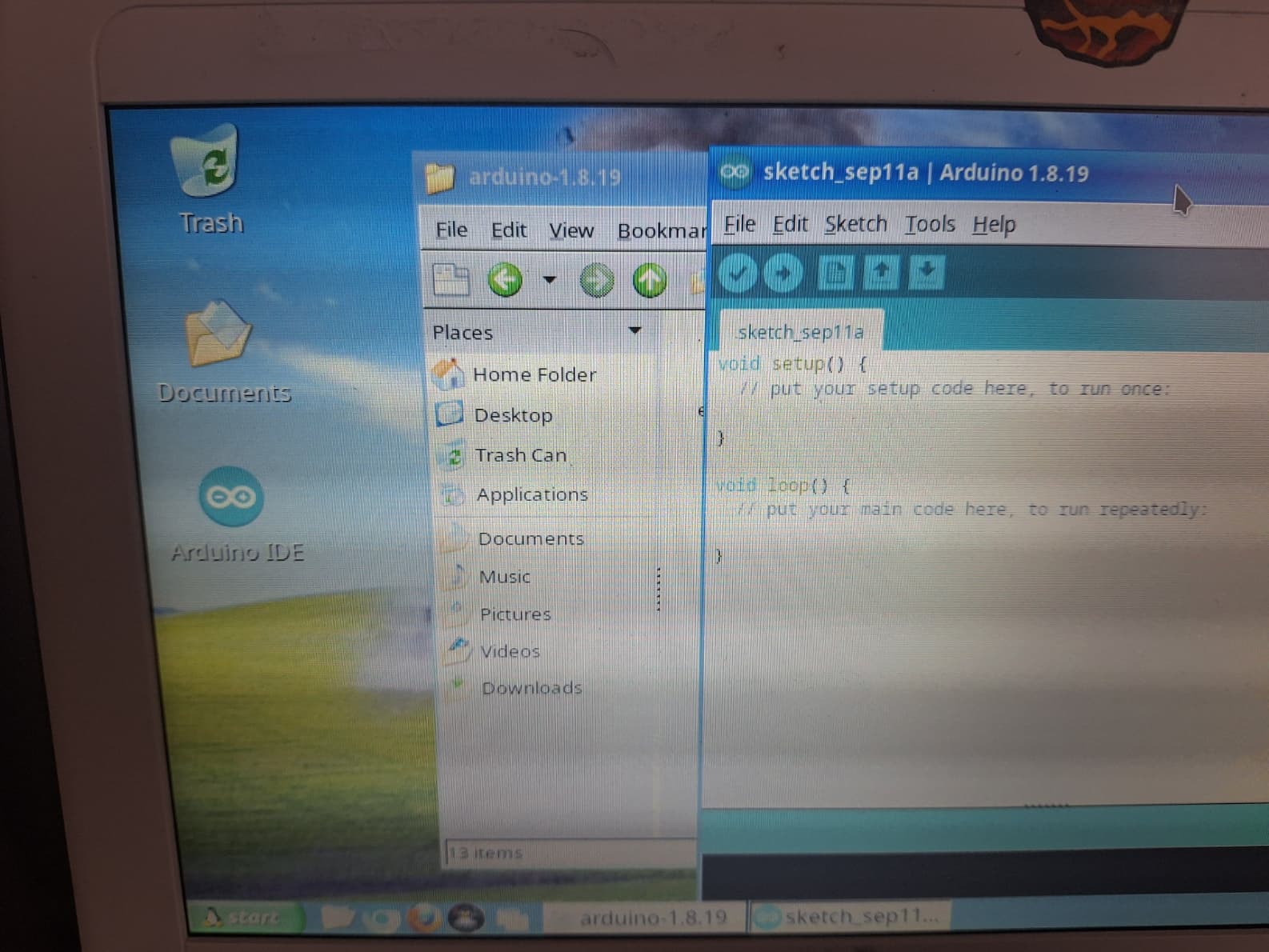
Thanks to all the people that helped me!
1 Like
So now that that is sorted, be aware of the fact that you can not install every board package that you want. I think that that is because some board packages use tools that are only provided in 64-bit and will not install. The latest ESP32 (3.x and maybe late 2.x versions) is an example and there are others.
Another thing, based on experience with antiX 23.1 on a Core2 Duo with 1GB RAM, is that visiting the forum on Firefox and running the IDE at the same time consumes a lot of memory and anything can slow down significantly. Startup time of the IDE highly depends on the number of board packages and libraries that you have installed.
I often download code from the forum for analysis and got in the habit of copying it into a text editor (geany in my case), close the browser, start the IDE, place conclusions / modified code back into geany, close the IDE, and start the browser again,
And sometimes a reboot does wonders to clean out the RAM and/or swap.
This topic was automatically closed 180 days after the last reply. New replies are no longer allowed.