Windows 10 - tried it on two different PC's... Device manager says all OK... "This device is working properly."
Error in verbose is:
avrdude: Version 6.3-20190619
Copyright (c) 2000-2005 Brian Dean, http://www.bdmicro.com/
Copyright (c) 2007-2014 Joerg Wunsch
     System wide configuration file is "C:\Users\Username\AppData\Local\Arduino15\packages\arduino\tools\avrdude\6.3.0-arduino17/etc/avrdude.conf"

     Using Port                    : usb
     Using Programmer              : stk500v2
avrdude: usbdev_open(): did not find any USB device "usb" (0x03eb:0x2104)
avrdude done. Thank you.
Failed programming: uploading error: exit status 1
Hi @ajawamnet1. This error can be caused by using an "AVRISP mkII" driver that is not compatible with the "AVRDUDE" tool used by Arduino IDE for this operation.
My recommendation is to switch to using the "libusbK" driver.
You can do that easily with the "Zadig" driver installation tool:
Connect the "AVRISP mkII" programmer to your computer with a USB cable.
Select "AVRISP mkII" from the dropdown menu in the "Zadig" window.
If it doesn't show up on the menu, then select Options > List all devices from the menus in Zadig and check again.
Click the ▴ button to the right of the "Driver" selection field until you see "libusbK".
Click the "Replace Driver" button.
An "Installing Driver..." dialog will now open.
Wait for the driver installation process to finish.
Click the "Close" button in the "Driver Installation" dialog.
The dialog will close.
YOU so unbelievably rock!!!!! That was it - the key is to use the up/down arrows next to the Driver thing... I kept using the regular driver... not the "K" one. Thank you so much... I owe you a case of beer or whatever...
I experienced this myself years ago. In my case, it was that when I installed Microchip Studio (which was actually called "Atmel Studio" back then), it installed a driver named "Jungo" for the AVRISP mkII, and that driver was incompatible with AVRDUDE. Unfortunately, just as Microchip Studio's driver is incompatible with AVRDUDE, libusbK is also incompatible with Microchip Studio. I did find some instructions for how you can set up your system to work with both development environments on the "AVR Freaks" forum back then, but never bothered to try it because I had decided I didn't want to use Microchip Studio by then. But if this is relevant to you I can probably find the link to that forum post.
Yea - I recall the Jungo thing... I have one XP machine on the bench that has both co-existing.
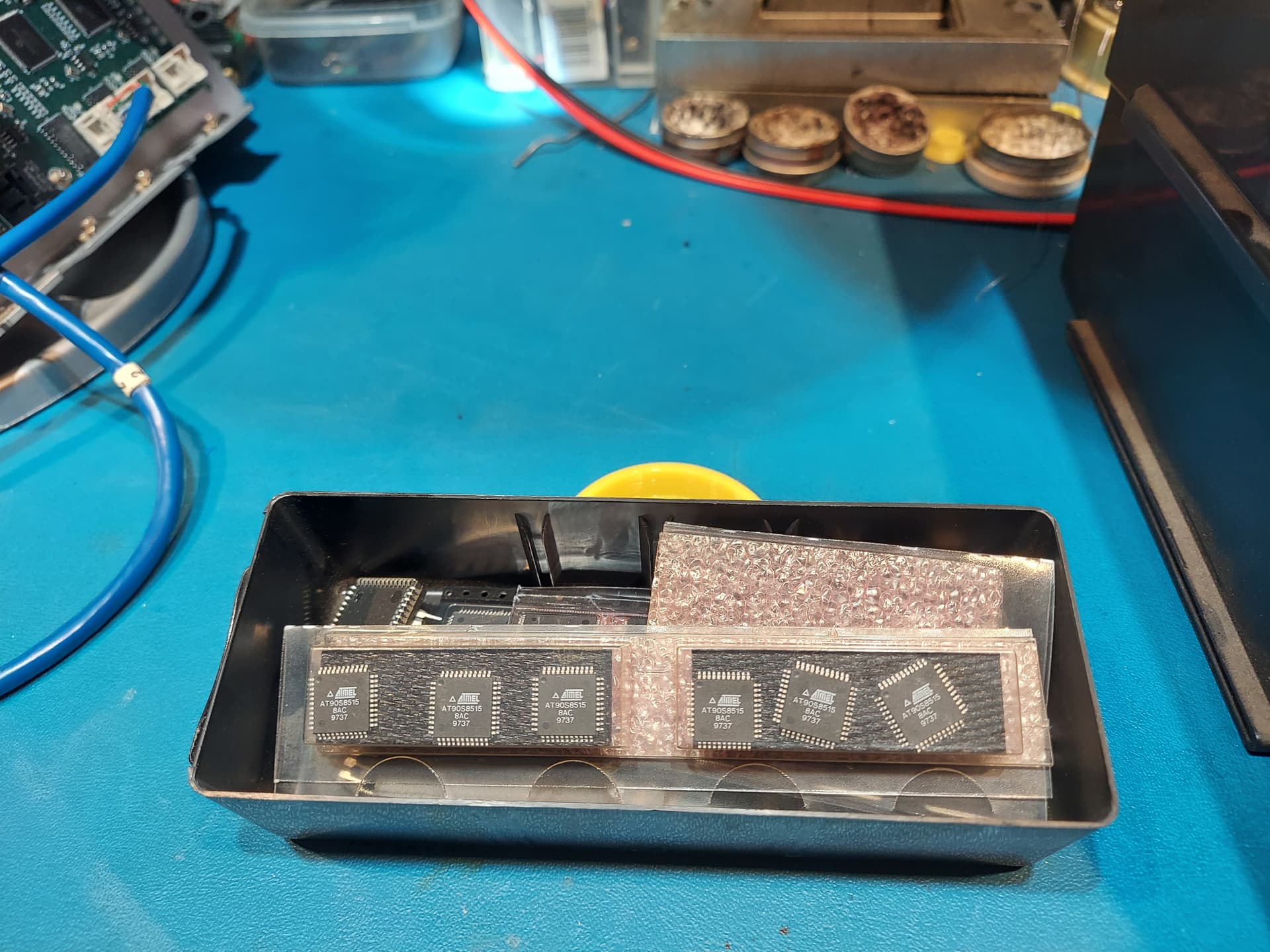
I did one of the first wireless IoT systems back in 1995 (info; link to patent here : https://www.ajawamnet.com/amnet/ ) and recall getting some of the first AVR 8515's - still have them in a parts drawer - pic attached.
We were replacing a combination of Motorola 6511 and PIC16C74 with the AVR. We used the PIC since it had a low power T1OSC for the 32kHz watch crystal. The AVR's had that built in.
At the time, my firmware guy - Larry Wimble - hated Windows (big Linux guy) almost as much as he hated PIC's, so he wrote a GCC assembler for the AVR's on his lunch breaks. I recall he almost worked for Atmel in their N. Carolina office.
So again thanks to you and the Arduino team. You made it so that even dumb hardware guy like me can write code...