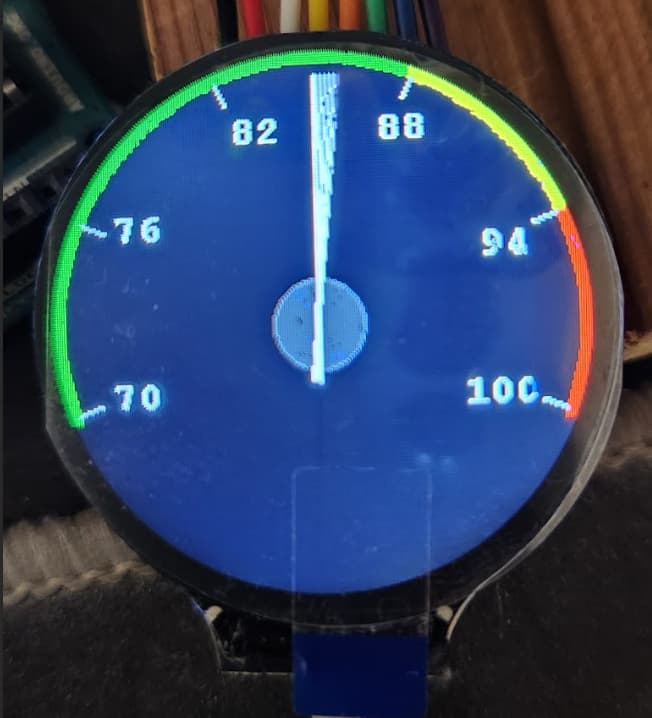
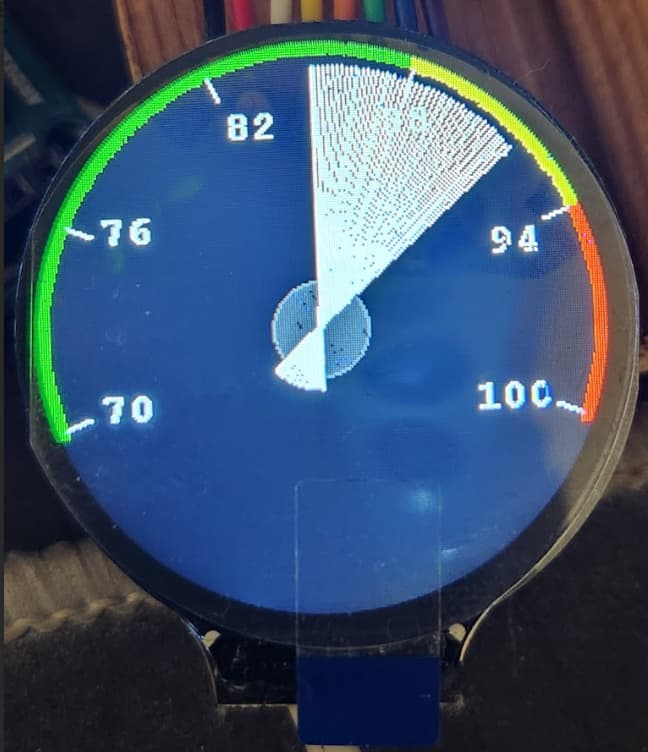
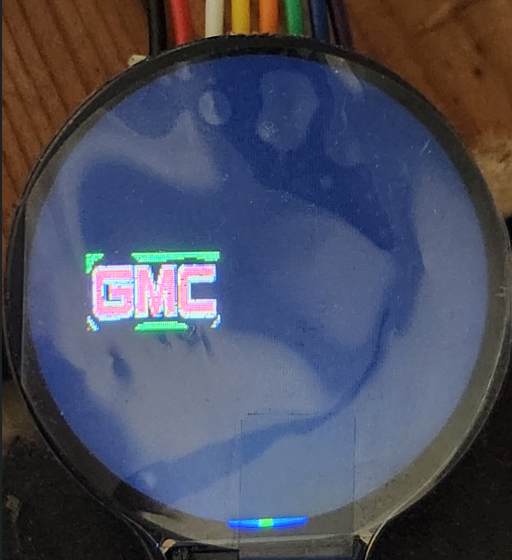
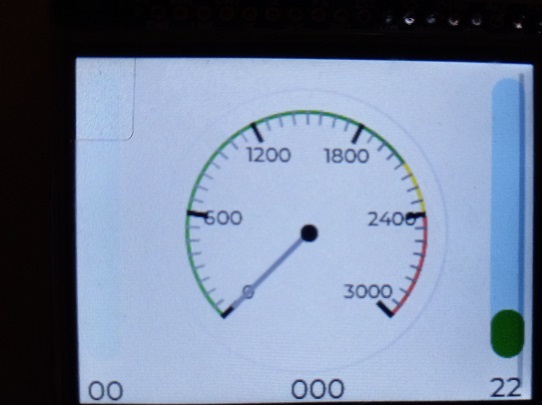
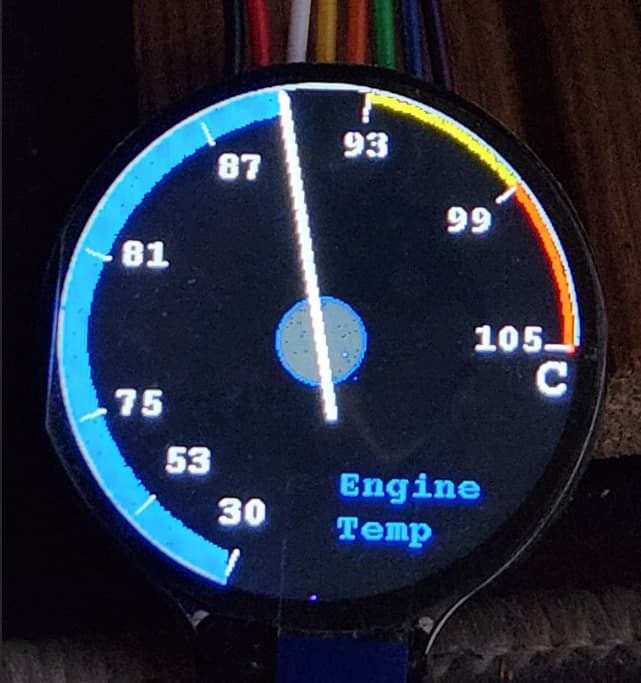
@outbackhut , for showing the picture on the screen, I'm just using the function that came with the library.
/******************************************************************************
  function: Display image
  parameter:
    image            锛欼mage start address
    xStart           : X starting coordinates
    yStart           : Y starting coordinates
    xEnd             锛欼mage width
    yEnd             : Image height
******************************************************************************/
void Paint_DrawImage(const unsigned char *image, UWORD xStart, UWORD yStart, UWORD W_Image, UWORD H_Image)
{
  int i, j;
  for (j = 0; j < H_Image; j++) {
    for (i = 0; i < W_Image; i++) {
      if (xStart + i < LCD_WIDTH  &&  yStart + j < LCD_HEIGHT) //Exceeded part does not display
        Paint_SetPixel(xStart + i, yStart + j, (pgm_read_byte(image + j * W_Image * 2 + i * 2 + 1)) << 8 | (pgm_read_byte(image + j * W_Image * 2 + i * 2)));
      //Using arrays is a property of sequential storage, accessing the original array by algorithm
      //j*W_Image*2          Y offset
      //i*2                  X offset
      //pgm_read_byte()
    }
  }

}
and here is a sample of how the picture code is decoded (not the complete decode as it is super long)
#include "image.h"
const unsigned char gImage[5092] = { /* 0X08,0X08,0X86,0X00,0X26,0X00, */
0X07,0X07,0X07,0X07,0X07,0X0B,0X07,0X07,0X07,0X07,0X07,0X07,0X07,0X07,0X07,0X07,
0X00,0X00,0X00,0X00,0X00,0X00,0X00,0X00,0X00,0X00,0X00,0X00,0X00,0X00,0X00,0X00,
0X00,0X00,0X00,0X00,0X00,0X00,0X00,0X00,0X00,0X00,0X00,0X00,0X00,0X00,0X00,0X07,
0X07,0X07,0X07,0X07,0X07,0X07,0X07,0X07,0X07,0X07,0X07,0X07,0X07,0X07,0X07,0X07,
0X07,0X07,0X07,0X07,0X07,0X07,0X07,0X07,0X07,0X07,0X07,0X07,0X07,0X07,0X07,0X07,
0X07,0X07,0X07,0X07,0X07,0X07,0X07,0X07,0X07,0X07,0X07,0X07,0X07,0X07,0X07,0X07,
0X07,0X07,0X07,0X07,0X07,0X07,0X07,0X07,0X07,0X07,0X07,0X07,0X07,0X07,0X07,0X07,
0X07,0X07,0X07,0X07,0X07,0X07,0X07,0X07,0X07,0X07,0X07,0X07,0X07,0X07,0X07,0X07,
0X07,0X07,0X07,0X07,0X07,0X07,0X07,0X0B,0X07,0X0B,0X07,0X07,0X07,0X07,0X07,0X0B,