I'm trying to code the esp32-cam with an FTDI programmer.
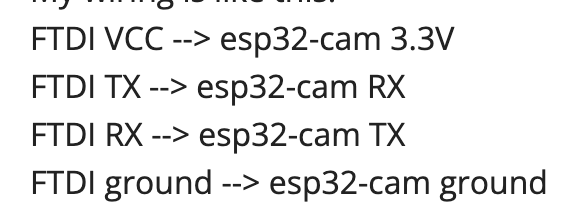
My wiring is like this:
FTDI VCC --> esp32-cam 3.3V
FTDI TX --> esp32-cam RX
FTDI RX --> esp32-cam TX
FTDI ground --> esp32-cam ground
I tried to upload the "CameraWebServer" example code to the esp32-cam. However, the message shows an error in the last 2 lines:
E (56) camera: Camera probe failed with error 0x105(ESP_ERR_NOT_FOUND)
Camera init failed with error 0x105
What are the possible mistakes I made?
I would greatly appreciate it if you could help me out.
Thank you in advance.
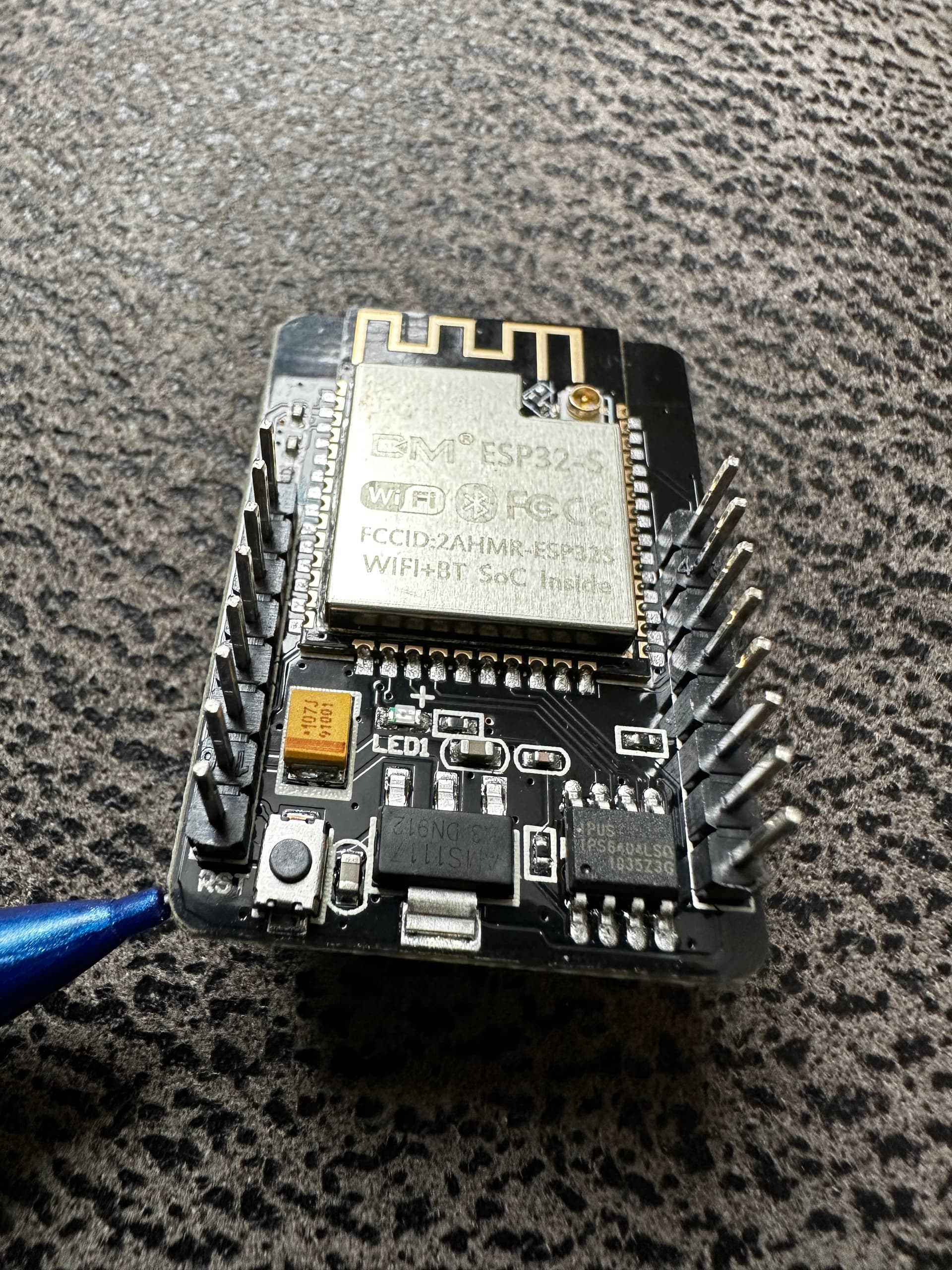
Are you sure it's 3.3V, I have a dozen of these boards and they are all 5V. When connecting the FTDI, the +5V and G are the two pins the pencil points at in the picture. The 105 error is if camera missing, if camera not well inserted or a dead camera. Maybe also caused by 3.3v vs 5v confusion?
REMEMBER +5V is the LAST pin, don't confuse it and G right beside it.
Thank you for your response.
I tried to use 5V, and it does work! Thank you so much!
Then mark post #2 as the solution.
It works but I want to learn more about that
Because I asked different AIs and watched different tutorials on YouTube, and almost all of them said that ESP32-camera are using 3.3V logic. They even reminded us not to use 5V to avoid destroying it.
However, according to my real using experience, it really works with 5V, but not 3.3V. I want to know if there's a difference between the model or they're just wrong?
(I can't believe that all of them are wrong...)
That is because there are TWO answers, neither wrong. The ESP32 chip is indeed 3.3V, BUT since USB power is 5V there is a regulator to convert 5V to 3.3V. The 5V VIN pin works because it goes through the regulator and is the preferred non USB power option. The 3.3V pin can also be used but NEEDS good regulated voltage and for that reason is NOT preferred versus the other two options.
Your original post had the following
Attaching FTDI VCC to 3.3V is sub-optimal. instead move the FTDI jumper to 5V and connect FTDI VCC to the esp32 5V or VIN pin.
Now the wiring isn't like this
The FTDI VCC is connected to ESP32-cam 5V
So for the power supply, both 5V and 3.3V are ok.
But for the TX and RX, can they work with 5V?
NO, the board is a 3.3V board period.
You can choose to power it with a USB (if it had one like the MB version) or in theory the 3.3V pin, but those who understand how it works use the 5V pin fed from a 5V wall wart or similar multi amp supply The 5V is converted to the 3.3V used by the board including all the pins except those labelled G or 5V.
Clear?
Error 105 means you did not select the right board in your code. Show us your code in code tags after you auto format it with Ctrl/Cmd-T. It can also happen if the ribbon cable is not properly seated. There should be a very soft/quite click when it is fully seated. If the code is right, try removing and re-inserting the camera ribbon.