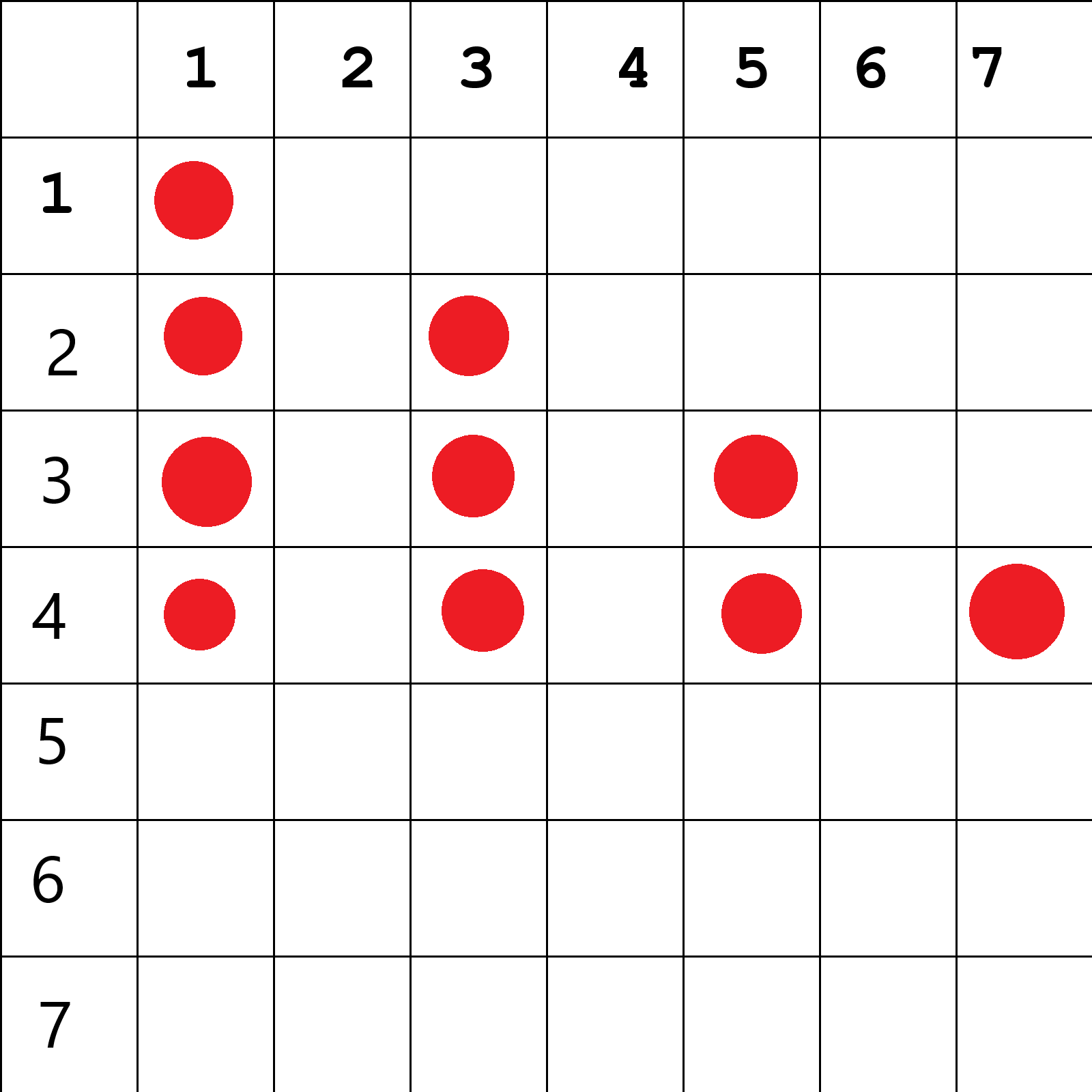
helo, its my first post so I hope it is in correct place. I am totally noob at programming. Im trying to solve one problem. Probably it is very easy for expirienced proggramers.
Basic functionality is flashing some leds in given combination. It works. Now I would like to make a several loops (for example 7). I would like to start every loop with diffrent button. For example:
Button no 1. -> loop no. 1 -> given combination
Button no 2. -> loop no. 2 -> given combination
Button no 3. -> loop no. 2 -> given combination
etc. I would like to use this same leds but in diffrent combinations.
So now I have to add code for buttons and name diffrent loops. Can anyone help me?
I would be very, very grateful.
Actual code
int pinled = 8;

	int pinled2 = 9;

	int pinled3 = 10;

	int pinled4 = 11;

  int pinled5 = 7;

	int pinled6 = 6;

	int pinled7 = 5;

	int pinled8 = 4;

	void setup() {
		// initialize the digital pin as an output.
		pinMode(pinled, OUTPUT);
    pinMode(pinled2, OUTPUT);
    pinMode(pinled3, OUTPUT);
    pinMode(pinled4, OUTPUT);
    pinMode(pinled5, OUTPUT);
    pinMode(pinled6, OUTPUT);
    pinMode(pinled7, OUTPUT);
    pinMode(pinled8, OUTPUT);
	}

	// the loop routine runs over and over again forever:
	void loop() {
		digitalWrite(pinled, HIGH);   // turn the LED on
		delay(1000);               // wait for a second
		digitalWrite(pinled, LOW);    // turn the LED off
		delay(700);               // wait for a second
    digitalWrite(pinled2, HIGH);   // turn the LED on
		delay(1200);               // wait for a second
		digitalWrite(pinled2, LOW);    // turn the LED off
		delay(1100);               // wait for a second
    digitalWrite(pinled3, HIGH);   // turn the LED on
		delay(800);               // wait for a second
		digitalWrite(pinled3, LOW);    // turn the LED off
		delay(900);               // wait for a second
    digitalWrite(pinled5, HIGH);   // turn the LED on
		delay(500);               // wait for a second
		digitalWrite(pinled5, LOW);    // turn the LED off
		delay(900);               // wait for a second
    digitalWrite(pinled8, HIGH);   // turn the LED on
		delay(1000);               // wait for a second
		digitalWrite(pinled8, LOW);    // turn the LED off
		delay(1000);               // wait for a second
    digitalWrite(pinled2, HIGH);   // turn the LED on              // wait for a second
		digitalWrite(pinled7, HIGH);    // turn the LED off
		delay(1000);               // wait for a second
    digitalWrite(pinled7, LOW);   // turn the LED on
		digitalWrite(pinled2, LOW);    // turn the LED off
		delay(700);               // wait for a second
    digitalWrite(pinled, HIGH);   // turn the LED on
		delay(1000);               // wait for a second
		digitalWrite(pinled, LOW);    // turn the LED off
		delay(1200);               // wait for a secon
    digitalWrite(pinled3, HIGH);   // turn the LED on
		delay(1000);               // wait for a second
		digitalWrite(pinled3, LOW);    // turn the LED off
		delay(700);