I just got my first arduino kit (arduino uno R3) and just went to a problem. I can´t connect my board to the programme I have just installed to my PC. I got stuck on the forth point of - TOOLS>SERIAL PORT menu, but I can´t find anything like that on this app. I have only tried the Serial Plotter button, but it shows error (Couldn´t open serial plotter).
Welcome to the forum
Which version of the IDE are you using and which board type have you got selected in the IDE ?
I´m using the Arduino Uno R3 and I selected the Arduino Uno.
You did not answer the question about the version of the IDE. We also don't know which operating system you're using.
i´m a beginner. Where can I see that then ?
I´m using windows 11 and I can see on the top of the aplication the Arduino IDE 2.3.4 is that the information you needed ?


That means that no COM port is available
Unplug the board from the PC, wait 10 seconds then plug it in again. Does the PC make a noise and does a new COM port appear in Windows Device Manager ?
No, there is still nothing.
Does the PC make a noise when you plug the cable in ?
Check that the USB cable that you are using is a data cable and not just a charger cable with no data wires in it
The PC doesn´t make any noise when i plug it in. Also I´m using the cable that has been in the box with the other components.
If the PC does not make any noise when the board is plugged in then you are probably using a charger cable rather than a data cable.
Do you have, or can you borrow, another cable ?
I have other cables at home, but I´m not sure how do I spot the difference between the data and charging cable.
Hi! Welcome to The Forum!
Another question:
Is it an official Arduino kit or a generic one?
Generic Arduino kits use to come with Uno clones. And many Uno clones use CH340 chip to manage the USB comms. If that's the case, you need to install CH340 software before uploading code to the Uno.
Take a look in the difference:

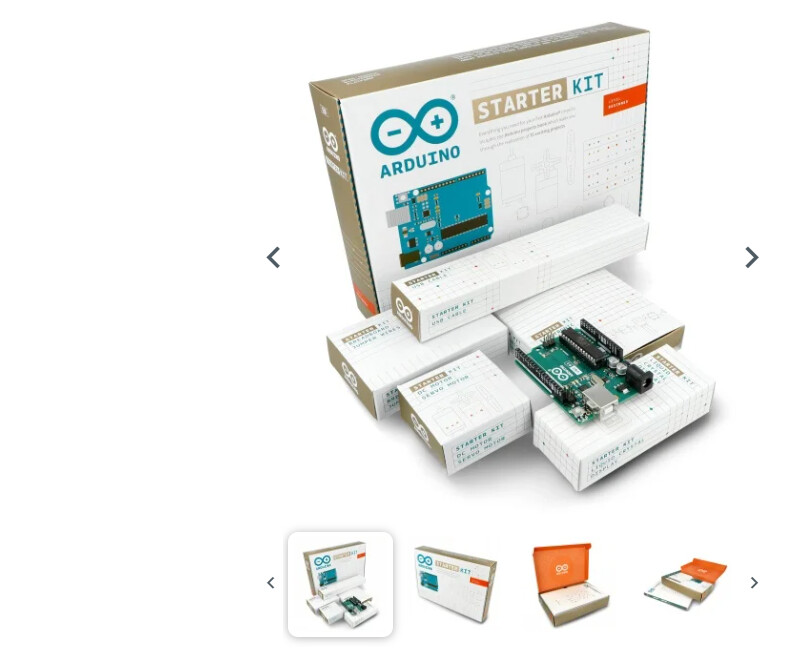
Well, this is unexpected and now that we know it's an official kit, it's very unlikely that a charger only cable has come into the box.
When you plug the board it lights up and blink a LED in a 1 second pattern?
No, it only lights up and stays lit up.
This doesn't sound good...
If you have anything else connected to the board, disconnect it and make sure the board is not over conductive material.
This is so trivial that I'm ashamed of asking, but did you try other USB ports?