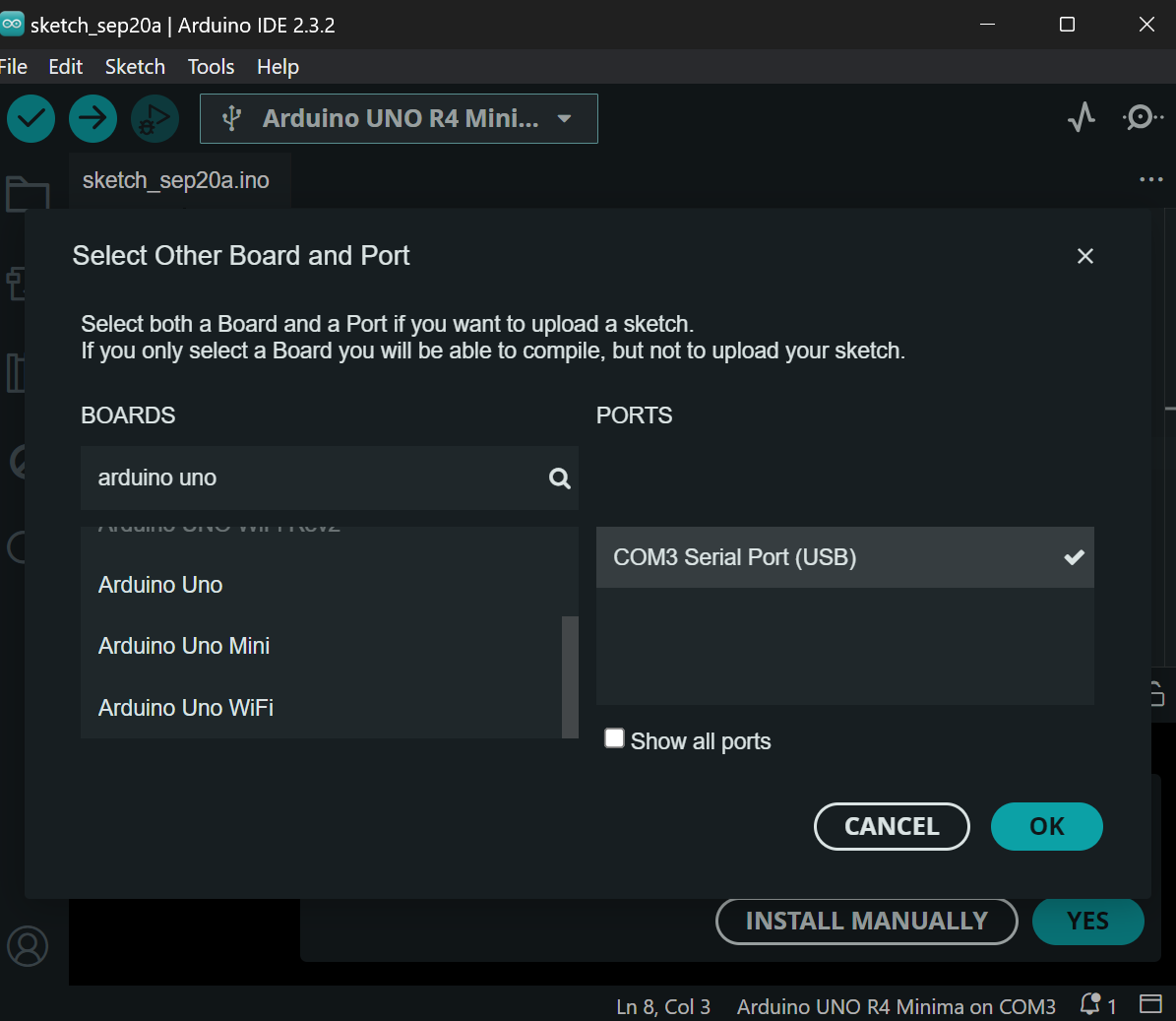
Connected arduino uno ch340 to the laptop and it installed its driver automatically. Then opened Arduino IDE and got Unknown Device COM3

Then i accidentally choose Arduino Uno Rev4 Minima
What should i pick
You have an Uno (not one of the other ones) so you should pick Uno from the tools/boards menu.
Did you have other boards that were used in the past on that PC? Was serial monitor already open in the IDE from a past session?
Will COM3 disappear when you disconnect the board? What does Windows device manager think of your board?
Is that a feature of Windows11? Although I have Windows11, I pre-installed the driver so I don't know.
You are using IDE 2.3.2; there is a dedicated section for IDE 2.x and I have moved your topic there.
This is expected when using boards that have a general purpose USB to serial bridge chip like the CH340. The reason is that the serial port produced by these boards has the USB VID/PID identifier provided by the manufacturer of the CH340 chip. Arduino IDE doesn't have any way to know which model Arduino board this chip might be on, or even whether it is an Arduino board at all (vs. some random consumer device that happens to use that chip). This is why the port is labeled as "Unknown" in the Arduino IDE board selector.
But this isn't a real problem because Arduino IDE's port identification is only a convenience feature. There is no problem using the boards that aren't identifiable by Arduino IDE. You only need to be a bit more careful to make sure you select the correct board model in Arduino IDE when using this type of board.
You need to decide if it is "lsd":
Or "lcd"
damn, i dont even noticed
I thought so  .
.