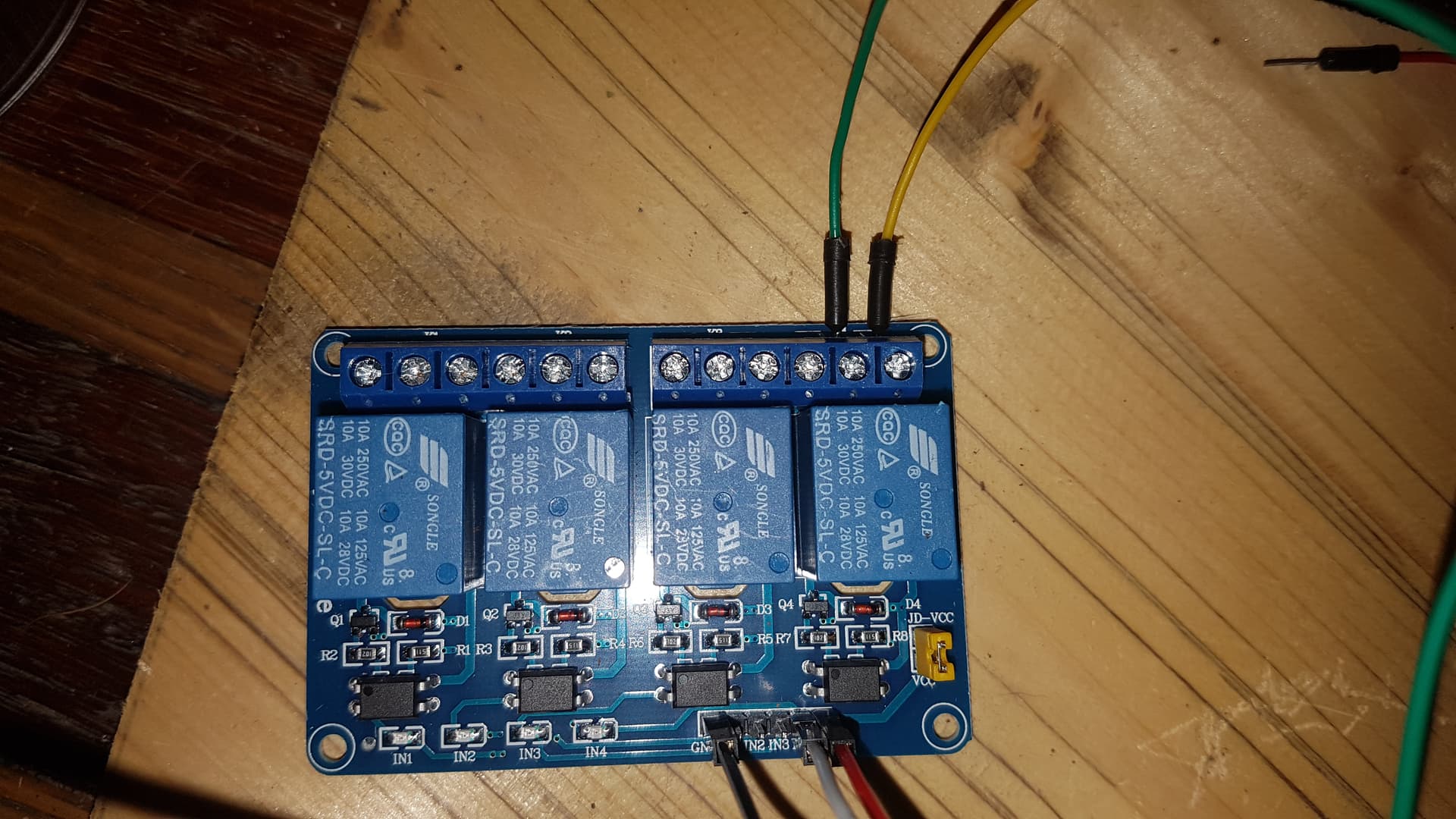
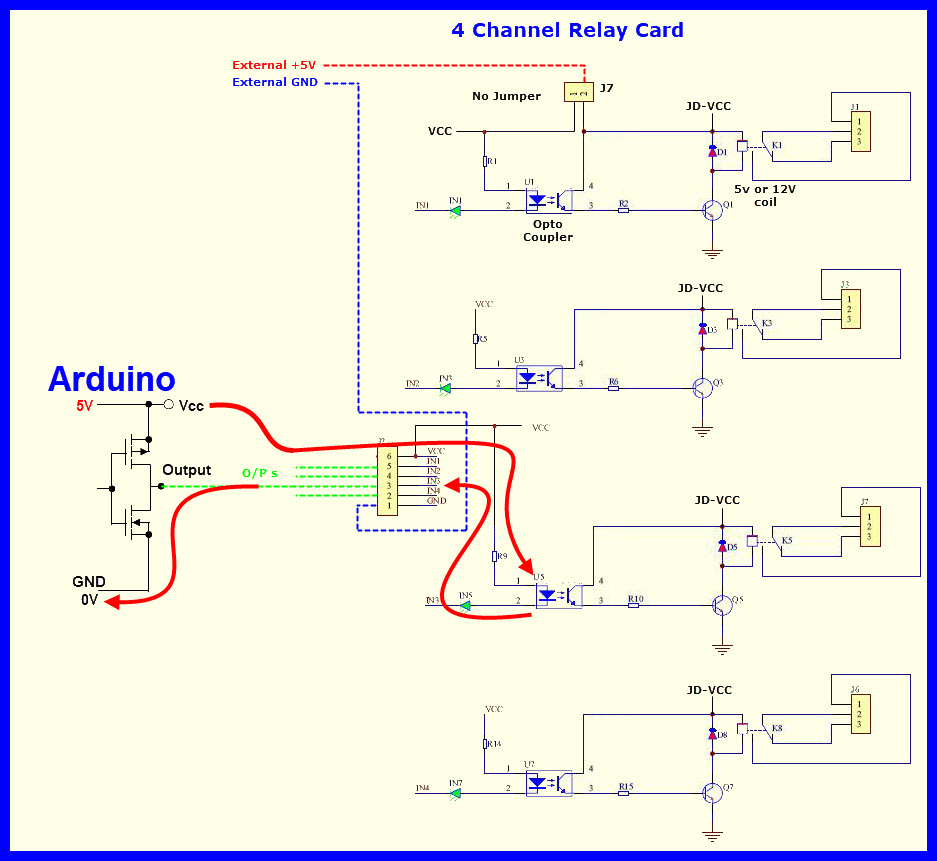
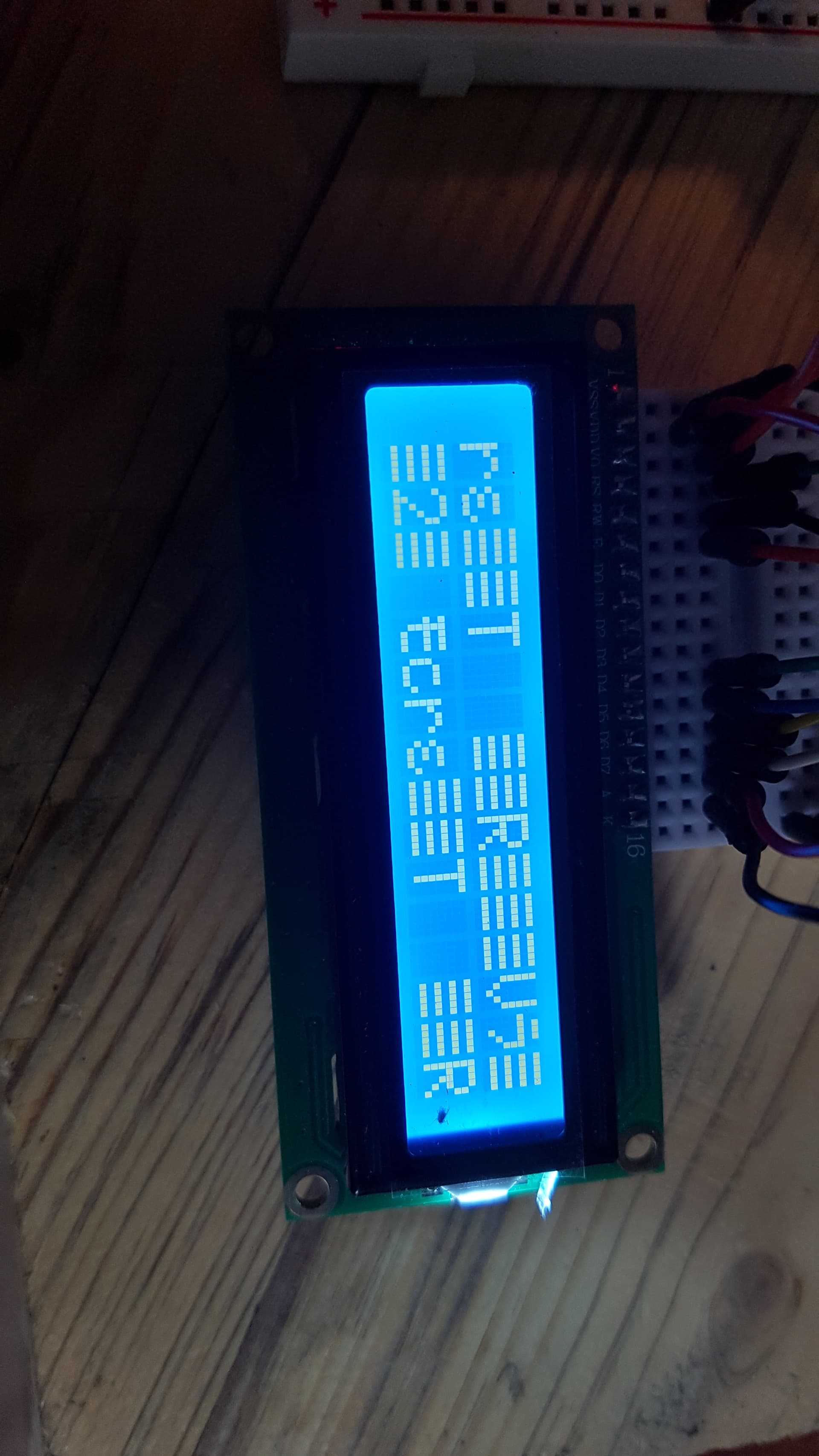
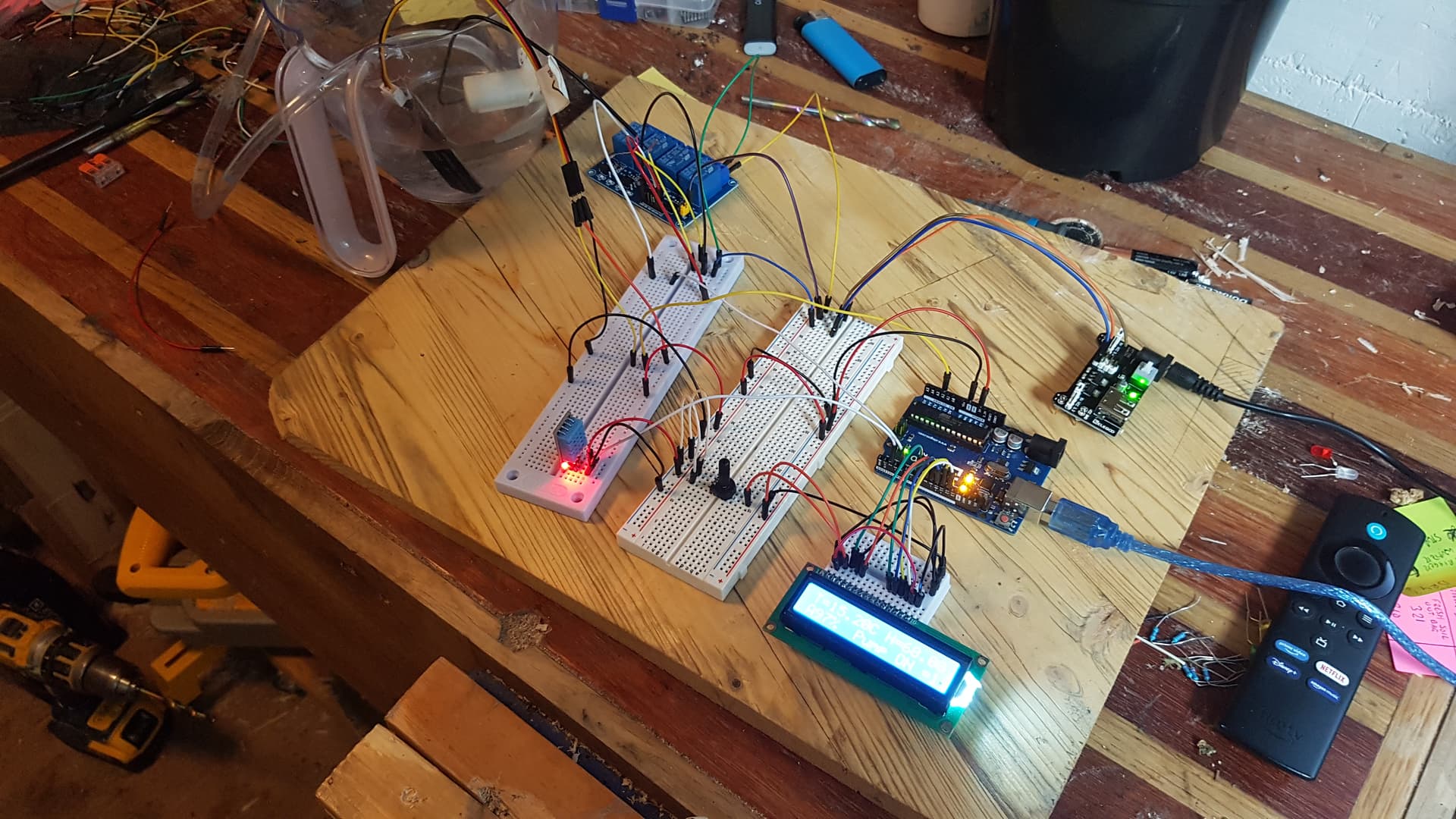
Hi everybody. If there is a place for this thread that is not here I apologise. I have been writing code and adding to my circuit as I've been going along and it was all ok until recently, when the 4 relay module arrived. My code was working with my sensors and printing to the LCD. When I connected the relay and the water pump, and added the 2 IF statements below it scrambles the LCD. My circuit works (adding water and stopping when I've asked) which makes me think the IF statements are ok. This would be my first IF statements ive coded so they might have issues but as far i know right now its fine. When I disconnect the relay module and upload again the LCD comes back to normal. which makes me think the IF statements are fine and its a problem with how ive got the relay wired or how my print.lcd command is interacting with the code? can anyone see a glaring error in this code that would mess my LCD up? Thanks, Grant
#include<DHT.h> //DHT library
#define Type DHT11
int sensePin = 2;
DHT HT(sensePin, Type);
float humidity;
float tempC;
float tempF;
int delayTime = 1000;

#include<LiquidCrystal.h>
int rs = 7;
int en = 8;
int d4 = 9;
int d5 = 10;
int d6 = 11;
int d7 = 12;

LiquidCrystal lcd(rs, en, d4, d5, d6, d7);

const int wetA = 195; //sensor value when wet
const int dryA = 525; //sensor value when dry


void setup() {
  // put your setup code here, to run once:
  Serial.begin(115200);
  pinMode(4, OUTPUT);
  HT.begin();
  lcd.begin(16, 2);
  delay(500);
}

void loop() {
  // put your main code here, to run repeatedly:
  int sensorA = analogRead(A2);
  int sensorB = analogRead(A3);
  int sensorC = analogRead(A4);
  int sensorD = analogRead(A5);

  int percentageA = map(sensorA, wetA, dryA, 100, 0);


  int pumpAstate = digitalRead(4);

  humidity = HT.readHumidity();

  tempC = HT.readTemperature();

  Serial.print("Humidity=");
  Serial.print(humidity); //print humidity from DHT
  Serial.print("% ");

  Serial.print("  Temperature=");
  Serial.print(tempC); //Print Temp C from DHT
  Serial.print("C ");

  Serial.print("  Soil Moisture Content A=");
  Serial.print(percentageA); //print soil moisture percentage
  Serial.print("% ");

  Serial.print("  Current sensor A value for calibration=");
  Serial.print(sensorA); //Print value from soil sensor A
  Serial.print(" ");


  Serial.print("  Pump A ON/OFF=");
  Serial.println(pumpAstate); //Pump On/Off
  delay(500);

  if (percentageA < 20) {
    digitalWrite(4, LOW); //when below 20% pin 4 low/pump on
  }

  if (percentageA > 60) {
    digitalWrite(4, HIGH); //when above 60% pin 4 high/pump off
  }
  delay(500);

  lcd.setCursor(0, 0);
  lcd.print("T=");
  lcd.print(tempC);
  lcd.print("C ");
  lcd.print("H=");
  lcd.print(humidity);
  lcd.print("%");

  lcd.setCursor(0, 1);
  lcd.print("A");
  lcd.print(percentageA);
  lcd.print("%");
  lcd.print("  Pump ON =");
  lcd.print(pumpAstate);

  delay(500);
}