I'm embarrassed to ask help for this but I cannot understand why this millis function is not working as it should. Here is the sketch:
#define mySerial Serial1  //  NEW my code .................

unsigned long previousMillis = 0;
const long interval = 5000;

unsigned char data[4]={};
float distance;
float dist_mm;

float getData(int interval)
{
    unsigned long currentMillis = millis(); // store the current time

    if (currentMillis - previousMillis >= interval)
      {
          distance = 17.0;
              Serial.print("\n\tcurrentMillis = ");
              Serial.println(currentMillis);

              Serial.print("\n\t\tpreviousMillis = ");
              Serial.println(previousMillis);

              previousMillis = currentMillis;   // save the last time you blinked the LED
            return(distance);
      }
}

void setup()
{
  Serial.begin(57600);
  Serial1.begin(9600); // was mySerial .............
}

void loop()
  {
    dist_mm = getData(5000); // get the ultrasonic distance data in mm

    Serial.print("distance = ");
    Serial.print(dist_mm/304.8);  // convert to mm to feet ...
    Serial.println(" feet\n");
  }
As we all know the code within the if stmt should not execute until -
currentMillis - previousMillis <= interval is true.
This sketch ignores that and prints out the internal serial print statements. I placed the distance statements to keep from getting an error due to the float prefix of the function.
You are using millis() for timing, that is good ✓
You have no delay() in the loop(), that is good ✓
Your loop() runs hundreds or thousands times per second, that is good ✓
But you do not want to print the distance hundreds or thousands times per second.
If you put the code from getData() in the loop() and move the printing of the distance inside the millis-timer, then it will print just once per 5 seconds.
What I am trying to do is get ultrasonic data every 5 seconds or so. I do not need that data 10xms. So I am trying to have it return data via the (int interval) time value.
Here is the entire ultrasonic code that I have been using without the millis():
#define mySerial Serial1

// millis variables ...
unsigned long ultra_previousMillis = 0;
const long ultra_interval = 5000;

unsigned char data[4]={};
float distance;

float getData()
{
    do{
     for(int i=0;i<4;i++)
        {
          data[i]=Serial1.read();  // NEW!  was mySerial
        }

      }
      while(mySerial.read()==0xff);
      {
        mySerial.flush();

        if(data[0]==0xff)
          {
            int sum;
            sum=(data[0]+data[1]+data[2])&0x00FF;

            if(sum==data[3])
              {
                distance=(data[1]<<8)+data[2];

                if(distance>280)
                  {
                    Serial.print("distance (cm) ="); // mm
                    Serial.print(distance/10);  // convert to cm
                    Serial.println("cm\n");

                  } else
                    {
                        Serial.println("Below the lower limit");
                    }
                } else Serial.println("ERROR");
            }
           delay(150);
      }
    return(distance);
}

void setup()
{
  Serial.begin(57600);
  Serial1.begin(9600); // was mySerial .............

  Serial.print("/n ... in setup() ............");
  Serial.println();
}

void loop()
  {
    float dist_mm = getData(); // get the ultrasonic distance data in mm
    Serial.print("distance = ");
    Serial.print(dist_mm/304.8);  // convert to mm to feet ...
    Serial.println(" feet\n");
  }
In you run it you will see that it provides a lot of data. I only need a few samples per minute which is why I was trying to use millis() to slow it down.
You will also see a delay(150) at the bottom of the function. If that value is increased the function will freeze.
Which Arduino board and which distance sensor do you use ?
If you want to print something every 5 seconds, then do that printing inside the millis-timer.
void loop()
{
  if (currentMillis - previousMillis >= interval)
  {
    // inside the millis-timer
    previousMillis = currentMillis;
    Serial.println("This is printed once per interval");
  }

  // outside the millis-timer
  Serial.println("This is nuts, this is printed all the time");
}
For the sake of clarity - this issue is the heart of a larger project I have been working on for some time. If I read your comments correctly, I am doing what you noted. Another function that is controlled by a millis function calls the ultrasonic sensor function.
I am using an Adafruit HUZZAH32 ESP32. The ultrasonic sensor is the DYP-A01-V2.0.
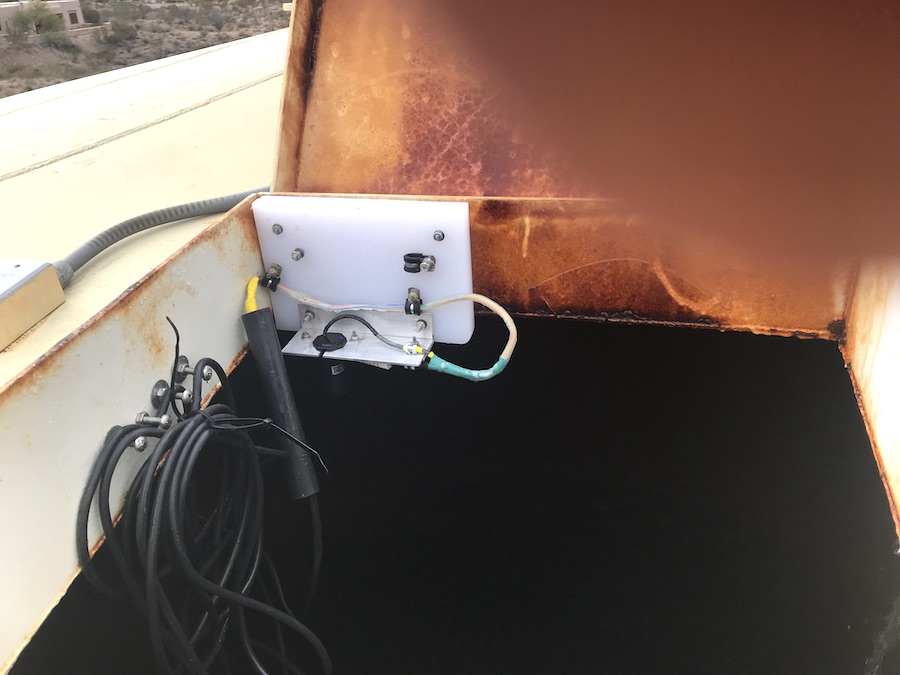
At the moment this sensor is not working well and I think the issue is the 40 degree sensing angle of this sensor. The erratic behavior began when the water level dropped to about 10-12 feet. The lower the water level the wider the circumference and the higher the water level the opposite is true. I have no way of proving this but that seems to make the most sense to me.
Sonar DYP-A01-V2.0 at Adafruit: https://www.adafruit.com/product/4664
Compatible with 3.3V and 5V (3.1 to 5.25V) with different modes for the interface.
The most common mode seems to be that when the RX has a falling edge, the sensor will take a measurement and transmit the data via TX, it is 4 bytes at 9600 baud.
Tips:
Please use Serial2. That is a normal Serial port. There is something wrong with Serial1, but I forgot what it was.
Send the trigger in the millis-timer.
It is best to read incoming data all the time and not inside the millis timer. This means that you need to do some thinking and programming.
Below is the framework that I can think of at this moment. Others might do it in a different way.
void loop()
{
millis-timer every 5 seconds
{
clear buffer or reset counter/index of data buffer.
send trigger to sonar
}
if(Serial2.available()) // is there something ?
{
byte dataByte = Serial2.read(); // read it
store dataByte in buffer
if 4 bytes are read, check them.
if everything is okay, then print the result
}
}
Hey there, best of luck with your issue, I know you have what you have and I value repairing or making things work, but there are probably better water level sensors in application if this is just a float on/off switch. Might be a thing to consider.
My original question had to do with the millis() function not working as it should. The posting has moved on from that and I am grateful for that because it has been beneficial to me.
Some clarity; I was testing some new ultrasonic code because the code I have been using is not working as it should. It is difficult to update my code in the well house enclosure board because I do not have a personal key to get into the well house. This is frustrating to me but it is what it is.
Back on topic - so I was testing the new ultrasonic code and was using the millis() in an attempt to slow it down. This millis() was not working correctly so I began this thread.
My water tank sketch does not use millis in this manner. The calling function is controlled by a millis() function which calls the read_distance() function that gets data from the ultrasonic sensor.
I will post some pertinent code from my water tank sketch that demonstrates this:
void loop() {
read_tankLevel(15000); // get tank level data @ 15 second intervals
}
The following function calls read_distance()
void read_tankLevel(int interval)
  {
      unsigned long wtr_currentMillis = millis();

float dist = read_distance(); // get water tank level data ...
( much code between these two lines )
if (wtr_currentMillis - wtr_previousMillis >= interval)
{
wtr_previousMillis = wtr_currentMillis;
WaterTanks->save(real_water_level); // Publish data to AIO every 15 seconds
}
}
And here is the read_distance() function called above that you have seen before.
float read_distance()
{
    do{
     for(int i=0;i<4;i++)
        {
          data[i]=Serial1.read();  // NEW!  was mySerial
        }
      }
      while(mySerial.read()==0xff);
      {
        mySerial.flush();

        if(data[0]==0xff)
          {
            int sum;
            sum=(data[0]+data[1]+data[2])&0x00FF;

            if(sum==data[3])
              {
                distance=(data[1]<<8)+data[2];

                if(distance>280)
                  {
                    Serial.print("distance (cm) ="); // mm
                    Serial.print(distance/10);  // convert to cm
                    Serial.println("cm\n");
                  } else
                    {
                        Serial.println("Below the lower limit");
                    }
                } else Serial.println("ERROR");
            }
            delay(150);  // Orig was 150  ............
           }
      return(distance); // return distance in mm
}
I hope this helps clarify how my code is structured. Sorry for the confusion.
And to make matters worse - for me - is that the new code within - read_distance() - I just posted, does not work in the water tank sketch.
This same exact function will work in a separate sketch that calls it. This sketch does not use the millis() function. To be clear, the non-water tank sketch produces real data, while the water tank sketch only provides zero's - 0.00. This is shown next:
@desert_ratt This is common beginner's mistake. You are so focused to fix the problem, and have been looking at this so many times, that you are stuck.
You have to step back, relax and view at the project from a broader perspective. Perhaps even start all over again.
The moment we told you to stop trying to print so many times, you should have stopped doing that.
I wrote that you can put the millis-timer inside the loop(). I did that to make it easier to see what is going on.
When a sketch is using millis(), then it is as if the sketch keeps looking at the clock to see what needs to be done. It is not a replacement for delay(). A sketch with millis() has to be rewritten, even if it does the same thing in the end.
I suggest to try a few sketches with millis() to get used to it.
I will be happy to do as you suggest, but
1 - my water tank is 500+ lines of code (with sensitive links);
2 - you would need my ultrasonic sensor to visualize data.
Please note that the non-water tank sketch I posted above will compile and upload to an ESP32 board ( I use a HUZZAH32 ESP32 board). I will be happy to post that sketch once again if you like.