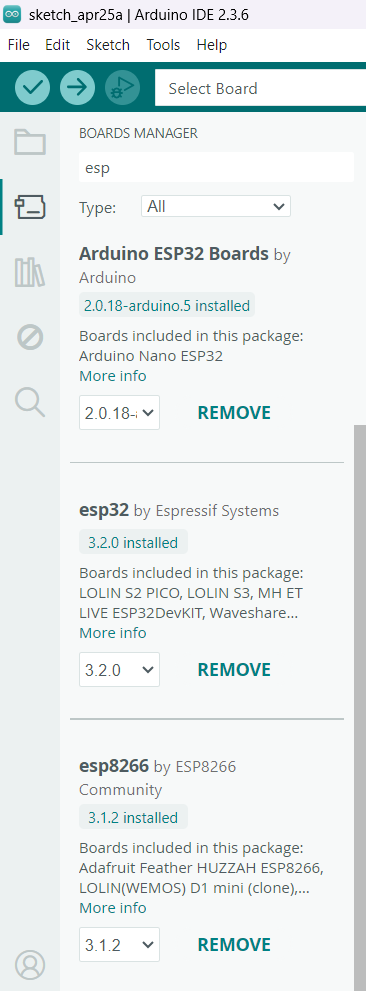
Arduino IDE works OK.
But i need to use Arduino-CLI, and it returns empty list:
arduino-cli.exe board list
At old laptop with default installation onto C:\ drive all was OK as usual, but here on the new laptop, when the Arduino15 folder is at D: drive the arduino-cli returns the empty board list.
I guess, Arduino-cli should check arduino-cli.yaml path first, for getting the board list, but it doesn't.
C:\Users\%USER_NAME%\.arduinoIDE\arduino-cli.yaml is not the default location for the Arduino CLI configuration file.
So when using Arduino CLI directly, if you want to use a configuration file from this location, you must explicitly configure Arduino CLI to use the file from that path (which is what Arduino IDE does when it executes Arduino CLI). You can do that by using Arduino CLI's --config-file flag:
So if you don't have any boards connected to your computer with a USB cable, or if the boards that are connected don't produce unique properties that allow them to be identified as Arduino boards (which is the case for boards that use general purpose USB to serial bridge chips like the WCH CH340, Silicon Labs CP2102, FTDI FT232R, etc.) then it is normal and expected that the board list command will not return any results.
If you instead want the list of boards platforms you have installed, then you must use the core list command: