Hello everyone! I am trying to add a device on the Arduino Cloud platform and it is an ESP32. I am away from my Windows computer but have access to a Chromebook. I am trying to create an Thing, but I don't see an option to add a 3rd party device. It only lets me choose from three boards: Arduino MKR WiFi 1010, Arduino NANO 33 IoT, and a Arduino UNO R4 WiFi. I would really appreciate this to be fixed.
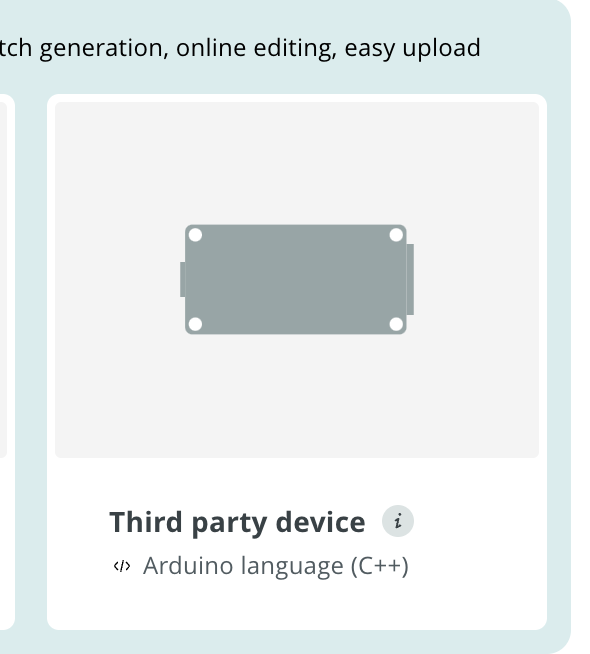

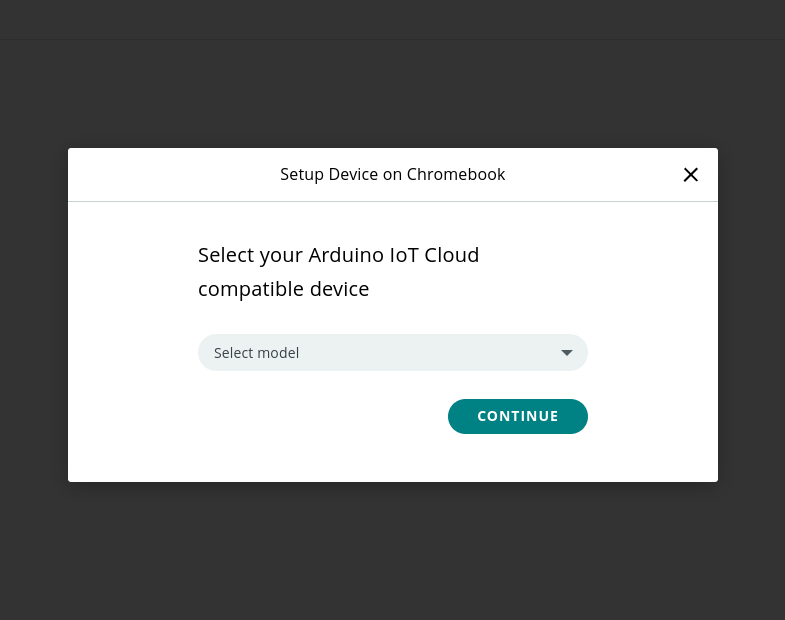
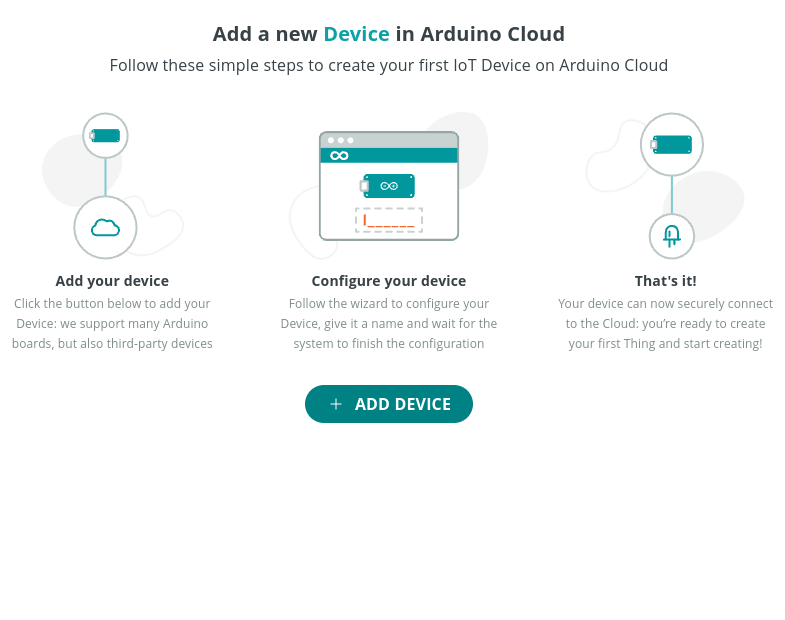
I don't have any option, I looked everywhere. Thanks for trying to help at least!
I don't know what path you took to get there, and I don't know if and how a Chromebook would work with the IoT cloud. Maybe you should search the entire forum for the word Chromebook and see what turns up. Good luck.
Thanks! But I will still keep this open just in case someone else can help.
Absolutly, but the first question another helper will ask is how did the search go.
Hi @parya7254
Due to the unique technical limitations imposed by ChromeOS, it is not possible to implement this feature for ChromeOS machines. You should obtain one of the supported boards if you want to use Arduino Cloud IoT on a ChromeOS machine.
Thanks, but I then noticed that if you set up the device on a Windows machine, than you can use the ESP32 on the ChromeOS platform. Can someone explain why it works like this?

This screenshot was taken on my Chromebook.
You can set up esp32s but the online IDE does not connect to them on chromebooks. I had to use the offline IDE. That is a bit complicated to use on chromebooks but I got it to work eventually. I am not sure if you can upload iot cloud sketches from the offline editor.
When I try to set up an new device, it only lets me choose from three boards: Arduino MKR WiFi 1010, Arduino NANO 33 IoT, and a Arduino UNO R4.
This topic was automatically closed 180 days after the last reply. New replies are no longer allowed.