ralphjabonga:
I just want to directly write serial monitor values to excel i downloaded all versions. v2 v2.2 v2.3
I dont get whats the correct code. when i clicked connect nothing changes. com3 was recognize where my arduino was connected
Hi ralphjabonga,
the Serial.print statements in your code are written to output to the serial monitor of Arduino IDE. To see the results in Excel, please:
- Download the latest version 2.6 above
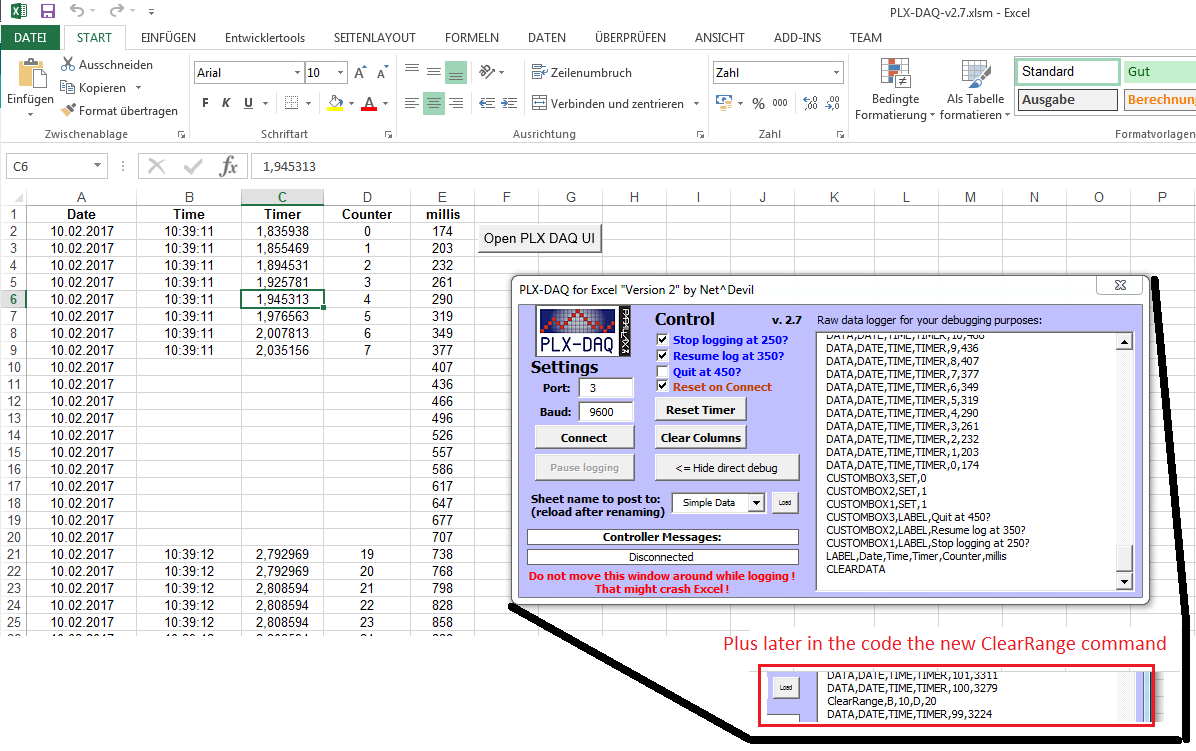
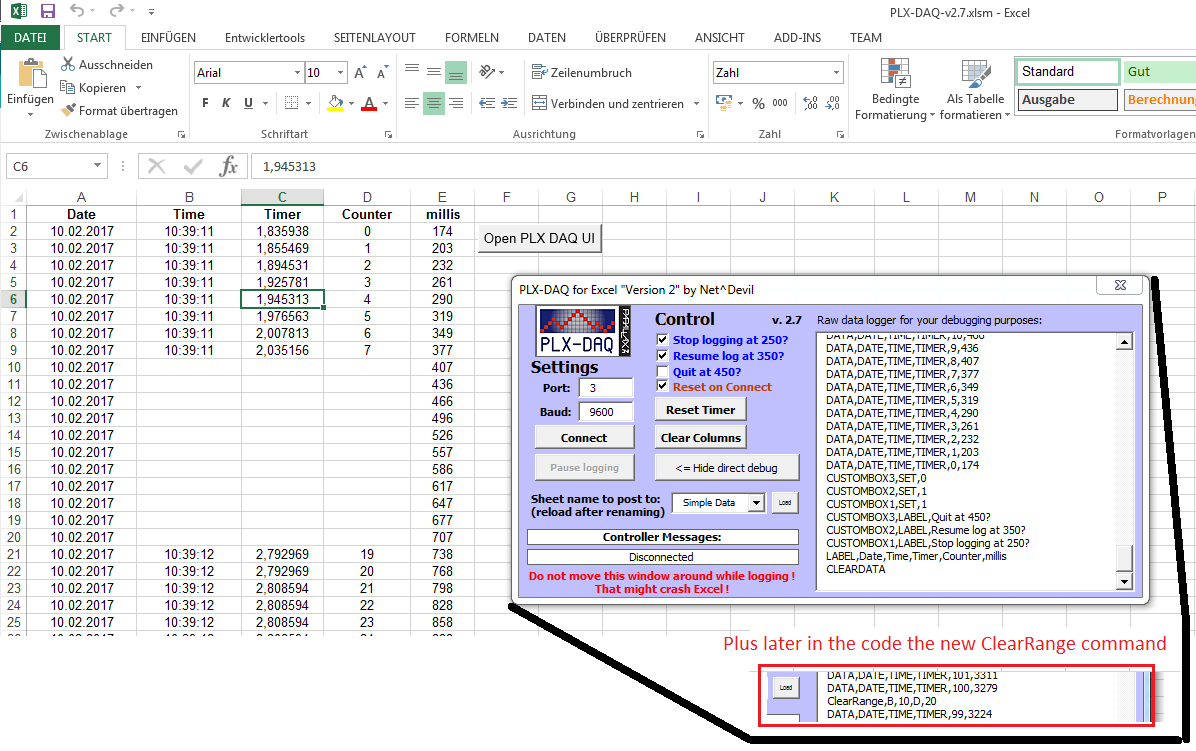
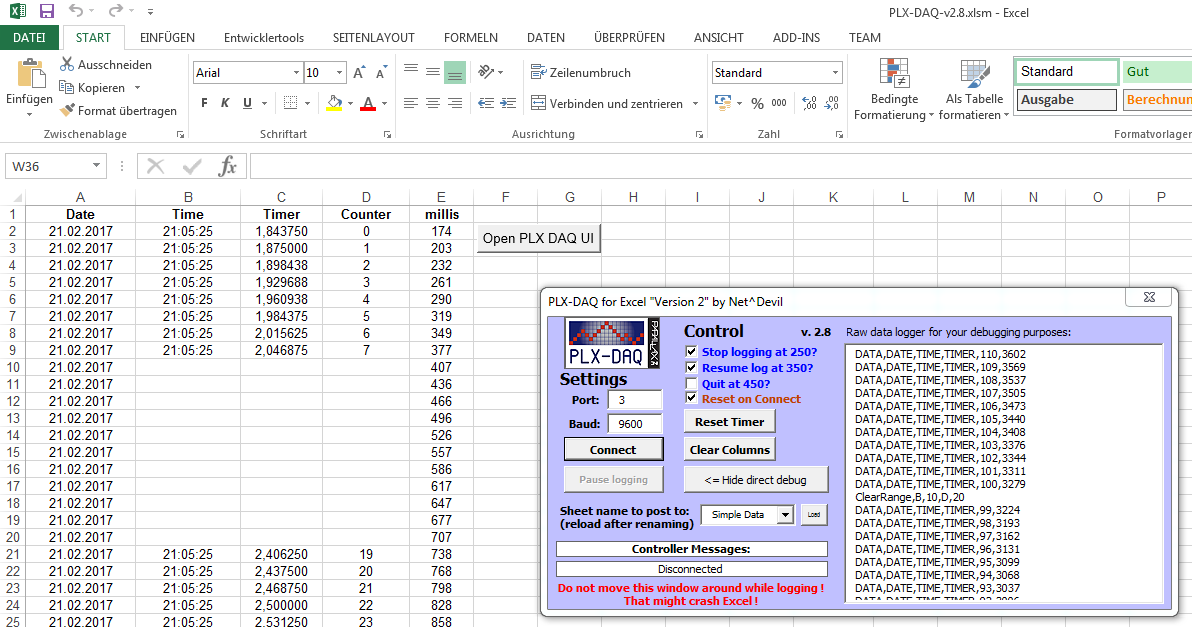
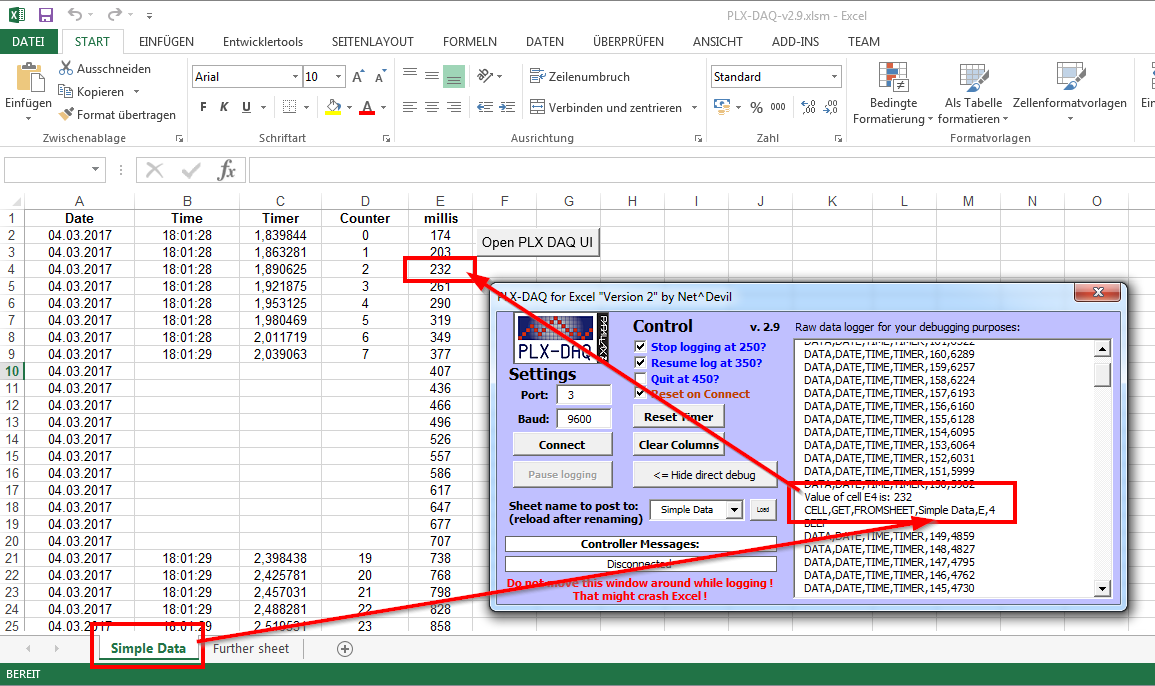
- Connect your Arduino to your PC, click on Connect and open the "direct debug window"
- You should now see the serial.print statements as in Arduino IDE serial monitor
- To have it being posted to Excel you need to use the PLX DAQ syntax. Examples can be found here Arduino and real time charts in Excel « Robottini or here http://www.instructables.com/id/Sending-data-from-Arduino-to-Excel-and-plotting-it/?ALLSTEPS and of course in the example sketch attached to the zip file of version 2.6
- Basically you just need to send 1) CLEARDATA first, 2) followed by LABEL and the name of the columns you want to have in Excel and 3) send DATA followed by the t and h values you measured
It is pretty simple, just take a look at the examples I provided 
Greetings


 Good news for you: the function is in fact already present in the program