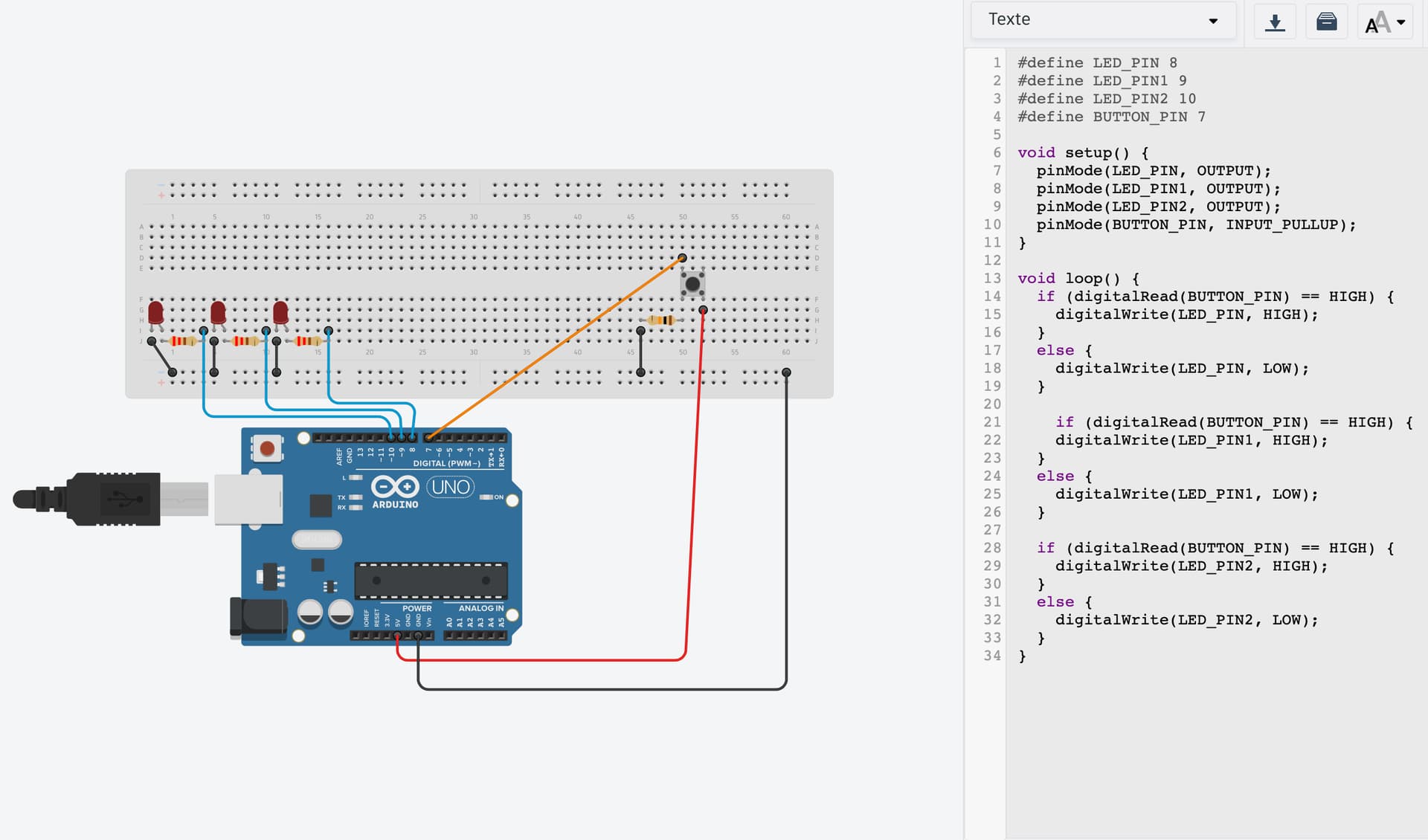
This may appear to work to turn on and off the one LED it handles:
  if (digitalRead(BUTTON_PIN) == HIGH) {
    digitalWrite(LED_PIN, HIGH);
  }
  else {
    digitalWrite(LED_PIN, LOW);
  }
and it may not matter that in fact the LED will probably go on and off many times before staying on as you hold the button, and go off and on many times before staying off when you get off the button.
If the button is controlling some random LED, again it may not matter but many choices will be made, and many LEDs will get a brief stab of being on then off.
When you are turning on and off with your three LEDs, you'll also have to keep track of which one you ended up turning in so you can turn off the one that was on.
@UKHeliBob identifies "state change detection" or "edge detection" as a means to cleanly just turn on and off one LED and rightly suggests worrying about the other part (multiple LEDs) be handled as part two.
But you can cheat on part one… and although it is kinda lame, simply slowing down the loop so that button bouncing is too fast for the code to see is a handy trick that can be employed when circumstances allow, viz:
void loop() {
  if (digitalRead(BUTTON_PIN) == HIGH) {
    digitalWrite(LED_PIN, HIGH);
  }
  else {
    digitalWrite(LED_PIN, LOW);

  delay(20);  // poor man's debounce delay
}
When you add edge detection, leave the poor man's debouncing in there. Or move on up the curve and look into true debouncing.
With a random choice you would not notice the bouncing, but if you were picking the next LED in sequence, bouncing would make it frustrating as the sequence woukd skitter N steps ahead through the cycle and make the choice kinda… random.
a7