The module is work perfectly and I also attached the photo of the output which is visible on Modscan32 software. The register values are visible on software but not on serial monitor.


There's some useful confirmation there. It's using MODBUS-RTU at 9600 baud and its address is 1.
You should be able to listen in to the messages using your MEGA2560 and your RS485 module. I posted some code for a MEGA2560 to listen in to a MODBUS stream in post #25 of "Modbus communication between Arduino Mega with coriolis flow meter". You will need to change the baud rate of Serial1 to 9600, but the rest should work as is.
Connect onto the RS485 A & B signals whilst the PC is talking to the device. You should also probably connect a ground from your MEGA2560 to the device 0V. If you can see MODBUS messages, then you know that your RS485 module is working as well.
Next step would be to figure out how to get the MEGA2560 talking direct to the device. That should be fairly easy if you can see MODBUS messages between the device and the PC app.
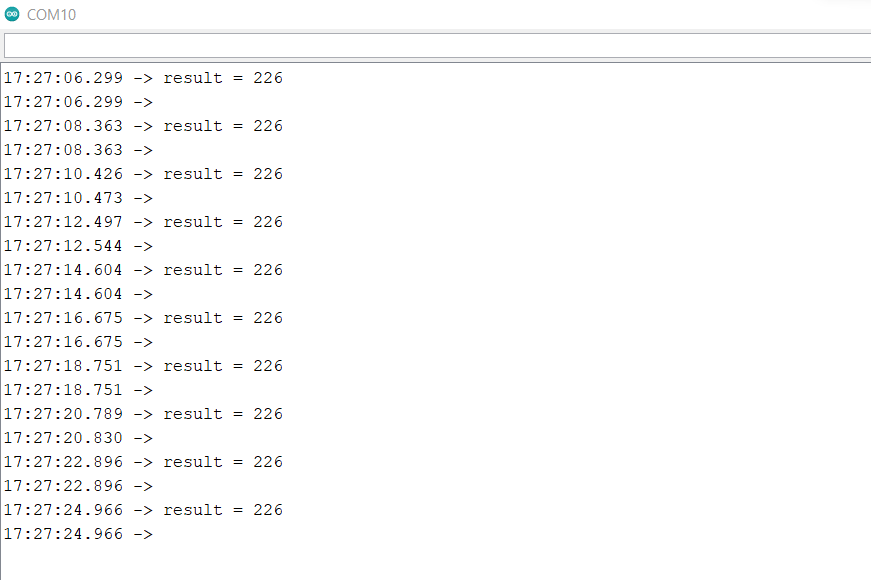
My code in that post doesn't use MODBUS at all, so you shouldn't get the 226 error. My code simply listens in to the RS485 bus and should print out any messages it sees. It should show you exactly what the PC program is requesting from the device and the responses from the device.
It serves 2 purposes. If you see valid MODBUS messages being printed out, then you know that your RS485 module is wired up to your MEGA2560 correctly (for the most part) and you have the A & B wires the right way round on your RS485 bus. Secondly, it allows you to figure out exactly how to ask your device for data and how the device responds with the data. It also lets you see the format of that data so you can figure out how to decode 16-bit and 32-bit values as well as floating point values.
Can you copy & paste some of the output generated by the RS485 monitor program into a forum message?
I got the same response as 226. Still unsure whether someone found a solution for this?