Hello together,
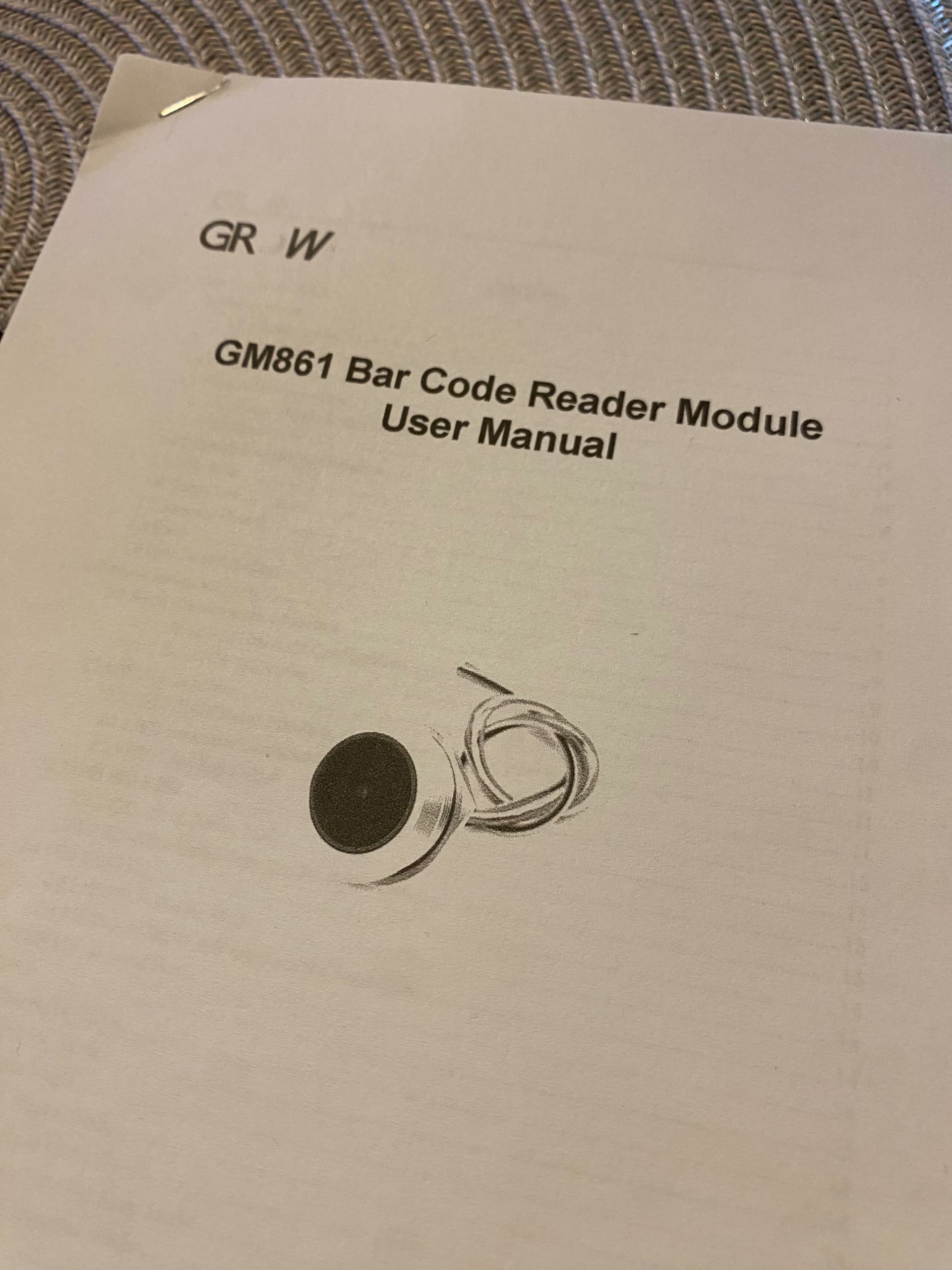
I want to read a stream of data coming from the GM861. The scanner works shows by led light the correct reading of a 2D-Code and sent it with 9600 Baud 8/1 an 3.2V Level on his TRX port.
Reading the code with my iPhone it shows me: member number;name, ;prename;day/month/year
I can see it on my oszilloskope but I have not found any way to receive it on my AT Mega (port opened with softwareserial, pins 15,14).
Suggestion. Yes, post your code, but try to get it working on a hardware serial port first, then move it to software serial, but only if you must. If you have an Arduino with an ATmega328P, like the Uno, that won't be easy, but if you have an ATmega2560, you have several to choose from. See why we want to know what hardware, exactly?
Hardware serial is much more robust, and less likely to be impacted by things you do in your code.
The GM861 is a scanner module. I don't know what is inside. The processor is without a stamp. The processor on my Mega Bord is a At Mega 2560. I've made a picture....
Pretty straightforward. But, you're trying to use software serial, when you've wired to TX1 and RX1, which have full hardware serial support. I presume that's because you got the code somewhere, and don't know the difference? Change the code to use Serial1 for your scanner, and see if that works. If not, post your changed software, so we can take a look.
And, your device is 3.3V. So, you'll need to wire it to 3.3 and GND, AND, to not damage your scanner, you'll want to put a resistive divider on the Arduino TX1 output, to drop it's voltage to 3.3V. The RX1 signal is fine, as the 3.3V signal is within tolerance for the Mega's inputs.
You'll also want to remove the delay() statements in your code, as during those delays, your Arduino is DEAF.
last edit - I see no indication your code is sending anything to the scanner, so probably, just leave the TX1 line disconnected, unless you need to use any of the features documented in the manual, like the heartbeat feature.
@bluesyra By the way, welcome! You'll find great help here on the forum, but you'll also find we push topic owners hard to give as much info as possible, preferably in their first post. these guidelines:
were not written for someone's entertainment, but rather to ease the frustration levels for new posters and helpers alike. Upshot is, giving us quality information enables quality responses, and often a very quick resolution to the posted issue.
Welcome aboard!
/// Programm zum Empfangen des Datenstrigs aus einem GM861-Barcode-Scanner

String text="";

void setup()
{
  Serial.begin(9600);
  Serial1.begin(9600);
  Serial.println("Start");
}

void loop()
{
  Serial1.println(3);
  if (Serial1.available() > 0)
  {
    text = Serial1.readStringUntil('\n');

    Serial.println(text);
    delay(200);

   }
   delay(100);
}