Hello,
The loop below does not remove files from SD CARD.
Probably there is something stupide which I am unable to solve.
Your help will be appreciated.
Regards
Eric
void eraseTxtFiles () {
String fileExt = "_lin.txt";
int idx = 1;
for (int i = 0; i < 100; i++) {
String fileName = idx + fileExt;
SD.remove(fileName); //This removes nothing from SD CARD //Serial.println(fileName); //This line prints the file name correctly
idx++;
}
}
p.s. If it may help people dealing with SD CARDs... You better have different brands.
Because not all of them will work. I tried several (different source) SD CARD. Only one
did work correctly. Unknown brand, capacity 2Gb.
Many thanks for your reply.
Sorry, you are right. Some info is missing. I am using MEGA2560.
The program occupies 8% of PROGRAM memory and 37% of DATA storage area.
I think there is enough remaining memory space.
And "jurs" you are right when you say about Arduino "it may die silently".
Below there are 2 examples: 1 works (will display only). 2 doesn't work.
This one works fine (i.e. it displays correctly file names on the terminal).
for (int i = 1; i < 100; i++) {
String fileID = String(i) + "_LIN.TXT";
Serial.println(fileID);
}
The example below will not work (same place, same situation).
for (int i = 1; i < 100; i++) {
String fileID = String(i) + "_LIN.TXT";
Serial.println(fileID);
boolean fileFLAG = SD.exists(fileID);
if (fileFLAG) {
SD.remove(fileID);
}
}
There is probably a problem with Strings which I may use improperly.
FYI.
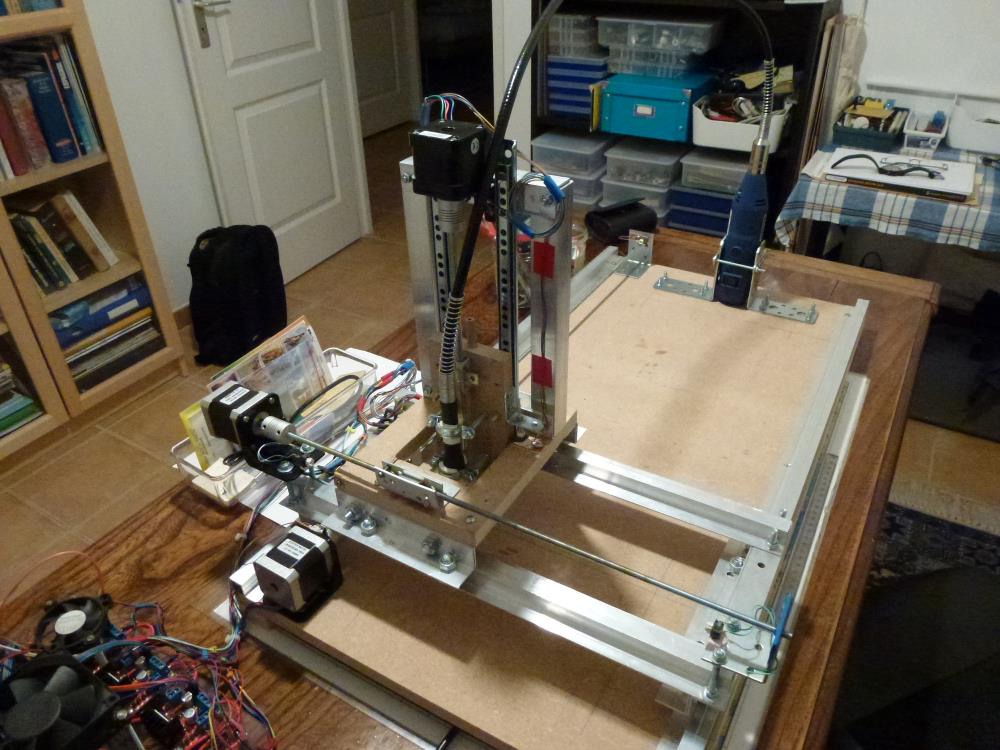
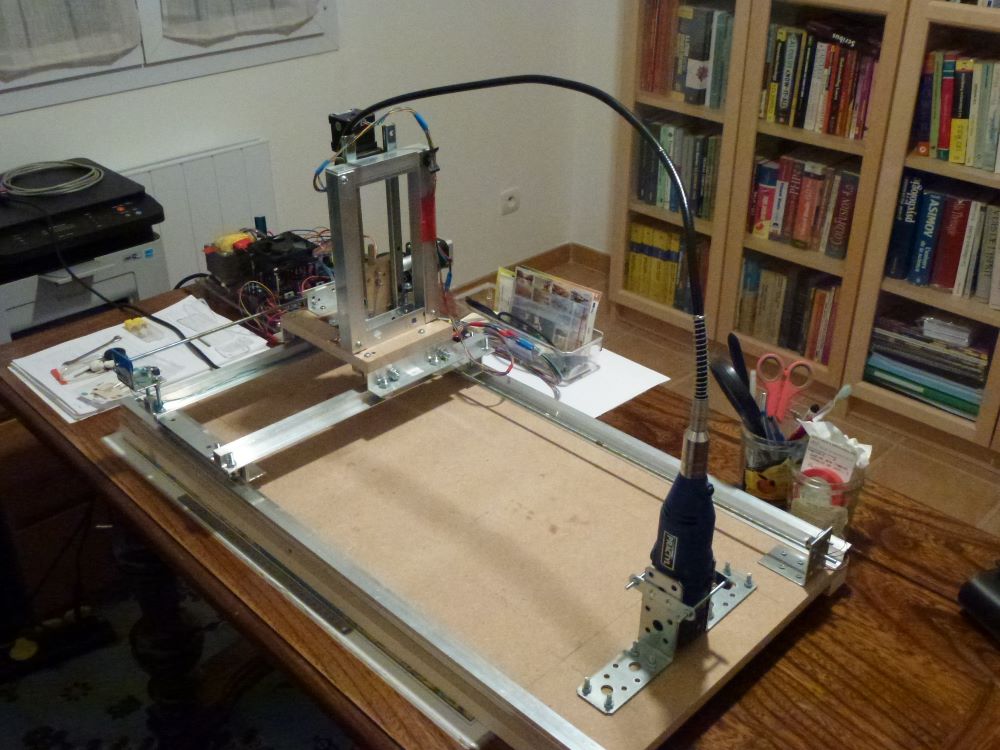
This is a chain of CNC.
I am using Rhino3D to produce dxf files in order to cut pieces using CNC.
At the beginning, the usefull data is extracted from dxf using PROCESSING
(a language similar to Arduino IDE with many traps because of similarity).
Only LINEs, ARCs, CIRCLEs and POLYLINEs are extracted from dxf and stored into :
xx_LIN.TXT (xx from 0 to 99)
xx_ARC.TXT (same)
xx_CIR.TXT
xx_VRX.TXT (VRX like VERTEX) files on SD CARD.
This info is transferred from PC to Arduino MEGA using (of course, manually) SD CARD.
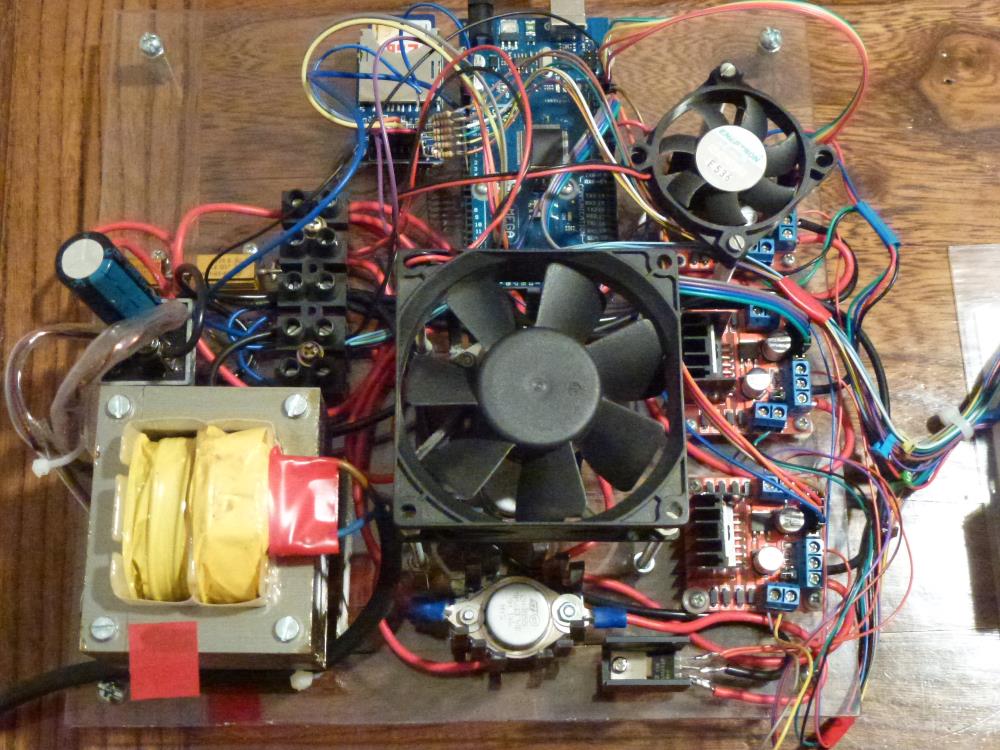
At Arduino side the program controls the stepper motors to move the tool.
The whole chain is now working.
I abandon the idea of erasing files (previous ones) from SD CARD using "for loops".
But, still this is a challenge to understand what could be wrong with Arduino.
In particular, why the combination of Stringsss and SD.remove() or SD.exists() fails.
Again many thanks for your time and effort.
Regards
Eric
EricCNC:
Probably there is something stupide which I am unable to solve.
Probably your program is (much?) bigger than the code snippet you are actually showing?
In that case you might run out of available RAM when using "String" object bullshit instead of nullterminated strings (char arrays, char pointers).
An Arduino UNO, for example, has just 2048 Bytes of RAM, and with an UNO and using the SD library you cannot use many bullshit "String" objects in your sketch without running out of RAM. The Arduino IDE will not show you any nice "out of RAM" message, there will be just functions not working any longer when no RAM left over to handle the function call successfully. Your sketch is dying silently when killing it with "String" objects and RAM overusage.
Many thanks for your reply.
Sorry, you are right. Some info is missing. I am using MEGA2560.
The program occupies 8% of PROGRAM memory and 37% of DATA storage area.
I think there is enough remaining memory space.
And "jurs" you are right when you say about Arduino "it may die silently".
Below there are 2 examples: 1 works (will display only). 2 doesn't work.
This one works fine (i.e. it displays correctly file names on the terminal).
for (int i = 1; i < 100; i++) {
String fileID = String(i) + "_LIN.TXT";
Serial.println(fileID);
}
The example below will not work (same place, same situation).
for (int i = 1; i < 100; i++) {
String fileID = String(i) + "_LIN.TXT";
Serial.println(fileID);
boolean fileFLAG = SD.exists(fileID);
if (fileFLAG) {
SD.remove(fileID);
}
}
There is probably a problem with Strings which I may use improperly.
FYI.
This is a chain of CNC.
I am using Rhino3D to produce dxf files in order to cut pieces using CNC.
At the beginning, the usefull data is extracted from dxf using PROCESSING
(a language similar to Arduino IDE with many traps because of similarity).
Only LINEs, ARCs, CIRCLEs and POLYLINEs are extracted from dxf and stored into :
xx_LIN.TXT (xx from 0 to 99)
xx_ARC.TXT (same)
xx_CIR.TXT
xx_VRX.TXT (VRX like VERTEX) files on SD CARD.
This info is transferred from PC to Arduino MEGA using (of course, manually) SD CARD.
At Arduino side the program controls the stepper motors to move the tool.
The whole chain is now working.
I abandon the idea of erasing files (previous ones) from SD CARD using "for loops".
But, still this is a challenge to understand what could be wrong with Arduino.
In particular, why the combination of Stringsss and SD.remove() or SD.exists() fails.
Again many thanks for your time and effort.
Regards
Eric
EricCNC:
Below there are 2 examples: 1 works (will display only). 2 doesn't work.
This one works fine (i.e. it displays correctly file names on the terminal).
for (int i = 1; i < 100; i++) {
String fileID = String(i) + "_LIN.TXT";
Serial.println(fileID);
}
...
Only LINEs, ARCs, CIRCLEs and POLYLINEs are extracted from dxf and stored into :
xx_LIN.TXT (xx from 0 to 99)
xx_ARC.TXT (same)
xx_CIR.TXT
xx_VRX.TXT (VRX like VERTEX) files on SD CARD.
The code for creating file names and the description of the file names are not the same.
The code will create file names with numbers below 10 like:
1_LIN.TXT
2_LIN.TXT
3_LIN.TXT
4_LIN.TXT
But the description xx_LIN.TXT indicates that the file names should start with two digits always:
01_LIN.TXT
02_LIN.TXT
03_LIN.TXT
04_LIN.TXT