EDIT: This title is incorrect, but I don't want to change it as it will mess with the search engine indexing. There is no problem with SoftwareSerial instances, it's multiple instances of DFRobotDFPlayerMini I'm having issues with.
I (think I) know what the problem is I just have no clue how to fix it in this environment.  As the title says, I don't think you can do multiple instances of SoftwareSerial. The example under listen() in this document seems to indicate you can, so maybe I'm doing something wrong.
I have three MP3-TF-16P players. Individually, they all work fine, I will need them to work concurrently, the sounds may overlap (I have a mixer circuit to apply.) The problem is instances of SoftwareSerial "clobber" previous instances, causing none of them to work.
- Arduino Uno R3
- Arduino powered by USB, players by breadboard power source (5V)
In the Fritzing below, only one player is connected, and this does work. This is "method two" of connecting the MiniPlayer, 1K resistor only on the RX - previously I had set up a voltage divider and wanted to simplify to debug. There's a bit of confusion about voltage on these - the VCC can easily handle 5V, it's the RX and other pins that require lower voltage.

Note the comment at line 32 in the code below - when I uncomment any of the other instances of SoftwareSerial on initial upload the sound plays once on player #1 but does not loop. I can fully connect all of the players and leave it as posted, the first one is fine. As soon as I uncomment the line that causes subsequent players to begin(), nothing works.
Is there a workaround for this?
Already tried making library copies, it's a mess.
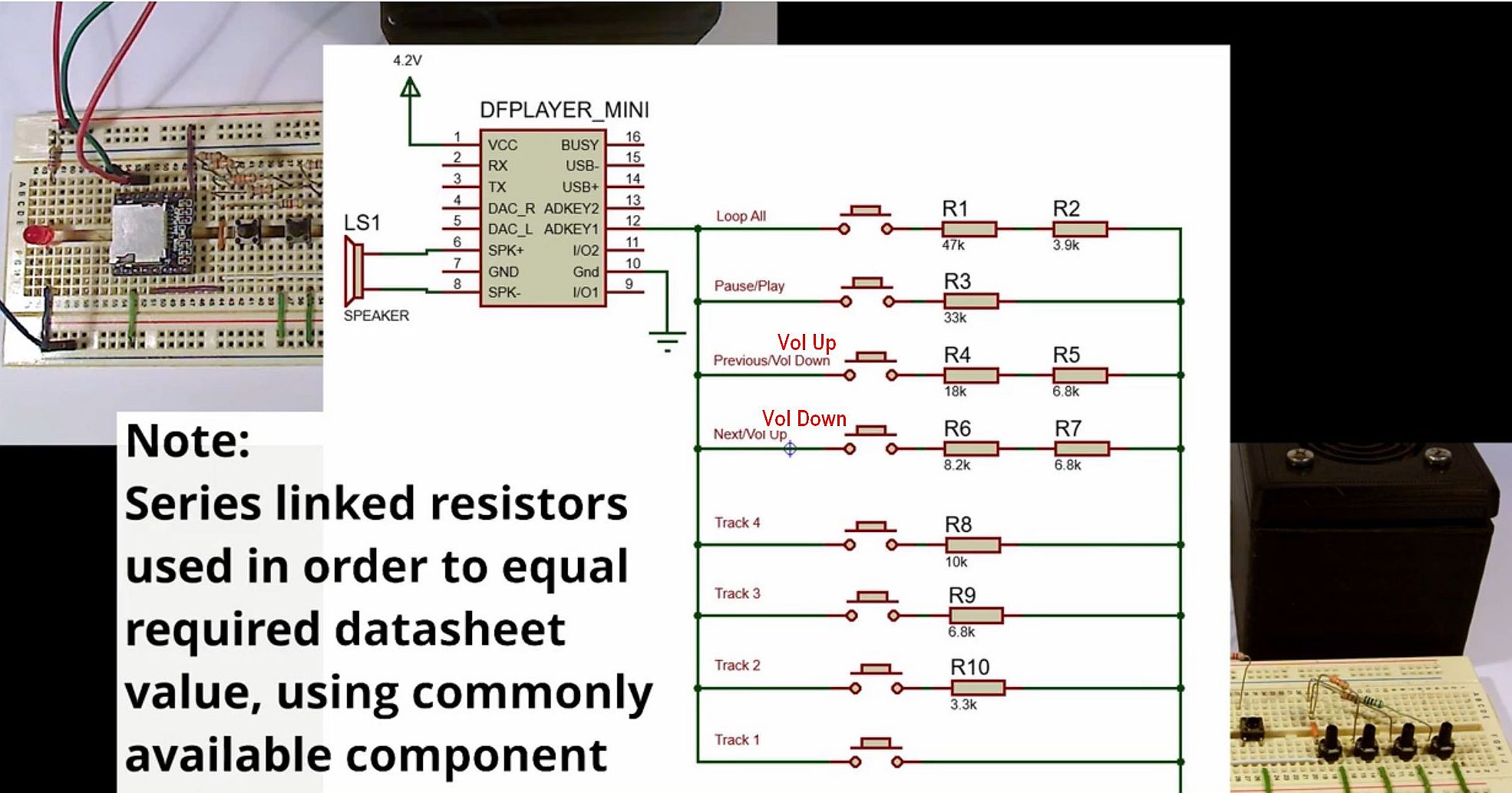
I am also looking at programming the AD1/2 keys but I won't use buttons . . . I will need to figure out how to control it from the arduino (if it will even work LOL.) I haven't gotten there yet.
#include <SoftwareSerial.h>
#include <DFRobotDFPlayerMini.h>

const char potPin = A5;

// Use pins 2 and 3 to communicate with DFPlayer Mini
static const uint8_t PIN_MP3_TX = 2;  // Connects to module's RX
static const uint8_t PIN_MP3_RX = 3;  // Connects to module's TX
static const uint8_t PIN_MP4_TX = 4;  // Connects to module's RX
static const uint8_t PIN_MP4_RX = 5;  // Connects to module's TX
static const uint8_t PIN_MP5_TX = 6;  // Connects to module's RX
static const uint8_t PIN_MP5_RX = 7;  // Connects to module's TX

SoftwareSerial softwareSerial(PIN_MP3_RX, PIN_MP3_TX);
SoftwareSerial softwareSerial1(PIN_MP4_TX, PIN_MP4_TX);
SoftwareSerial softwareSerial2(PIN_MP5_TX, PIN_MP5_TX);

// Create the Player object
DFRobotDFPlayerMini player;
DFRobotDFPlayerMini player1;
DFRobotDFPlayerMini player2;


void setup()
{

  // Init USB serial port for debugging
  Serial.begin(9600);
  // Init serial port for DFPlayer Mini
  softwareSerial.begin(9600);
  // Uncomment either of these lines and player 1 will play once but not loop.
  //softwareSerial1.begin(9600);
  //softwareSerial2.begin(9600);

  // Start communication with DFPlayer Mini
  if (player.begin(softwareSerial)) {
    Serial.println("OK");


  } else {
    Serial.println("Connecting to DFPlayer Mini failed!");
  }
}

void loop()
{
  setVolume();
  playFile();
  delay(4000);
}

void setVolume()
{
  int potVal = analogRead(potPin);
  int vol = map(potVal, 0, 1023, 0, 30);
  player.volume(vol);
  //player1.volume(vol);
  //player2.volume(vol);
}

void playFile()
{ Serial.println('play file');
  player.playMp3Folder(1);
  //delay(2000);
  //player1.playMp3Folder(1);
  //delay(2000);
  //player2.playMp3Folder(1);
}