Stacking 2 diffirent shields?

Exactly how is the HC05 connected to Arduino?

Is it connected to the Uno or Leo?

To pair and connect the HC05 only needs 5V power and ground. Disconnect everything except from 5V and ground from the HC05 and try it. DO NOT put the HC05 into AT mode and try to connect.

If the HC05 still will not pair with everything but 5V and ground disconnected and in communication mode, there is a fair chance that it is no good. There have been instances of bad modules lately.

If you did connected any of the HC05 inputs (RX, EN) directly to 5V there is a chance that it is damaged. The inputs are not 5V tolerant (despite what you may see on the net) and can be damaged by 5V.

1 Like

It’s connected to a Leo, I’m connected to a 5V directly like most people:/

I would like to see where the blue LED is, and also a view of the back of this board.

1 Like

I’ll post it in 20 mins not at home right now.

Update from me again, now windows shows it as paired but red LED still flashes fast. Does this normal?

Problem:
It says Level 3.3v
You are using it at 5v?
Stop at once!

When it pairs the flashing should change from a fast flash (1Hz) to one short flash every 3 seconds or so.

Then when connected to an app, the flash will change to 2 short flashes every 3 seconds or so.

Like I said before, I like the serial Bluetooth terminal app to talk with the HC05 from my Android phone or tablet.

1 Like

I've seen people on internet (mostly youtube tutorials) those connect to 5V directly so I did that, I managed to pair and send/receive data using python for testing. But I tried my mouse connected to usb host shield and mouse inputs were incredibly laggy any ideas?

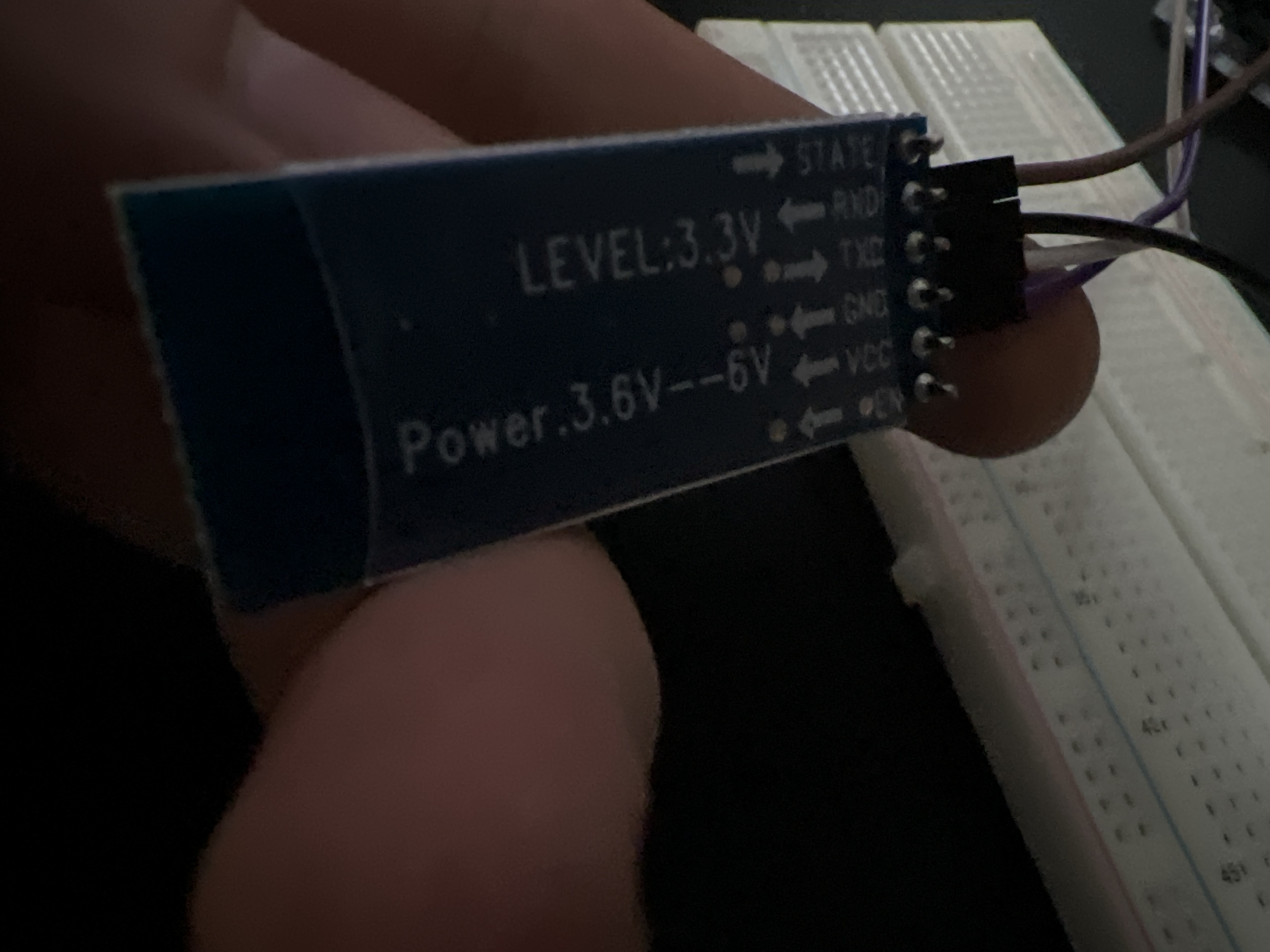
If you get away with it, fine, but you are using the part outside of its specification. When it dies, don't do the same with its replacement.

Cool.

I have absolutely zero experience with the Leonardo so must bow out on the mouse question.

This topic was automatically closed 180 days after the last reply. New replies are no longer allowed.