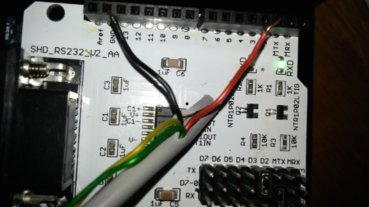
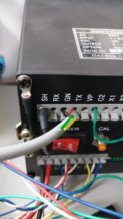
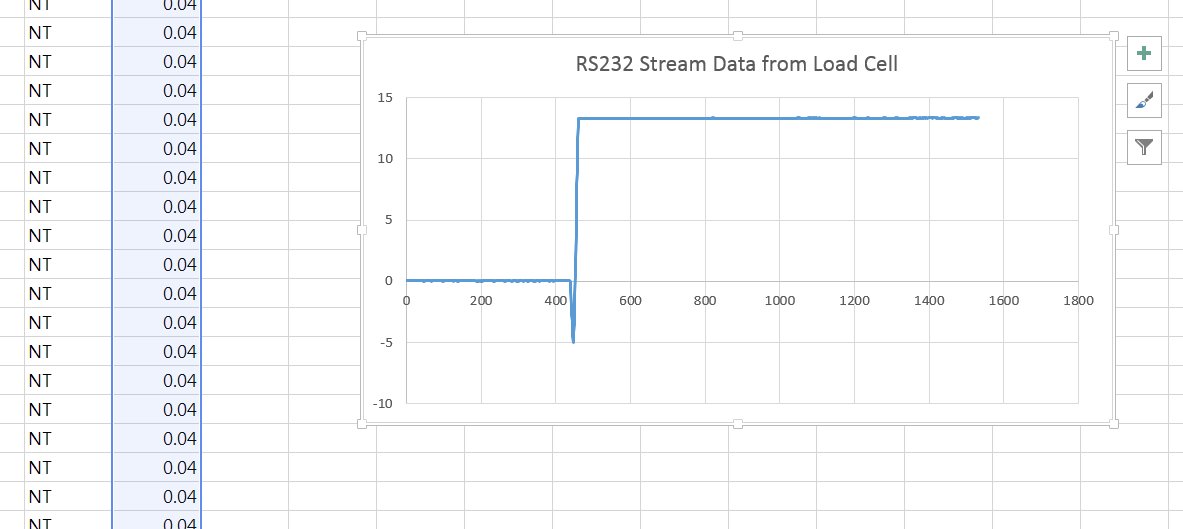
I am quite new to the RS232 communication using Uno and RS232 Shield V2 from LinksSprite.
Currently, I have the RS232 shield solder pins soldered O.K. and inserted the shield to the Arduino Uno R3.
I am trying to receive RS232 data from a digital indicator for load data acquisition connected to a load cell device, giving gram-force or similar data stream at 9600bps.
As the arduino sketch, I have utilized the one by Seeed Studio's example.
However, I only get 'Goodnight moon!' message on my PC's serial monitor screen.
When I press the S1 push-button on the RS232 shield of LinkSprite, it gives me again 'Goodnight moon!' message.
When I type some characters on the message line of serial monitor, it just blinks once, without any echoes on the serial monitor.
Port numbers have been changed to 2, and 3.
I really appreciate your comments or hints on this problem.
Bryan.
//-----copy from Seeedstudio wiki page; Port numbers changed ----
#include <SoftwareSerial.h>

SoftwareSerial mySerial(3, 2); //232_TX,232_RX

void setup()
{
    // Open serial communications and wait for port to open:
    Serial.begin(9600);
    while (!Serial) {
        ; // wait for serial port to connect. Needed for Leonardo only
    }


    Serial.println("Goodnight moon!");

    // set the data rate for the SoftwareSerial port
    mySerial.begin(9600);
    mySerial.println("Hello, world?");
}

void loop() // run over and over
{
    if (mySerial.available())
    Serial.write(mySerial.read());
    if (Serial.available())
    mySerial.write(Serial.read());
}
In the meantime, I have tried as per the suggestions from the post GrumpyMike made a while back.
I've tied the port numbers 2 and 3 together with one single small wire, to see if I could get any echoes from my typing in the message line of the SerialMonitor of Arduino on my PC.