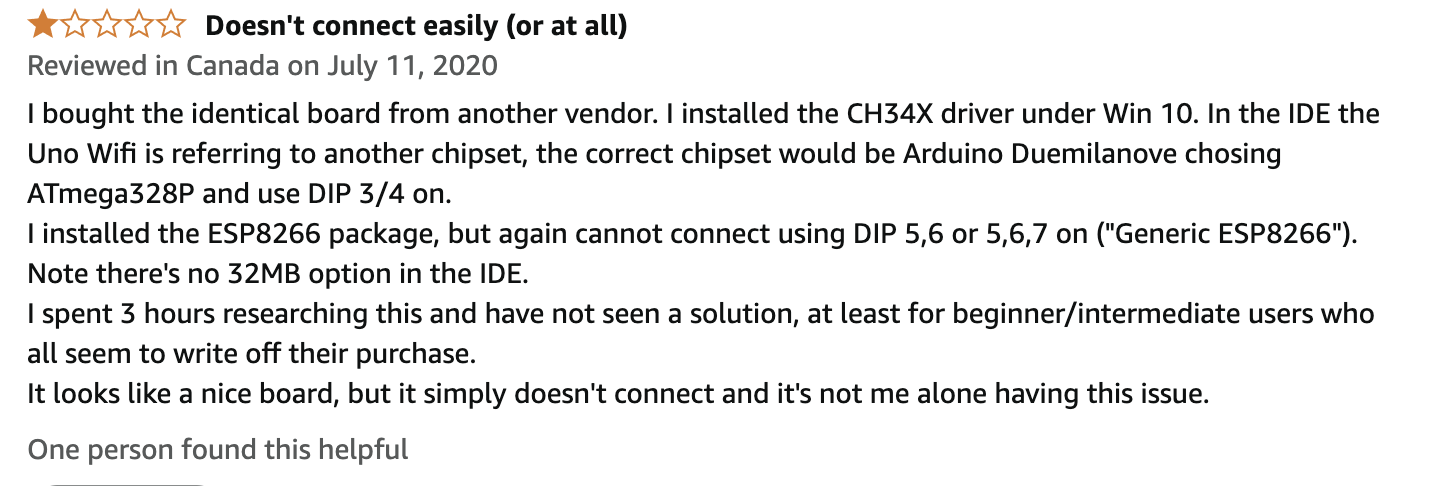
I have set the dip switch to esp8266 (5,6,7 on) and (5,6 on for output) and uploading the wificlient example but it just won't connect to the network. the network is showing on wifiscan example. SSID and Passphrase are correct that Iam sure of.
It did connected to the laptop mobile hotspot making me believe problem was something with router configuration.
Search for solution online, your wife should be 2.4Ghz (it is) tried different channel (1,6,11) , tried changing the bandwidth to 20Mhz from auto, tried both modes bgn bn (whatever these are) but no luck, I even tried setting up static ip in the code took help from (chatgpt)
*
    This sketch establishes a TCP connection to a "quote of the day" service.
    It sends a "hello" message, and then prints received data.
*/

#include <ESP8266WiFi.h>

#ifndef STASSID
#define STASSID "Faraz"
#define STAPSK "786687786"
#endif

const char* ssid = STASSID;
const char* password = STAPSK;

//setting static ip
IPAddress staticIP(192, 168, 0, 200);  // The static IP you want to assign to the ESP8266
IPAddress gateway(192, 168, 0, 1);     // Your router’s gateway IP
IPAddress subnet(255, 255, 255, 0);    // Subnet mask (usually 255.255.255.0)

const char* host = "djxmmx.net";
const uint16_t port = 17;

void setup() {
  Serial.begin(115200);

  // We start by connecting to a WiFi network

  Serial.println();
  Serial.println();
  Serial.print("Connecting to ");
  Serial.println(ssid);

  /* Explicitly set the ESP8266 to be a WiFi-client, otherwise, it by default,
     would try to act as both a client and an access-point and could cause
     network-issues with your other WiFi-devices on your WiFi-network. */
  WiFi.mode(WIFI_STA);
  WiFi.hostname("ESP-host");
  WiFi.config(staticIP, gateway, subnet);
  WiFi.begin(ssid, password);

  while (WiFi.status() != WL_CONNECTED) {
    delay(500);
    Serial.print(".");
    Serial.println(WiFi.status());
  }

  Serial.println("");
  Serial.println("WiFi connected");
  Serial.println("IP address: ");
  Serial.println(WiFi.localIP());
}

void loop() {
  static bool wait = false;

  Serial.print("connecting to ");
  Serial.print(host);
  Serial.print(':');
  Serial.println(port);

  // Use WiFiClient class to create TCP connections
  WiFiClient client;
  if (!client.connect(host, port)) {
    Serial.println("connection failed");
    delay(5000);
    return;
  }

  // This will send a string to the server
  Serial.println("sending data to server");
  if (client.connected()) { client.println("hello from ESP8266"); }

  // wait for data to be available
  unsigned long timeout = millis();
  while (client.available() == 0) {
    if (millis() - timeout > 5000) {
      Serial.println(">>> Client Timeout !");
      client.stop();
      delay(60000);
      return;
    }
  }

  // Read all the lines of the reply from server and print them to Serial
  Serial.println("receiving from remote server");
  // not testing 'client.connected()' since we do not need to send data here
  while (client.available()) {
    char ch = static_cast<char>(client.read());
    Serial.print(ch);
  }

  // Close the connection
  Serial.println();
  Serial.println("closing connection");
  client.stop();

  if (wait) {
    delay(300000);  // execute once every 5 minutes, don't flood remote service
  }
  wait = true;
}
Ok, try the following sketch. ONLY change the SSID and PSWD, NOTHING else.
/*
This sketch sends a string to a TCP server, and prints a one-line response.
You must run a TCP server in your local network.
For example, on Linux you can use this command: nc -v -l 3000
*/
#include <ESP8266WiFi.h>
#include <ESP8266WiFiMulti.h>
#ifndef STASSID
#define STASSID "your-ssid"
#define STAPSK "your-password"
#endif
const char* ssid = STASSID;
const char* password = STAPSK;
const char* host = "192.168.1.1";
const uint16_t port = 3000;
ESP8266WiFiMulti WiFiMulti;
void setup() {
Serial.begin(115200);
// We start by connecting to a WiFi network
WiFi.mode(WIFI_STA);
WiFiMulti.addAP(ssid, password);
Serial.println();
Serial.println();
Serial.print("Wait for WiFi... ");
while (WiFiMulti.run() != WL_CONNECTED) {
Serial.print(".");
delay(500);
}
Serial.println("");
  Serial.println("WiFi connected");
  Serial.println("IP address: ");
  Serial.println(WiFi.localIP());
delay(500);
}
void loop() {
Serial.print("connecting to ");
Serial.print(host);
Serial.print(':');
Serial.println(port);
// Use WiFiClient class to create TCP connections
WiFiClient client;
if (!client.connect(host, port)) {
Serial.println("connection failed");
Serial.println("wait 5 sec...");
delay(5000);
return;
}
// This will send the request to the server
client.println("hello from ESP8266");
// read back one line from server
Serial.println("receiving from remote server");
String line = client.readStringUntil('\r');
Serial.println(line);
Serial.println("closing connection");
client.stop();
Serial.println("wait 5 sec...");
delay(5000);
}
You are mentioning UNO R3 (no wifi) and esp8266 in the title, I assume the wifi sketch is running on the esp8266, let's leave the UNO out of it for now.
actually its a hybrid kind of board that has atmega (uno r3 no wifi) and esp8266 soldered on the board. We select which to program using dip switch which i mentioned in my first post and yes wifi sketch will run on esp8266 (pro side of this board is it has internal circuitry through which both chips communicate no need for external wiring);
Ok, I have one of those as well. I would not expect it to work with any of the Arduino libraries. Is there a board entry? What have you selected for board?
If there is, look at the samples under the board section, that is the samples after the builtin. If it has a wifi sample, build off of that.
Do a screen grab of your board selection.
Are we still talking about that combo board? If so, it is NOT an 8266 of any kind generic or not.
Your best bet is to get the manufacturers instructions on how to use it.
I just located my combo board, but the documentation is who knows where.
Your board appears to be identical to mine, do you know where you got it, I don't remember where I got mine. The seller MAY have docs.
well that kinda sucks i got my board from Arduino Uno R3 WIFI Board with ESP8266 and CH340 in Pakistan
Guess I will buy esp32 heard it has wifi
oh by the way the last forum link you sent I have read it and that is what helped me in learning about the dip switches etc, but unfortunately it doesn't talks about wifi problem
gonna try going to a a friends house and try to connect to his wifi,
if it doesn't ah well.
I have also found some firmware files gona try flashing them tomorrow, if it works will post here though it requires more intermediate level of knowledge I guess.
I think I will toss my board in the trash, it doesn't offer any benefits and seems impossible to get it to work. Yes, get a esp32. You can probably get 10 on AliExpress for the same price as one on Amazon. I have many different kinds. Good luck.
Why not? With the switches on the board configured for direct communication between the computer and the ESP8266, this board is no different from any other ESP8266 board.
I would expect the "Generic ESP8266 Module" board definition to work just fine with this board.
Sure it is. You can see the ESP8266 microcontroller right here:
There are some benefits to being able to use the ESP8266 solely for network connectivity and do everything else on our old friend the ATmega328P. But yes, this type of combo board is more challenging to work with compared to a standalone ESP8266 board due to the need to work with two separate microcontrollers and figure out the communication between the two and with the computer.
@amfaraz select File > Examples > ESP8266WiFi > WiFiScan from the Arduino IDE menus and then upload that sketch to the board (you don't need to make any adjustments to the example sketch code before uploading).
Then check the Serial Monitor. It should list all the Wi-Fi access points that can be found by the Wi-Fi radio of the ESP8266. If you don't see any access points listed then this would indicate that there is a problem with the board's radio reception, and thus allow you to better focus your troubleshooting efforts.
I based my comments on the fact the OP could not get it to work. Now I will have to have a closer look at mine, but remember I did find one review that said the same thing, no work, if/when I have time I will give it a try.