I want to update my Arduino mega WiFi rev 3 so that I can use AT commands and the Wifi library. Can someone help please?
what is "Arduino mega WiFi rev 3" and why did you put this in the Arduino Giga category?
Aah sorry it was a mistake. I meant Arduino mega Atmega 2560 Wifi Rev3
there is no such board "Arduino Mega WiFi". do you mean a Mega clone with an esp8266 on board?
https://github.com/JAndrassy/WiFiEspAT?tab=readme-ov-file#getting-started
Yes that one …thank you very much

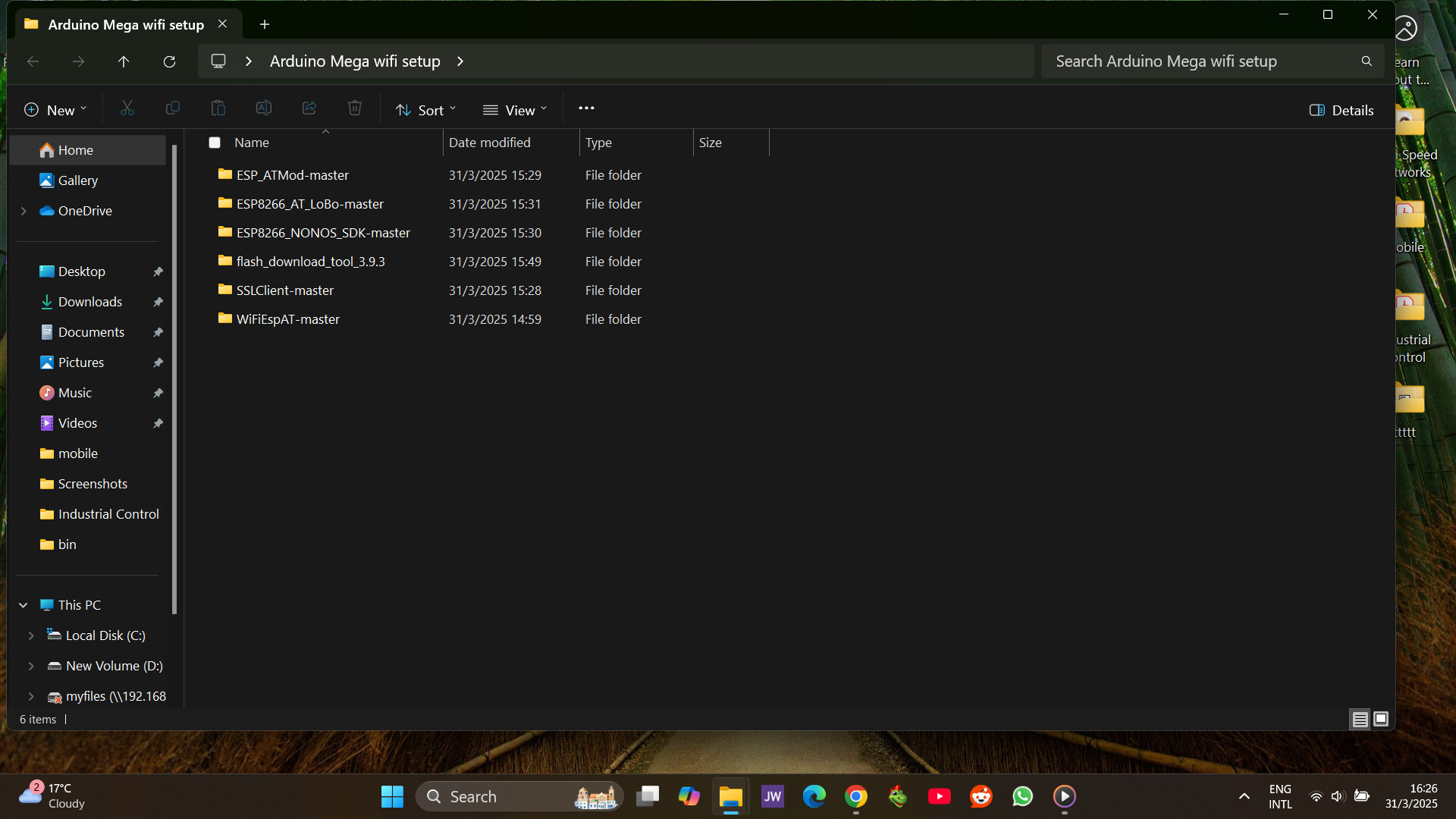
Thank you very much let me try it
Hello, I tried running that code and there was nothing on the serial monitor. I used 1-4ON and RXD3 initially and then 3-4 ON but there was no response. Also on configuring the settings for the Generic ESP8266 for the flash size, my default is 1MB(FS:64KB OTA:~470KB) and there is no option to use the suggested 512K (64K SPIFFS).
On another note, I think to add clarity to my situation, I can easily use the Atmega alone or the ESP8266 alone to connect to the WiFi, but I wanted to use both of them simultaneously utilizing AT commands and the WifiEsp.h library so that my Arduino Atmega will collect sensor readings and send them to the web utilizing the ESP8266
#define ESP_SERIAL Serial3 // Using Serial3 (pins 14/15) as confirmed by DIP settings
void setup() {
Serial.begin(115200);
while (!Serial) {
; // Wait for Serial to connect
}
// Set ESP8266 serial communication at 9600 baud (confirmed working)
ESP_SERIAL.begin(9600);
delay(2000); // Wait for ESP8266 to boot
Serial.println("Testing ESP8266 at 9600 baud...");
ESP_SERIAL.println("AT");
delay(1000);
if (ESP_SERIAL.available()) {
Serial.println("ESP8266 responded:");
while (ESP_SERIAL.available()) {
Serial.write(ESP_SERIAL.read());
}
Serial.println();
} else {
Serial.println("Unexpected: No response at 9600 baud. Check connection.");
while (true);
}
// Check firmware version
Serial.println("Querying ESP8266 firmware version...");
ESP_SERIAL.println("AT+GMR");
delay(2000); // Increase delay for longer responses
if (ESP_SERIAL.available()) {
Serial.println("ESP8266 Firmware Version:");
while (ESP_SERIAL.available()) {
Serial.write(ESP_SERIAL.read());
}
Serial.println();
} else {
Serial.println("Failed to get firmware version.");
}
// Initialize WiFiEsp library with debugging
Serial.println("Initializing WiFi module...");
WiFi.init(&ESP_SERIAL);
// Add detailed logging for initialization commands
if (WiFi.status() == WL_NO_SHIELD) {
Serial.println("WiFiEsp cannot detect ESP8266 module. Halting...");
Serial.println("Possible causes: outdated firmware, wrong baud rate, or hardware issue.");
while (true);
}
// Attempt to connect to WiFi
char ssid[] = "YOUR_WIFI_NAME"; // Replace with your WiFi network name
char pass[] = "YOUR_WIFI_PASSWORD"; // Replace with your WiFi password
int status = WL_IDLE_STATUS;
while (status != WL_CONNECTED) {
Serial.print("Attempting to connect to ");
Serial.println(ssid);
status = WiFi.begin(ssid, pass);
delay(10000); // Wait 10 seconds for connection
if (status != WL_CONNECTED) {
Serial.println("Connection failed. Retrying...");
}
}
Serial.println("Connected to WiFi!");
printWiFiStatus();
}
void loop() {
delay(1000); // Keep loop alive
}
void printWiFiStatus() {
Serial.print("SSID: ");
Serial.println(WiFi.SSID());
IPAddress ip = WiFi.localIP();
Serial.print("IP Address: ");
Serial.println(ip);
long rssi = WiFi.RSSI();
Serial.print("Signal strength (RSSI): ");
Serial.println(rssi);
}
I once used this code which gave the following response
16:14:57.704 -> Testing ESP8266 at 9600 baud...
16:14:58.743 -> ESP8266 responded:
16:14:58.743 ->
16:14:58.743 -> Querying ESP8266 firmware version...
16:15:00.748 -> ESP8266 Firmware Version:
16:15:00.748 -> �T
16:15:00.748 -> Initializing WiFi module...
16:15:00.748 -> [WiFiEsp] Initializing ESP module
16:15:01.747 -> [WiFiEsp] >>> TIMEOUT >>>
16:15:03.740 -> [WiFiEsp] >>> TIMEOUT >>>
16:15:05.760 -> [WiFiEsp] >>> TIMEOUT >>>
16:15:07.737 -> [WiFiEsp] >>> TIMEOUT >>>
16:15:09.767 -> [WiFiEsp] >>> TIMEOUT >>>
16:15:10.746 -> [WiFiEsp] Cannot initialize ESP module
16:15:16.753 -> [WiFiEsp] >>> TIMEOUT >>>
16:15:16.753 -> [WiFiEsp] No tag found
16:15:16.753 -> WiFiEsp cannot detect ESP8266 module. Halting...
16:15:16.753 -> Possible causes: outdated firmware, wrong baud rate, or hardware issue.Use code tags to format code for the forum
your post 12 is unreadable - use code tags </> when uploading code and screen text, e.g.
select “Edit>Copy for forum” then select < CODE/ > and paste the code or text where it says “type or paste code here”
which DIL switch setting did you use ?
e.g. Setting DIP switches ON ON ON ON OFF OFF OFF should connect
- the Mega Serial3 output to the ESP8266 serial monitor input
- the ESP8266 serial monitor output to Mega Serial3 input
also set the switch RXD0/TXD0 RXD3/TXD3 switch to RXD3/TXD3
Thank you let me try to edit it so that it is readable. My point of sending that code was to show you that my ESP8266 responded to some AT commands but could not use the WifiEsp library. And earlier @Juraj send me the the link with folders to help solve that. I had used 1-4ON on the code I sent. I think my main problem is that my Arduino board is not flashed so that’s why I was asking about the DIP switch configuration I need to be in to flash my ESP8266.
I thought the AT commands came already installed on the Mega/ESP8266 modules
never used AT commands on the modules - I preferred to program the ESP8266 and handle the Mega/ESP8266 communications directly
If this fails I will try doing that but I thought utilising the WifiEsp library would be much easier for me
I used this to check the Mega/ESP8266 AT commands worked
// Arduino  Mega-WiFi_R3_ATmega2560_ESP8266 Serial3 (connected to onboard ESP8266) test
//    blinks LED and communicates over Serial3 with ESP8266

// for pinout etc see https://content.instructables.com/ORIG/FZG/PCR2/K490QMC7/FZGPCR2K490QMC7.pdf

//Programming the Mega
//  DIP switches OFF OFF ON ON OFF OFF OFF OFF
//  press Reset then MODE
//  upload code

// to run
//  DIP switches ON ON  ON ON OFF OFF OFF OFF
//  press Reset code will run

#define LED 13  // mega LED on pin 13

void setup() {
  Serial.begin(115200);   // serial monitor
  Serial3.begin(115200);  // serial to ESP8266
  Serial.write("Arduino Mega Serial3 to ESP8266 test \n");
  pinMode(LED,OUTPUT);
  delay(500);
}

void loop() {
   static long int i=0;
   /*if(i++==100000l) {
      i=0;
      Serial.print('&');
   }*/
   static long timer=millis();
   // blink LED
   if((millis()-timer)>500) {
     timer=millis();
     digitalWrite(LED, !digitalRead(LED));
   }
   if (Serial3.available())        // read from Serial3 output to Serial
      Serial.write(Serial3.read());
   if (Serial.available()) {       // read from Serial outut to Serial3
     int inByte = Serial.read();
     Serial.write(inByte);        // local echo if required
     Serial3.write(inByte);       // write to ESP8266
  }
}
enter AT command on Mega serial monitor which are transmitted to ESP8266 and any response displayed
don't use the esp8266 arduino. I sent you the link to robotdyn site for the switches. flash AT firmware. the info about the AT firmwares is in the README I sent you earlier
This one worked thanks but I want to utilize the WifiEsp.h library and the flashing part is my problem.
at least proves the communication between the Mega and ESP8266 works and the AT commands are loaded
I have run this on the Mega/ESP8266 board
/*
 WiFiEsp example: WebServerLed

 A simple web server that lets you turn on and of an LED via a web page.
 This sketch will print the IP address of your ESP8266 module (once connected)
 to the Serial monitor. From there, you can open that address in a web browser
 to turn on and off the LED on pin 13.

 For more details see: http://yaab-arduino.blogspot.com/p/wifiesp.html
*/

#include "WiFiEsp.h"
#include "utility/RingBuffer.h"
char ssid[] = "xxxxxxxx";            // your network SSID (name)
char pass[] = "zzzzzzzz";        // your network password
int status = WL_IDLE_STATUS;

int ledStatus = LOW;

WiFiEspServer server(80);

// use a ring buffer to increase speed and reduce memory allocation
RingBuffer buf(8);

void setup()
{
  pinMode(LED_BUILTIN, OUTPUT);	// initialize digital pin LED_BUILTIN as an output.
  Serial.begin(115200);   // initialize serial for debugging
  Serial3.begin(115200);    // initialize serial for ESP module
  WiFi.init(&Serial3);    // initialize ESP module

  // check for the presence of the shield
  if (WiFi.status() == WL_NO_SHIELD) {
    Serial.println("WiFi shield not present");
    // don't continue
    while (true);
  }

  // attempt to connect to WiFi network
  while (status != WL_CONNECTED) {
    Serial.print("Attempting to connect to WPA SSID: ");
    Serial.println(ssid);
    // Connect to WPA/WPA2 network
    status = WiFi.begin(ssid, pass);
  }

  Serial.println("You're connected to the network");
  printWifiStatus();

  // start the web server on port 80
  server.begin();
}


void loop()
{
  WiFiEspClient client = server.available();  // listen for incoming clients

  if (client) {                               // if you get a client,
    Serial.println("New client");             // print a message out the serial port
    buf.init();                               // initialize the circular buffer
    while (client.connected()) {              // loop while the client's connected
      if (client.available()) {               // if there's bytes to read from the client,
        char c = client.read();               // read a byte, then
        buf.push(c);                          // push it to the ring buffer

        // printing the stream to the serial monitor will slow down
        // the receiving of data from the ESP filling the serial buffer
        //Serial.write(c);

        // you got two newline characters in a row
        // that's the end of the HTTP request, so send a response
        if (buf.endsWith("\r\n\r\n")) {
          sendHttpResponse(client);
          break;
        }

        // Check to see if the client request was "GET /H" or "GET /L":
        if (buf.endsWith("GET /H")) {
          Serial.println("Turn led ON");
          ledStatus = HIGH;
          digitalWrite(LED_BUILTIN, HIGH);   // turn the LED on (HIGH is the voltage level)
        }
        else if (buf.endsWith("GET /L")) {
          Serial.println("Turn led OFF");
          ledStatus = LOW;
          digitalWrite(LED_BUILTIN, LOW);    // turn the LED off by making the voltage LOW
        }
      }
    }

    // close the connection
    client.stop();
    Serial.println("Client disconnected");
  }
}


void sendHttpResponse(WiFiEspClient client)
{
  // HTTP headers always start with a response code (e.g. HTTP/1.1 200 OK)
  // and a content-type so the client knows what's coming, then a blank line:
  client.println("HTTP/1.1 200 OK");
  client.println("Content-type:text/html");
  client.println();

  // the content of the HTTP response follows the header:
  client.print("The LED is ");
  client.print(ledStatus);
  client.println("<br>");
  client.println("<br>");

  client.println("Click <a href=\"/H\">here</a> turn the LED on<br>");
  client.println("Click <a href=\"/L\">here</a> turn the LED off<br>");

  // The HTTP response ends with another blank line:
  client.println();
}

void printWifiStatus()
{
  // print the SSID of the network you're attached to
  Serial.print("SSID: ");
  Serial.println(WiFi.SSID());

  // print your WiFi shield's IP address
  IPAddress ip = WiFi.localIP();
  Serial.print("IP Address: ");
  Serial.println(ip);

  // print where to go in the browser
  Serial.println();
  Serial.print("To see this page in action, open a browser to http://");
  Serial.println(ip);
  Serial.println();
}
result on web client

09:27:14.842 -> [WiFiEsp] >>> TIMEOUT >>>
09:27:16.869 -> [WiFiEsp] >>> TIMEOUT >>>
09:27:18.870 -> [WiFiEsp] >>> TIMEOUT >>>
09:27:20.840 -> [WiFiEsp] >>> TIMEOUT >>>
09:27:21.839 -> [WiFiEsp] Cannot initialize ESP module
09:27:27.840 -> [WiFiEsp] >>> TIMEOUT >>>
09:27:27.840 -> [WiFiEsp] No tag found
09:27:27.879 -> WiFi shield not present
I think without flashing this ESP8266 I cannot use the WifiEsp