Hello,
I don't know where to ask for advise since YouTube provided great help on how to upload to GitHub from Eclipse but not how to do it with 2FA enabled on GitHub.
I'm performing this steps:
How to Export Eclipse projects to GitHub? (numpyninja.com)
but I get authentication error from Eclipse.
Same is with SSH and HTTPS.
I suppose is because of the 2FA enabled on GitHub, but even when disabling it the authentication error continues.
Thank you!
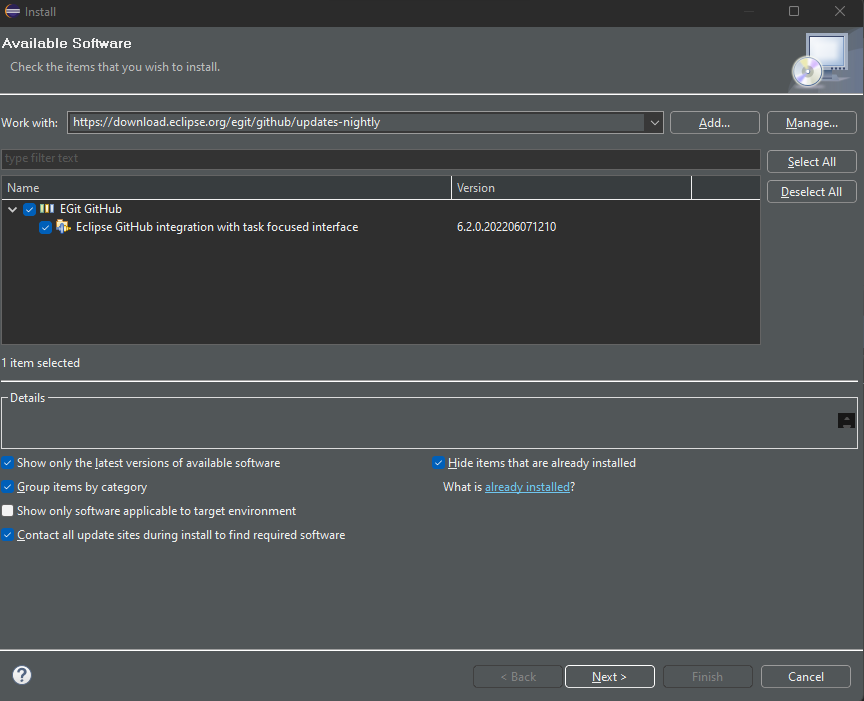

my Eclipse had Egit plugin installed by default.
what Eclipse version do you have?
Version: 2023-03 (4.27.0)
Build id: 20230309-1520
many plugins have problems with the new 2023 version. try 2022-12
Eclipse 2022-12

Consequently I don't have the Getting Started > point 2 from
EGit/GitHub/User Guide - Eclipsepedia
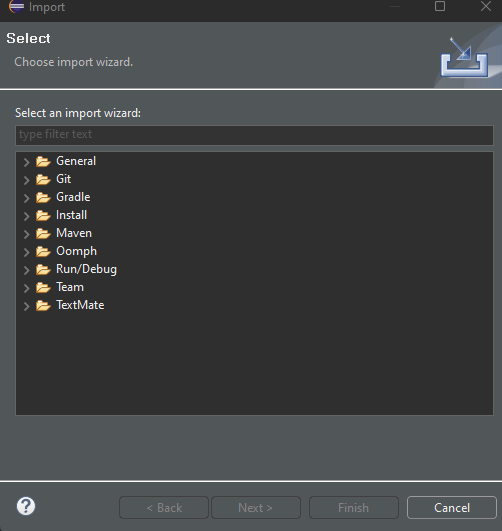
If you have no further ideas, never mind. I'll upload manually 
Thank you!
Maybe if I can install also older version of the plugin?
There are files here:
Eclipse software repository | The Eclipse Foundation
open the egit perspective and there you can add and manage repositories
Just few days ago had solved the same problem.
Generate a GitHub access token, save it somewhere in the PC and use it instead of password.
It worked!
Token used.
With the standard IDE functionality. No plugin needed!
Thank you!
Please mark thread as solved
my link in first comment was about the token
This is true also.
My apologies.
However the steps provided by b707 are easier to follow.
This topic was automatically closed 180 days after the last reply. New replies are no longer allowed.