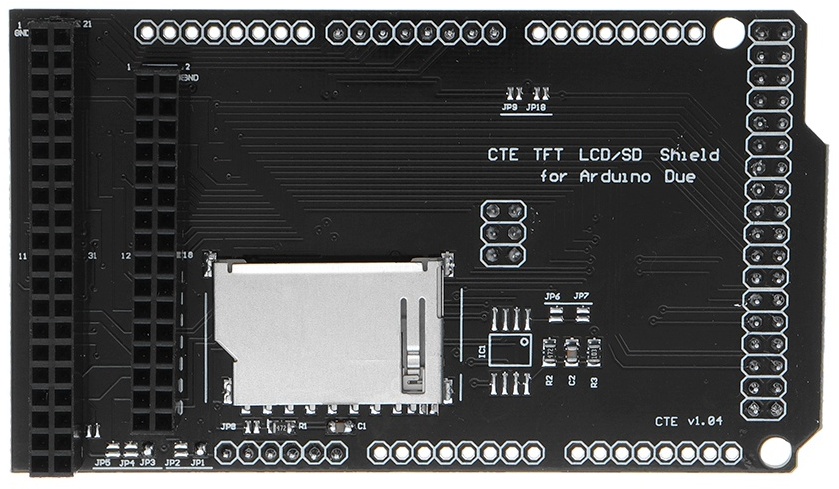
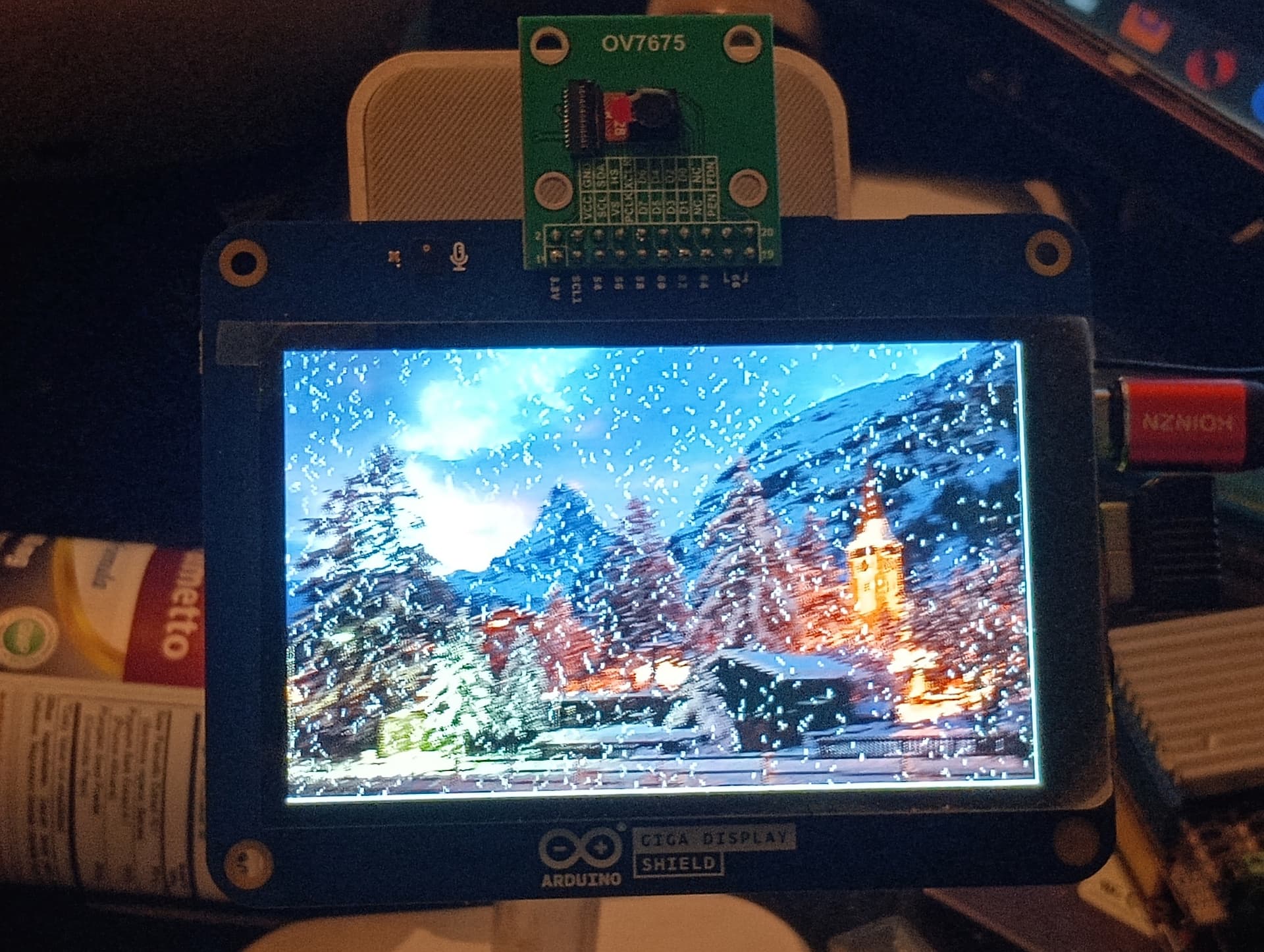
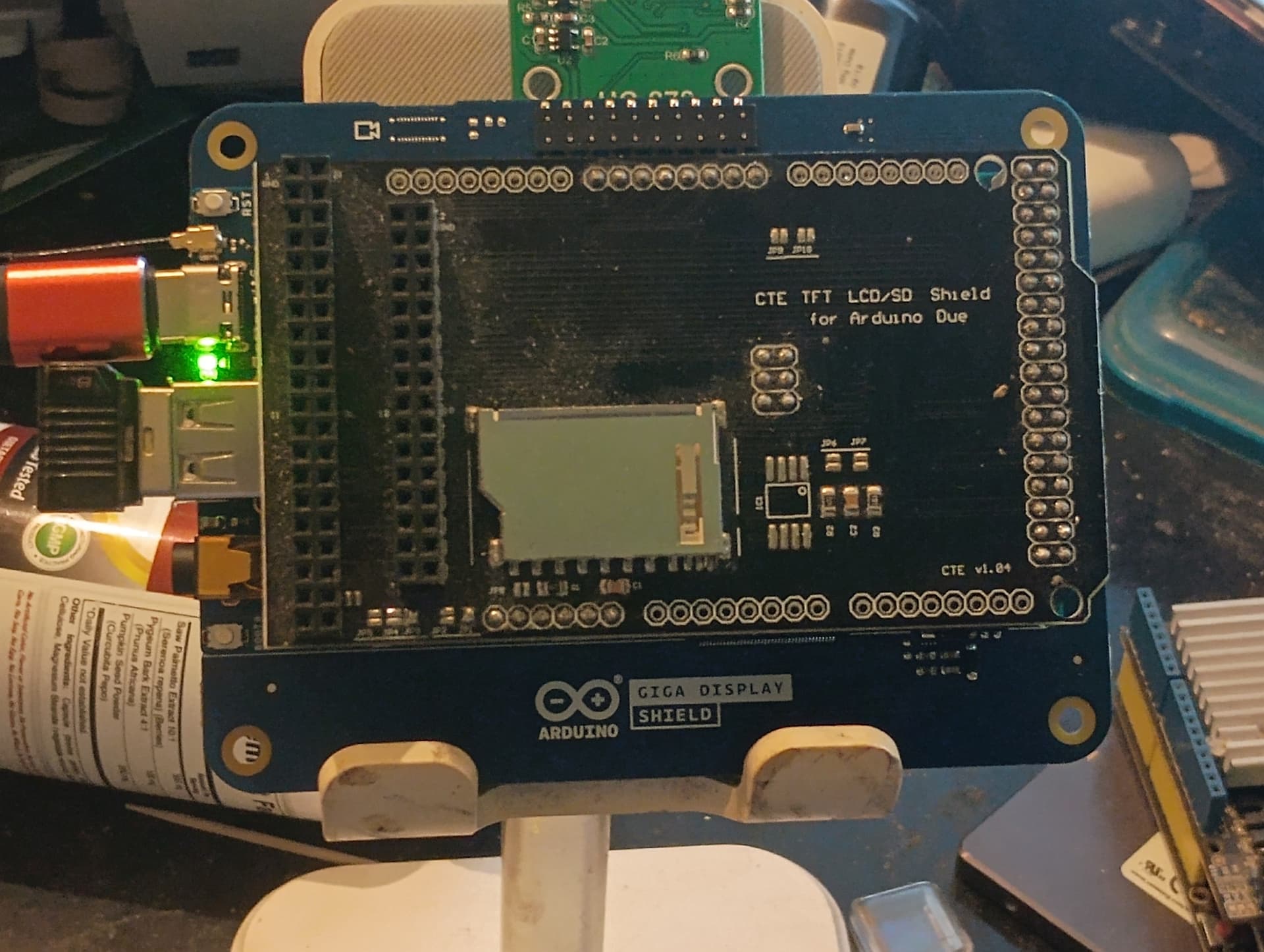
I am currently trying to use a CTE TFT LCD / SD Card Shield Expansion Board for Arduino DUE Module 3.3v.
https://www.aliexpress.com/i/3256801872252885.html?gatewayAdapt=4itemAdapt
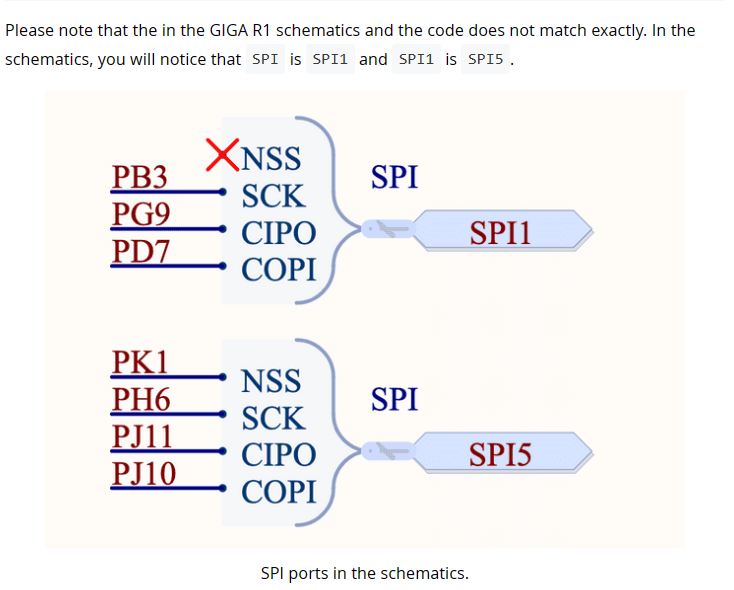
Am only using it for the SD card slot. It utilizes the ICSP port which translates to the SPI1 port on the Giga R1, and it uses pin 53 for SS.
When I run a truncated version of KurtE's example code, after changing SD_CS_PIN = 10 to SD_CS_PIN = 53, it still compiles to 10.
I added these lines to setup in order to help troubleshoot the problem.
Serial.println();
Serial.print("SS ");Serial.println(SS);
Serial.print("SCK ");Serial.println(SCK);
Serial.print("MISO ");Serial.println(MISO);
Serial.print("MOSI ");Serial.println(MOSI);
Serial.print("SDFAT FILE TYPE ");Serial.println(SDFAT_FILE_TYPE);
Serial.println();
Here is the serial output:
"SS 10
SCK 91
MISO 89
MOSI 90
SDFAT FILE TYPE 1
begin() failed
Do not reformat the SD.
No card, wrong chip select pin, or wiring error?
SdError: 0X1,0X0"
The SCK, MISI, and MOSI are correct, just the SS was not changed to 53.
IDE compiler must have a default SS with the Giga board type.
Here's the whole code:
#include "SdFat.h"
#include "sdios.h"

// SD_FAT_TYPE = 0 for SdFat/File as defined in SdFatConfig.h,
// 1 for FAT16/FAT32, 2 for exFAT, 3 for FAT16/FAT32 and exFAT.
#define SD_FAT_TYPE 1
/*
  Change the value of SD_CS_PIN if you are using SPI and
  your hardware does not use the default value, SS.
  Common values are:
  Arduino Ethernet shield: pin 4
  Sparkfun SD shield: pin 8
  Adafruit SD shields and modules: pin 10
*/

// SDCARD_SS_PIN is defined for the built-in SD on some boards.
const uint8_t SD_CS_PIN = 53;

// Try max SPI clock for an SD. Reduce SPI_CLOCK if errors occur.
#define SPI_CLOCK SD_SCK_MHZ(20)

#define SD_CONFIG SdSpiConfig(SD_CS_PIN, DEDICATED_SPI, SPI_CLOCK, &SPI1)
//------------------------------------------------------------------------------

#if SD_FAT_TYPE == 0
SdFat sd;
File file;
File root;
#elif SD_FAT_TYPE == 1
SdFat32 sd;
File32 file;
File32 root;
#elif SD_FAT_TYPE == 2
SdExFat sd;
ExFile file;
ExFile root;
#elif SD_FAT_TYPE == 3
SdFs sd;
FsFile file;
FsFile root;
#endif  // SD_FAT_TYPE

// Create a Serial output stream.
ArduinoOutStream cout(Serial);
//------------------------------------------------------------------------------
// Store error strings in flash to save RAM.
#define error(s) sd.errorHalt(&Serial, F(s))
//------------------------------------------------------------------------------
void setup() {
  Serial.begin(115200);

  // Wait for USB Serial
  while (!Serial) {
    yield();
  }

Serial.println();
Serial.print("SS ");Serial.println(SS);
Serial.print("SCK ");Serial.println(SCK);
Serial.print("MISO ");Serial.println(MISO);
Serial.print("MOSI ");Serial.println(MOSI);
Serial.print("SDFAT FILE TYPE ");Serial.println(SDFAT_FILE_TYPE);
Serial.println();

  // Initialize the SD card.
  if (!sd.begin(SD_CONFIG)) {
    sd.initErrorHalt(&Serial);
  }

  int rootFileCount = 0;
  if (!root.open("/")) {
    error("open root");
  }
  while (file.openNext(&root, O_RDONLY)) {
    if (!file.isHidden()) {
      rootFileCount++;
    }
    file.close();
    Serial.println (rootFileCount);

 }

}
//------------------------------------------------------------------------------
// Nothing happens in loop.
void loop() {}