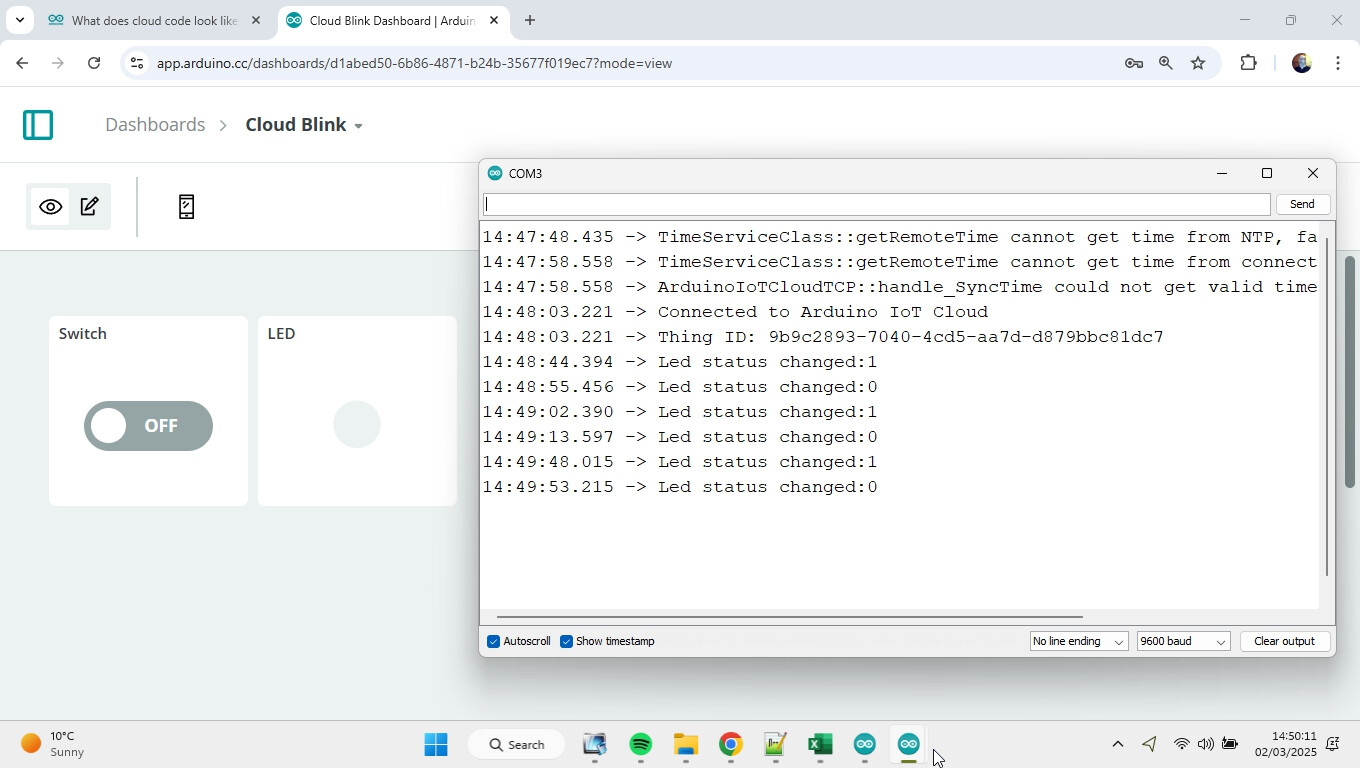
Ard nano esp32
following code is the template to the Cloud Blink
I can't understand it, it doesn't seem to direct the board to blink by using the switch
/*
  Sketch generated by the Arduino IoT Cloud Thing "Cloud Blink"

  Arduino IoT Cloud Variables description

  The following variables are automatically generated and updated when changes are made to the Thing

  bool led;

  Variables which are marked as READ/WRITE in the Cloud Thing will also have functions
  which are called when their values are changed from the Dashboard.
  These functions are generated with the Thing and added at the end of this sketch.
*/

#include "thingProperties.h"

void setup() {
  // Initialize serial and wait for port to open:
  Serial.begin(9600);
  // This delay gives the chance to wait for a Serial Monitor without blocking if none is found
  delay(1500);

  // Defined in thingProperties.h
  initProperties();

  // Connect to Arduino IoT Cloud
  ArduinoCloud.begin(ArduinoIoTPreferredConnection);

  /*
     The following function allows you to obtain more information
     related to the state of network and IoT Cloud connection and errors
     the higher number the more granular information you’ll get.
     The default is 0 (only errors).
     Maximum is 4
 */
  setDebugMessageLevel(2);
  ArduinoCloud.printDebugInfo();
  pinMode(LED_BUILTIN, OUTPUT);
}

void loop() {
  ArduinoCloud.update();
  digitalWrite(LED_BUILTIN, led);
}

/*
  Since Led is READ_WRITE variable, onLedChange() is
  executed every time a new value is received from IoT Cloud.
*/
void onLedChange()  {
  Serial.print("Led status changed:");
  Serial.println(led);
}
I tried loading the code that you posted.
When I tried to upload it , i got an error message saying that thingProperties.h could not be found.
After that I went to the cloud, and found the template called Cloud Blink. I used that to generate the code for me.
That code had tabs for "thingProperties.h" and "Sketch Secrets".
I've just realised that I have an Arduino Nano ESP32, that has not been connected to the cloud before.
I'm just trying to connect it and upload the Cloud Blink template.
hi, yes that is the cloud generated template! It does have the secret code page and the .h file. It uploads ok but nothing is happening when i throw the switch. I am only getting an OFFLINE msg all the time
2 weeks ago i bought a ESP32-S3-DevKitC-1-N16R8 ESP32 S3 Development Board WiFi and nothing will recognize that not the IDE or the cloud, so i bought the arduino brand to make it easy, ha ha
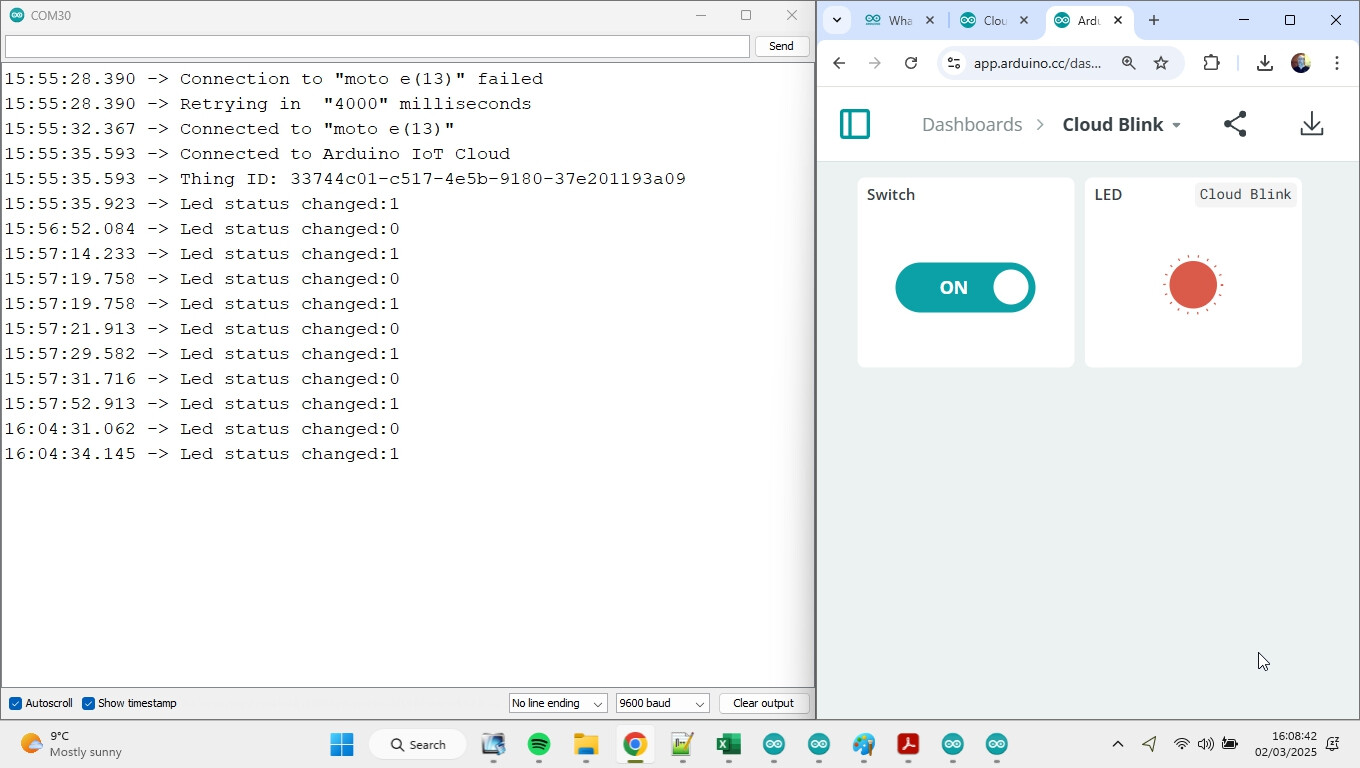
I've just set up and connected my Nano ESP32 to the cloud, and used the same template.
It connected first time.
I've unplugged it from my PC, and reconnected it several times. Each time it re-connects to the cloud after I open the serial monitor.
It usually connects first time, but occasionally I get a message saying it hasn't connected and will retry in 4000ms. In that case, it has always connected on the second time.