WiFi sketch upload error

Trying to upload AP_Simplewebserver example - no success
use - WiFi ESP8266M00
board - Arduino Uno WiFi
port - correct
ID and PW - correct

Saw an earlier solution however cannot open it.

error - invalid library found.

copying code up until loop

#include <SPI.h>
#include <WiFi101.h>
#include "arduino_secrets.h"
///////please enter your sensitive data in the Secret tab/arduino_secrets.h
char ssid[] = SECRET_SSID; // your network SSID (name)
char pass[] = SECRET_PASS; // your network password (use for WPA, or use as key for WEP)
int keyIndex = 0; // your network key Index number (needed only for WEP)

int led = LED_BUILTIN;
int status = WL_IDLE_STATUS;
WiFiServer server(80);

void setup() {
//Initialize serial and wait for port to open:
Serial.begin(9600);
while (!Serial) {
; // wait for serial port to connect. Needed for native USB port only
}

Serial.println("Access Point Web Server");

pinMode(led, OUTPUT); // set the LED pin mode

// check for the presence of the shield:
if (WiFi.status() == WL_NO_SHIELD) {
Serial.println("WiFi shield not present");
// don't continue
while (true);
}

// by default the local IP address of will be 192.168.1.1
// you can override it with the following:
WiFi.config(IPAddress(10, 0, 0, 1));

// print the network name (SSID);
Serial.print("Creating access point named: ");
Serial.println(ssid);

// Create open network. Change this line if you want to create an WEP network:
status = WiFi.beginAP(ssid);
if (status != WL_AP_LISTENING) {
Serial.println("Creating access point failed");
// don't continue
while (true);
}

// wait 10 seconds for connection:
delay(10000);

// start the web server on port 80
server.begin();

// you're connected now, so print out the status
printWiFiStatus();
}
please help.

neil
for Arduino Uno WiFi rev 2 uses the WiFiNINA library, not the WiFi101 library.

for Robotdyn/Wemos Uno+WiFi board use my WiFiEspAT library with AT firmware 1.7 in the esp8266

shall try and let u know thx so much

sunil V

never ending problem!

i have made robots from obstacle avoiding - robot arm - chat bot - ethernet
without any problem but always i face some issue with WiFi

i included the relevant library and now i get a compile error!

error -

In file included from C:\Users\user\Documents\Arduino\libraries\WiFiNINA-master\src/WiFiStorage.h:23:0,
from C:\Users\user\Documents\Arduino\libraries\WiFiNINA-master\src/WiFi.h:38,
from C:\Users\user\Documents\Arduino\libraries\WiFiNINA-master\src/WiFiNINA.h:23,
from C:\Users\user\Documents\Arduino\AP_SimpleWebServer\AP_SimpleWebServer\AP_SimpleWebServer.ino:21:
C:\Users\user\Documents\Arduino\libraries\WiFiNINA-master\src/utility/wifi_drv.h:293:12: error: 'PinStatus' does not name a type
static PinStatus digitalRead(uint8_t pin);
^~~~~~~~~
exit status 1
Error compiling for board Arduino Uno WiFi.

Hi @neilal

Are you certain your board is really an Arduino Uno WiFi?

I ask because these retired boards are quite rare.

The similarly named Uno WiFi Rev2 is much more common.

There are also 3rd party Chinese ESP8266-based boards advertised as "Uno WiFi".

We need to know exactly which board you have. Please post a link to where you bought the board from.

thanks so much.

its an UPLOAD error not a compilation error.

Are you certain your board is really an Arduino Uno WiFi? NO

Board info under TOOLS says -
BN: Unknown board
VID: 1A86
PID: 7523
SN: Upload any sketch to obtain it

few years ago i bought this WiFi addon to wifi UNO. from CHINA
i have no info on where i bought it, the exact vendor.

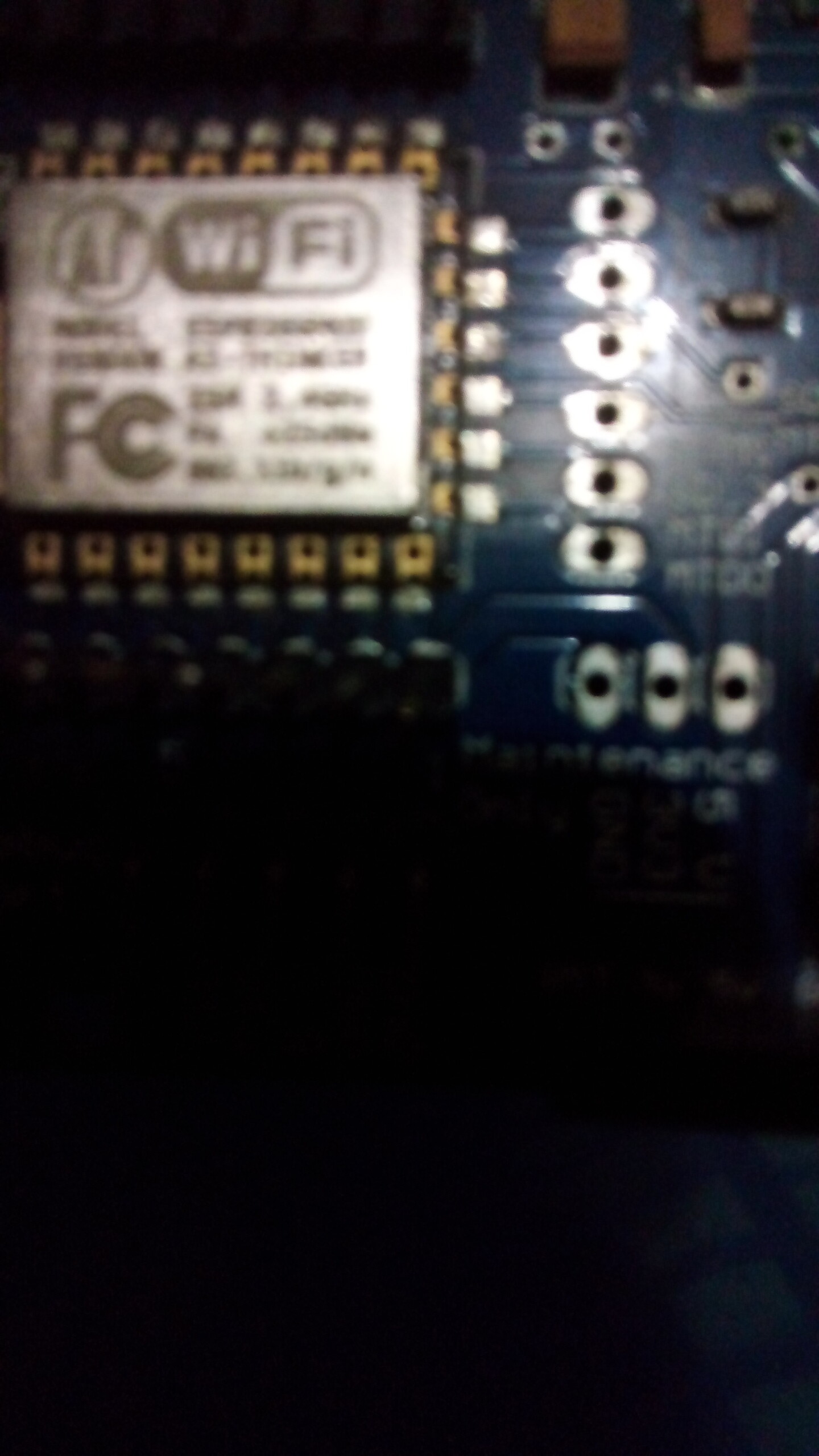
attached a photo for your perusal. (only 1 allowed)

maybe as u say its the fault of WiFi addon.

sunil V

photo of the whole board would be better, but it is definitively not Arduino Uno WiFi first or second

thx a lot.

photo of board
yes it maybe the board at fault.

juraj,

its a WiFi shield sitting on an UNO. can't take clear pics with my mobile so sorry.

its not a WiFi board. as u say it must be a fault with the WiFi shield.

cheers!

i got a clear pic of WiFi shield. pl check.

Hi,
Have you checked the web site.

Tom.. :smiley: :+1: :coffee: :australia:

It is not a fault with the WiFi shield. The fault is that you have selected the wrong board in the Arduino IDE. Putting a WiFi shield on an Uno doesn't magically turn it into an Uno WiFi. You must select Tools > Board > Arduino AVR Boards > Arduino Uno from the Arduino IDE menus.


You will also not be able to use the WiFiNINA library. I haven't used this type of shield for some years, but at the time I was using it this was the most beginner friendly option:


Juraj also has a very nice library for this configuration:

As mentioned, the WiFiEspAT library requires a relatively modern version of the AT firmware to be installed on the ESP8266 on the shield. I have no idea whether your shield has the required firmware. They did not at the time I purchased mine.

no use - thx.
bought from an ebay seller.

thanks again.

yes i tried with selecting UNO it still has the problem with LOADING.
as you say it the shield may not be faulty but
i am not an expert to say there's nothing wrong with the shield.
it could be a hardware issue which is beyond me.

i have no background in electronics, and have covered all possible robots but
no luck with wifi.

we have exhausted all possible solutions - maybe it's time to close this issue.

thank all.

Please post the full and exact text of any error output you see in the Arduino IDE after you have "the problem with LOADING".

Please also tell us which version of Arduino IDE you are using so that we can provide appropriate instructions.

Not even close. We are just getting started.

These shields are tricky to work with, but you can definitely achieve success if you are persistent.

the shield blocks RX/TX of Serial1 which is used by the USB.

Ardunino version 1.8.13. i saw the latest as 2.0.2 - i might try that too and let u know.

these types of error msgs i have tackled before but with this WiFi one i couldn't
in fact after two years i got back to robotics - so it's a long time!

thx a lot

trying to load an example - AP_SimpleWebServer

error msg
Sketch uses 26358 bytes (81%) of program storage space. Maximum is 32256 bytes.
Global variables use 1451 bytes (70%) of dynamic memory, leaving 597 bytes for local variables. Maximum is 2048 bytes.
An error occurred while uploading the sketch
avrdude: stk500_recv(): programmer is not responding
avrdude: stk500_getsync() attempt 1 of 10: not in sync: resp=0x85
avrdude: stk500_recv(): programmer is not responding
avrdude: stk500_getsync() attempt 2 of 10: not in sync: resp=0x85
avrdude: stk500_recv(): programmer is not responding
avrdude: stk500_getsync() attempt 3 of 10: not in sync: resp=0x85
avrdude: stk500_recv(): programmer is not responding
avrdude: stk500_getsync() attempt 4 of 10: not in sync: resp=0x85
avrdude: stk500_recv(): programmer is not responding
avrdude: stk500_getsync() attempt 5 of 10: not in sync: resp=0x85
avrdude: stk500_recv(): programmer is not responding
avrdude: stk500_getsync() attempt 6 of 10: not in sync: resp=0x85
avrdude: stk500_recv(): programmer is not responding
avrdude: stk500_getsync() attempt 7 of 10: not in sync: resp=0x85
avrdude: stk500_recv(): programmer is not responding
avrdude: stk500_getsync() attempt 8 of 10: not in sync: resp=0x85
avrdude: stk500_recv(): programmer is not responding
avrdude: stk500_getsync() attempt 9 of 10: not in sync: resp=0x85
avrdude: stk500_recv(): programmer is not responding
avrdude: stk500_getsync() attempt 10 of 10: not in sync: resp=0x85

Please try this:

  1. Move the switch marked "1" on the shield to the Off position.
  2. Upload your sketch to the Uno.
  3. Move the switch marked "1" on the shield to the On position.

One of the difficult things about using this shield with the Uno is the communication between the ATmega328P microcontroller on the Uno and the ESP8266 microcontroller on the shield is done via pins 0 and 1 on the Uno. The Uno also uses those pins to communicate with your computer for things like uploads and Serial Monitor. This causes uploading a sketch to the Uno to fail.

Switches 1 and 2 on the shield are connected between the Uno's pins 0 and 1 and the ESP8266. So by putting the switches in the Off position you disconnect the ESP8266 communication with the Uno, which allows the Uno to communicate with the computer without the ESP8266 interfering.

But of course you might want to communicate between the Uno and the ESP8266 over these pins, so this is why you would change the switches back to the On position after the upload finishes. After doing that, you might also want to press the reset button on the Uno so that the sketch program will start over again with the ability to communicate with the ESP8266.

This dual use of pins 0 and 1 also means that you have to be very careful (or avoid entirely) using things like Serial.println() in your sketch to print debug information to the Arduino IDE Serial Monitor. Those messages would also be sent to the ESP8266. This means you lose a very valuable feedback mechanism for your sketch programs. Once you have Wi-Fi communication working, you can use that as a substitute, but we often need some debug output to figure out why the Wi-Fi communication isn't working.


This is actually the problem I ran into with that WiFiEsp library. After quite some struggling, I discovered the author added a bunch of Serial prints in the library source code for debugging. That is reasonable to have when doing development work on a library, but what is not reasonable is they distributed the library to the users with the debug output still enabled! That debug output broke the communication between the Uno and the ESP8266.

I assumed they just forgot to turn off the debug output before publishing the library and submitted a fix, but the library author rejected it:

So this meant that it is necessary for the user to edit the library source code in order to use the library with a shield like this on an Uno or Mega.

Thx so much u have taken a true professional approach to solve this problem abd higjly educational too for beginners. I am so grateful for that. I shall try what u have suggested. Now i remember the common problem i had when using HC 04 where u need to disconnect 0 and 1 pins to load a program and connect them later. I sincerely feel the examples must indicate these types of hints at the top of the program on the comment area as no one will ever figure it out except people of ur calibre. Thanks again

attached photos (two emails)

i did put off switch 1 to off and uploaded the pgm.
i still got the same error.

actually i too expected it will upload as with the same scenario with HC04/05

mmmm wonder whats going on. i used a new cable too.