I'm currently trying to debug an issue I'm having connecting to a server using WiFiNINA's WiFiSSLClient class. I'm using an Arduino Nano IoT 33.
I'm using the stock standard WiFiSSLClient example included with the Arduino IDE (see below), but I can't for the life of me get it to connect. It attempts to connect and times out without ever sending the GET request. I've tried updating the SSL root certificates for "google.com" using the WiFiNINA firmware updated, but to no avail. I'm having no issues at all connecting my board to my WiFi network (or connecting to servers using the standard WiFiClient class), only with WiFiSSLClient.
Any thoughts or things to try would be highly appreciated - I feel like I've tried everything conceivable at this point!
#include <SPI.h>
#include <WiFiNINA.h>

#include "arduino_secrets.h"
///////please enter your sensitive data in the Secret tab/arduino_secrets.h
char ssid[] = SECRET_SSID;        // your network SSID (name)
char pass[] = SECRET_PASS;    // your network password (use for WPA, or use as key for WEP)
int keyIndex = 0;            // your network key index number (needed only for WEP)

int status = WL_IDLE_STATUS;
// if you don't want to use DNS (and reduce your sketch size)
// use the numeric IP instead of the name for the server:
//IPAddress server(74,125,232,128);  // numeric IP for Google (no DNS)
char server[] = "www.google.com";    // name address for Google (using DNS)

// Initialize the Ethernet client library
// with the IP address and port of the server
// that you want to connect to (port 80 is default for HTTP):
WiFiSSLClient client;

void setup() {
  //Initialize serial and wait for port to open:
  Serial.begin(9600);
  while (!Serial) {
    ; // wait for serial port to connect. Needed for native USB port only
  }

  // check for the WiFi module:
  if (WiFi.status() == WL_NO_MODULE) {
    Serial.println("Communication with WiFi module failed!");
    // don't continue
    while (true);
  }

  String fv = WiFi.firmwareVersion();
  if (fv < WIFI_FIRMWARE_LATEST_VERSION) {
    Serial.println("Please upgrade the firmware");
  }

  // attempt to connect to WiFi network:
  while (status != WL_CONNECTED) {
    Serial.print("Attempting to connect to SSID: ");
    Serial.println(ssid);
    // Connect to WPA/WPA2 network. Change this line if using open or WEP network:
    status = WiFi.begin(ssid, pass);

    // wait 10 seconds for connection:
    delay(10000);
  }
  Serial.println("Connected to WiFi");
  printWiFiStatus();

  Serial.println("\nStarting connection to server...");
  // if you get a connection, report back via serial:
  if (client.connect(server, 443)) {
    Serial.println("connected to server");
    // Make a HTTP request:
    client.println("GET /search?q=arduino HTTP/1.1");
    client.println("Host: www.google.com");
    client.println("Connection: close");
    client.println();
  }
}

void loop() {
  // if there are incoming bytes available
  // from the server, read them and print them:
  while (client.available()) {
    char c = client.read();
    Serial.write(c);
  }

  // if the server's disconnected, stop the client:
  if (!client.connected()) {
    Serial.println();
    Serial.println("disconnecting from server.");
    client.stop();

    // do nothing forevermore:
    while (true);
  }
}


void printWiFiStatus() {
  // print the SSID of the network you're attached to:
  Serial.print("SSID: ");
  Serial.println(WiFi.SSID());

  // print your board's IP address:
  IPAddress ip = WiFi.localIP();
  Serial.print("IP Address: ");
  Serial.println(ip);

  // print the received signal strength:
  long rssi = WiFi.RSSI();
  Serial.print("signal strength (RSSI):");
  Serial.print(rssi);
  Serial.println(" dBm");
}
Where did you get the root certificate (Global Sign) of the Google certificates? How do you know that Google is using only this one? Additionally Google is using a wildcard certificate, not sure if WiFiNINA is handling that correctly.
Google isn't the best test object for that kind of connection.
Thanks for the reply. Surely the example provided with WiFiNINA should work out of the box?
Ultimately I'd like to connect to "aviationweather.gov" to download weather conditions at various airports in the United States.
I've already built a working product using a NodeMCU ESP8266 and the ESP8266 WiFi library, but can't seem to achieve the same on the Arduino Nano IoT 33. See below for the code that works fine on the ESP8266 (without any certificates needing to be installed).
#include <ESP8266WiFi.h>
using namespace std;

const char ssid[] = "SECRET";
const char pass[] = "SECRET";

#define SERVER "www.aviationweather.gov"
#define BASE_URI "/adds/dataserver_current/httpparam?dataSource=metars&requestType=retrieve&format=xml&hoursBeforeNow=3&mostRecentForEachStation=true&stationString="

#define WIFI_TIMEOUT 60 // in seconds
#define REQUEST_INTERVAL 900000

void setup() {
    Serial.begin(74880);
}

void loop() {
  // Connect to WiFi
  if (WiFi.status() != WL_CONNECTED) {
    Serial.print("WiFi connecting..");
    WiFi.begin(ssid, pass);
    // Wait up to 1 minute for connection...
    for (c = 0; (c < WIFI_TIMEOUT) && (WiFi.status() != WL_CONNECTED); c++) {
      Serial.write('.');
      delay(1000);
    }
    if (c >= WIFI_TIMEOUT) { // If it didn't connect within WIFI_TIMEOUT
      Serial.println("Failed. Will retry...");
      return;
    }
    Serial.println("OK!");
  }

 getMetars()
 delay(REQUEST_INTERVAL)

}

bool getMetars(){

  BearSSL::WiFiClientSecure client;
  client.setInsecure();
  Serial.println("\nStarting connection to server...");
  // if you get a connection, report back via serial:
  if (!client.connect(SERVER, 443)) {
    Serial.println("Connection failed!");
    client.stop();
    return false;
  } else {
    Serial.println("Connected ...");
    Serial.print("GET ");
    Serial.print(BASE_URI);
    Serial.print("KPWK");
    Serial.println(" HTTP/1.1");
    Serial.print("Host: ");
    Serial.println(SERVER);
    Serial.println("User-Agent: LED Map Client");
    Serial.println("Connection: close");
    Serial.println();
    // Make a HTTP request, and print it to console:
    client.print("GET ");
    client.print(BASE_URI);
    client.print("KPWK");
    client.println(" HTTP/1.1");
    client.print("Host: ");
    client.println(SERVER);
    client.println("User-Agent: LED Sectional Client");
    client.println("Connection: close");
    client.println();
    client.flush();
    t = millis(); // start time

    Serial.print("Getting data");

    while (!client.connected()) {
      if ((millis() - t) >= (READ_TIMEOUT * 1000)) {
        Serial.println("---Timeout---");
        client.stop();
        return false;
      }
      Serial.print(".");
      delay(1000);
    }

  client.stop();
  return true;
}
Theoretically that should work out of the box. The certificate of Aviation Weather does set the actual site name only in the alternative names extension (the CN is different) but that's the way to go for years now so I would expect that to be supported.
What problems do you experience if you try to access that site using the WiFiNINA library? There is an undocumented WiFiBearSSLClient class. Have you tried to use that one?
Basically it returns false when I run connectSSL(SERVER, 443). It doesn't matter what site I try and connect to, it will always return false. Like I said, I have no issues at all with any insecure site on port 80.
I also tried using the ArduinoBearSSL library - that also exhibits the same issue.
I'm just baffled because I don't see similar issues documented by anyone else. I'm trying to work out what might be different about my setup (in principal this should be very simple).
I have the same problem with the NANO33 IoT board. I found that an SSL connect failed on a board with the latest microcode (revision 1.4.8), but worked on a board with back-level microcode (revision 1.2.3). Just swapping out the NANO33 board makes the problem show up or go away. Reflash the microcode to a working back-level version if you need an SSL internet connection, or wait for Arduino to fix their bug in the next microcode release. Tested with Arduino WiFiNINA library version `1.8.13.
Here is C++ code used to check the level & print the revision level to the serial port:
#include <SPI.h>
#include <WiFiNINA.h>

String fv = WiFi.firmwareVersion();
    Serial.print("WiFi firmware version ");
    Serial.print(fv);
    if (fv < WIFI_FIRMWARE_LATEST_VERSION) {
        Serial.print(" is back-level; latest is ");
        Serial.print(WIFI_FIRMWARE_LATEST_VERSION);
        //Serial.print("please upgrade it");
    }
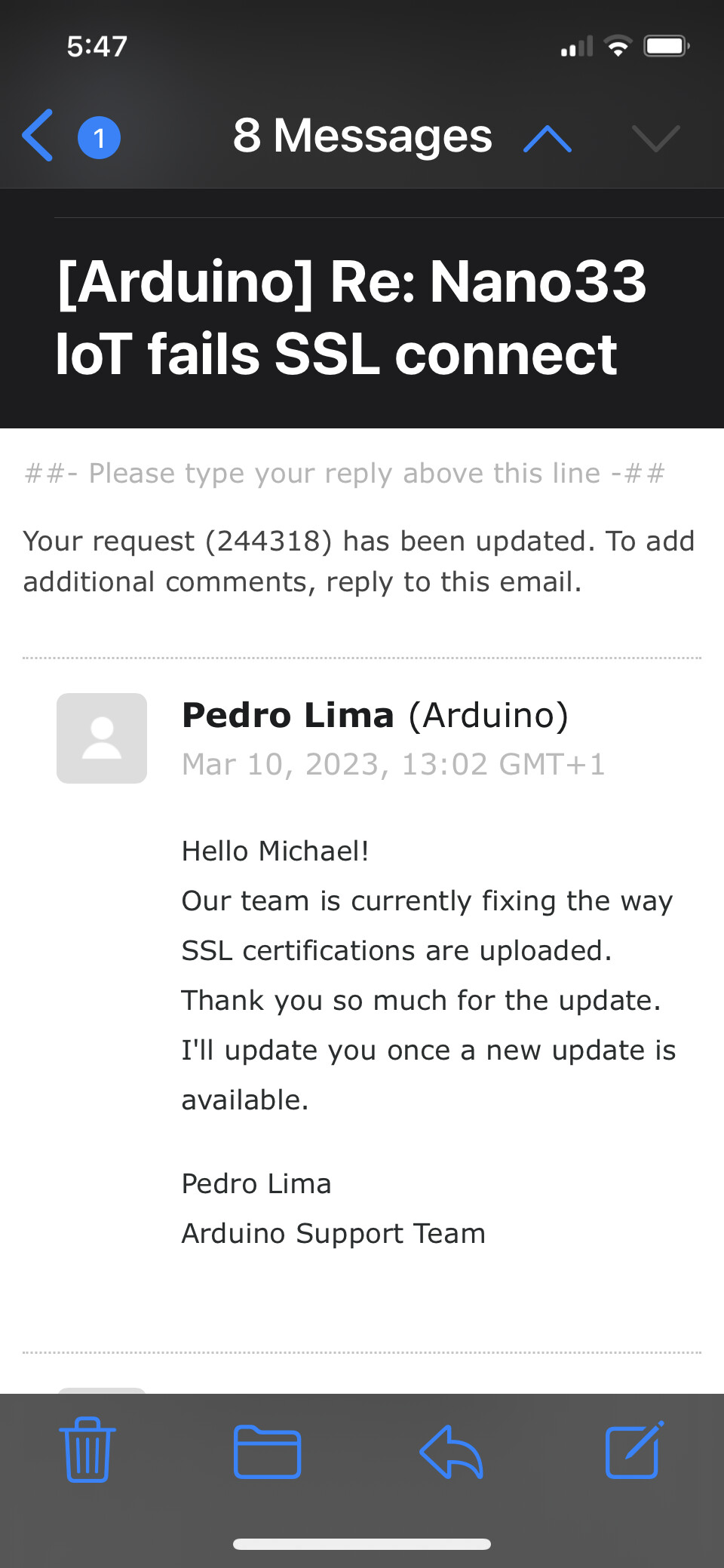
I opened a bug report with Arduino.cc; they are looking at this now.
Still awaiting response as of November 5, 2022.
Hello !! No response from Arduino even after multiple inquiries for an update. The Nano33 seems to be out of stock or no longer manufactured in the US; European prices are unaffordable because you have to pay shipping. The outcome is I switched to the MKR WiFi 1010 board and it works. It uses the same WiFi library as the Nano33; just reselect the board type in the IDE when you upload your code. I’m hoping Arduino abandons the Nano33 in 2023 and comes up with a brand new board that fixes everything.
Good luck, Mike
That's kind of bad. I have a design which relies on the nano 33 IoT. Currently I can't afford the time to switch to another board.
How did you revert the microcode? Is this just the Nina library version or is it something else?
I tried to use the Nina firmware Updater to use an older firmware but still the same issue on some boards.
I agree. My project was designed around the Nano sized board plugged into a Nano project board for voltage and connections; now I have to use a larger MKR WiFi 1010 board plugged into a regular plugboard. The MKR boards I have came with version 1.2.3 of the microcode that just happens to work. Anything after that doesn't do SSL connects on it or the Nano33. You cannot downgrade the Nano33 microcode to 1.2.3 because the current Arduino IDE board definitions have version 1.2.4 thru 1.4.8. Maybe if you have an older laptop still running the old IDE with old board definition files you could reflash the Nano33 firmware. Every reflash attempt I did failed to fix the SSL connect problem even with Arduino's newer definition files. I am running IDE 2.0.3 with WiFiNINA.h version 1.8.13 on the MKR WiFi 1010 now. Good luck.
Cheers, Mike
Alright, I made some progress. I checked the setup on a different pc and there I was able to update the certificates and got it to work afterwards.
Before I was working on a "work laptop" which is kind of restricted due to the IT department.
Funny enough, the FirmwareUpdater did not show any error during the update progress.
I suspect that the FirmwareUpdater is not able to access the defined servers to get the certificates and fails to upload them, or uploads an invalid certificate (it does not verify the certificate, only that it reads back what it uploaded).
let me add: The recent Arduino boards I have tested came with the google.com certificate preinstalled, so the stock SSL example did work right away. Only after updating to different certificates with my work laptop I faced the described issue.
Wow! Good sleuthing. You may have cracked the mystery. I'll have to try to flash the firmware again and see what certificate gets loaded. Like you, I did not notice any problem the first time I tried to reflash, so I didn't look there for certificate problems.
In summary, one of the two MKR WiFi 1010 boards with firmware revision 1.2.3 worked out of the box immediately. A Nano33 with revision 1.2.3 bought back in 2020 worked also. The other MKR WiFi 1010 that was a sample from the CES show in Las Vegas when it was introduced failed; it had firmware revision 1.0. I flashed it to the latest 1.4.8, but that too failed. My Arduino IDE board definition files did not have version 1.2.3, so the Nano33 is useless tor SSL connects for now.
Again, good detective work. I'll try to reflash my dead Nano33 with the Google SSL certificate and see what happens. Cheers, Mike.
Update: Using the new Arduino IDE 2.0.4, I am unable to update the SSL root certificate in either the Nano33 or the MKR WiFi 1010. There is only one certificate choice available called Arduino.cc:243 -- no Google certificate available like there is using the old IDE.
The board definition file has firmware levels 1.4.8, 1.5.0, and 1.2.3 available as choices. I was able to upload all of them into the Nano33, but without being able to upload a new root certificate I am unable to do SSL connects. Cheers, Mike.
Try using the 1.8.19 legacy IDE
Then make sure you have good internet connection without port restrictions, maybe deactivate your firewall or something.
Then flash the updater and run the updater to flash to 1.4.8 and add the google certificate (it is enough to type: google.com, the rest is filled automatically)
The updater try's to get the certificate from google.com, but as I suspected you don't get any feedback about if the updater is able to reach the server.
If that does not work.
RIP
IDE - All three of my Windows 11 boxes have the new IDE 2.0; I cannot step back to the legacy IDE you used. Firewall - I disabled my McAfee Anti-Virus Firewall for testing so I could fetch the Google.com:443 certificate. I was able to get the following successful results with the Nano33. Both the firmware and certificate were able to be uploaded to the Nano33. The new IDE has firmware files from the original 1.0 thru 1.2.3 up to the new 1.5.0. See attached successful test results, in random order. Cheers, Mike.
No, not yet. I can download any version of the WiFiNINA firmware to my Nano33's successfully, but today I cannot download any root certificate to them, with my McAfee Firewall up or down. Yesterday was a fluke being able to download the certificate once. All this was done using the new IDE 2.0 environment. Both of my MKR WiFi 1010's work perfectly, so I don't want to mess with new root certificates for them. The bottom line is that my Nano33's can connect to my router and the Internet perfectly, but just not do SSL connects.
I have one old laptop in mothballs that may still have the legacy IDE 1.0 because it has never been upgraded yet. If I get a chance I might start testing it. User @timokko reported success using the old IDE. My three Windows boxes have the new 2.0 IDE.
Update 3/7/23 - I ordered a brand new Nano33 from Arduino via Amazon. It was preloaded with firmware 1.4.8. It failed to do an SSL connect immediately. I was unable to successfully download all the root certificates I tried. The problem lies with the Version 2.0 IDE. Otherwise, the new Nano connects to my router and wherever I point it on the Internet. The new 2.0 IDE needs to be fixed to download root certificates correctly so SSL connects work like my Arduino MKR WiFi 1010 boards.