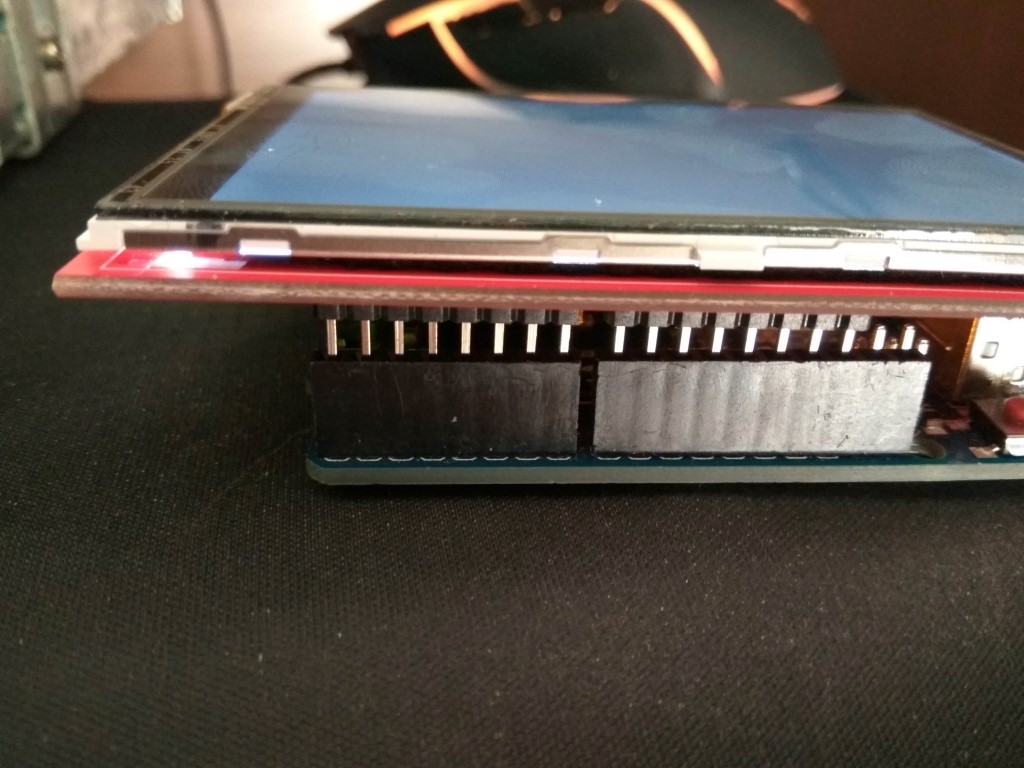
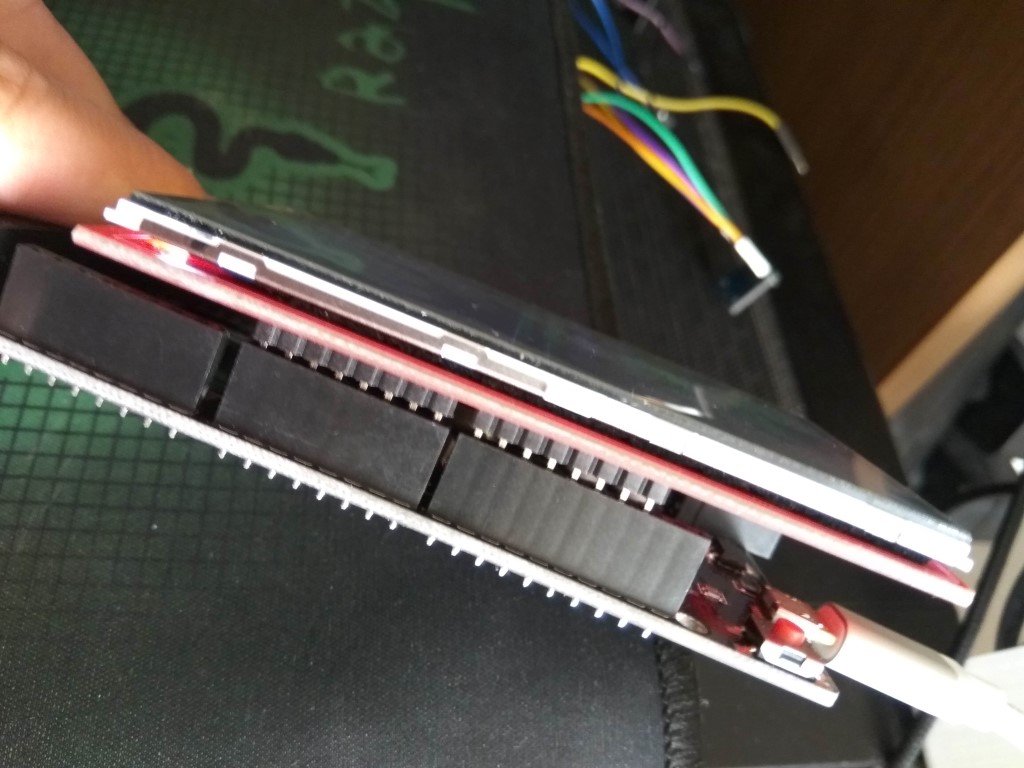
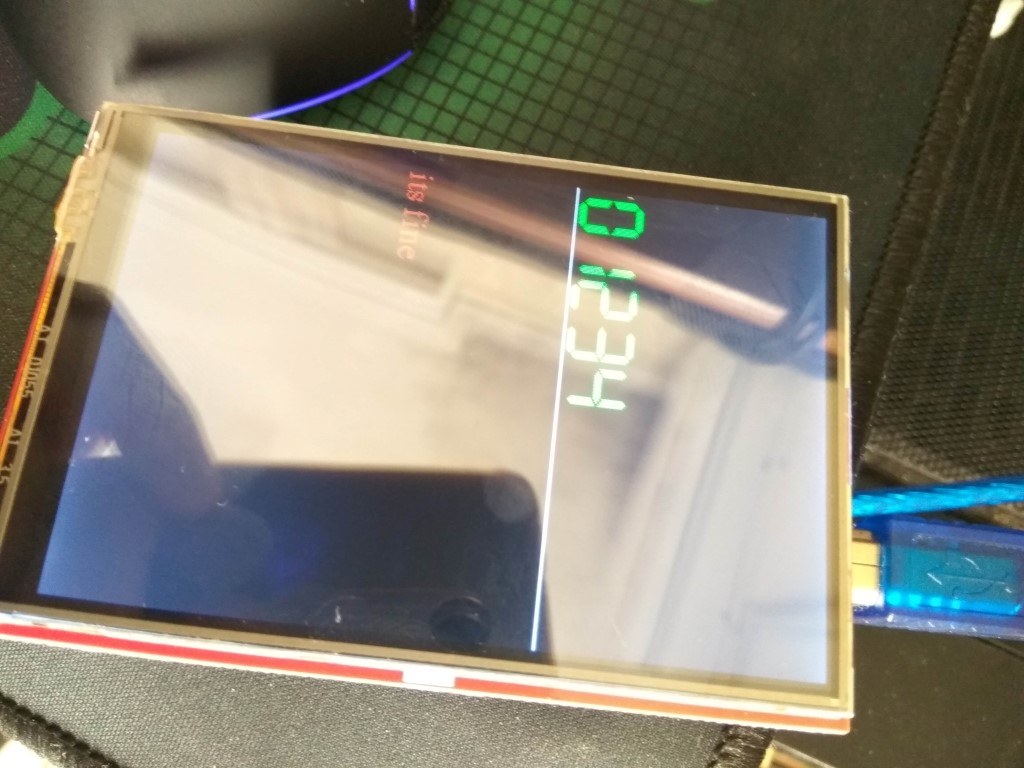
i bought a 3.5'' TFT with touch and sd from ebay 3.5'' TFT LCD Display Module Touch Screen SD Card 480x320 for Arduino Mega2560 for sale online | eBay (see images also).
But at the beginning i found really confusing how to make this work and how to wire it.
I started searching libraries for all the controllers (ili9481 ili9468, ili9488 hx8357, r61581), try to find wirings etc..
Finally i understood that this is a shield, so if you want to connect it to Arduino UNO or MEGA you just have to put it on top of it.
About the code you can put there is a a specific library that works straight away. No need to change even a line of code.
So, the noob-friendly steps are:
-
in arduino-IDE go to tools-> Library Manager and download "mcufriend_kbv" library
-
go to file -> examples -> MCUFRIEND_kbv and pick one (a basic one is Font_simple)
-
upload it to arduino uno or mega (choose the correct port and board)
-
connect the TFT screen on top of arduino uno or mega (see pictures)
(see images) -
enjoy
Notes:
- if code cannot be uploaded try to upload with the screen unplugged
- i read that the screen consumes a lot of power and i observed that arduino is more hot than it should, so i dont know if there is something i can do about it or it will damage it long term. i guess the best solution is to bypass the power pin and use external power supply with enough current available.