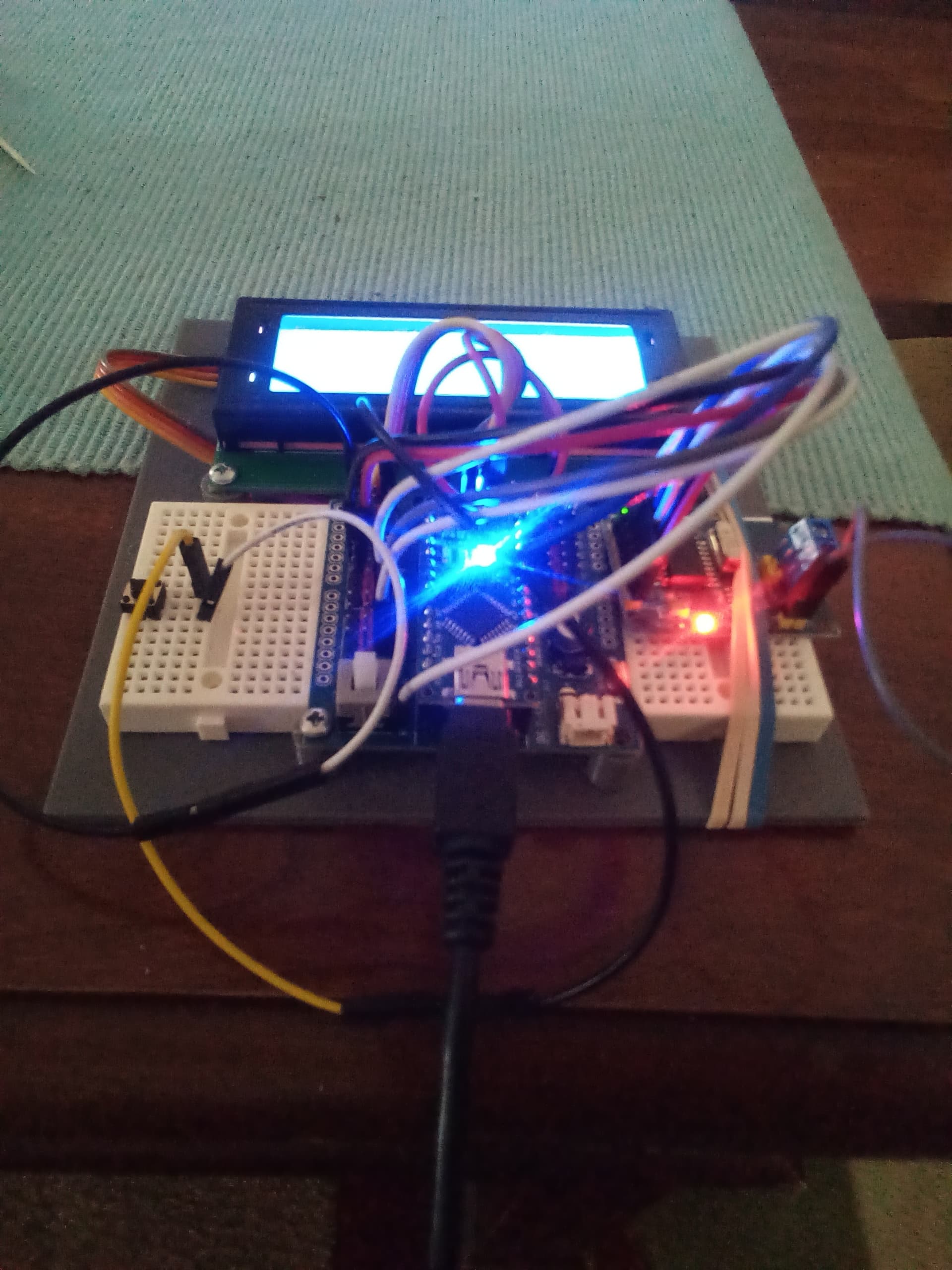
I haven't seen those. Were the instructions for the orange case? If so, it definitely makes sense that you would remove the clear tray when using the board with a case. But otherwise I would recommend leaving the tray on the board as the protective function is useful.
I have found that the tray can be a bit inconvenient if you are working with different shields, as when you remove the shield from the board, the force can be enough to instead remove the board from the tray (the board is held in the tray by pressure). If you encounter that problem, it can be easily solved by attaching the board to the tray with some screws. There are mounting holes in the board's PCB and the tray that can be used for that purpose.
I am all set with protection for my beloved collection of boards, but I very much appreciate the offer. Thanks!
Lead Bender
An axial through hole component lead bender jig could be a useful tool:
https://www.thingiverse.com/search?q=lead+bender
I think this one has the traditional form:
but it looks like the 3D printing community came up with some other interesting designs, so maybe worth evaluating the others.
IC Pin Straightener
https://www.thingiverse.com/search?q=ic+pin+straightener+bender
This is a useful tool if you are frequently working with bare ICs in the DIP package (e.g., making an Arduino board on a breadboard). The ICs come from the factory with the pins splayed out a bit. We must bend them inwards just a little before they will have the correct alignment for insertion into a breadboard, stripboard, perfboard, etc. You can do that by hand, so there isn't a need for a special tool if you are only ever going to do that a few times in your life. However, doing it by hand is a bit inconvenient and prone to error, so if you are working with such chips regularly the tool can be quite useful.
IC Puller
https://www.thingiverse.com/search?q=ic+puller
This is another useful tool if you are working with bare ICs in the DIP package.
If you are using an IC in a solderless breadboard, or an IC socket, when you try to remove the IC you will find it requires a surprising amount of force. To make matters worse, the pins on one end of the chip tend to come free before those on the other end. So if you aren't very careful, you could end up severely bending the pins during the removal, and this causes metal fatigue that can eventually result in the pins breaking off.
So a special tool for removing ICs can be very useful to have.
My off the shelf tool has metal "jaws" and I am a bit skeptical about whether 3D printed plastic is up to the mechanical requirements. But I'm also not very knowledgeable about the capabilities of 3D printed parts so it might well be that a 3D printed tool would work perfectly well, especially when it will be used infrequently.