My new Arduino Nano clone with micro usb is not recognised by Linux (Ubuntu 24.04 LTS), and also doesn't work with Windows 11. Using the same cable Arduino Micro works good on both OS.
Tried to find a solution on another topics and forums - didn't help. lsusb returns nothing related to Arduino Nano.
To be sure, I repeat another time - cable've got four connectors, there is no problem with that.
If it is not recognized, it is broken or it is not soldered correctly.
Can you see a COM device in the device manager (win+x on windows)?
The Arduino nano has an FTDI, CH340 or prolific chip (USB to Serial converter).
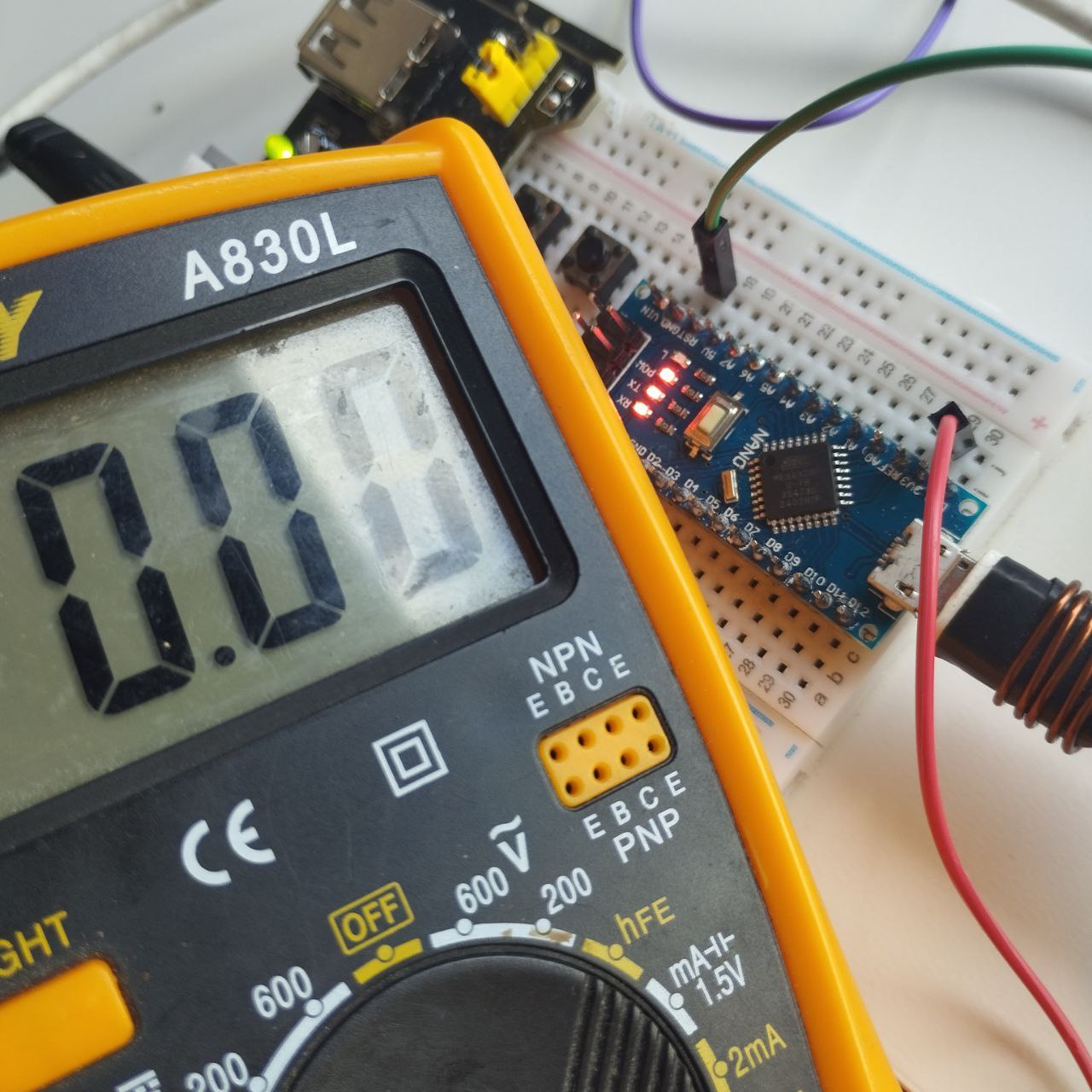
Dosen't seem it's working. If that is important, RX led, TX and POW are working, but no one of them blinking.
I also add screenshot with arduino micro, were you can see the COM port.
How if that arrived just yesterday? Anyway thank you for your solution, (yes, I know for to solder ), I have no idea what going bad with it, but I would see it on the internet.
If that's the case, it's a matter of Doa... if it's financially viable to ship it back do it, or ask the seller to take your word for it and ship a new one anyway.
Maybe, I bought it on Aliexpress, but wait another 1 - 2 weeks to get another one is not for me. First I will try to fix it myself to get more expirience in electronics.
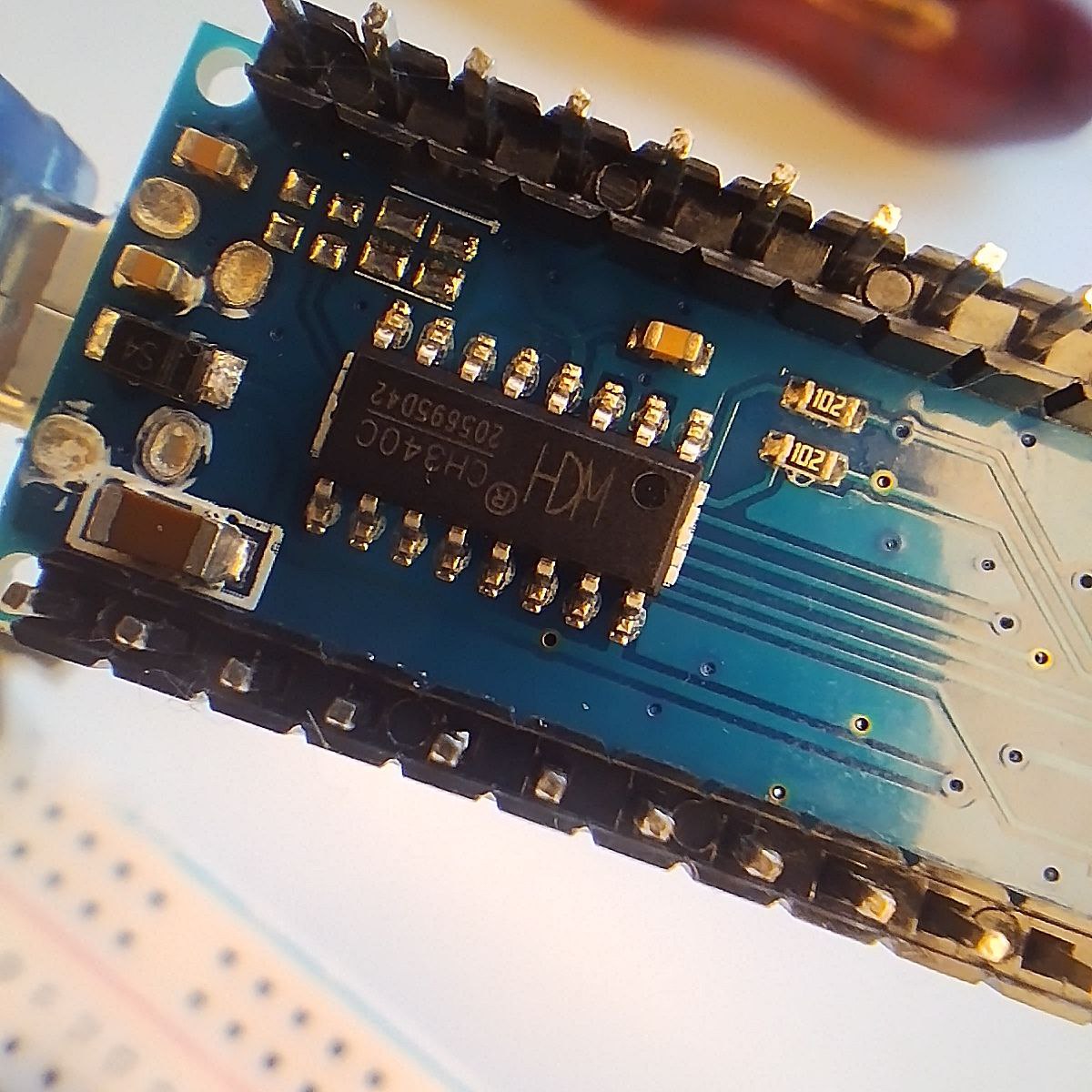
If you have a multimeter, the first thing I would check is if the CH340 chip is getting power from the board and is connected to the usb +/- lines. Check the soldering of its legs.
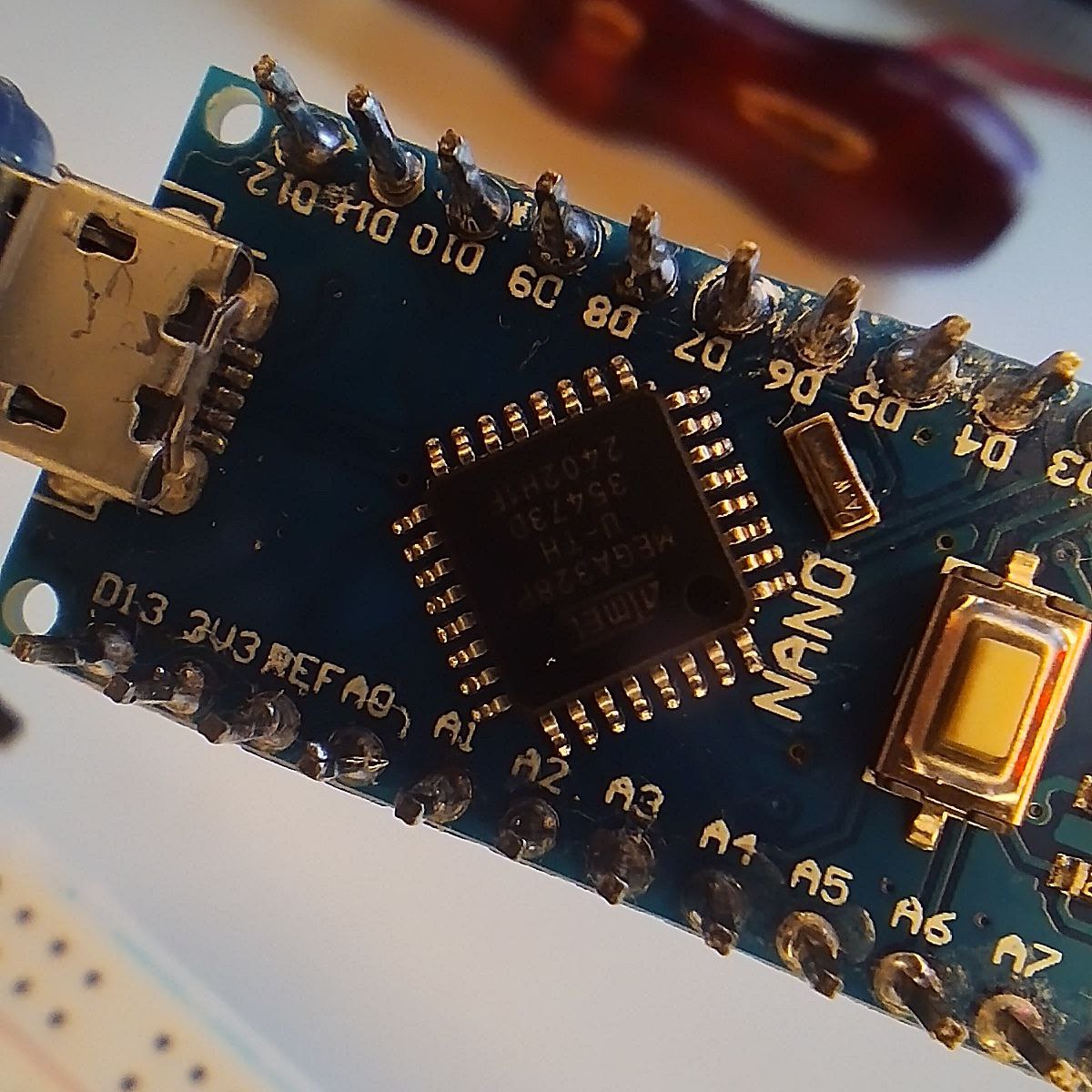
Check if it is soldered as it should be. The USB-connector could also be the problem. There are 4 pins from this connector: VCC, GND, D+ and D-. If the leds are on (yes it is important :D), VCC and GND are connected. Now try to see if D+ or D- are also soldered as they should be
If someone cares, I wrote to Aliexpress, so they just returned me the money, and the board I can left myself. Next time I am going to buy from another seller.
I'm happy for you, that it worked out so well. I suspected the seller would refund you, it's just peanuts when it comes to most clones, not worth postage. So


 ), I have no idea what going bad with it, but I would see it on the internet.