I have some trouble using the Arduino Nano RP2040 Connect. I am a complete beginner with Arduino. At the start of my project, from the datasheet I have thought that this board has 7 analog pins: A0-A7.
In my project, I need to have five analog pins since I want to execute "analogRead()" to read the values of 5 different FSR sensors. These are all only INPUTs.
Now, I ran into the problem that analogRead spits out perfectly fine FSR values for A0-A3, but not for A4-A7. Everytime I try to run the code, there are no values appearing at all.
Now, I have read that A4-A5 are I2C pins and should probably not be used for analogRead. I have also read that A6-A7 are read-only pins and analogRead should in theory work. However, for me the read does not work.
Can someone help me out with this and explain if I can use the A6-A7 pins to read FSR values?
If not, is there another way with which I can read all 5 FSR sensors with the Arduino Nano RP2040?
Thank you! This confirms my thoughts. I still don't really understand why they are labeled as "Analog Pins" on the data sheet. Just out of curiosity, do you know what the A6-A7 pins are for?
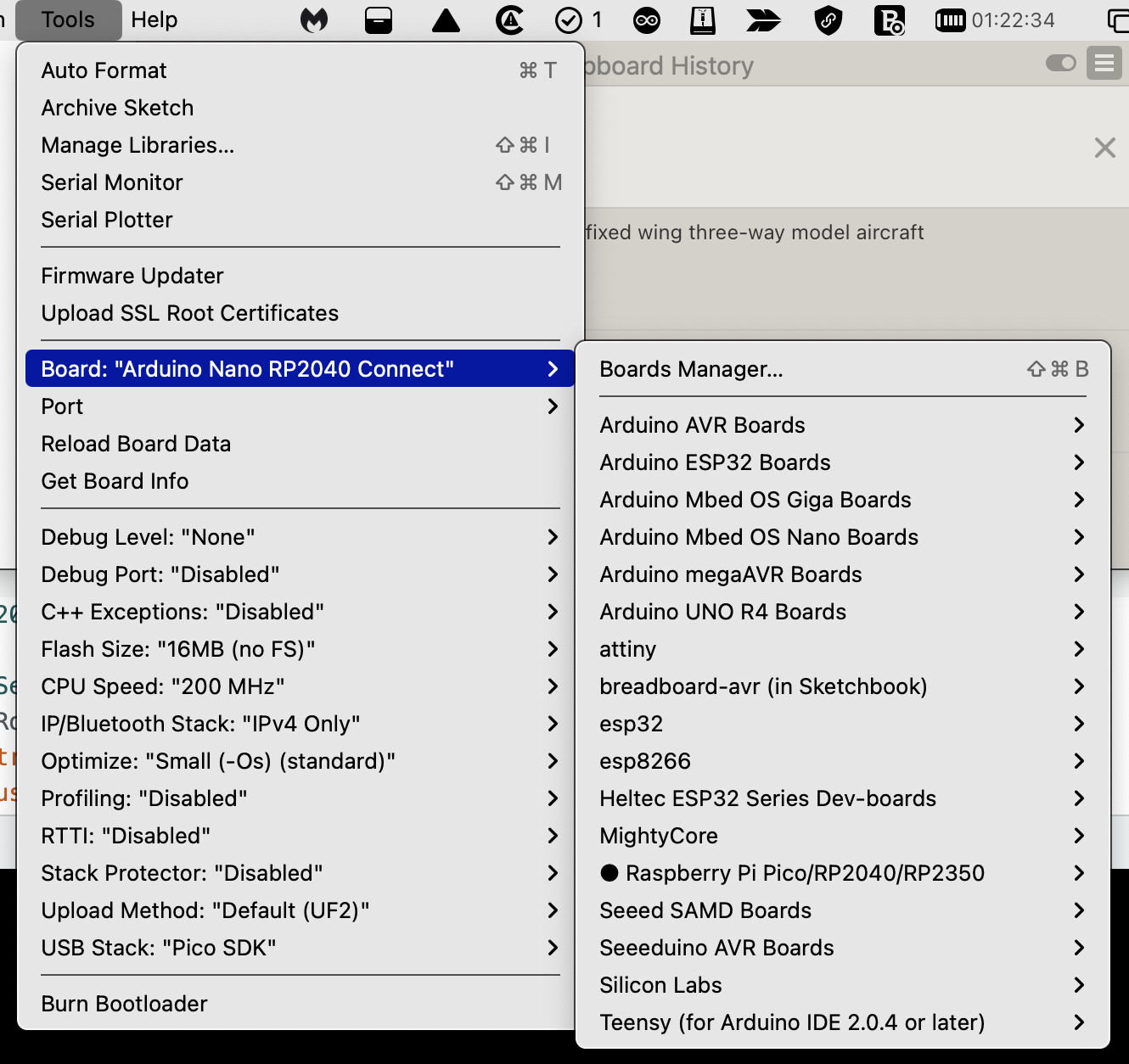
I forgot that this is one of those boards with two different processors. As far as I can see, there are eight analog pins. Since almost all the pins on the other side of the board can be used as I2C, even A4 and five can still be used as Analog. You need to do four things. The first is a picture of the board on both sides, a screen grab of the old-style board's menu (see attached), and a clearly focused picture of a hand-drawn wiring diagram where we can see every wire and its label. All the source code in code tags.
"accessed via the WiFi processor." What does that mean in detail? Does it mean that these pins are already used internally by the WiFi processor and should not be used for things as FSR sensors? So they are in theory present on board, but blocked by internal processes?