Hello guys. I'm trying to make a keyboard application with Arduino pro micro, but the usb port was broken 2 times. It's very sensitive as it's a micro usb.
I guess usb ttl converter doesn't work in this regard.
Soldering the pins provides a solution to remedy this situation, but it is very difficult to do.
How can I connect pro micro to computer via pins? I look forward to any of your replies.
Hi @nihatcengiz. We have been discussing this very subject in the thread over here:
You might like the solution mentioned there of uploading sketches to the board using an ISP programmer.
I have also managed to break that USB socket off one of my Pro Micros and was given a couple more by a friend who has a talent for breaking the things too. So I guess it is a common problem. Well, the Pro Micro is still one of my perennial favorites anyway!
The Pro Micro uses an atmega32u4, which has a built-in USB interface. The bootloader looks at this interface when loading the sketch. The Rx and Tx lines on pins 0 and 1 are a separate serial port, Serial1, so connecting to those with USB converter will not work unless you use a different bootloader.
You can program the ProMicro using USBASP; but it does not provide the HID functionality.
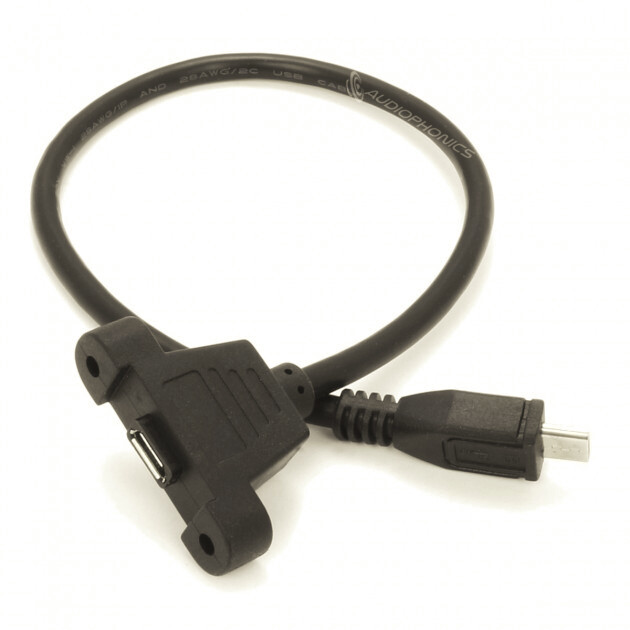
You can buy adapter cables with the Micro USB (B) at the one side and USB (A) / mini USB (A) / micro USB (A) at the other side; that way there will be less risk that you break the connector of the PCB.