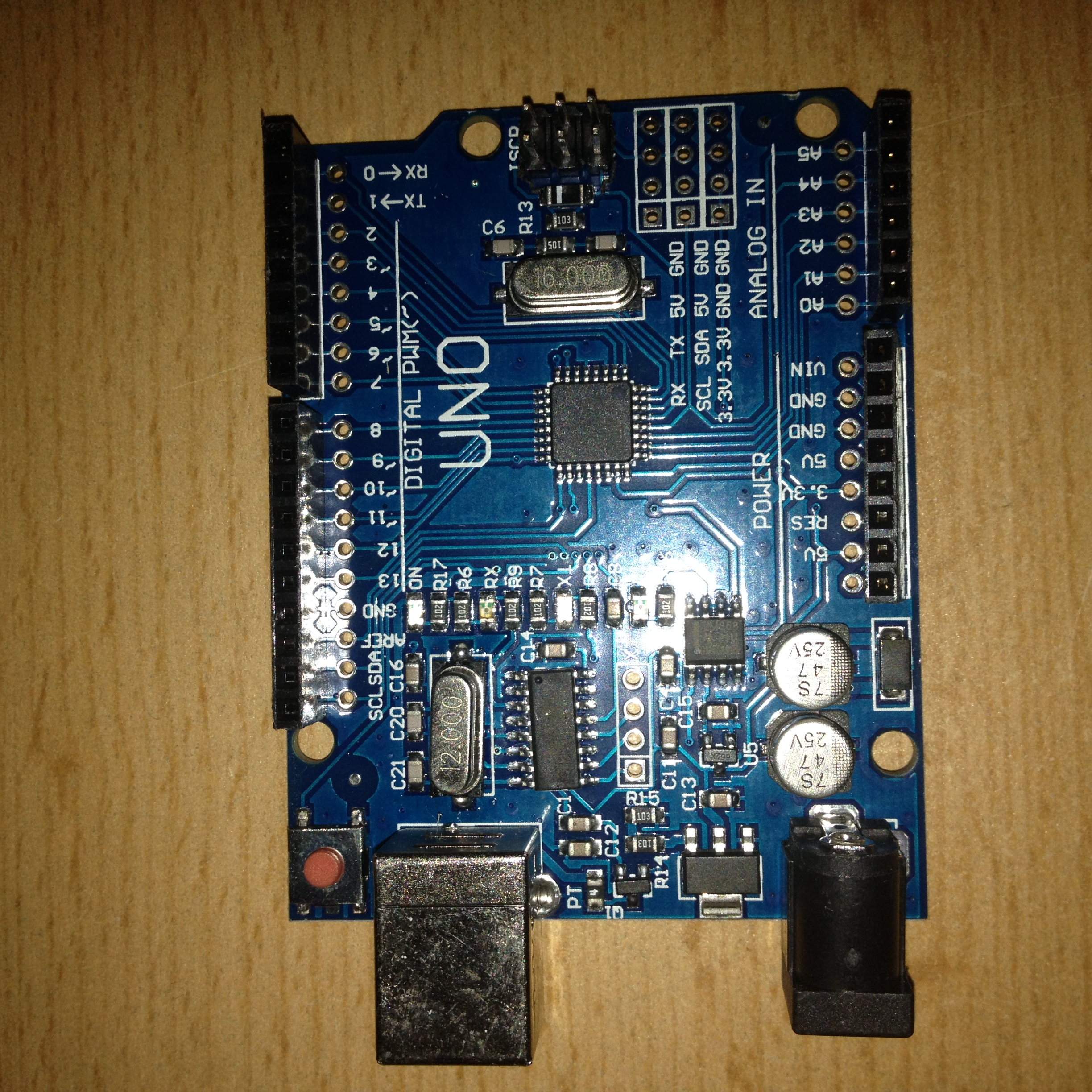
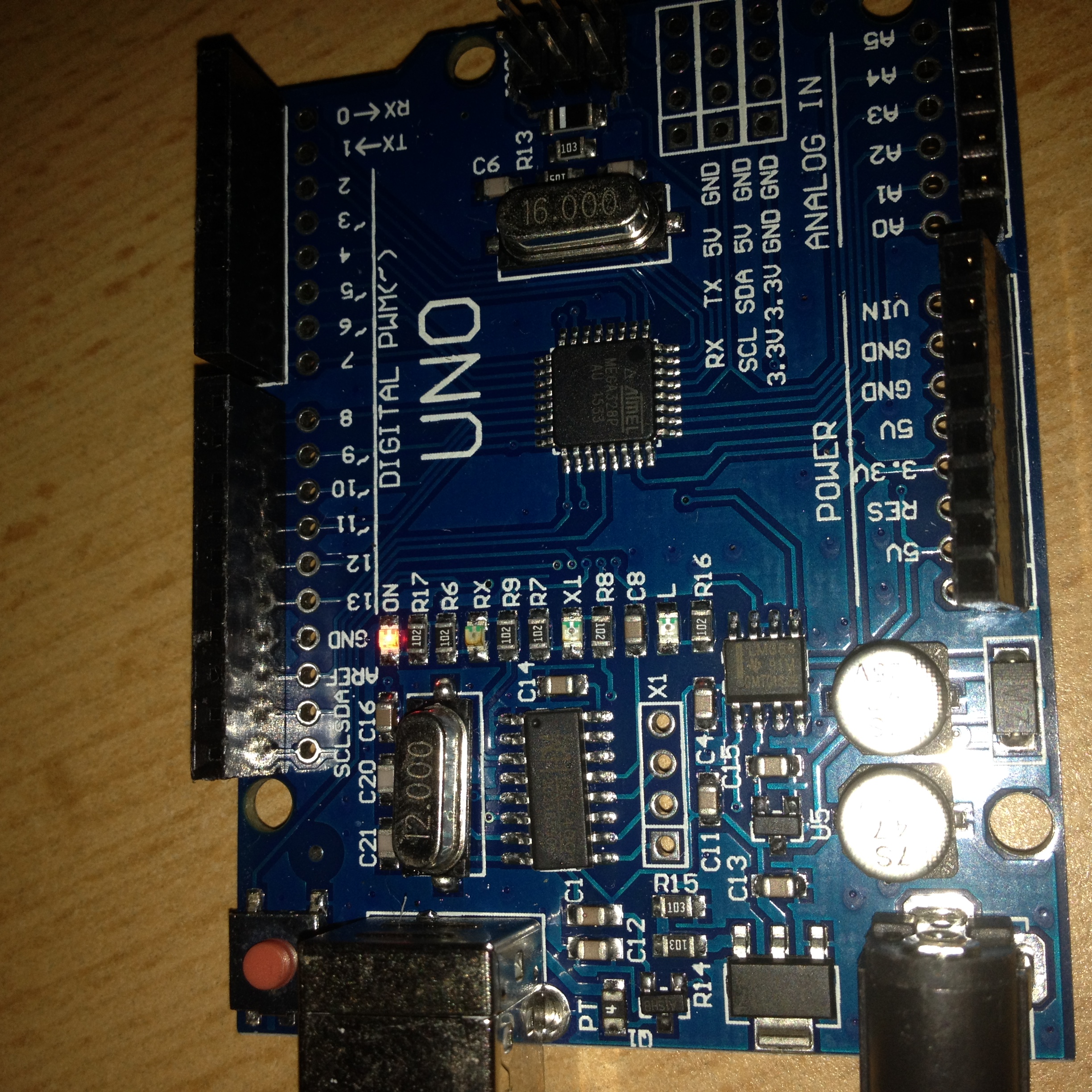
I bought an Arduino Starter Kit. Ok its not an original arduino uno, but thats ok.
I am completly new to arduino and so...
Well i first installed the Arduino IDE from their website (1.6.9) and after that i connected my arduino uno board with the shipped usb cable and when i plugged it in windows immidently tried to install the driver.
But after a while the circle turned into a red X which means dump windows wasn't able to install the drivers.
Well the IDE doesn't show me any board in Tools -> Port ... only COM1 which is not mine!
The Driver manager neither shows me anything what sounds like Arduino :(.
Anyone can help me? as i have written it into the Title the On-Led and the L-Led are blinking red!
i am new to arduino.
Screenshots :


i have to use my dropbox because everytime i use the attachment option, i get an 413 website error. Anyway just focus on the real problem :(pg?dl=0
spycatcher2k:
Search the forum for CH340 driver
spycatcher2k:
Search the forum for CH340 driver
No Way!! :OO There's no way that you have found out which arduino that is 
Man, ok i'm installing the Drivers now, it looks like you know every arduino board
EDIT: i downloaded the zip and unpacked it. I have a bunch of files in the Driver1 folder and a setup.exe.. well but there is a folder called : DRVSETUP64 and in it is a DRVSETUP64.exe.
should i run the setup.exe or the DRVSETUP64.exe? I have a 64-Bit System so maybe the second one?
Ok, setup.exe installed.
Yes! Now Windows installed succesfully the drivers for COM3 and the Driver Manager recognizes the Arduino Board!
I think my problem is solved 
Sometimes when you buy a clone the 'ON' LED is only single colour which is Red, no need to worry.
And the 'L' LED blinks because the Blinking LED program is pre-installed for 500ms delay for ON and OFF time.
Download the USB Serial CH340 driver (also for Windows 10) from CH341SER.EXE - 南京沁恒微电子股份有限公司 and install it.
Then goto Tools > Port > COMxx and check if the port is same as in your Device Manager > Ports > COMxx.
Tip: You may need to update your software from your Boards Manager (Tools > Boards"xx" > Boards Manager > ""Your Board"') and then repeat the process again.
Remove your board from the USB, restart your computer, connect your board, open Arduino IDE.
Hopefully this will help.