Arduino Uno R3 Surface Mount - Not loading code

Hi All,

I have a Arduino Uno R3 Surface Mount Board.

I get the message

avrdude: Version 6.3-20190619
Copyright (c) 2000-2005 Brian Dean, http://www.bdmicro.com/
Copyright (c) 2007-2014 Joerg Wunsch

     System wide configuration file is "C:\Arduino-IDE-Workspace\Arduino-IDE\Settings\packages\arduino\tools\avrdude\6.3.0-arduino17/etc/avrdude.conf"

     Using Port                    : COM5
     Using Programmer              : arduino
     Overriding Baud Rate          : 115200

avrdude: ser_open(): can't open device "\.\COM5": The filename, directory name, or volume label syntax is incorrect.

avrdude done. Thank you.

Failed uploading: uploading error: exit status 1

The board is connected ok on Comm. Port 5 and I have told the IDE that it is a Arduino Uno in the Boards Manager.

I can get the board info

image

It is Arduino IDE V2.3.2.

I am trying to upload "Blink" just now, but I have also tried uploading another sketch which worked ok on a Uno R3 through-hole.

Any ideas?

From your screenshot, the board uses a 16U2 serial-to-usb converter (which is good)..
Does the board disappear from the IDE and Windows device manager if you disconnect it?
Is it recognised as an Uno in Windows device manager or as something else?

Observe Windows device manager when your try to upload; the port should stay on COM5. Does it?

There should not be a difference between a DIP and a SMD board (based on 328P chip).

Hi,

Thanks for the reply.

It does appear and disappear when it is connected and disconnected in Control Panel.

Comes up as an Uno. See screenshot

It is now saying com12.

Hope this helps,

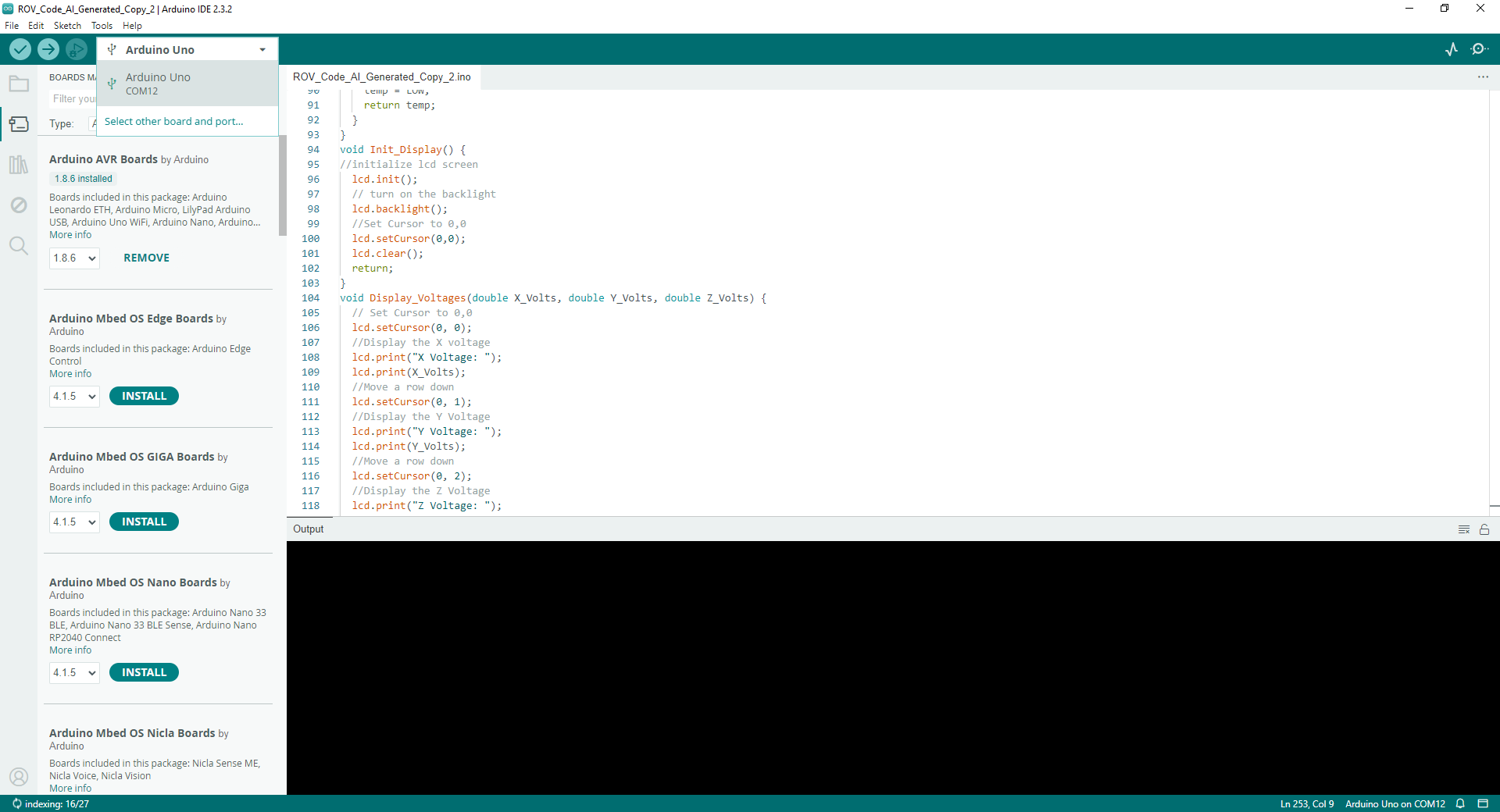
The right port that you need to select in the IDE is (in above device manager screenshot) COM12; did you indeed do that?

Hi,

Yes, I have changed to comm. port 12 in Arduino IDE.

And it still comes up with the same message - that it can't open comm. 12 when you try and upload a sketch.

What happens at the same time in Windows device manager?

Comm. Port 12 is still visible in Device Manager when I try and upload the code.

And it disappears when I disconnect it

Hope this helps?

Unfortunately I can't help further. I have no idea why Windows will give the error that you get when you try to upload.

Do you have any other programs or services running that may use a COM port? If so, terminate these and try again.

The COM port assigned to the UNO by Windows may/will change if you plug it into a different USB port on the computer.

No idea what I did, but it seems to be working.

All I did was try V1.06 software on a stand alone XP pc and it uploaded ok.

So I went back to my own desktop PC, which uses V2 software, and it started working.

Possible spam removed

This topic was automatically closed 180 days after the last reply. New replies are no longer allowed.