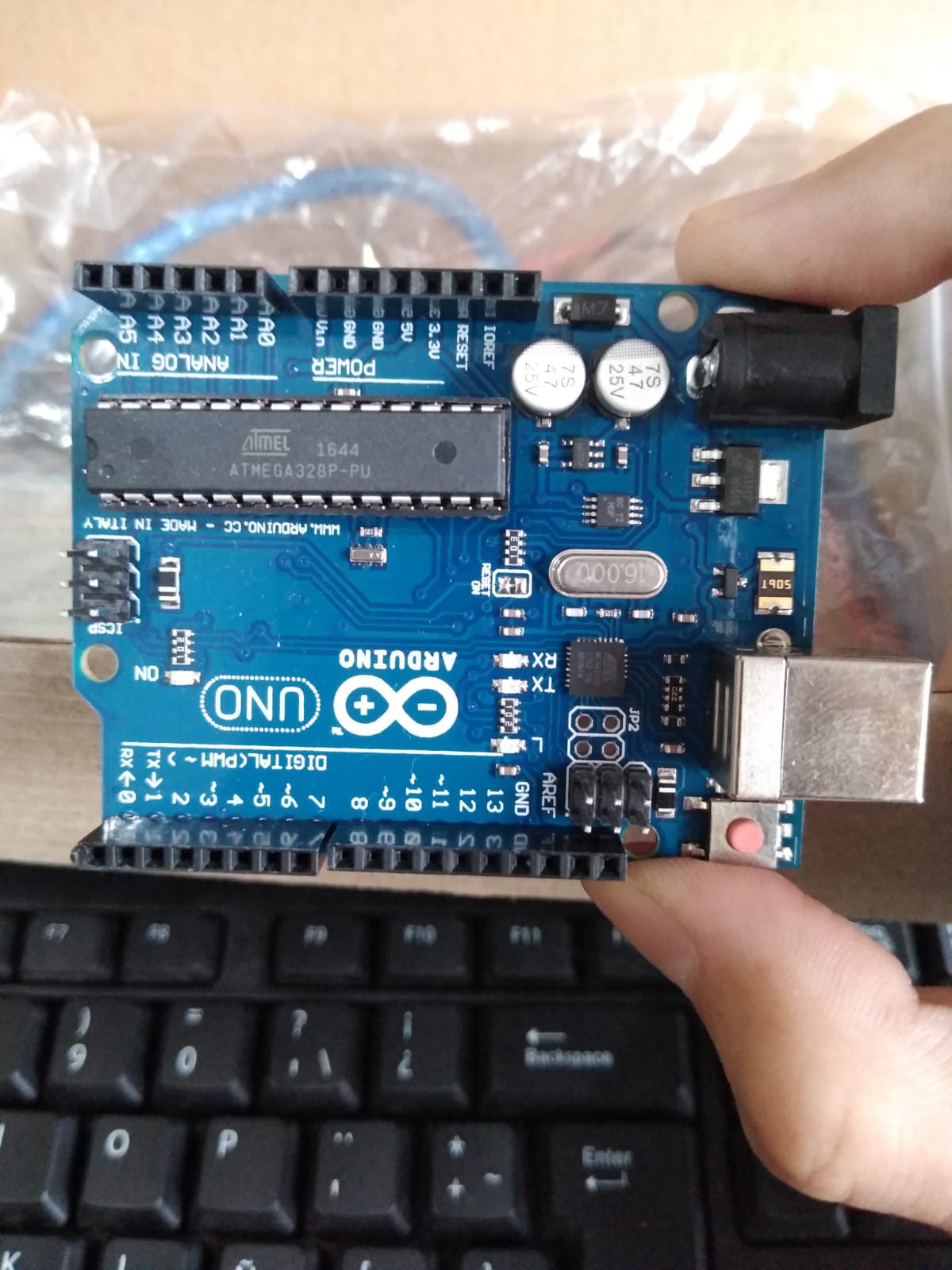
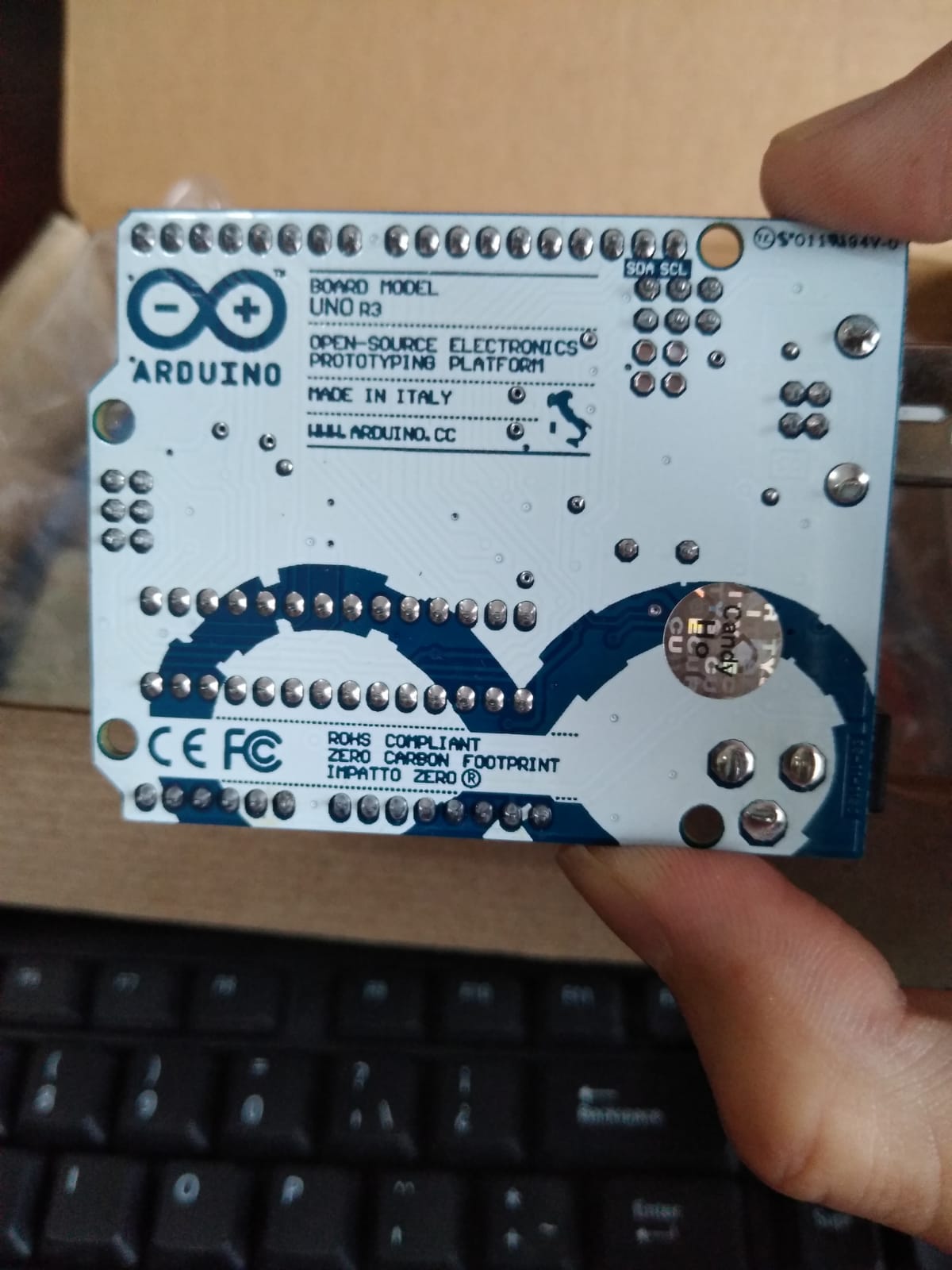
My PC did recognize my Arduino UNO and it worked fine for a few days until it doesn't anymore. The last script I uploaded (my own version of blink, in plain C) works whenever I power my Arduino but my PC doesn't recognize it anymore, so I can´t upload another program or do anything else but see that LED blink over and over.
I was working without the IDE, using avr-gcc, and uploading my scripts with avrdude. All this working from my WSL (Ubuntu + Win10). Yesterday I connected my board via USB to upload another script and my computer doesn´t recognize it anymore. Not in the WSL nor in "pure" Windows 10. My laptop (with W10 too) doesn't recognize it either.
But the board seems to function; the POWER light is on, the script works, the RESET button makes the LED blink in that way we all know...
Thank you all in advance :).
EDIT 30/10/2021:
The only similar problem I've seen published here is, I guess, this one:
But it's unsolved and actually they didn´t use the same setup I was using.
UPDATE 17/11/2021:
I bought another UNO, a 100% original one, and I used it to reprogram the bootloader of the one that is "broken".
It seems that the reprogramming worked, and my old UNO doesn´t executes the last script I uploaded anymore. However, it's still unrecognized via USB. I guess I'll try to reprogram the 16U2, but I need some more extra info before.
What do your computers think about your board. In Windows, use device manager; any (additional) yellow triangles when you connect the board. USB cable properly inserted at both sides? Did you use the same cable?
What was all connected to the board when it worked the last time? How was your board powered? USB only or via Vin / barrel.
Which TTL-to-USB converter does your board use? It's the chip closest to the USB port; originals and faithfull clones use the 16U2, other clones often use the CH340 and sometimes FT232 or CP2102.
Where $(USBPORT) is a Makefile variable that holds /dev/ttyS3, because it was in Serial Port COM3 (for Windows, ttyS3 for Ubuntu), and $< stands for my .hex file.
I want to point that this setup was working fine. I guess that what changed is that I tried to declare some things outside the .c file (I was using just that one so far) and I created a .h file, maybe I compiled them both wrongly, but as long as I know that can´t cause this problem.
A CH340 based board will not usually show up as a specific board such as UNO or NANO etc.
It simply shows up as a COM port.
That is the very nature of the CH340.
The only way to discern which is the board you want is to usually unplug the board you want to work on. This whilst watching in DEVICE MANAGER to see which COM port goes away.
Then that is the COM port you want to use.
The only Windows update after it stopped working is related to the "Windows Defender security intelligence". But I did have updated my Ubuntu (I'm using Ubuntu in the WSL1).
Also I installed after all this problem the Arduino soft in my Win10 laptop to try there and the problem persists.
Yes, and it was the COM3. But now the only Serial Port that I can see is the COM1 (reserved by default for something I don´t actually know), no matter if I plug or unplug the board.
Besides I guess it's not a CH340 based board but a 16UL one, as I read in the small chip near the USB port. And I guess it showed "Arduino UNO" and not just "COM3", but I actually don´t remember pretty well that detail.
Then you may have over written the bootloader completely (not 100% sure).
That would require you to reload with another board as ICSP to restore the bootloader.
I was thinking of that option. Maybe I´ll have to buy another UNO.
The thing is my bootloader seems to work:
When I power up the board (aka: connect it via USB) the blink script (the last one I loaded) begins to execute. Also when I press RESET button the built-in LED blinks in the way it should (with that default pattern).
The reset button affects the Arduinos directly on the hardware level. If you press the, the software can do what it wants, the reset IS triggered and the controller restarts.
If it's the few quick flashes of the L led that you're referring to, that would indicate that the bootloader is OK.
If that is the case and it's not the cable, the 16U2 is gone. I have no idea how that would have happened from your description. It could either be electrically damaged or it lost its firmware.
Anyway it seems that my only chance is to re-programm my board through another one, isn't it? If that's the case I'd like to, at least, know if it was a hardware error or if something in my way to write the board caused it, so at least I don´t repeat it. So I'll share my entire Makefile:
The bootloader is in the 328P processor and has nothing to do with the communication between the PC and the board. Think about it, the bootloader is not active when your sketch uses e.g. Serial.println() but it will still communicate with your PC (if your board is in working order).
The fact that Windows does not show any reaction in device manager indicates that the problem is after the PC and before the 328P; so that's the cable or the 16U2.
Just my thoughts.
Have you tried to revive the 16U2 with the link provided?