Hello guys from the forum,
as by object, I have a problem with my Arduino uno wifi rev2, with which I would like
connect (from local) to the mysql database of Xampp that runs virtually in my pc...
I have successfully followed the following guide up to point n 6
From point n 7, I made some changes and I can’t connect:
The error generated by Arduino is:
"failed connection"
I modified the Arduino code to fit it from the Ethernet shield to my wifi.
So to solve the case, I have a few specific questions:
 #include <SPI.h>
#include <WiFiNINA.h>

#include "arduino_secrets.h"
///////please enter your sensitive data in the Secret tab/arduino_secrets.h
char ssid[] = SECRET_SSID;        // your network SSID (name)
char pass[] = SECRET_PASS;    // your network password (use for WPA, or use as key for WEP)
int keyIndex = 0;            // your network key index number (needed only for WEP)

WiFiClient client;

int status = WL_IDLE_STATUS;

int    HTTP_PORT   = 80;
String HTTP_METHOD = "GET";
char   HOST_NAME[] = "192.168.1.3"; // change to your PC's IP address
String PATH_NAME   = "/insert_temp.php";
String queryString = "?temperature=29.1";

void setup() {
  //Initialize serial and wait for port to open:
  Serial.begin(9600);
  while (!Serial) {
    ; // wait for serial port to connect. Needed for native USB port only
  }

  // check for the WiFi module:
  if (WiFi.status() == WL_NO_MODULE) {
    Serial.println("Communication with WiFi module failed!");
    // don't continue
    while (true);
  }

  String fv = WiFi.firmwareVersion();
  if (fv < WIFI_FIRMWARE_LATEST_VERSION) {
    Serial.println("Please upgrade the firmware");
  }

  // attempt to connect to WiFi network:
  while (status != WL_CONNECTED) {
    Serial.print("Attempting to connect to SSID: ");
    Serial.println(ssid);
    // Connect to WPA/WPA2 network. Change this line if using open or WEP network:
    status = WiFi.begin(ssid, pass);

    // wait 10 seconds for connection:
    delay(10000);
  }
  Serial.println("Connected to WiFi");
  printWifiStatus();

  // connect to web server on port 80:
  if(client.connect(HOST_NAME, HTTP_PORT)) {
    // if connected:
    Serial.println("Connected to server");
    // make a HTTP request:
    // send HTTP header
    client.println(HTTP_METHOD + " " + PATH_NAME + queryString + " HTTP/1.1");
    client.println("Host: " + String(HOST_NAME));
    client.println("Connection: close");
    client.println(); // end HTTP header

    while(client.connected()) {
      if(client.available()){
        // read an incoming byte from the server and print it to serial monitor:
        char c = client.read();
        Serial.print(c);
      }
    }

    // the server's disconnected, stop the client:
    client.stop();
    Serial.println();
    Serial.println("disconnected");
  } else {// if not connected:
    Serial.println("connection failed");
  }


}

void loop() {
  /*
  // if there are incoming bytes available
  // from the server, read them and print them:
   while (client.available()) {
    char c = client.read();
    Serial.write(c);
  }

  // if the server's disconnected, stop the client:
  if (!client.connected()) {
    Serial.println();
    Serial.println("disconnecting from server.");
    client.stop();

    // do nothing forevermore:
    while (true);
  } */
}


void printWifiStatus() {
  // print the SSID of the network you're attached to:
  Serial.print("SSID: ");
  Serial.println(WiFi.SSID());

  // print your board's IP address:
  IPAddress ip = WiFi.localIP();
  Serial.print("IP Address: ");
  Serial.println(ip);

  // print the received signal strength:
  long rssi = WiFi.RSSI();
  Serial.print("signal strength (RSSI):");
  Serial.print(rssi);
  Serial.println(" dBm");
}
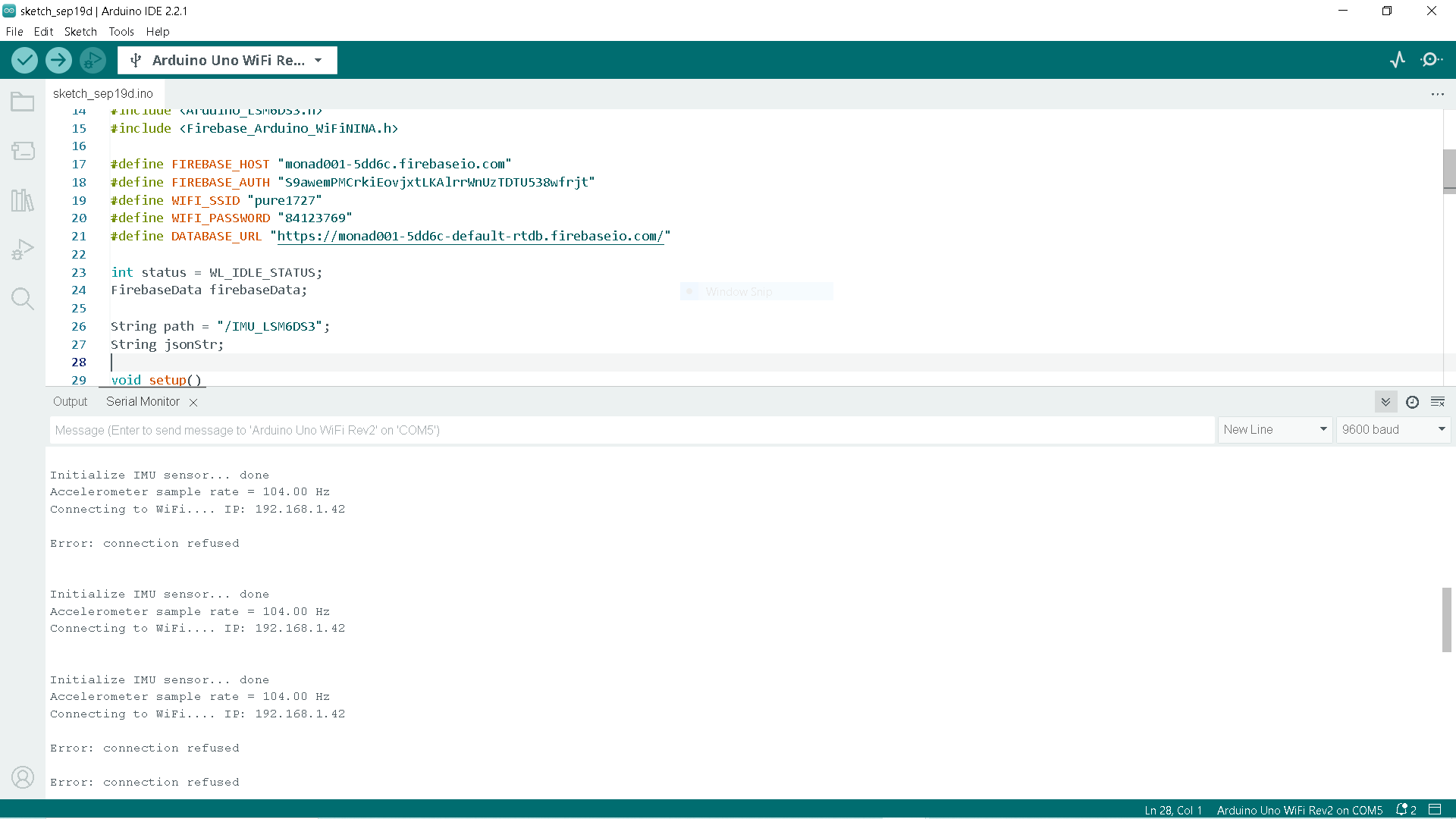
Hi, relating to your question. how did you solve the refused connection error. I am trying to make my Arduino uno wifi send accelerometer data to firibase. Use code tags to format code for the forum..