I have a new Bare Conductive Touch Board and tried to install it with the Arduino IDE, but from the onset it just showed as Board: ''Arduino Uno'' and Port: no port assigned. I'm using a MacBook Pro M1 with OS Monterey version 12.5.1
I used the Arduino version 1.9.18 and had the Touch_Board_Manual_Install folders and files transferred to users/ibook/Documents/Arduino/, then reset the application, reset my laptop but nothing changed. Board was still showing ''Arduino Uno'', no Bare Conductive Touch Board on the list.
I downloaded the .zip file from Github and substituted the avr folder on my Documents tree
but it still showed Board: ''Arduino Uno'' and no port to assign to.
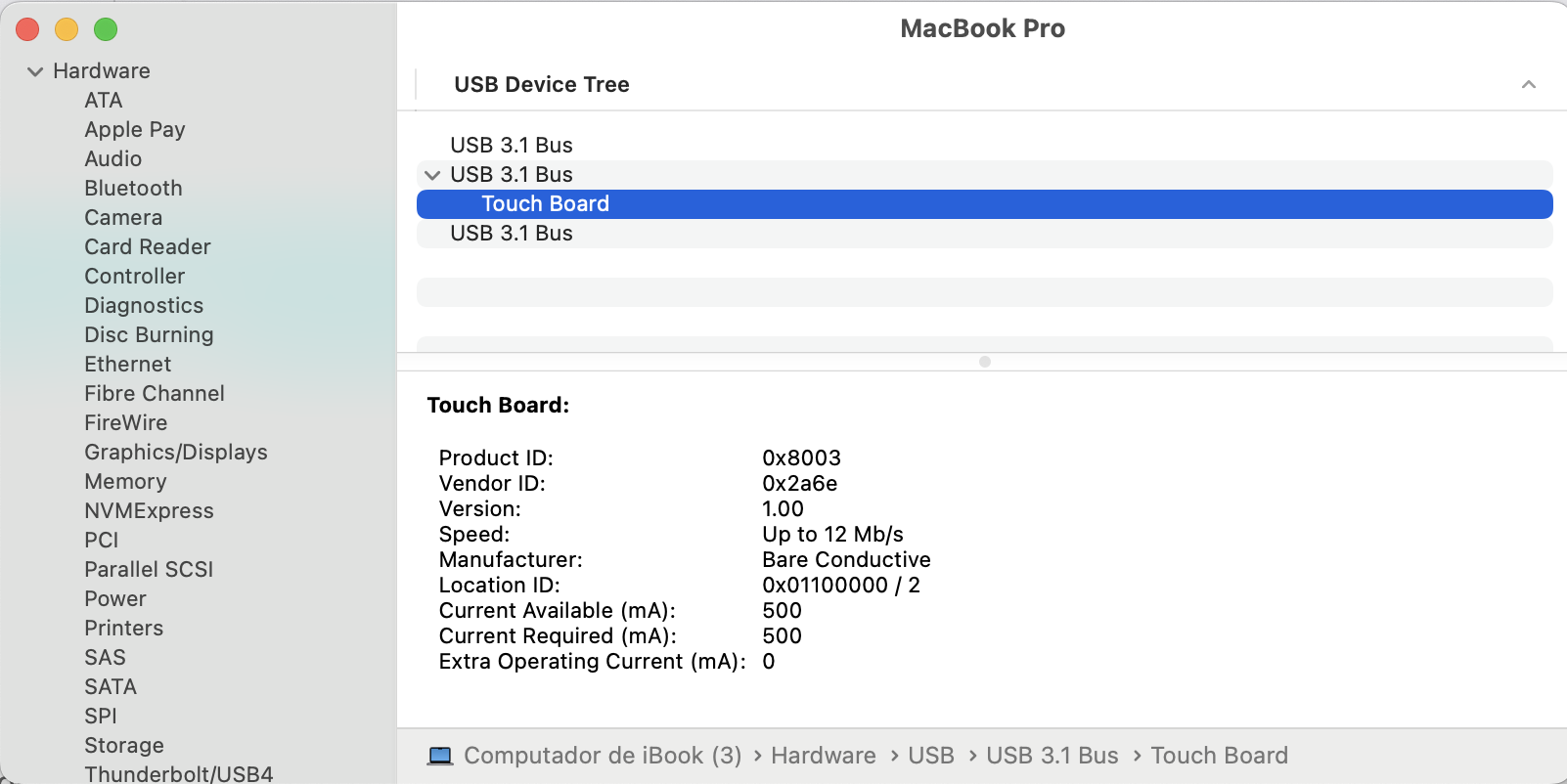
My USB port was showing that Touch Board was connected.
After lots of trials revising the Sketchbook path for misspellings, checking the USB cable, resetting the board, I decided to go back to the Arduino download page and chose to download the version for Apple Silicon since I'm running on an Apple M1 chip.
I launched the new version of Arduino and still didn't see a Bare Conductive Touch Board in Board:
I then looked at the data sheet that shows Arduino compatible (recognized as an Arduino Leonardo in IDE) and selected Arduino Leonardo from the list. It asked me if I wanted to upload the software. I paused for a while, but pressed ok anyway. Now the board appears as an Arduino Leonardo on Board: and Port: but it doens't run any of the Touch Board examples such as Midi Interface, which was the one I needed to be able to connect with Ableton Live, showing the following error message. I realize I might have burned the bootloader, however I did not press Burn Bootloader in Tools.
#ifndef COMPILER_ERRORS_H
#define COMPILER_ERRORS_H

	// we only support Arduino 1.6.6 or greater
	#if ARDUINO < 10606
	  #error Please upgrade your Arduino IDE to 1.6.6 or greater
	#else
		// check that Bare Conductive Touch Board (USB MIDI, iPad compatible) is selected in Tools -> Board
		#if !defined(ARDUINO_AVR_BARETOUCH) || !defined(IPAD_COMPAT)
		 	#error Please select "Bare Conductive Touch Board (USB MIDI, iPad compatible)" in the Tools -> Board menu.
		#endif
 	#endif

#endif // COMPILER_ERRORS_H`Use code tags to format code for the forum`
I would appreciate if someone could give me a hand on this one, thanks so much!
Note that it is not correct to copy the avr folder to the Documents folder, so either you have not precisely described what you did, or else you did not correctly follow the instructions.
After following those instructions, you should be able to select Tools > Board > Bare Conductive Boards (in sketchbook) > Bare Conductive Touch Board from the Arduino IDE menus. If you don't see a "Bare Conductive Boards (in sketchbook)" option under the Tools > Board menu, let us know and we'll provide further support in the installation of the "Bare Conductive Boards" platform.
After selecting Tools > Board > Bare Conductive Boards (in sketchbook) > Bare Conductive Touch Board from the Arduino IDE menus, upload the sketch to the board again. Hopefully it will work as expected.
Then you didn't burn the bootloader. Even if you did select Tools > Burn Bootloader, this requires having a special ISP programmer connected between your computer and the Bare Conductive Touch Board, so it would only fail without any harmful consequences if you did accidentally perform a "Burn Bootloader" operation.
I downloaded once more the .zip file, unzipped it and transferred the folder bare-conductive-arduino-public to ibook/Documents/Arduino/Hardware folder as I had done before following the instructions, so now what I have within the Arduino folder is:
You misspelled the hardware folder. It must be spelled exactly hardware, not Harware. So rename the folder so that it starts with a lowercase h, and has the missing d, then restart Arduino IDE and check the Tools > Board menu once again.
Gosh, sorry about this, missing such simple detail, now I could select Bare Conductive Touch Board and Port as well. I was able to run the sketch. Thanks so much for your support
I´m currently running into a port issue also - but I suspect it´s a problem with my touchboard, as I connect other touchboards and the correct bareconductive serial port appears... I just have problems with the one - does anyone how i can go about this issue so as to continue to upload codes onto it?
I´m sorry for not getting back earlier - I have come to the conslusion that that board has its entrance damaged.
Nonetheless - now I´m having problems with my other TouchBoard! Could you help me? Its not letting me upload the Midi Interface / Generic code, this is the error it´s giving me:
El Sketch usa 11456 bytes (39%) del espacio de almacenamiento de programa. El máximo es 28672 bytes.
Las variables Globales usan 802 bytes (31%) de la memoria dinámica, dejando 1758 bytes para las variables locales. El máximo es 2560 bytes.
Connecting to programmer: .
Found programmer: Id = "CATERIN"; type = S
Software Version = 1.0; No Hardware Version given.
Programmer supports auto addr increment.
Programmer supports buffered memory access with buffersize=128 bytes.
Programmer supports the following devices:
Device code: 0x44
I pressed the reset button twice, and yes, the L led flashes red whilst it´s trying to upload, but switches off after.
The output you shared is the output we would expect from a successful upload.
Did Arduino IDE indicate the upload failed? If the upload fails, you will see an "Upload error: ..." notification at the bottom right corner of the IDE window:
Note that the success notification is hidden after a few seconds, so you might miss it if you aren't watching, but you can click the icon at the right side of the status bar to show the hidden notifications again.
If you didn't get an "Upload error: ..." notification then the upload was successful and you don't need to worry about this message.
Notes on the Coloration of Upload Output in Arduino IDE
Depending on which board you upload to, you might notice some messages printed to the "Output" panel at the bottom of the Arduino IDE window in red text while uploading. The color might give the impression that these messages are intended to communicate some sort of a problem has occurred. This is not always the case.
Because it is usually associated with errors or warnings, Arduino IDE colors all output received it receives on the "standard error" stream (AKA "stderr") from the upload tools in red (at least when the default IDE theme is selected) when it prints it to the "Output" panel. The developers of some 3rd party upload tools made an unusual decision to print even the tool's purely informational output to stderr instead of the more common practice of printing that output on the "standard output" (AKA "stdout") stream. This results in this output being colored red.
So don't be mislead by the color of output text during the upload. As long as you don't see an "Upload error: ..." notification, all is well with the upload.
After reviewing my files, I realized that my current libraries folder contains mpr121-public and bare-conductive-arduino-public , but I cannot find the Touch Board Arduino library — specifically, the folder containing TouchBoard.h and TouchBoard.cpp.
Could you please confirm:
Where I can download the correct Touch Board library files for Arduino IDE?
Which folder structure should I use to ensure that the examples compile correctly?
Thank you very much for your help, and sorry for the hassle!



 icon at the right side of the status bar to show the hidden notifications again.