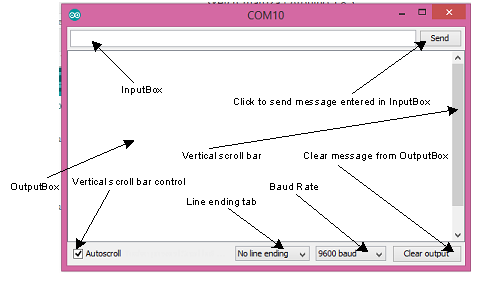
I'm trying to split a char array at commas with strtok. When I run my code and enter 12,34 in serial monitor, then I get just 1234 (or the same vertically when I use Serial.println) but I want to get 12 and 34 separately. Am I printing the 12 and 34 just side-by-side? But adding lines with additional println statements also doesn't separate the two groups...
Does anybody know where is the mistake in the code? I would like to split the array and define two int-variables with the parts I get this way (using atoi for converting the subarrays to int).
void
myStrtok (void)
{
    char data [] = "12,34";
    Serial.println (data);

    char* d = strtok(data, ",");
    while (d != NULL) {
        Serial.println (d);
        d = strtok(NULL, ",");
    }
}
it produces
12,34
12
34
are you correctly read the string from the serial interface w/o checking if available for each character? it takes ~1ms for each character to be transmitted.
i would read a string, checking available() for each character, and waiting from some terminator character
It seems to work now. The problem was related to building the char array from the input from serial monitor. When I defined the char array directly like in gcjr's example then the code worked as expected, but when the array was formed from the input from the serial monitor then the result was different.
When I just tried to echo the char array back to serial monitor then it was written as a singe word when I was using Serial.print(), but with Serial.println() it was printed vertically, i.e. every char on it's own line. It was not like an array but a row of separate chars.
But when I created the array like it was done in Golam's code then it worked properly.
But unfortunately (regarding the memory usage) I had to introduce the strings anyway because my application will receive the input numbers from a Java application. In Java, they are taken from a JTextField and sent over a serial connection to Arduino. But after receiving the string in Arduino I convert it into a char array and still use strtok for picking values separated by commas, and everything works.
But thanks for your examples and advice, it helped me to get to the destination, step by step.