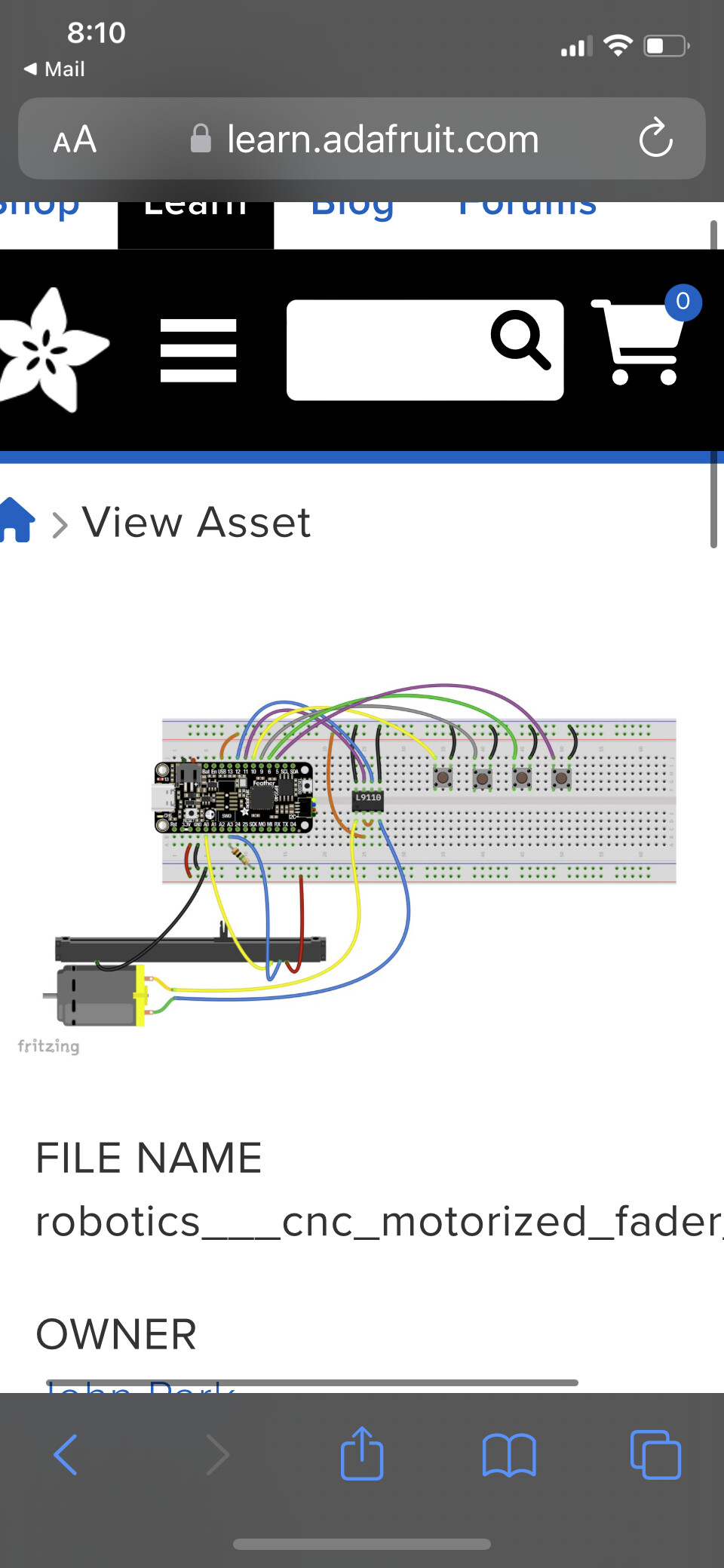
This code works great, moving an adafruit motorized fader to a target point and stops when it gets there.
But when I try to use this code with the control surface library, and running control surface in setup and loop, the fader moves to a totally incorrect position and jitters until I stop it.
Is there a way for this code to play nicely with Control Surface?
(The following code is working code, so the Control Surface.begin command is commented out. Comment back in for the buggy behavior.)
#include <Control_Surface.h>

USBMIDI_Interface midi;

const int targetValue = 400;     // Set your target value here
const int motorControlPinA = 18;  // Motor control pin A (PWM capable)
const int motorControlPinB = 19;  // Motor control pin B (PWM capable)
const int potentiometerPin = 24;  // Potentiometer pin
const int buffer = 15;

void setup() {
  pinMode(motorControlPinA, OUTPUT);
  pinMode(motorControlPinB, OUTPUT);
  pinMode(potentiometerPin, INPUT);
  Serial.begin(9600);
  //Control_Surface.begin();
}

void loop() {
  int potValue = readPotentiometerValue();
  int difference = abs(potValue - targetValue);

  if (difference > buffer) {
    controlMotor(potValue);
  } else {
    stopMotor();
  }
  Control_Surface.loop();
}

int readPotentiometerValue() {
  return analogRead(potentiometerPin);
}

void controlMotor(int potValue) {
  if (potValue < targetValue) {
    analogWrite(motorControlPinA, 255);  // Adjust PWM value for speed control
    analogWrite(motorControlPinB, 0);
    delay(3);
  } else {
    analogWrite(motorControlPinA, 0);
    analogWrite(motorControlPinB, 255);
    delay(3);
  }
}

void stopMotor() {
  analogWrite(motorControlPinA, 0);
  analogWrite(motorControlPinB, 0);
}