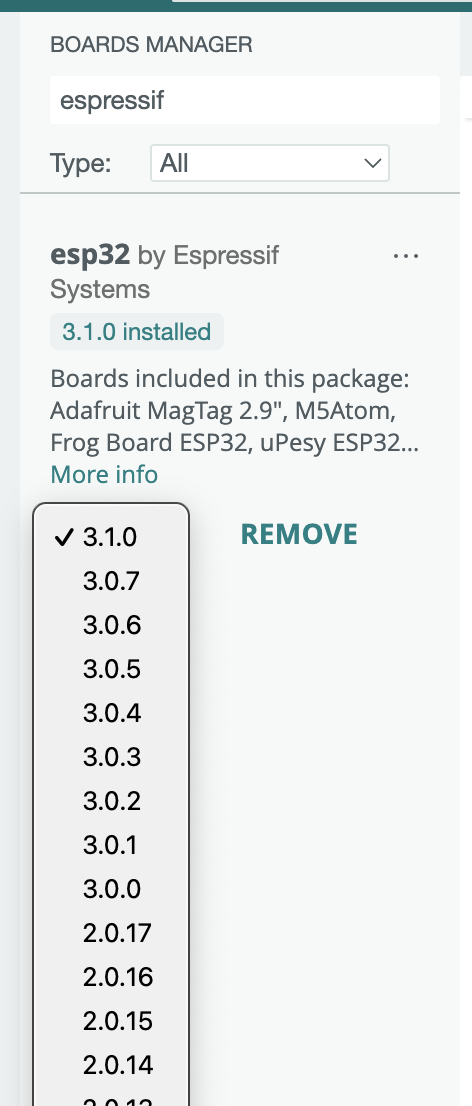
Hello all, I am having issues with compiling sketches in the Arduino IDE for the Elegoo ESP32 WROOM-32 board. I have installed the 'esp32' and 'esp_bluepad32' boards in the IDE and the Espressif drivers. I successfully compiled and uploaded the Bluepad32 'Controller' sketch but was unable to connect a bluetooth controller. I restarted my PC, but now I cannot compile any sketch for this board as I always receive the same error:
FQBN: esp32:esp32:esp32
Using board 'esp32' from platform in folder: C:\Users\xxxx\AppData\Local\Arduino15\packages\esp32\hardware\esp32\3.1.0
Using core 'esp32' from platform in folder: C:\Users\xxxx\AppData\Local\Arduino15\packages\esp32\hardware\esp32\3.1.0

cmd /c if exist "C:\\Users\\xxxx\\Desktop\\sketch_dec19a\\partitions.csv" COPY /y "C:\\Users\\xxxx\\Desktop\\sketch_dec19a\\partitions.csv" "C:\\Users\\xxxx\\AppData\\Local\\arduino\\sketches\\5215E0CD0EFE37AE427A75ED253DE93E\\partitions.csv"
exit status 1

Compilation error: exit status 1
I have 'ESP32 Dev Module' Selected as my board.
Things I have tried so far:
Removing and re-installing the board in the board manager
Clean install of Arduino IDE
Finding 'partitions.csv' in another folder and copying it to the folders given in the error message
Any assistance would be greatly appreciated.
Thank you