Extracting serial data and display to 5digit 7segment

Hi,

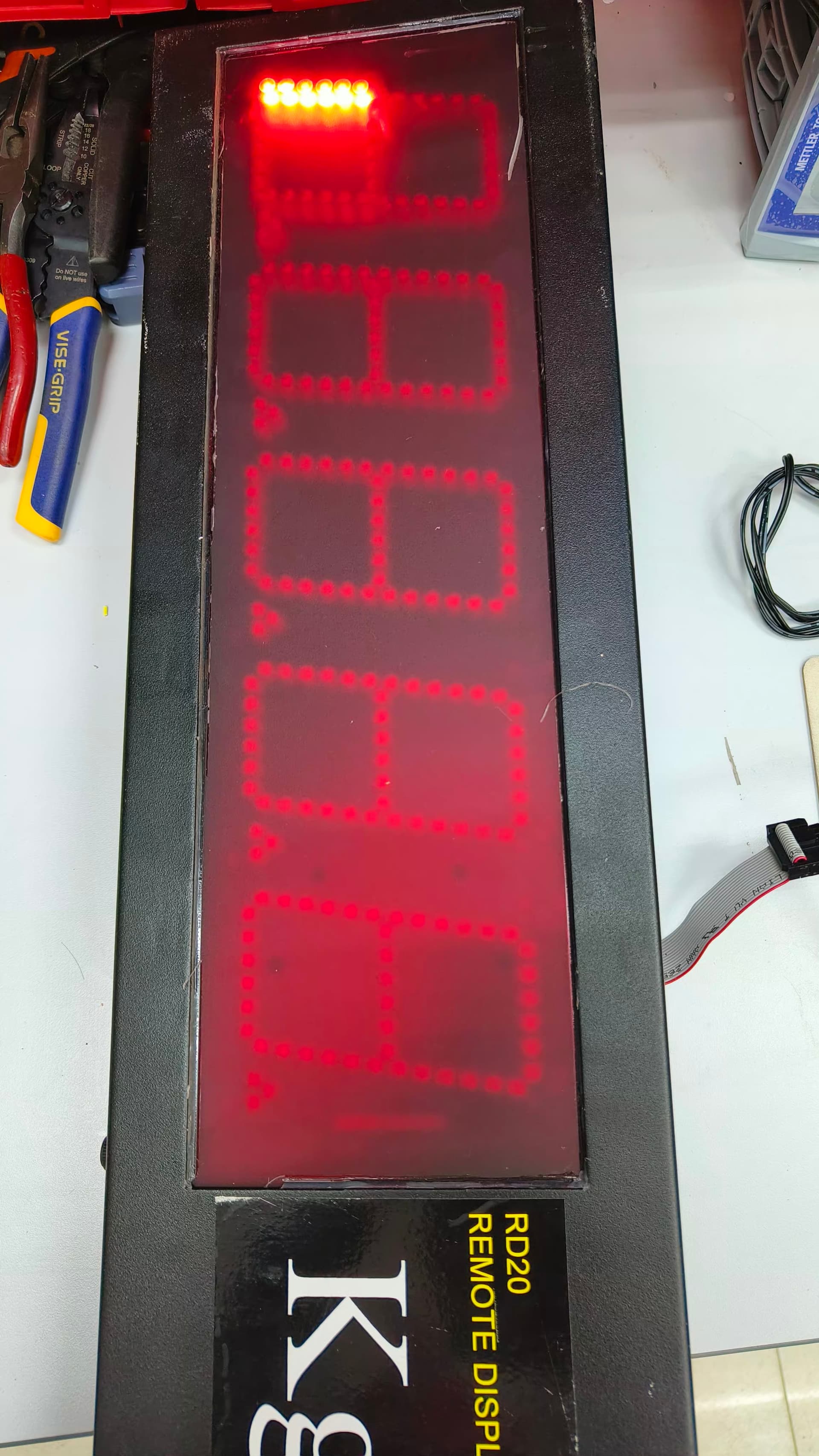
Would like to seek your help and advice on my problem. I have a project where I need to read the serial data from a GSE460 (baud rate 9600, 8 bit, no parity and full delay of 1 second) to an arduino uno and display the data to a 5 digit 7 segment display. All of the hardware now are polished, I used a 5 digit 7 segment common cathode and a transistor led driver (thank you for this forum on helping me with that). My biggest problem is the program. Instead of displaying the value simultaneously and permanently, it is like sequential.

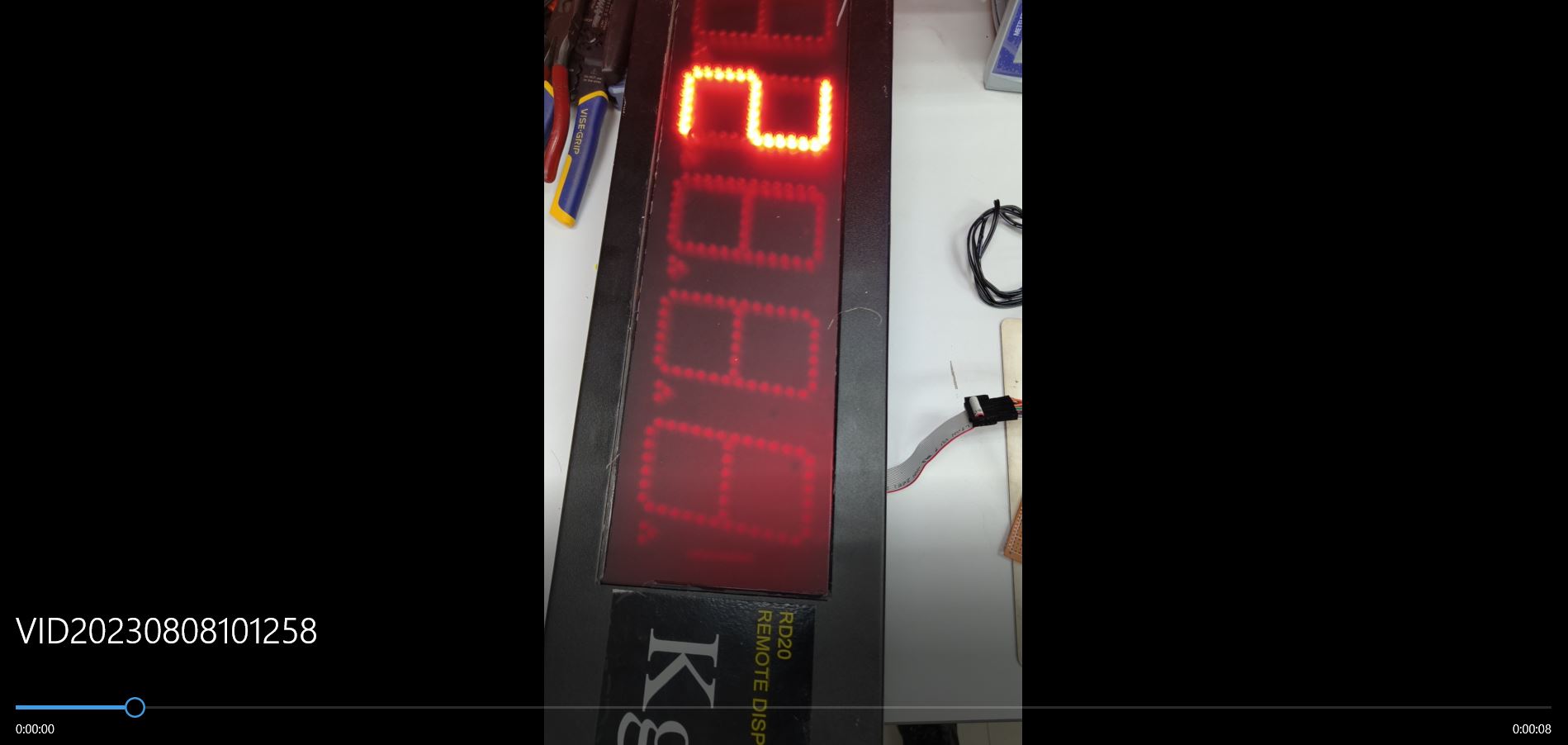
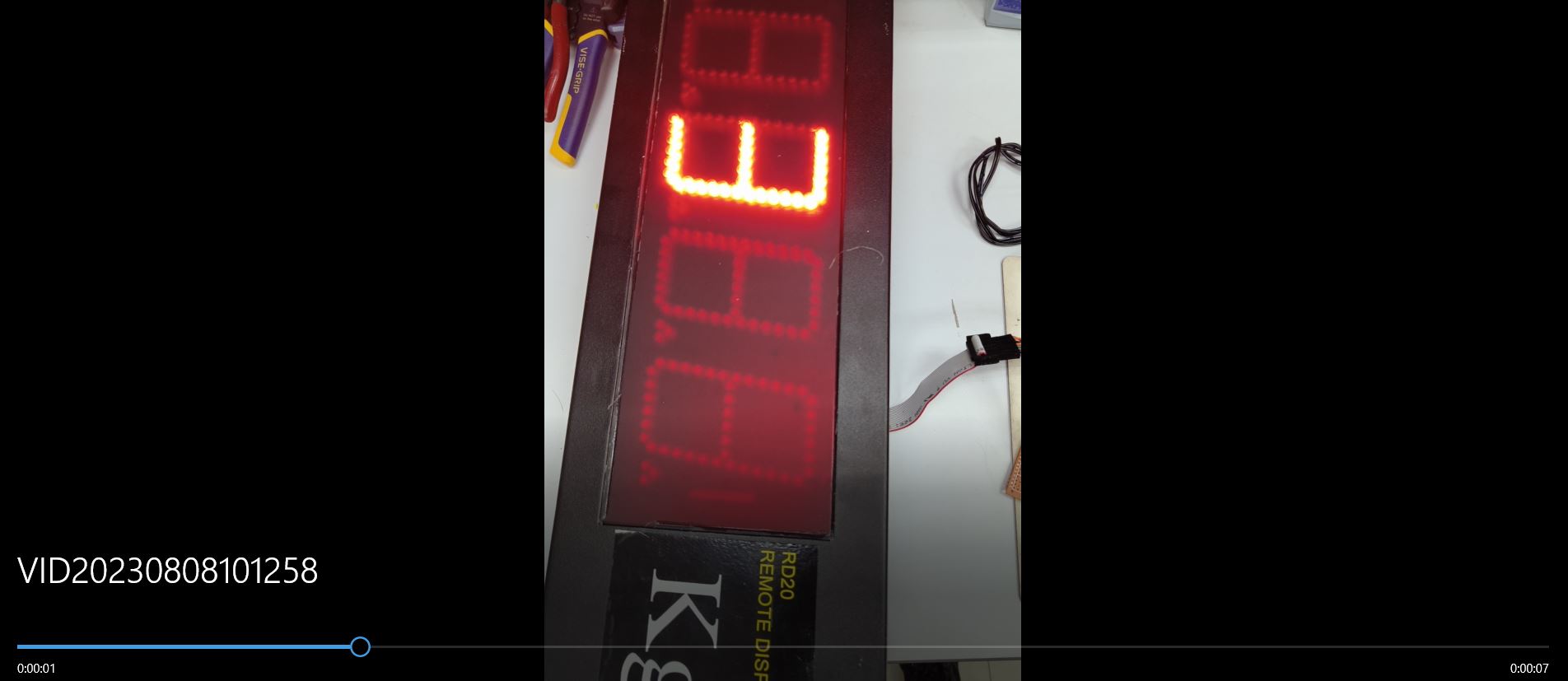
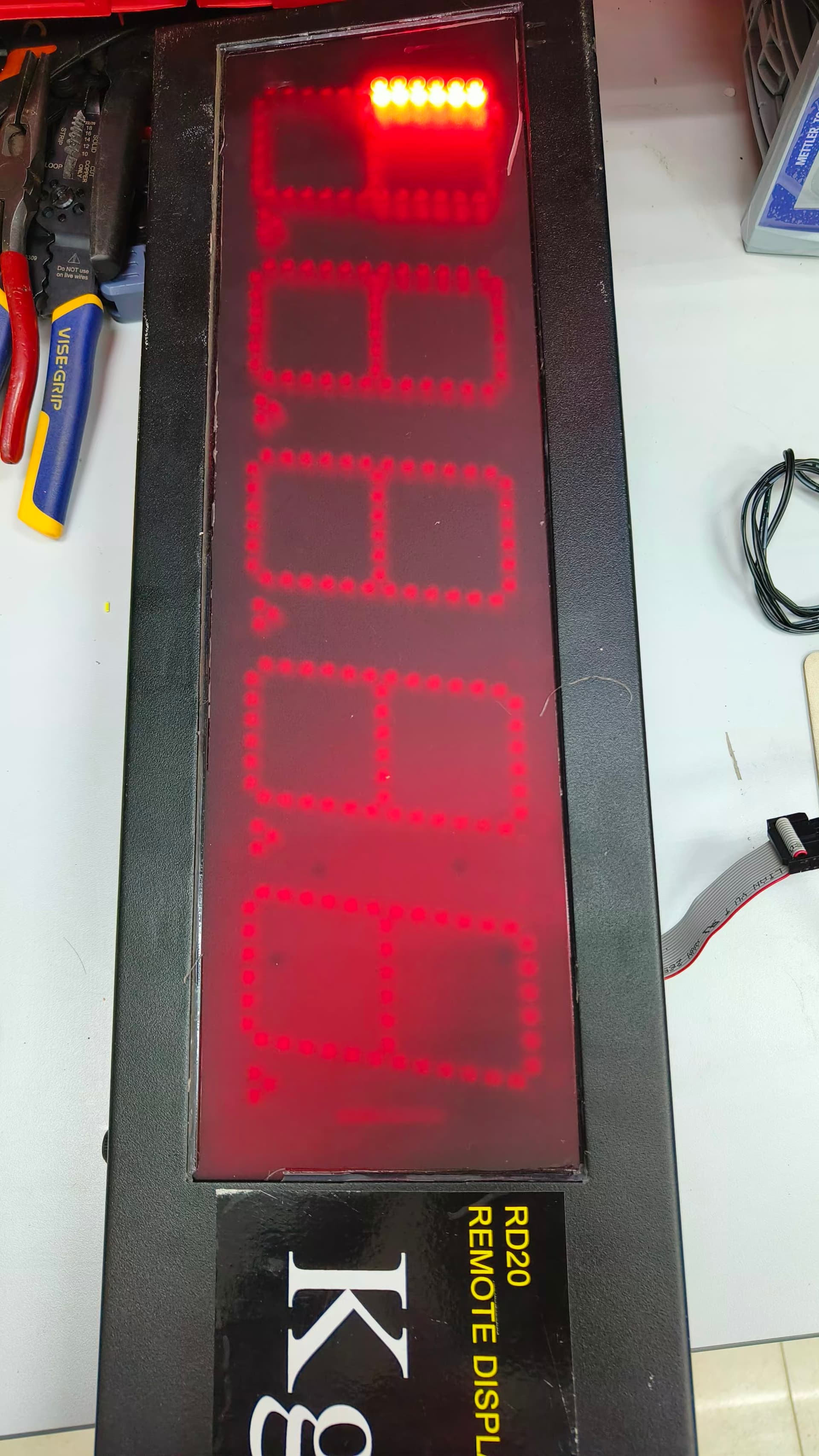
What I mean when the equipment sends " 12345\n\r". The 7 segment display will be "1" then disappear then after a second display "2" then disappear then after a second displays "3" then disppears then after a second displays "4" and then disappears then "5". The display should simultaneously display the 12345 instead of one by one. Please help me check my code. I have posted pictures below since I cannot post a video of how the output is


#include <SevSeg.h>    // Include the SevSeg library
#include <SoftwareSerial.h>

SevSeg sevseg;        // Initialize the SevSeg object
SoftwareSerial mySerial(A0, A1);
String receivedData = "";   // String to store the received data
long numberValue = 0;       // Variable to store the extracted number as a long

void setup() {
  mySerial.begin(9600);       // Initialize Serial communication
  byte hardwareConfig = N_TRANSISTORS;
  byte numDigits = 5;
  byte digitPins[] = {9, 10, 11, 12, 13};
  byte segmentPins[] = {8, 7, 6, 5, 4, 3, 2};
  bool resistorsOnSegments = true;
  bool updateWithDelaysIn = false;
  bool disableDecPoint = true;
  sevseg.begin(hardwareConfig, numDigits, digitPins, segmentPins, resistorsOnSegments, updateWithDelaysIn, disableDecPoint);
  sevseg.setBrightness(10);
  //byte numDigits = 5;       // Set the number of digits in your 7-segment display
  //byte digitPins[] = {2, 3, 4, 5, 6};  // Specify the digital pins connected to the display digits (A, B, C, D, E)
  //byte segmentPins[] = {7, 8, 9, 10, 11, 12, 13};  // Specify the digital pins connected to the display segments (a, b, c, d, e, f, g)

  // The following settings can be adjusted as needed
  //bool resistorsOnSegments = false;  // Set to 'true' if resistors are on the segment pins, otherwise 'false'
  //bool updateWithDelays = false;     // Set to 'true' to enable update with delays, otherwise 'false'
  //bool leadingZeros = true;         // Set to 'true' to enable leading zeros, otherwise 'false'
  //bool disableDecPoint = true;      // Set to 'true' to disable the decimal point, otherwise 'false'

  //sevseg.begin(COMMON_CATHODE, numDigits, digitPins, segmentPins, resistorsOnSegments,
  //             updateWithDelays, leadingZeros, disableDecPoint);
  //sevseg.setBrightness(90);   // Set the brightness of the display (adjust as needed)
}

void loop() {
  if (mySerial.available()) {
    char receivedChar = mySerial.read();    // Read a character from the Serial port

    // Check if the received character is a valid numerical value ('0'-'9') or a space
    if ((receivedChar >= '0' && receivedChar <= '9') || receivedChar == ' ') {
      // Skip leading spaces
      if (receivedData.length() > 0 || receivedChar != ' ') {
        receivedData += receivedChar;   // Add the character to the received data String
      }
    }
    // If the received character is a newline '\n', then convert the received data String
    // to a long integer and display it on the 7-segment display
    else if (receivedChar == '\n' && receivedData.length() > 0) {
      numberValue = extractNumberFromData(receivedData); // Convert String to long integer
      displayNumberOn7Segment(numberValue); // Display the extracted number on the 7-segment display
      receivedData = "";                 // Clear the receivedData String for the next number
    }
  }
}

// Function to extract the number from the String and convert it to a long integer
long extractNumberFromData(String data) {
  long extractedNumber = 0;
  bool isNegative = false;
  int startIndex = 0;

  // Check if the first character is a minus sign '-'
  if (data.charAt(0) == '-') {
    isNegative = true;
    startIndex = 1; // Start extracting the number from the second character
  }

  // Convert the numeric characters into a long integer
  for (int i = startIndex; i < data.length(); i++) {
    if (data.charAt(i) >= '0' && data.charAt(i) <= '9') {
      extractedNumber = extractedNumber * 10 + (data.charAt(i) - '0');
    }
  }

  // Apply the negative sign if applicable
  if (isNegative) {
    extractedNumber *= -1;
  }

  return extractedNumber;
}

// Function to display the number on the 7-segment display
void displayNumberOn7Segment(long number) {
  sevseg.setNumber(number);   // Display the extracted number on the 7-segment display
  sevseg.refreshDisplay();    // Refresh the display to show the number
  }

Strings are NOT your friend.
c-strings are what most c functions are designed for.

How should I use cstring on this code? should I replace the string?

1. Why have not included the following in your sketch of post #1?
#include<SevSeg.h>

2. You can try the following simplified sketch: (Please, check carefully the arguments of sevseg.begin() function.)

#include<SevSeg.h>
SevSeg sevseg;

#include<SoftwareSerial.h>
SoftwareSerial mySerial(A0, A1);

char myData[30];

void setup()
{
  Serial.begin(9600);
  mySerial.begin(9600);
  
  byte hardwareConfig = N_TRANSISTORS;
  byte numDigits = 5;
  byte digitPins[] = {9, 10, 11, 12, 13};
  byte segmentPins[] = {8, 7, 6, 5, 4, 3, 2};
  bool resistorsOnSegments = false;
  bool updateWithDelaysIn = false;
  bool disableDecPoint = true;
  sevseg.begin(hardwareConfig, numDigits, digitPins, segmentPins, resistorsOnSegments, updateWithDelaysIn, true, disableDecPoint);
  sevseg.setBrightness(10);
}

void loop()
{
  byte n = mySerial.available();
  if (n != 0)
  {
    byte m = mySerial.readBytesUntil('\n', myData, sizeof myData - 1);
    myData[m] = '\0'; //null-character
    int y = atoi(myData);   //y = 1234
    sevseg.setNumber(y, 0, LOW);  //numb, no-dot, to show 0 - 9
    sevseg.refreshDisplay();
  }
}

You have written your code as though you are using a display with its own driver chip (such as TM1637, MAX7219, ...). With these driver chips, the Arduino can send the number to be displayed, once, then forget about the display because it will continue to display the number until told to display something else.

But you are not using a display with it's own driver chip, you are using the Arduino as the driver chip. You may be using SevSeg library and driver transistors, but the Arduino must do the hard work of "multiplexing" the display.

This type of display can only light one digit at a time, so it's necessary to swap between lighting each of the digits in turn, in quick succession, so that it looks to the eye that all digits are lit at once. That's called multiplexing. It requires frequent updates from its driver chip. In your case the driver chip is the Arduino, but your code doesn't allow it to provide those frequent updates. That's why you see only one digit appear at a time.

Take a look at the example sketches for the SevSeg library to see how it should be done.

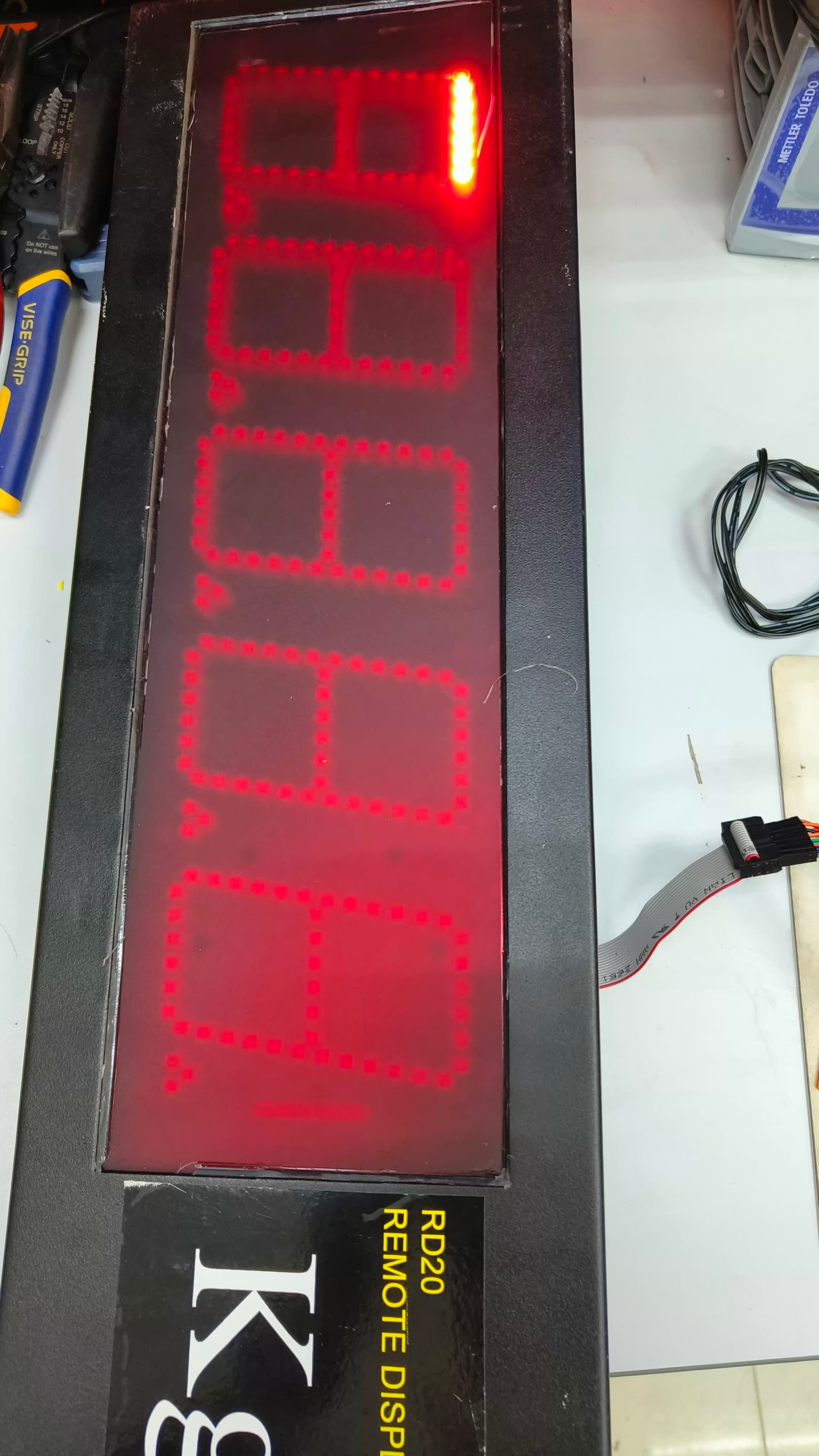
This is the output of the program. The program I posted above has sevseg library I just forgot to paste it I am sorry. I will edit it. I forgot to tell you that the equipment sends a serial data with spaces before the number. for example " 234\n". This is the format of the serial to be receive it has spaces then number then \n.


I have tried the sample projects in the sevseg library like the counter and display digits. it works fine using the arduino and my transistor circuit. It displays the numbers simultaneously not one by one. For example on the sevseg library where you can it counts milliseconds the display can handle the count of millisecond why the other numbers are displayed. I am checking my program where it gone wrong but i cannot seem to find one.

Think about what I said in my last post about the importance of frequent updates of the display. Look at the SevSeg example sketches and try to find answers to the following questions: What piece of the code updates the display in those example sketches? How frequently does that piece of code run? Now look at your sketch. What part of your sketch updates the display? How frequently does that part of your code run?

As @PaulRB has has mentioned, your display is being driven probably by a driver IC (MAX7219 or TM1637). Please, tell which one is installed on your display unit? If it is an assembled display unit, open the box and see the type number of the IC (s) soldered in the PCB.

I did not say that. I remember from @raffy0991 's previous topic that there is no driver chip. That is why @raffy0991 is using SevSeg library. SevSeg library would not be used if there was a driver chip.

Blockquote It requires frequent updates from its driver chip. In your case the driver chip is the Arduino, but your code doesn't allow it to provide those frequent updates. That's why you see only one digit appear at a time.

In my code, this is the loop which displays the data. If I receive a bulk data for example " 12345\n" this code reads it and only gets the numerical value and displays it. How do I make sure it frequently updates the data?

void loop() {
  if (mySerial.available()) {
    char receivedChar = mySerial.read();    // Read a character from the Serial port

    // Check if the received character is a valid numerical value ('0'-'9') or a space
    if ((receivedChar >= '0' && receivedChar <= '9') || receivedChar == ' ') {
      // Skip leading spaces
      if (receivedData.length() > 0 || receivedChar != ' ') {
        receivedData += receivedChar;   // Add the character to the received data String
      }
    }
    // If the received character is a newline '\n', then convert the received data String
    // to a long integer and display it on the 7-segment display
    else if (receivedChar == '\n' && receivedData.length() > 0) {
      numberValue = extractNumberFromData(receivedData); // Convert String to long integer
      displayNumberOn7Segment(numberValue); // Display the extracted number on the 7-segment display
      receivedData = "";                 // Clear the receivedData String for the next number
    }
  }
#include <SevSeg.h>    // Include the SevSeg library
#include <SoftwareSerial.h>

SevSeg sevseg;        // Initialize the SevSeg object
SoftwareSerial mySerial(A0, A1);

void setup() {
  mySerial.begin(9600);       // Initialize Serial communication
  byte hardwareConfig = N_TRANSISTORS;
  byte numDigits = 5;
  byte digitPins[] = {9, 10, 11, 12, 13};
  byte segmentPins[] = {8, 7, 6, 5, 4, 3, 2};
  bool resistorsOnSegments = true;
  bool updateWithDelaysIn = false;
  bool disableDecPoint = true;

  //sevseg.begin(COMMON_CATHODE, numDigits, digitPins, segmentPins, resistorsOnSegments,
  //             updateWithDelays, leadingZeros, disableDecPoint);
  sevseg.begin(hardwareConfig, numDigits, digitPins, segmentPins, resistorsOnSegments, updateWithDelaysIn, disableDecPoint);

  sevseg.setBrightness(10);
}

void loop() {
  if (mySerial.available() > 0) {
    int receivedInt = mySerial.parseInt();    // Read a character from the Serial port
    sevseg.setNumber(receivedInt,0);   // Display the extracted number on the 7-segment display
    sevseg.refreshDisplay();    // Refresh the display to show the number
  }
}

The 3rd argument is needed to tell that you want print decimal digits 0 - 9.
sevseg.setNumber(receivedInt,0, LOW); //

Setting a number

Integer

sevseg.setNumber(3141,3); // Displays '3.141'

The first argument is the number to display. The second argument indicates where the decimal place should be, counted from the least significant digit. E.g. to display an integer, the second argument is 0.

Floating point

sevseg.setNumberF(3.14159f,3); // Displays '3.141'

Floats are supported. In this case, the second argument indicates how many decimal places of precision you want to display.

Note that:

  • Out of range numbers are shown as '----'.
  • If the second argument is -1 or omitted, there will be no decimal place.
  • Enter 'true' as the third argument to display the number in hexadecimal representation (instead of decimal)

Setting a character string

sevseg.setChars("abcd");

The following syntax of setNumber() methof is from this post.
(2) sevenSeg.SetNumber(arg1, arg2, arg3);

===> sevenSeg.SetNumber(numberToShow, placeOfDecimalPoint, base);

arg1 = integer value to be displayed
Declaration:

byte valueToShow = 25;   //range: 0 to 255;
unsigned int valueToShow = 0 to 65535;

arg2 = number of digits are there after the decimal point.
Value: 0 There is no digit after decimal point.

arg3 = base in which the β€œnumber of arg1” is to be shown; Value = HIGH or LOW
HIGH means that the hexadecimal digits (0 – 9, A- F) will appear on display unit.
LOW means that decimal digits (0 – 9) will appear on the display unit.

I think the problem is the placement of this line. Check the example sketches for SevSeg. Where is this used in those sketches? In your sketch it is only called once when a new number is received.

you refers to your own post on this forum, despite that even there is link to GitHub - DeanIsMe/SevSeg: Seven segment display controller library for Arduino where i got an in post#14 block quoted snippet.

When you omit argument 3 of setNumber(arg1, arg2, arg3) method, then it is confusing as to which argument is really omitted - arg2 or arg3?

You can find a simulated example of this on Wokwi.

It should be called repeatedly (whenever opportunity appears) as the SevSeg.h Library is designed to handle multiplexed display unit.