IDE 2.x has to download and install additional files when installed for the first time when using an arduino Uno for example.
On my university wifi network the firewall blocks this specific download session resulting in error:
Error read tcp xxx.xxx.xxx.xxx:60983->104.18.12.241:80: wsarecv: An existing connection was forcibly closed by the remote host.
In my discussions with IT the following was considered to be the issue:
The firewall resets the sessions to ip 104.18.12.241 due to virus threats from this server. Apparently the firewall thinks this Arduino download server is spreading virusses.
To be more precise, please have a look at this virusTotal URL with detailed information why the firewall considers it to be a red flag:
Due to this (false?) threat notification, there's no workaround possible from our network point of view. Is there anything that I missed? Anybody know any workarounds (except the obvious "Use a personal hotspot" or "install the libraries manually")?
Hi @fablableo. Thanks for your report. The VirusTotal detection page you linked to seems to be for a file named 3aba465bd34a68a18964509fed4ea8cd.virus. Can you provide any additional information about this file? It is not clear to me where it came from.
I saw it, but it doesn't help me. Does it help you to understand how that VirusTotal detection page relates to a firewall blocking Arduino IDE from downloading files from Arduino's download server?
I've asked our IT department for additional info, not sure if they have more info available.
Is it true that there's a loadbalancer used to balance the download requests between multiple downloadservers (as in multiple ip addresses)?
It is part of GCC. On the first run after a fresh installation, Arduino IDE downloads and installs the latest version of the "Arduino AVR Boards" platform and its toolchain. This toolchain includes avr-gcc, which is downloaded from this URL:
thanks and noted that virustotal doesn't see this as a virus. However, yesterday I did a workshop again with 14 students and none were able to proceed due to this firewall issue. Unfortunately our firewall (which is used by lots of universities throughout the Netherlands) can't be changed specifically to unflag this false-positive.
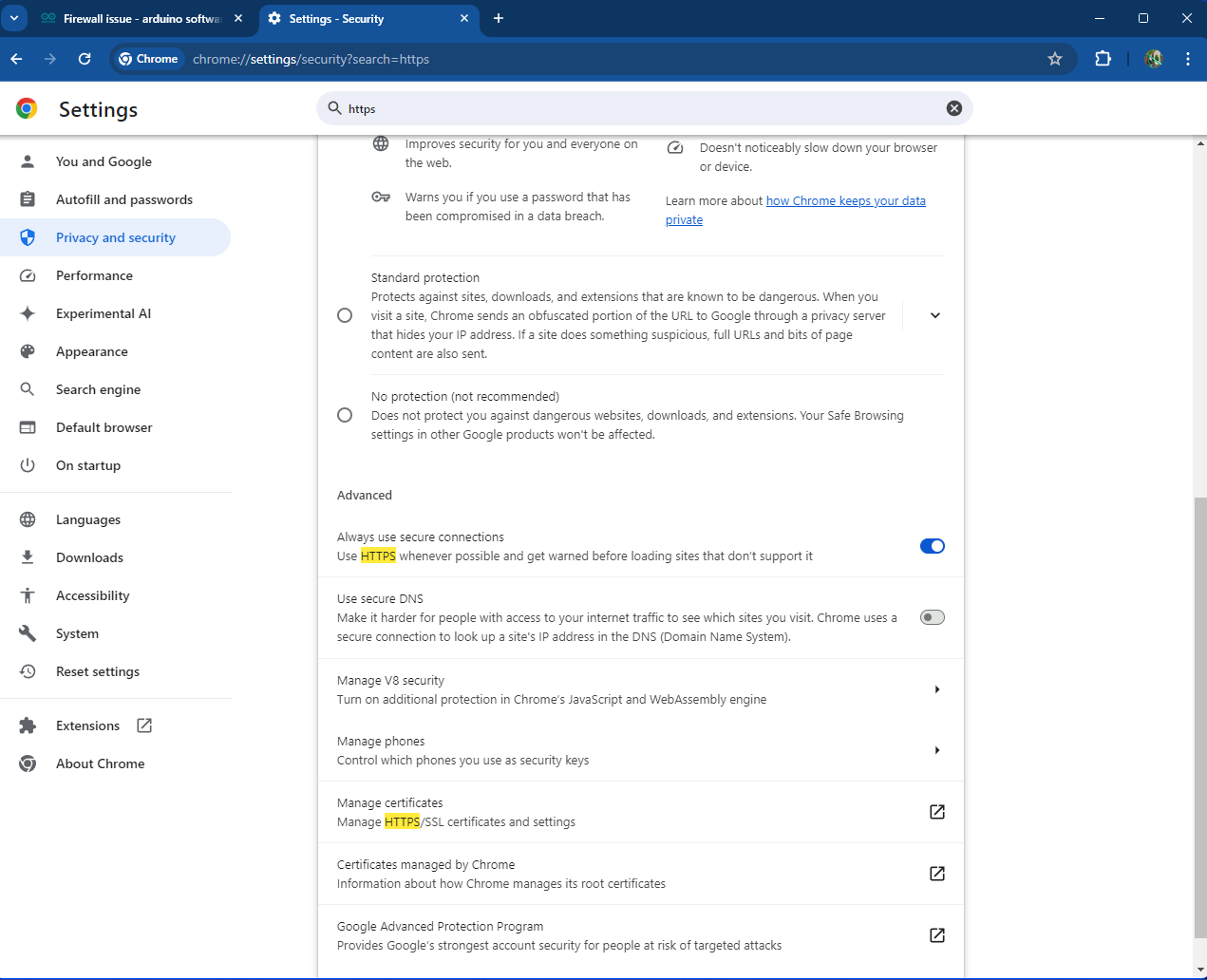
I discussed this with our IT colleagues. We noticed the IDE downloads the Arduino AVR Boards platform and toolchain using http (port 80). As a feature request, would it be possible to also allow downloading using secure https port 443? The firewall wouldn't be able to scan contents of downloads via that port because it's encrypted.
Also another thought (but maybe too much maintenance for you as developers): would it be possible to create a separate installer for the Arduino AVR Boards platform and its toolchain?
That's equivalent to disabling the firewall. IMO the most boring malware is any AV software, not what it detects. But if some management decides to use such crap...
BTW downloading a ZIP with password also should stop virus checkers. A password like "arduino" is easy to remember.
If you look through that file, there is a mixture of http and https schemes in the download URLs. I'm not sure whether there was a specific reason for choosing to use http when those URLs were added to the index, but certainly there isn't a consistently enforced policy for doing so by those at Arduino who maintain the package index and the significant existing use of https doesn't appear to have been too problematic if at all.
Arduino already provides one. It is a command line tool named Arduino CLI. It is actually the tool used under the hood by Arduino IDE 2.x for most of the non-GUI capabilities, including installing boards platforms and libraries.
You can use this command to install the "Arduino AVR Boards" platform and its toolchain:
arduino-cli core install arduino:avr
The default location for the installation is the same as the default location used by Arduino IDE. So if you run that command before the first time you start Arduino IDE, the IDE will see that Arduino AVR Boards is already installed and skip its own installation process for that dependency.
That's what my IT contact says. The firewall supposedly is not able to scan the content of the files due to https encryption.
I noticed the package_index.json file is available locally as well (Users/Username/Appdata/Local/Arduino15). I tried changing its content but unfortunately to no avail.
I searched for the URL that it uses to download Arduino AVR Boards version 1.8.6 as that's the file that the firewall blocks. I changed the URL from http to https and restarted Arduino IDE. Unfortunately it still tries to download using http (port 80).
What would be the way to get these http URLs changed to https by default? Any ideas?
I tried searching the file but couldn't find any other entry. Maybe you can point me into the right direction?
I have also been trying some other stuff to pinpoint what the reason is for our firewall (Palo Alto Networks with WildFire for whoever is interested in what type of firewall) to block the request.
I've installed arduino IDE for windows on a clean windows PC and created a zip from c:\users\myusername\AppData\Local\Arduino15. I've uploaded this zip file to www.virustotal.com and got one hit from one security vendor (Jiangmin detected Backdoor.Generic.bbws).
No clue who Jiangmin is, can't find any decent info online. I'm sure it's a false positive, but as I know our firewalls are configured quite extreme, this could potentially be a source of my issue.
Here's the full virustotal report: VirusTotal
I tried doing the same procedure for the packages folder in the Arduin15 folder and got various hits. An interesting one is ArduinoOTA.exe which is flagged by Jiangmin, SecureAge and Yomi Hunter sandbox as being malware.
Now I guess there's no point in trying to explain to all these companies that this is all false positives. It would be more interesting to find a working solution that doesn't involve all this.
I like the idea of downloading trough https but as said in my comment above, I don't know how to do this (proposed method doesn't work for me).
Anybody has any ideas?
I have the same issue. RogueKill and Windows Defender are calling Arduino IDE malicious. I verified the HASH before install. I too uninstalled and tried the Windows Store version with the same results. It is detecting a Firewall Rule potential conflict capable of lateral traversal and only finds an issue with the potential path in the registry key.
Program            : RogueKiller Anti-Malware
Version            : 15.14.0.0
x64                : Yes
Program Date       : Jan 17 2024
Location           : C:\Program Files\RogueKiller\RogueKiller64.exe
Premium            : No
Company            : Adlice Software
Website            : https://www.adlice.com/
Contact            : https://adlice.com/contact/
Website            : https://adlice.com/download/roguekiller/
Operating System   : Windows 11 (10.0.22631) 64-bit
64-bit OS          : Yes
Startup            : 0
WindowsPE          : No
User               : south
User is Admin      : Yes
Date               : 2024/04/19 05:17:04
Type               : Scan
Aborted            : No
Scan Mode          : Standard
Duration           : 228
Found items        : 2
Total scanned      : 122081
Signatures Version : 20240216_101755
Truesight Driver   : Yes
Updates Count      : 0

************************* Warnings *************************

************************* Updates *************************

************************* Processes *************************

************************* Modules *************************

************************* Services *************************

************************* Scheduled Tasks *************************

************************* Registry *************************
>>>>>> O87 - Firewall
├── [Suspicious.Path (Potentially Malicious)] (X64) HKEY_LOCAL_MACHINE\System\ControlSet001\Services\SharedAccess\Parameters\FirewallPolicy\FirewallRules|TCP Query User{6823E5FC-2277-43E3-8125-DEEC4F3104CC}C:\users\south\appdata\local\programs\arduino ide\arduino ide.exe -- v2.10|Action=Allow|Active=TRUE|Dir=In|Protocol=6|Profile=Public|App=C:\users\south\appdata\local\programs\arduino ide\arduino ide.exe|Name=arduino ide.exe|Desc=arduino ide.exe|Defer=User| (missing) -> Found
└── [Suspicious.Path (Potentially Malicious)] (X64) HKEY_LOCAL_MACHINE\System\ControlSet001\Services\SharedAccess\Parameters\FirewallPolicy\FirewallRules|UDP Query User{EB0B6211-7AAA-4868-99D6-5D0DE7D38CFA}C:\users\south\appdata\local\programs\arduino ide\arduino ide.exe -- v2.10|Action=Allow|Active=TRUE|Dir=In|Protocol=17|Profile=Public|App=C:\users\south\appdata\local\programs\arduino ide\arduino ide.exe|Name=arduino ide.exe|Desc=arduino ide.exe|Defer=User| (missing) -> Found

************************* WMI *************************

************************* Hosts File *************************
is_too_big      : No
hosts_file_path : C:\Windows\System32\drivers\etc\hosts


************************* Filesystem *************************

************************* Web Browsers *************************

************************* Antirootkit *************************
The Windows Defender detection is very unexpected. Many thousands of people use Arduino IDE every day on computers with Windows Defender running. If this detection was universal (rather something unique to your system) then surely we would have received many other reports of this.
The detection by "RogueKiller" is less surprising since it is likely that is more rare among Arduino users.